SNIPPETxero
Evangelion.Obsidian
a ui theme and colorscheme for obsidian.md inspired by neon genesis evangelion.
CSSAny theme
# evangelion obsidian

a ui theme and colorscheme for [obsidian](https://obsidian.md) inspired by neon genesis evangelion.
## previews
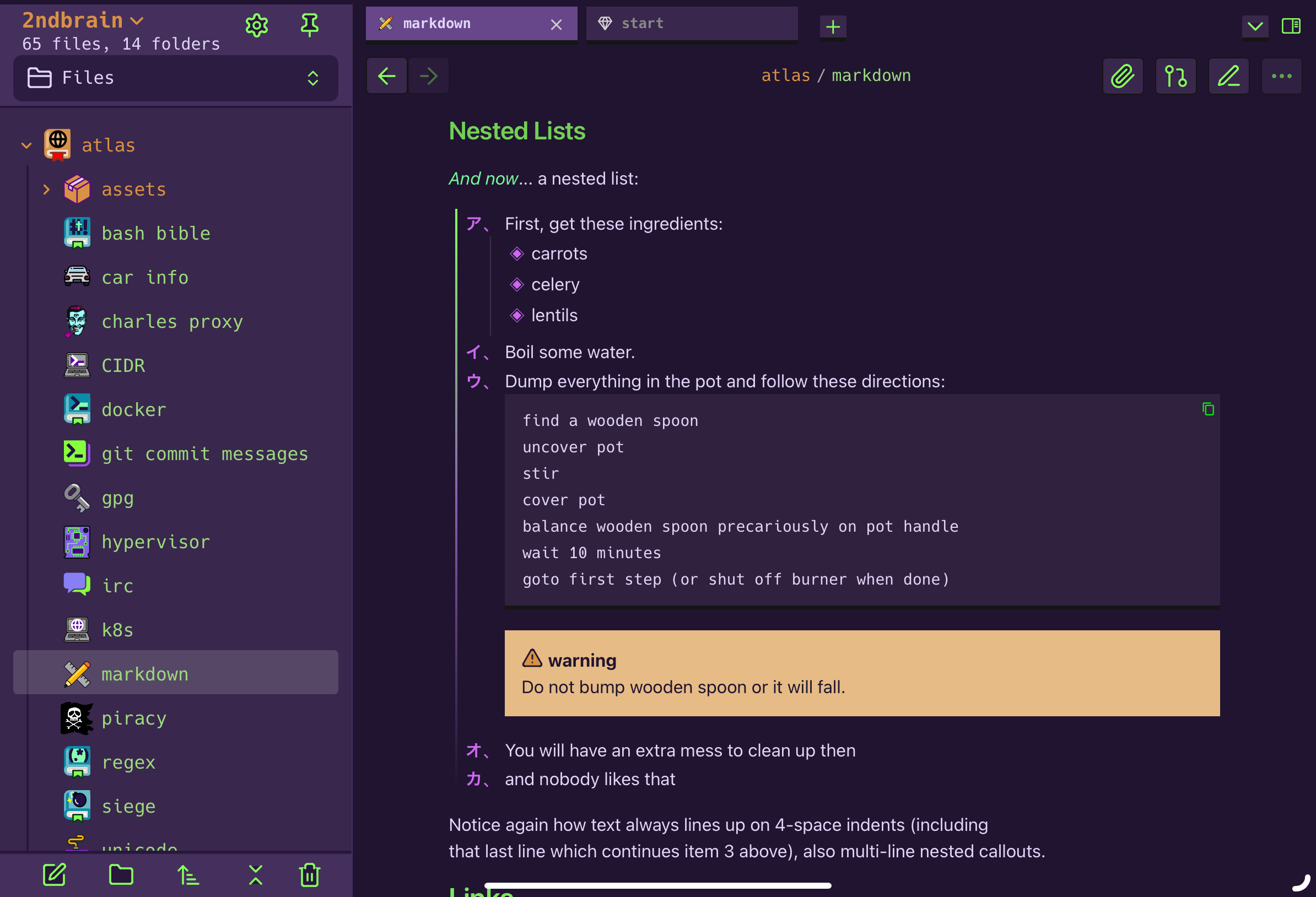
### markdown

### omni search

### outlines
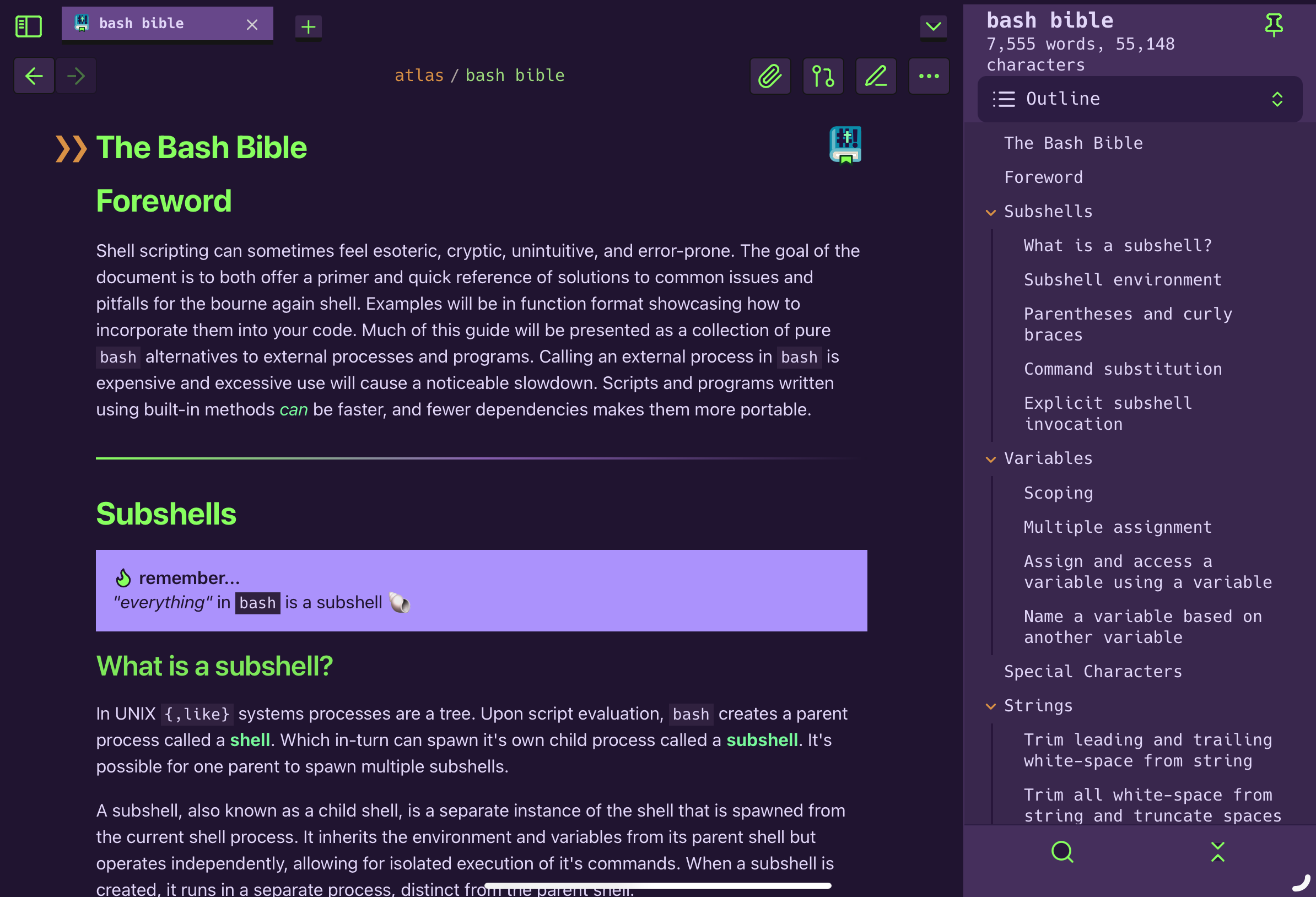
### code blocks

### frontmatter
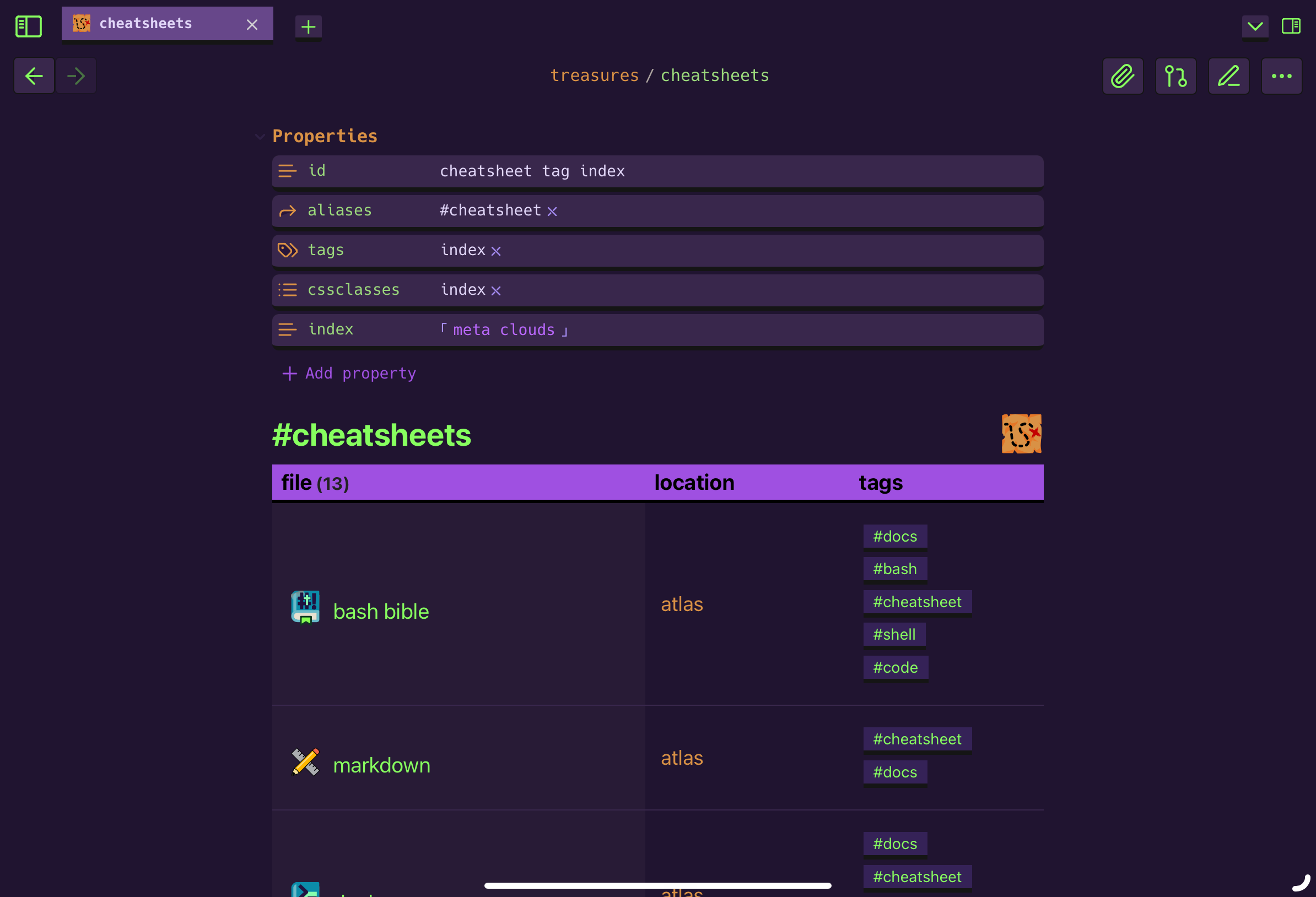
### footnotes
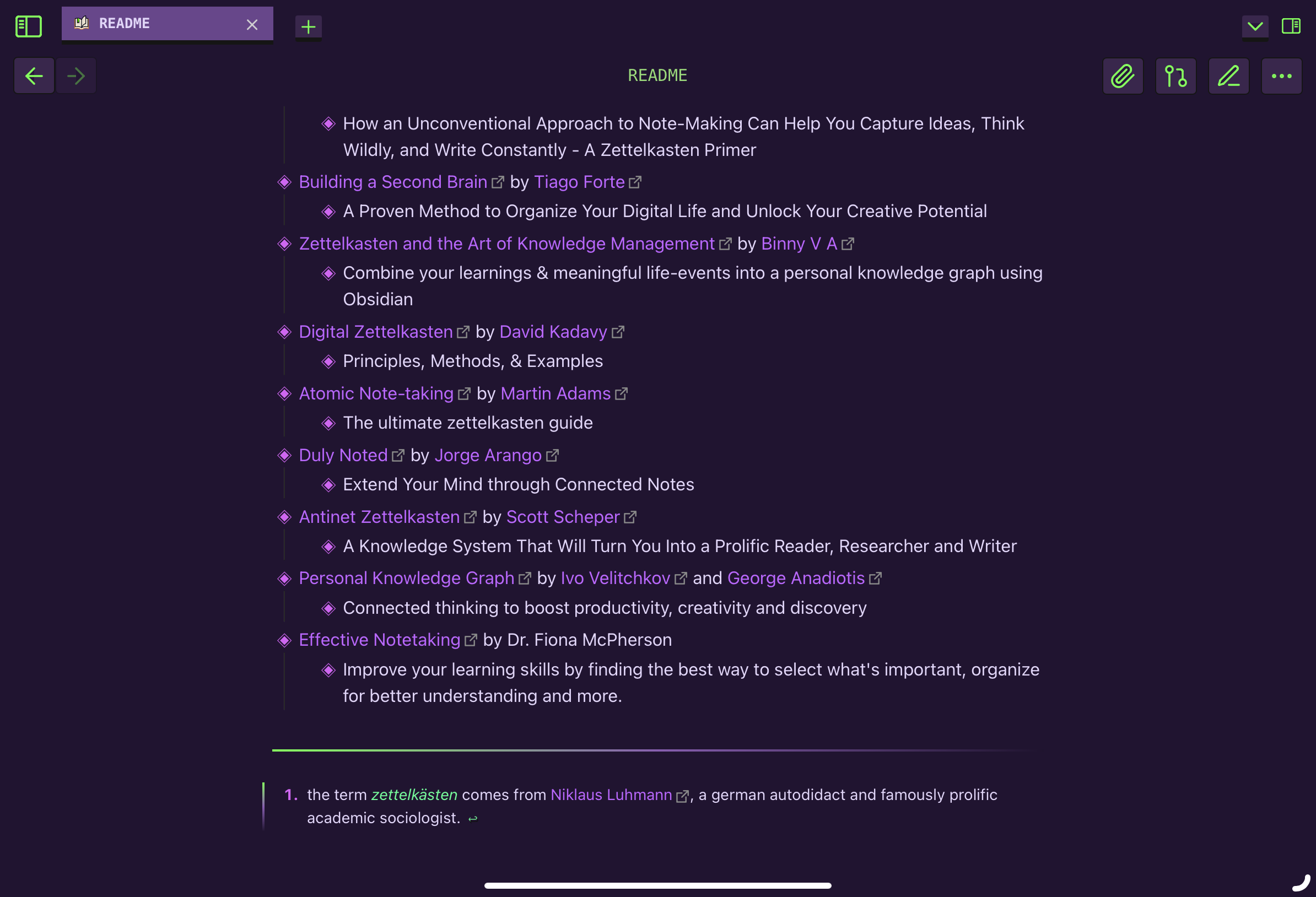
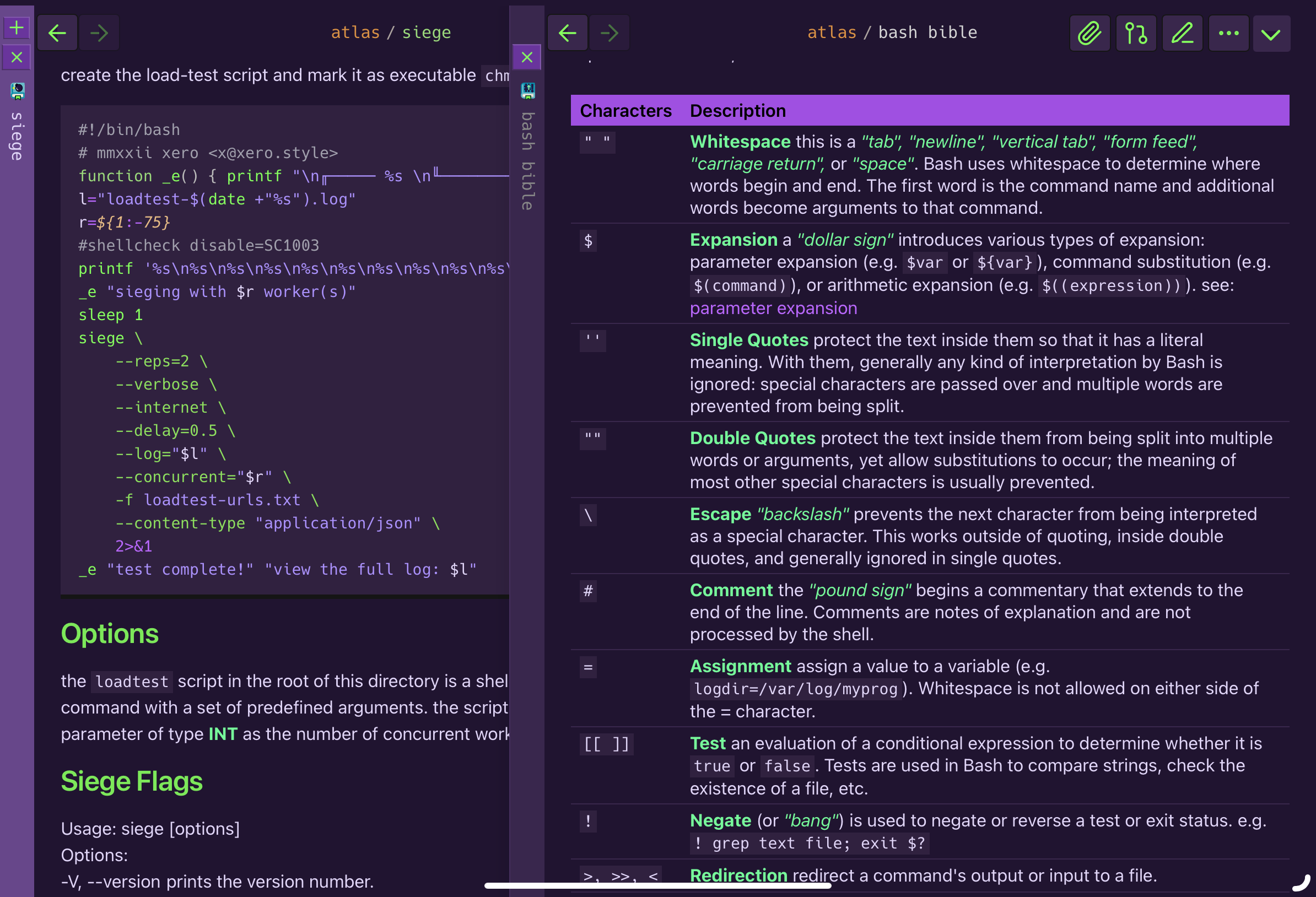
### splits
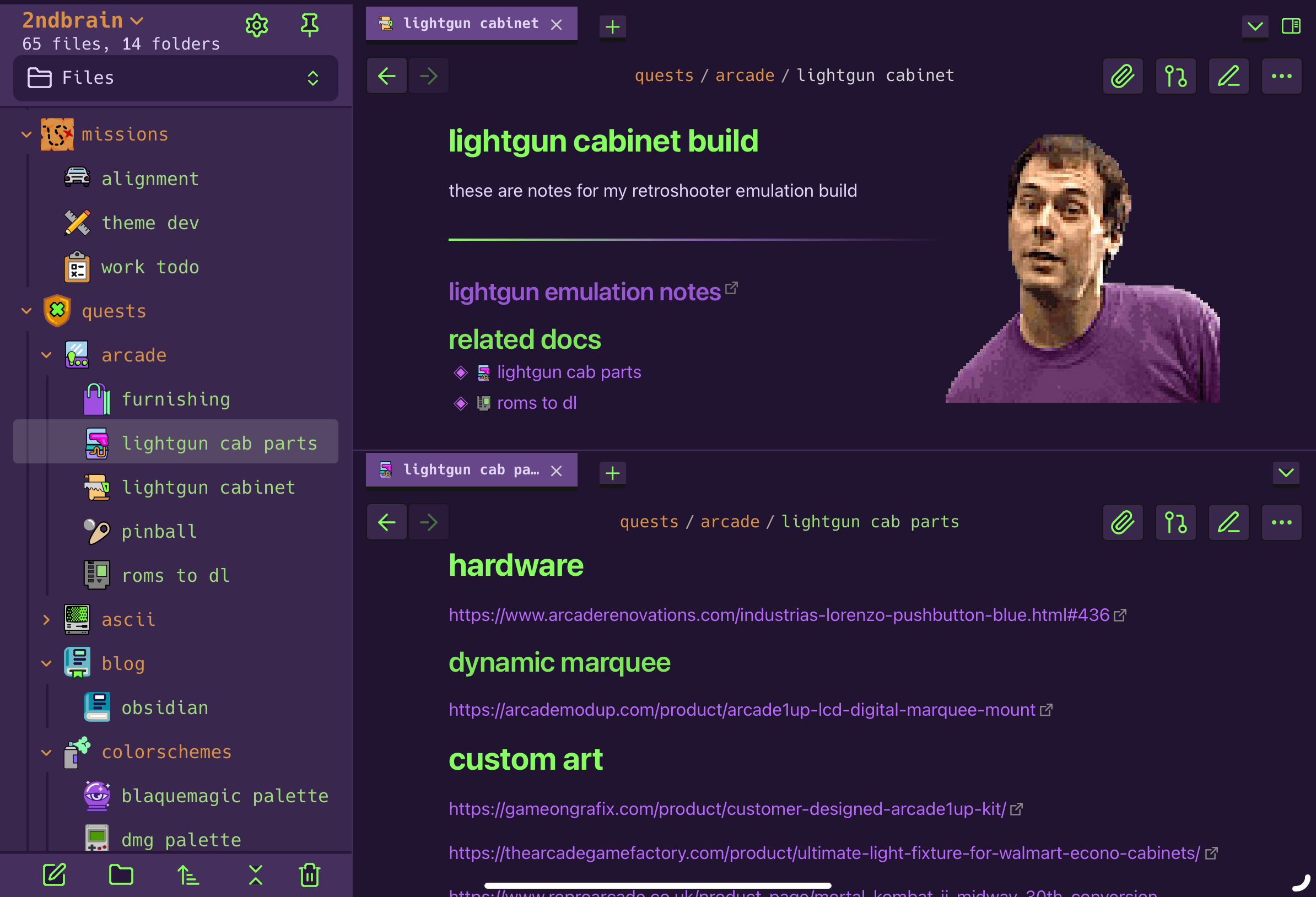
### stacked tabs
### srcview
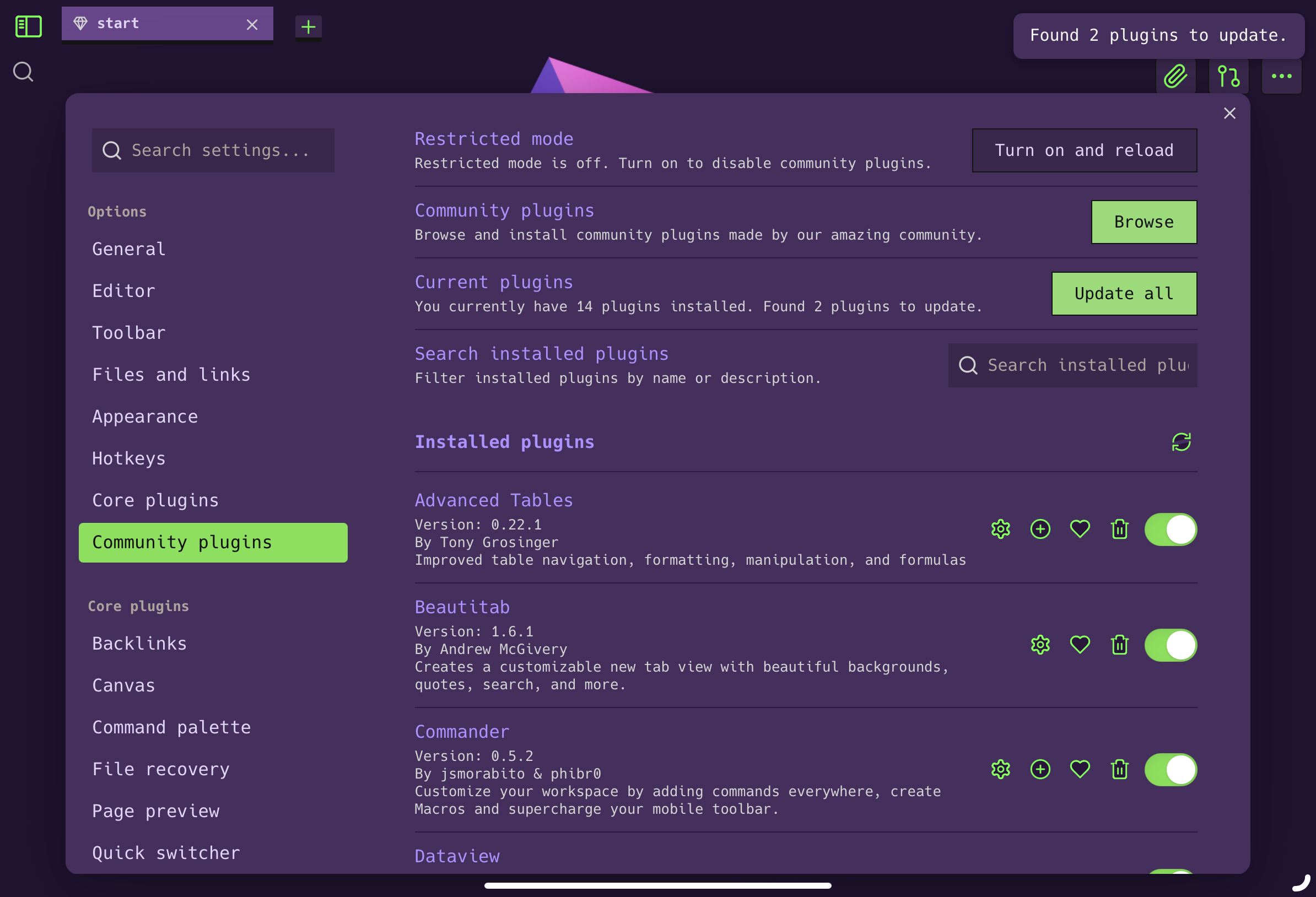
### settings
### tables
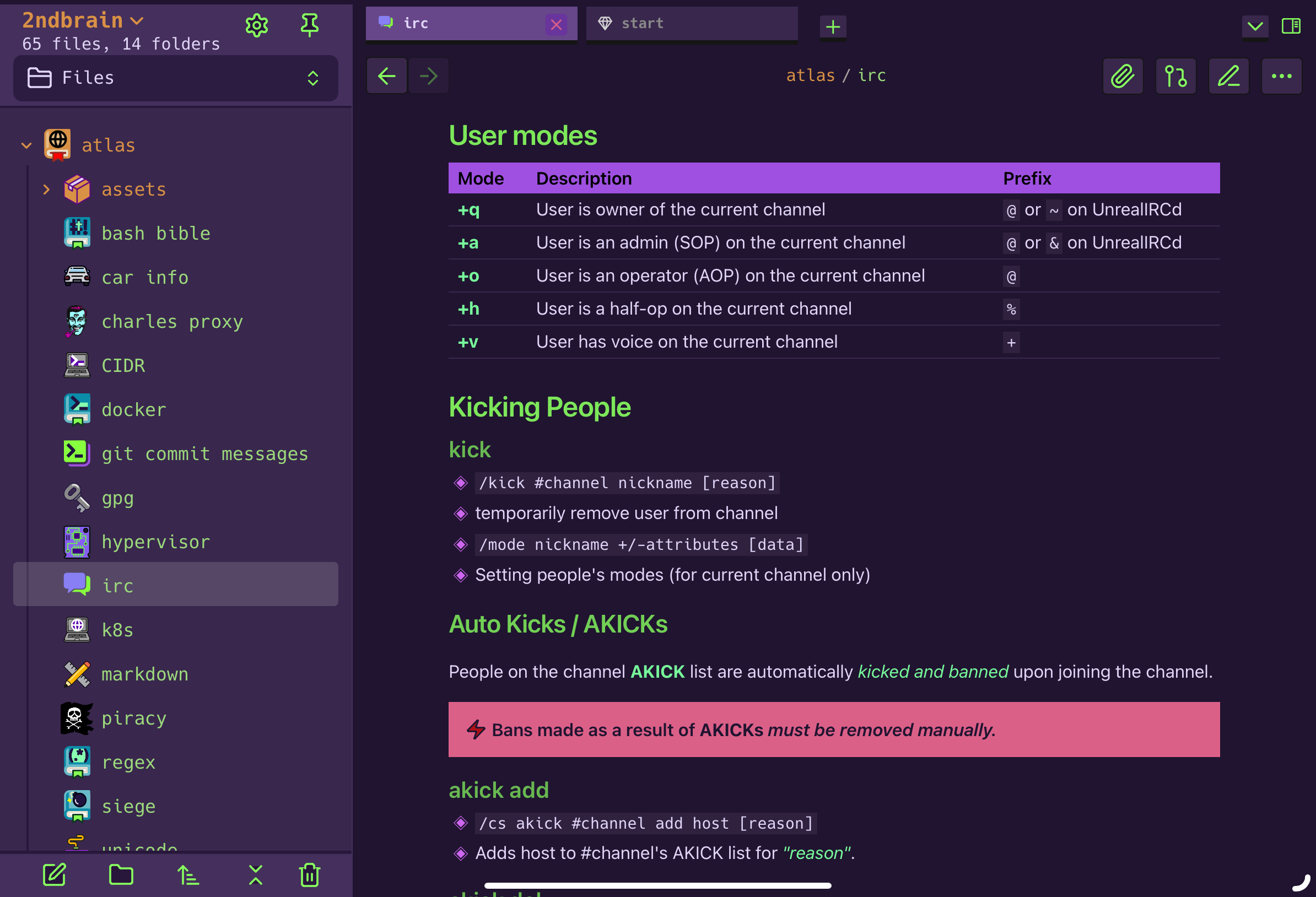
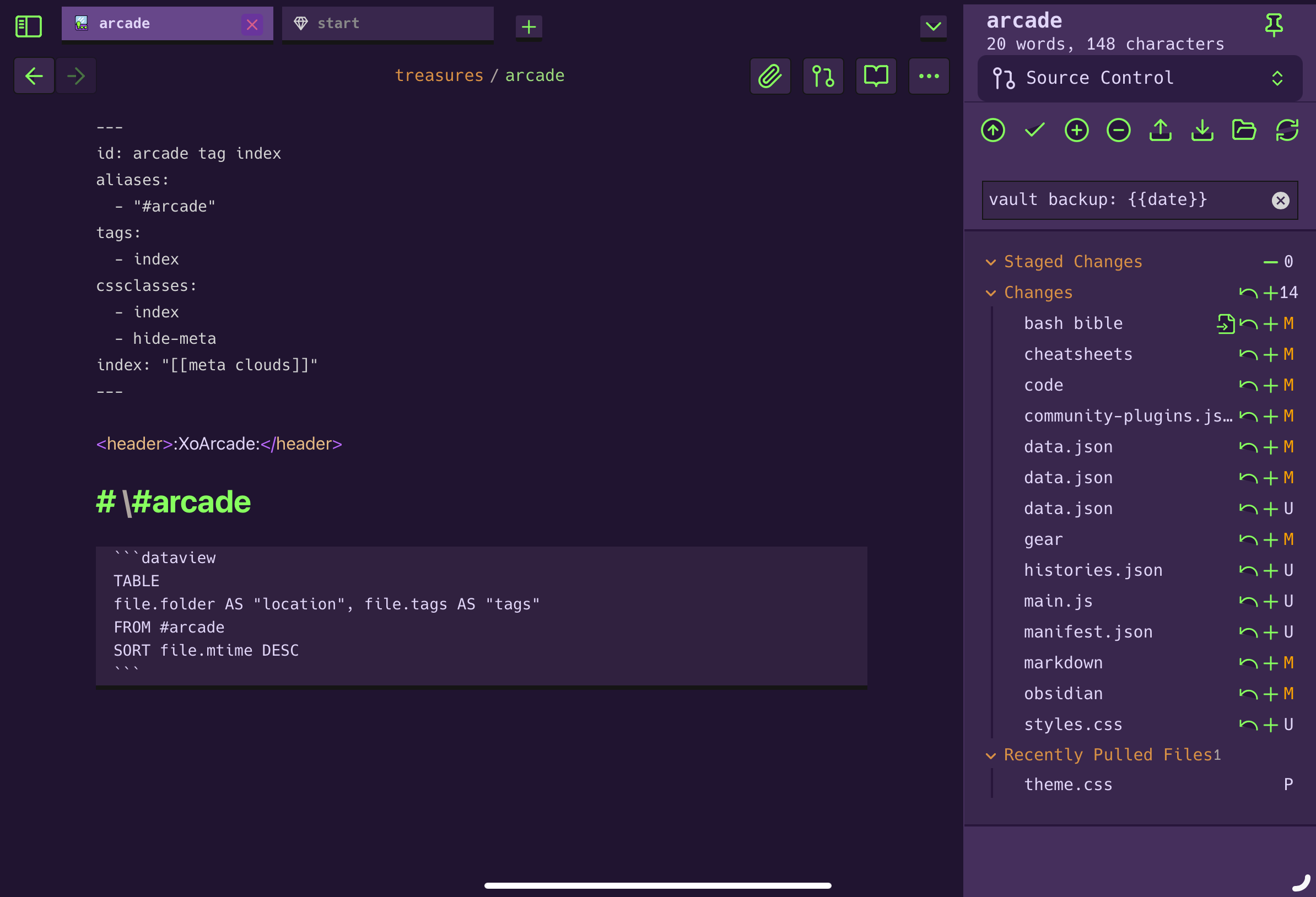
### diff
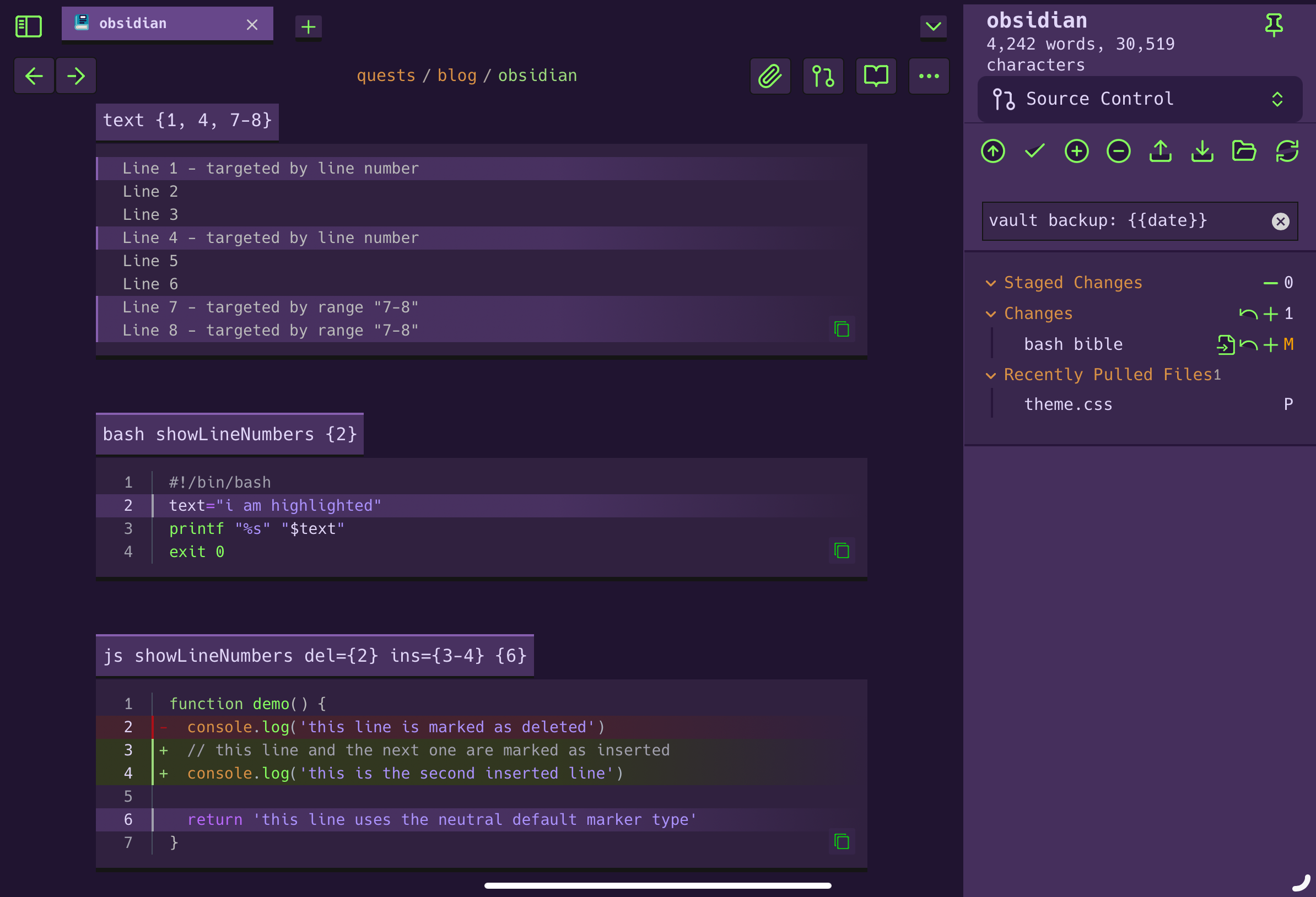
### ascii art
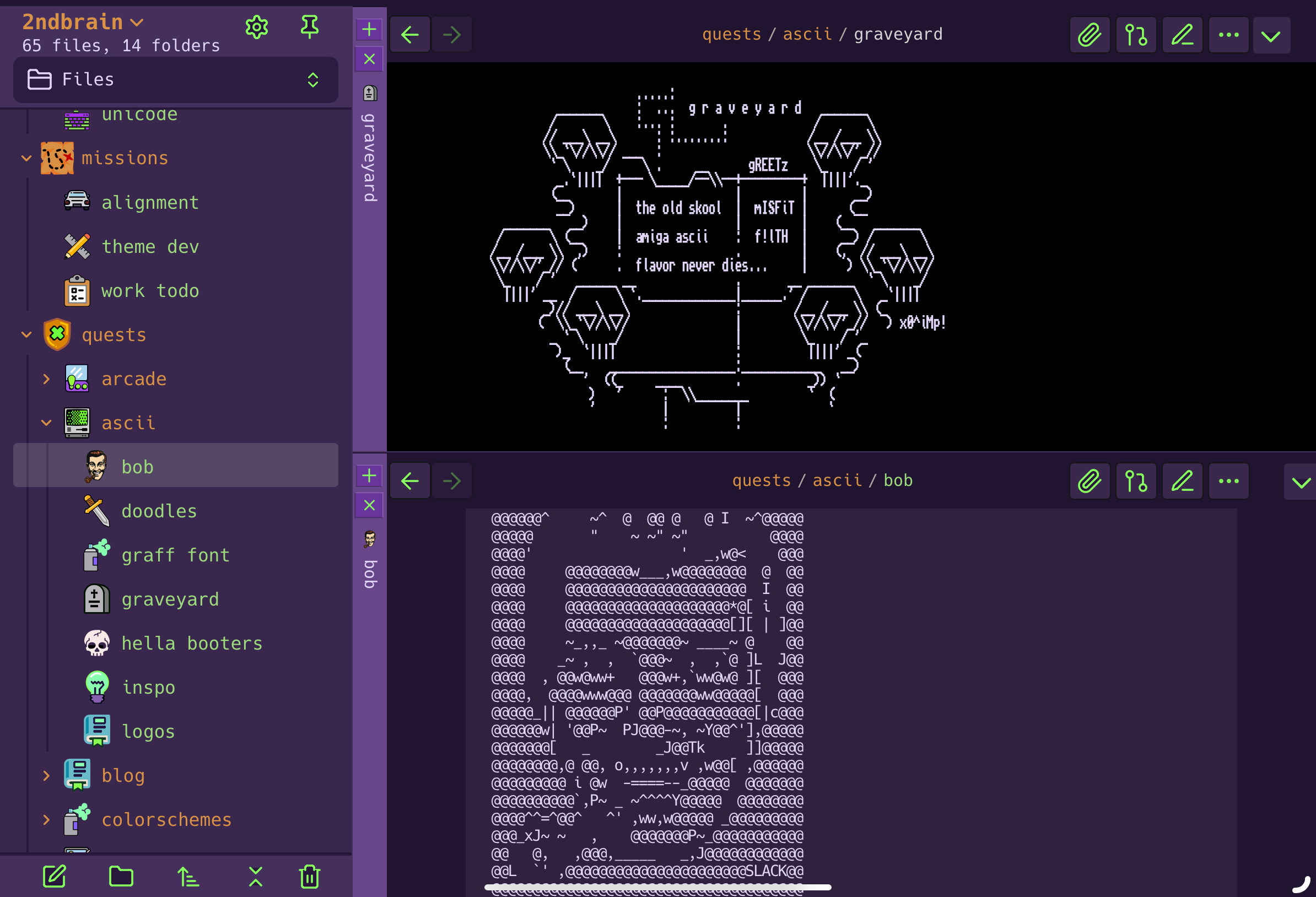
### new tab
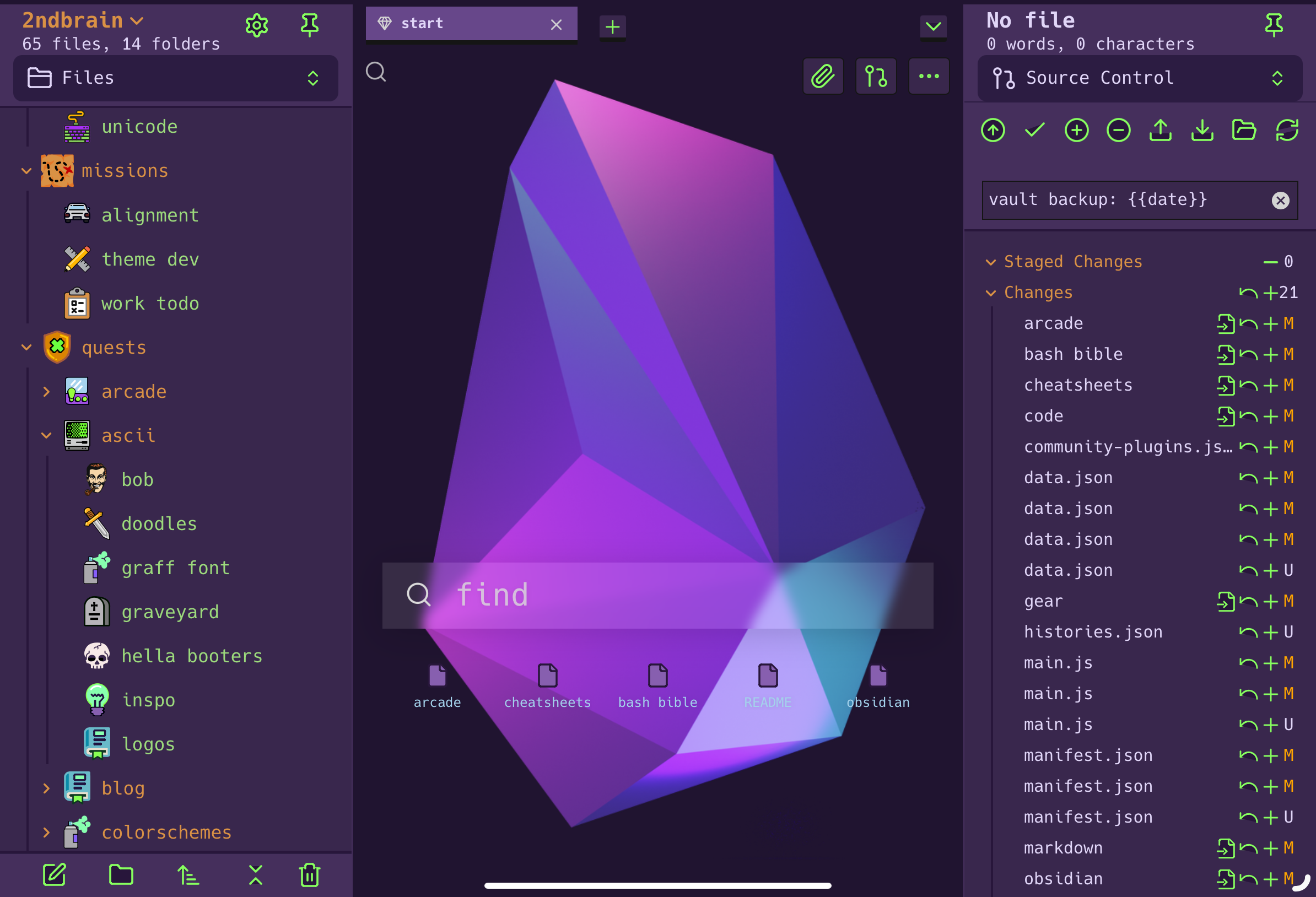
# supported plugins
this theme explicitly restyles the following plugins:
- [obsidian-shiki-plugin](https://github.com/mProjectsCode/obsidian-shiki-plugin) _(alias: shiki)_
- [obsidian-iconize](https://github.com/FlorianWoelki/obsidian-iconize) _(alias: icon folder)_
- [obsidian-commander](https://github.com/phibr0/obsidian-commander) _(alias: cmdr)_
- [obsidian-beautitab](https://github.com/andrewmcgivery/obsidian-beautitab)
- [obsidian-git](https://github.com/Vinzent03/obsidian-git)
- [obsidian-omnisearch](https://github.com/scambier/obsidian-omnisearch)
- [obsidian-dataview](https://github.com/blacksmithgu/obsidian-dataview)
- [obsidian-trash-explorer](https://github.com/proog/obsidian-trash-explorer)
- [obsidian-reading-view-enhancer](https://github.com/Galacsh/obsidian-reading-view-enhancer/)
# extras & options
# css snippets
this repo also contains my [snippets library](https://github.com/xero/evangelion.obsidian/tree/snippets) in the `snippets` branch. many of these elements were a personal choice, so i removed them from the main theme. featuring: tablet sizing fixes, japanese stylings, icon sizings, hiding elements, amiga fonts, ui related tweaks for ascii art, and more
## svg icons
the icons used in these screenshots are [available here](https://github.com/xero/svg-icons).
# usage
## installing in app
1. open **Settings**
2. under **Appearance → Themes**, select `Manage`
3. search for _"evangelion"_
4. select `Install and use`
## installing manually
1. download the [newest release](https://github.com/xero/evangelion.obsidian/releases/)
2. create an evangelion theme folder
- `~vault/.obsidian/themes/evangelion`
3. copy `theme.css` and `manifest.json` to the folder
4. restart obsidian, then open **Settings**
5. under **Appearance → Themes**, select _"evangelion"_
## updating
1. open **Settings**
2. under **Appearance → Current community themes**, select `Check for updates`.
> **note:** the manual method will not automatically update in app
## uninstalling
1. open **Settings**
2. under **Appearance → Themes**, select `Manage`
3. select _"evangelion"_ and then select `Uninstall`.
# contributing
[pr's are welcomed](https://github.com/xero/evangelion.obsidian/pulls)!
```
N E O N _ ____
: \ | \ .
G E N E S i S | \ . | : |\ /\
. | :|\__ | | | \ / \
. |\ | |! \ \ | | | |\ / /
\"-.______ | \: ||\ \ \ | | | | \ / /
\_ "-_| |\ || \ \/ | |___| ! |\____/ _/-. /\
"-_ ____: |_\ || \/ ___\ __ _// | | ___ \---" /
\ \ | _____, /___\___\/ / / \_! | // _/ / /
___\_ \__| | | __. _/____ / / / > // / \/
//_________| / |/ |/ \__// / / /_/ \/
| / | : | / /__/
|/ |/ E V A N G E L I O N
```
# license

all files and scripts in this repo are released [CC0](https://creativecommons.org/publicdomain/zero/1.0/) / [kopimi](https://kopimi.com)! in the spirit of _freedom of information_, i encourage you to fork, modify, change, share, or do whatever you like with this project! `^c^v`
How to Install
- Download the CSS file below
- Move it to your vault's
.obsidian/snippets/folder - Open Obsidian → Settings → Appearance → CSS Snippets → Enable it
Stats
Stars
71
Forks
1
License
CC0-1.0
Last updated 17mo ago