Snippets
Obsidian Snippets
Just some simple CSS snippets for customising the appearance of Obsidian.
Install by dropping files into your Obsidian snippets folder.
1. callout-restore-all.css
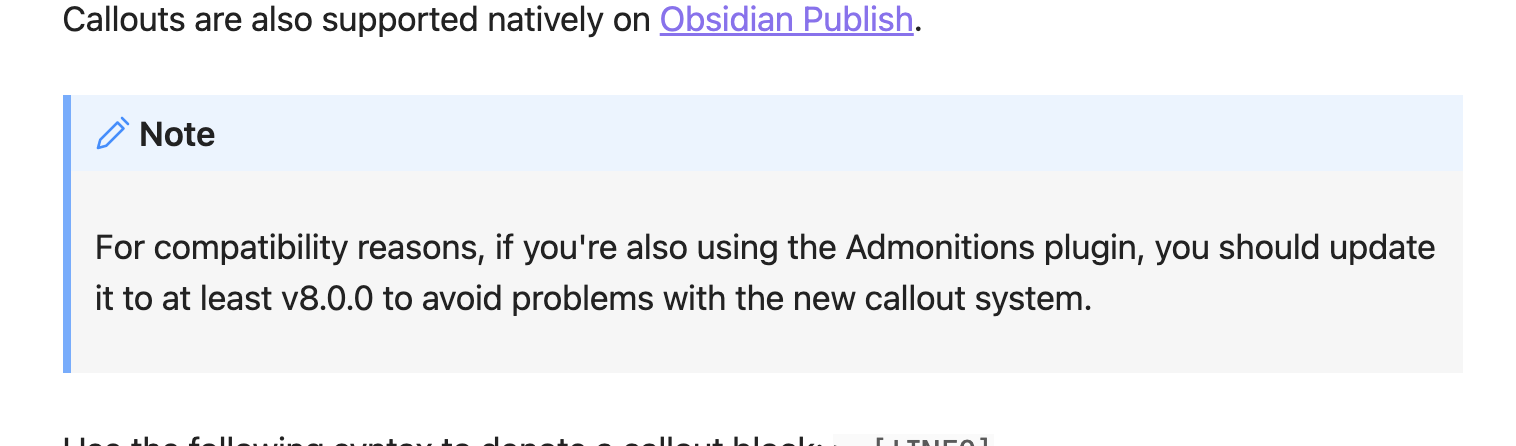
Obsidian 1.0 changed callouts in three ways:
- Left-hand border removed
- Grey callout body took the same colour as its header
- Header text no longer black
This snippet restores the whole old appearance.
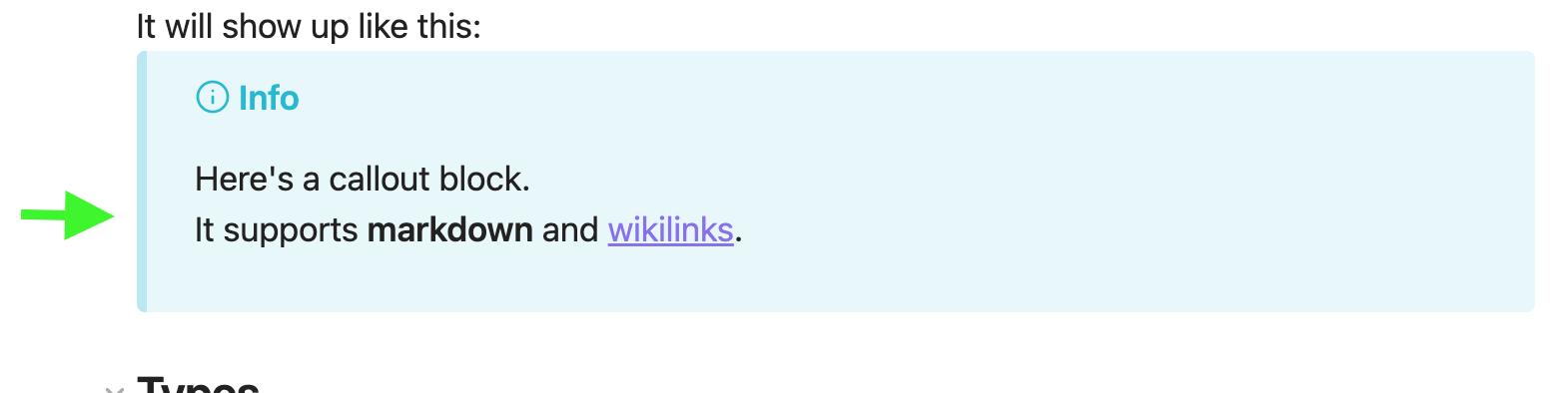
2. callout-restore-border.css
Restore only the left-hand border of callouts to their pre-1.0 appearance.
This accent colour gives callouts enhanced definition.
3. collapse-visible.css
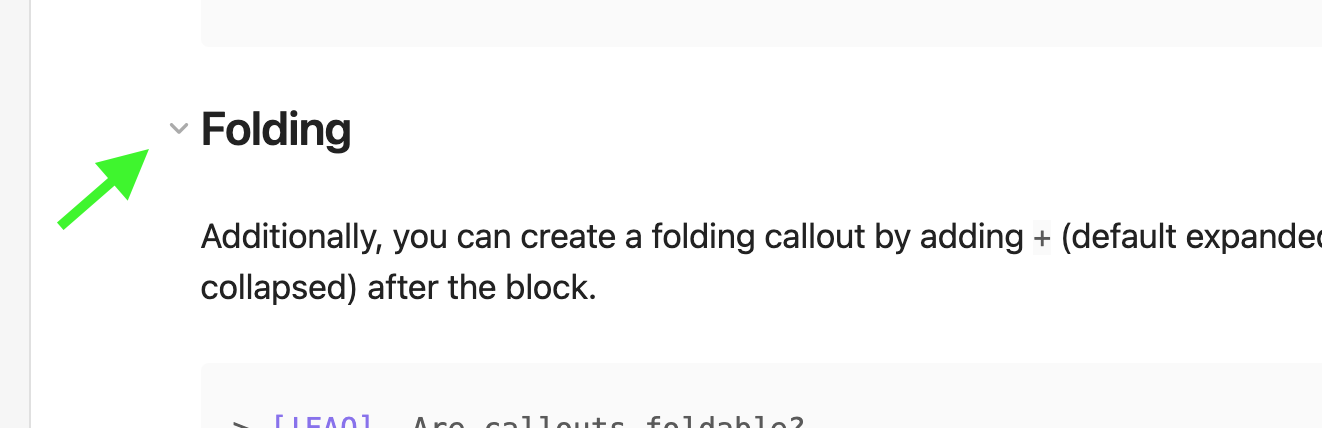
In Obsidian, elements like headers and bullet list items can fold to collapse. Default behaviour is to only show the collapse arrow on hover. This has two negative consequences:
- Difficult to use on mobile.
- Reduced inclination to collapse.
This CSS makes the arrows permanently visible.
4. header-colours.css
A few pastel colours for header text in dark mode.

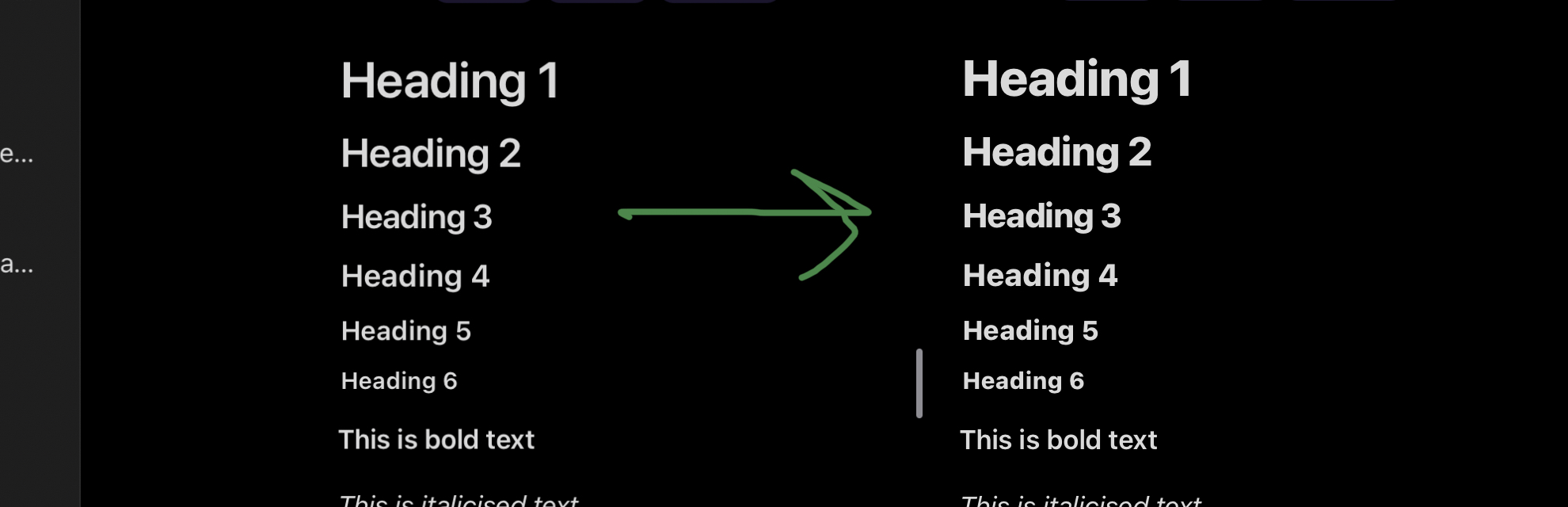
5. header-weight-heavier.css
Increase each header text weight to 800, making for stronger, bolder headers.
How to Install
- Download the repository ZIP below
- Unzip it and find the CSS snippet file
- Move the CSS file into your vault's
.obsidian/snippets/folder - Open Obsidian → Settings → Appearance → CSS Snippets → Enable it
Stats
Stars
1
Forks
0
Last updated 47mo ago
Categories