CSS Snippets
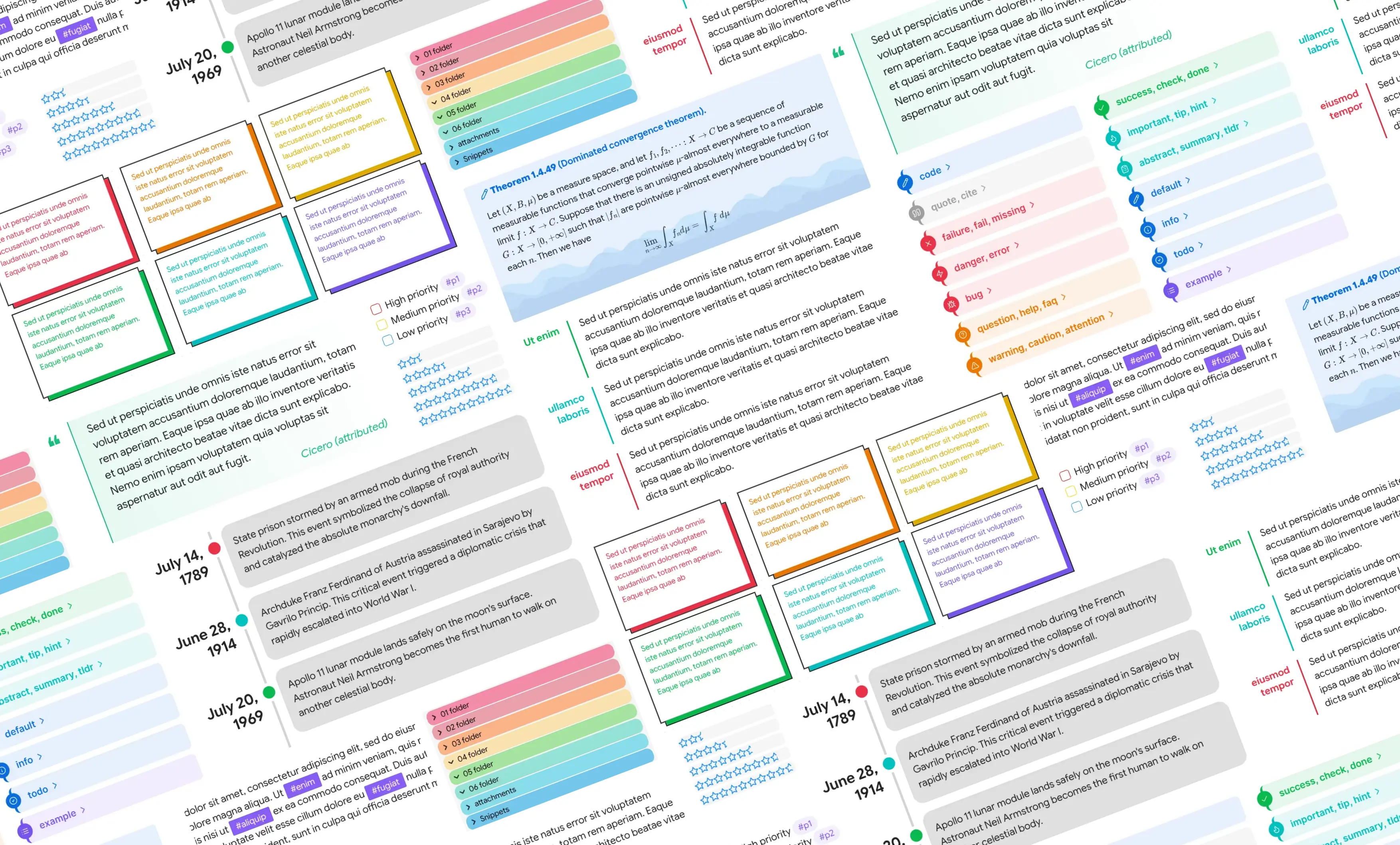
Welcome to the ObsidianMD CSS Snippets repository, a collection of CSS code snippets to enhance the user interface elements of ObsidianMD
Obsidian CSS Snippets Collection
A collection of community CSS snippets for customizing ObsidianMD's interface.
Table of Contents:
- Introduction
- Compatibility
- How to Use
- Included Snippets
- Additional Resources and Links
- Credits
- License
◩ Introduction
Hey there! Welcome to the ObsidianMD CSS Snippets repository. It's a collection of CSS code snippets for ObsidianMD—no fuss, just a bunch of useful snippets. These come from different folks in the ObsidianMD community, so you'll find a variety of styles and tweaks. Enjoy experimenting with them to customize your ObsidianMD experience!
◩ Compatibility
Tested on Obsidian 1.12.7 with the default theme. Future Obsidian updates may cause these to break.
◩ How to Use
- Open Settings.
- Under Appearance → CSS snippets, select Open snippets folder (folder icon).
- In the snippets folder, create a CSS file, paste in the CSS from the snippet you want, and save.
- In Obsidian, under Appearance → CSS snippets, select Reload snippets (refresh icon) to see the snippet in the list.
You can either grab the whole vault at once, or copy snippets individually:
-
Download Entire Vault: Download the vault, and open it in Obsidian via
Open another vault → Open folder as vault → Reload the vault -
Individual Snippets: Alternatively, for a more granular approach, open the links below to view and copy each individual CSS snippet.
◩ Included Snippets
Click to expand/collapse
- blockquote styling - 01.md
- blockquote styling - 02.md
- blockquote styling - 03.md
- calendar - rainbow headers.md
- callout styling - 3 callouts.md
- callout styling - animated water wave.md
- callout styling - author callout.md
- callout styling - bordered hollow.md
- callout styling - bottom pill.md
- callout styling - bullet icon.md
- callout styling - celtic border.md
- callout styling - centred title.md
- callout styling - classic.md
- callout styling - collapsible image caption.md
- callout styling - compact quote callout.md
- callout styling - folder structure.md
- callout styling - gummy callout.md
- callout styling - icon to the top right corner.md
- callout styling - label callout.md
- callout styling - leader list.md
- callout styling - lyric callout.md
- callout styling - outlined callout.md
- callout styling - power callout.md
- callout styling - qna callout.md
- callout styling - quote callout.md
- callout styling - responsive aside.md
- callout styling - scroller callout.md
- callout styling - sleek callout (anuppuccin theme).md
- callout styling - tabbed callout.md
- callout styling - theorem callout.md
- callout styling - timeline callout.md
- callout styling - wikipedia style infobox.md
- callout styling - without icon.md
- canvas styling - brutalist.md
- canvas styling - gradient cards.md
- canvas styling - no border background when it has callout.md
- canvas styling - vertical menu to the bottom-right corner.md
- checkbox - faded completed tasks.md
- code block - accent coloured outline.md
- code block - language label.md
- code block - left border accent.md
- command palette - change size and position.md
- command palette - dense.md
- custom checkbox - anuppuccin theme.md
- custom checkbox - minimal theme.md
- custom checkbox - origami theme.md
- custom checkbox - task priorities.md
- custom checkbox - task progress.md
- editor - custom badge and tooltip.md
- editor - paper grid background.md
- empty tab - custom icon animation.md
- empty tab - custom icon disappearing transition.md
- explorer styling - custom folder description.md
- explorer styling - custom folder group header.md
- explorer styling - new note button.md
- explorer styling - rainbow folder background.md
- explorer styling - rainbow folder titles.md
- headings - indicators trailing.md
- headings - prefix symbol.md
- headings - rainbow underline and hr.md
- image styling - alt text overlay on hover.md
- image styling - gallery ui.md
- image styling - grid layout.md
- image styling - zoom on click.md
- inline title - celtic styling.md
- link styling (external) - custom icon.md
- link styling (external) - squiggly effect on hover.md
- list styling (unordered) - alternating hollow bullets.md
- list styling (unordered) - coloured list.md
- list styling (unordered) - custom bullet icon.md
- list styling (unordered) - nested bullet symbols.md
- popover - accent coloured outline.md
- progress bar - star rating.md
- properties - column layout.md
- properties - show on hover.md
- ribbon - accent coloured background.md
- settings - accent coloured sidebar headings.md
- settings - change size and position.md
- settings - dense.md
- settings - left aligned controls.md
- sidebar - custom tab icon.md
- sidebar - hide ribbon on collapse.md
- sidebar - no animations.md
- sidebar - outline numbering.md
- sidebar - rainbow tab icon.md
- sidebar - show tab icon on hover.md
- stacked tabs - vertical title.md
- table styling - first column header.md
- table styling - rounded corners.md
- tag styling - brutalist.md
- tag styling - hide hash symbol.md
- tag styling - simple tags.md
- tag styling - target specific tag.md
- text styling - spoiler text.md
- titlebar - breadcrumb separator.md
- tooltip styling - accent coloured background.md
- workspace - card ui.md
- workspace - colourful tabs.md
- workspace - custom background image.md
- workspace - hide window button panel.md
- workspace - left aligned title bar.md
- workspace - macos like titlebar buttons.md
- workspace - mini mode.md
- workspace - multi column.md
- workspace - resize scroll bar.md
- workspace - simple editor.md
- workspace - square ui.md
NOTE: A few snippets aren't reproduced here due to licensing restrictions from the original author — check the source link on each snippet's page for the full code.
◩ Additional Resources and Links
Click to expand/collapse
- #appearance / Obsidian discord
- Obsidian CSS Quick Guide by FireIsGood (mostly about using the inspector)
- CSS Variables at Obsidian Dev Docs
- replete / obsidian-minimal-theme-css-snippets
- efemkay / obsidian-modular-css-layout
- SlRvb's snippets collection | Guide
- zamsyt / obsidian-snippets
- ElsaTam(Kapirklaa) / Obsidian-Stuff
- KuiyueRO / Obsidian-Miner
- HandaArchitect / obsidian-banner-snippet
- sailKiteV / Obsidian-Snippets-and-Demos
- TfTHacker / DashboardPlusPlus
- eb2ai / My-Checklists-and-Icons
- felixqueisler / Obsidian-FileLink-Styling
- xhuajin / obsidian-sidenote-callout
◩ Credits
A special thanks to the creators of the original snippets and the ObsidianMD community for sharing their expertise and contributions.
- 🪁 sailKite (sailKitev@gmail.com | GitHub)
- 🔥 FireIsGood (Support link | GitHub)
- 💎 kneecaps (Support link | GitHub)
- 😎 rushi (Let me have some credit for minimal tweaks 😁)
- 💖 and many more amazing contributors
◩ License
This project is licensed under the MIT License - see the LICENSE file for details.
Happy theming and customizing your ObsidianMD experience!
[]( ̄▽ ̄)*
How to Install
- Download the repository ZIP below
- Unzip it and find the CSS snippet file
- Move the CSS file into your vault's
.obsidian/snippets/folder - Open Obsidian → Settings → Appearance → CSS Snippets → Enable it
Stats
Stars
1564
Forks
76
License
MIT
Last updated 2mo ago