Snippets
obsidian-snippets
This is a collection of random snippets I've made. Hopefully it will grow over time.
Table of Contents
- Notation Colour Blocks
- Realistic Highlights
- Inline Block Embeds
- Clutter-Free Headings
- Clutter-Free Formatting
- Checkboxes
Notation Colour Blocks
https://github.com/deathau/obsidian-snippets/blob/main/notation-colour-blocks.css
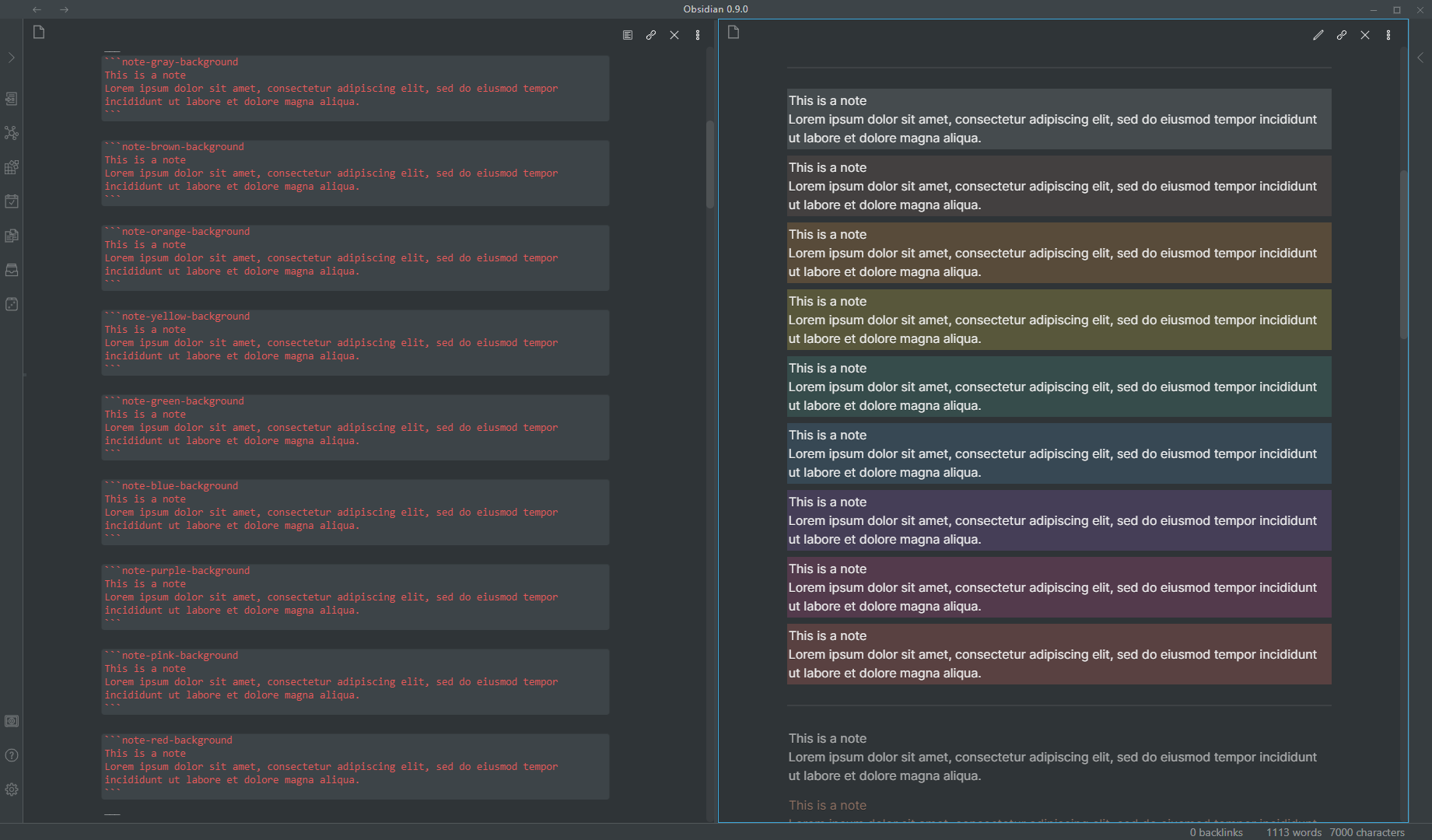
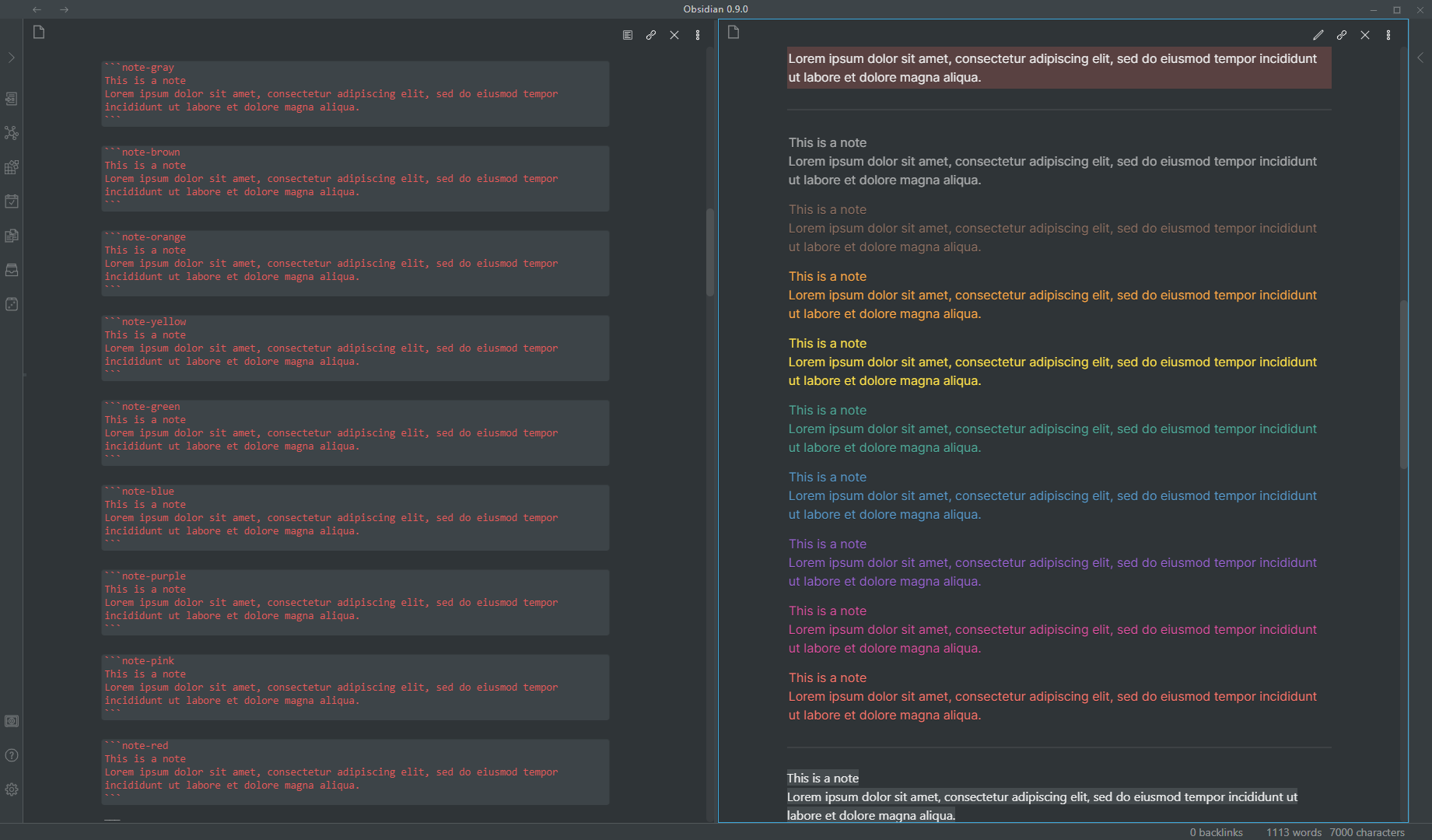
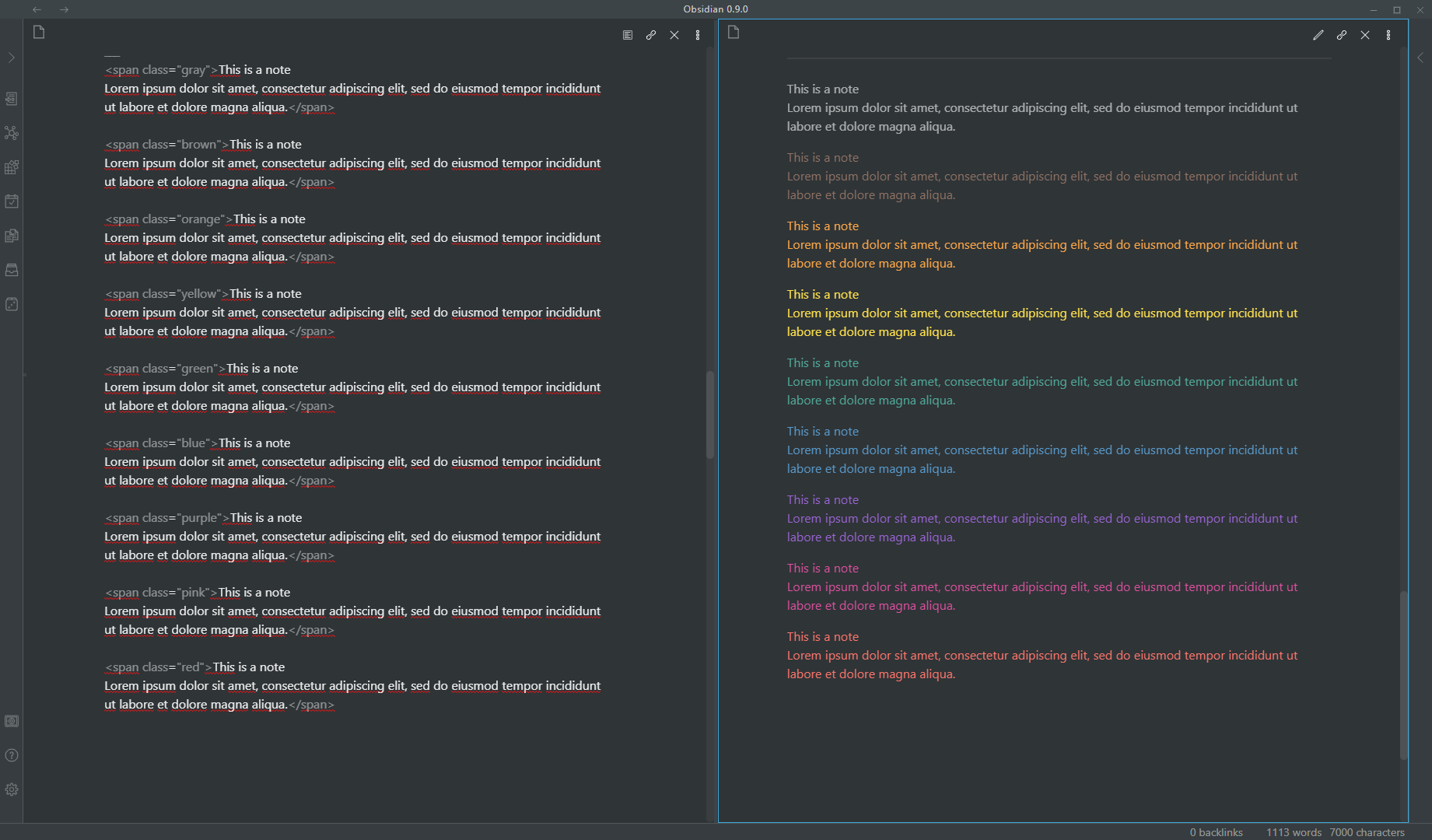
A bunch of different coloured blocks, inspired by the block colours offered by Notion.
Realistic Highlights
https://github.com/deathau/obsidian-snippets/blob/main/realistic-highlight.css
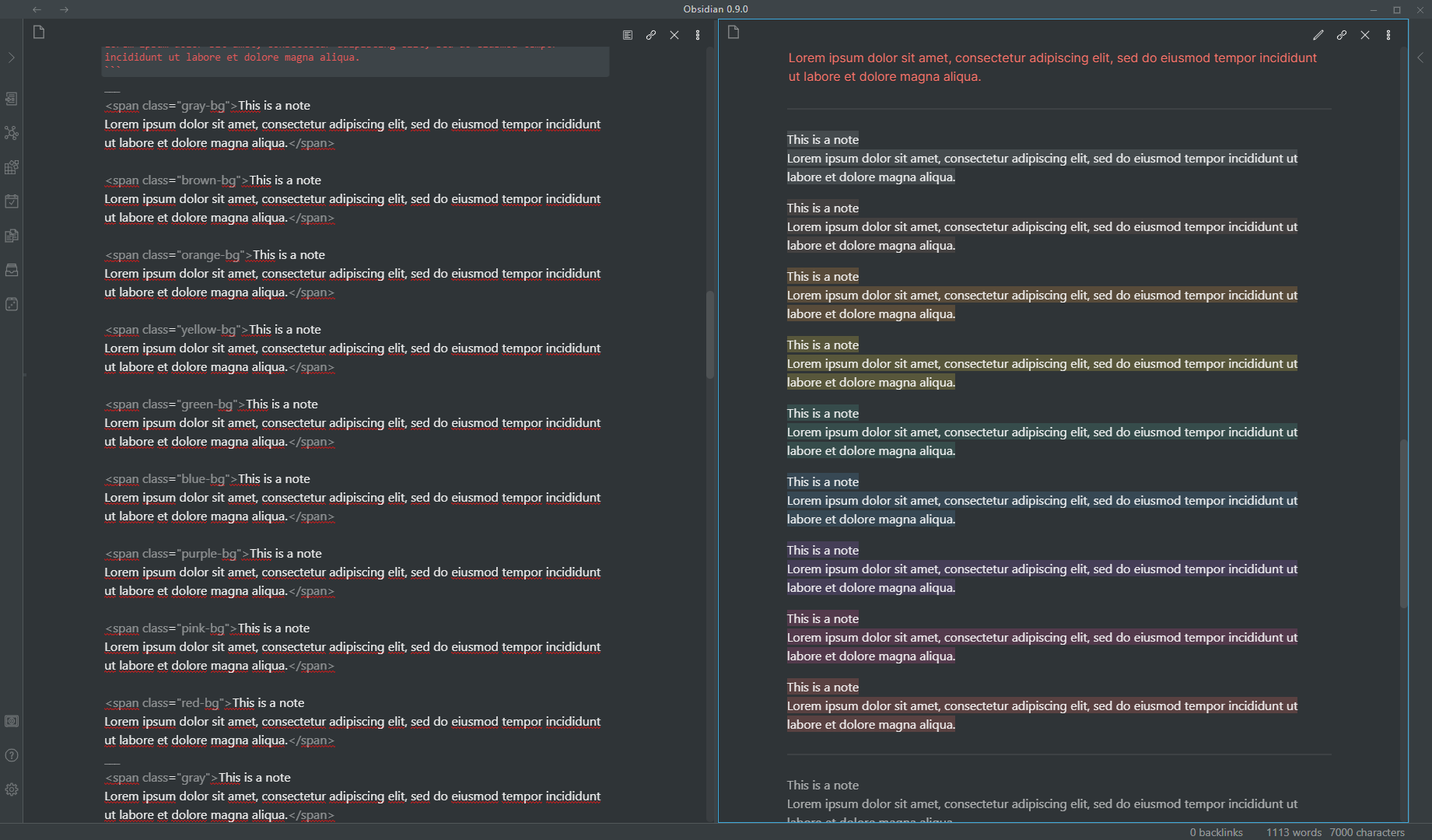
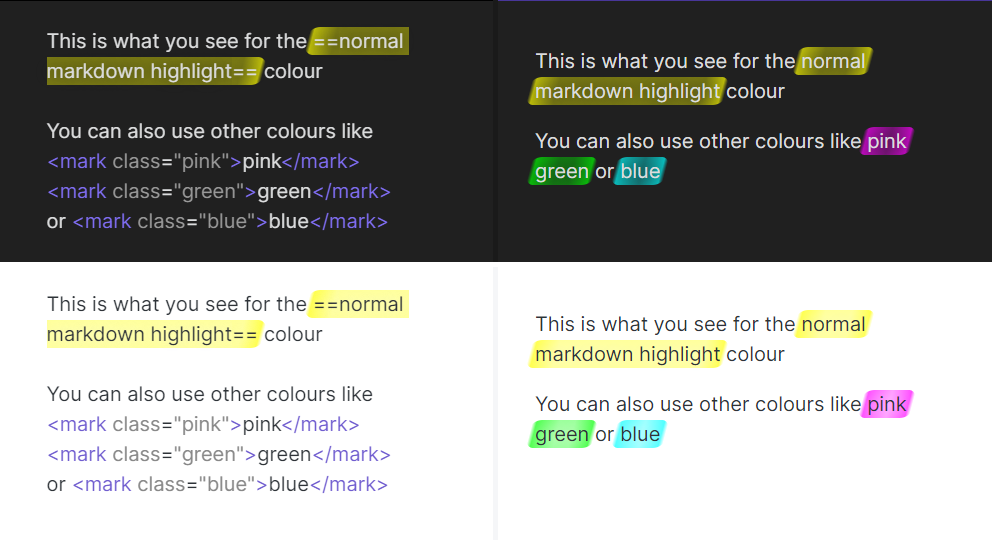
A fancy-looking highlight that looks like it was made with a highlighter pen
Inline Block Embeds
https://github.com/deathau/obsidian-snippets/blob/main/inline-block-embeds.css
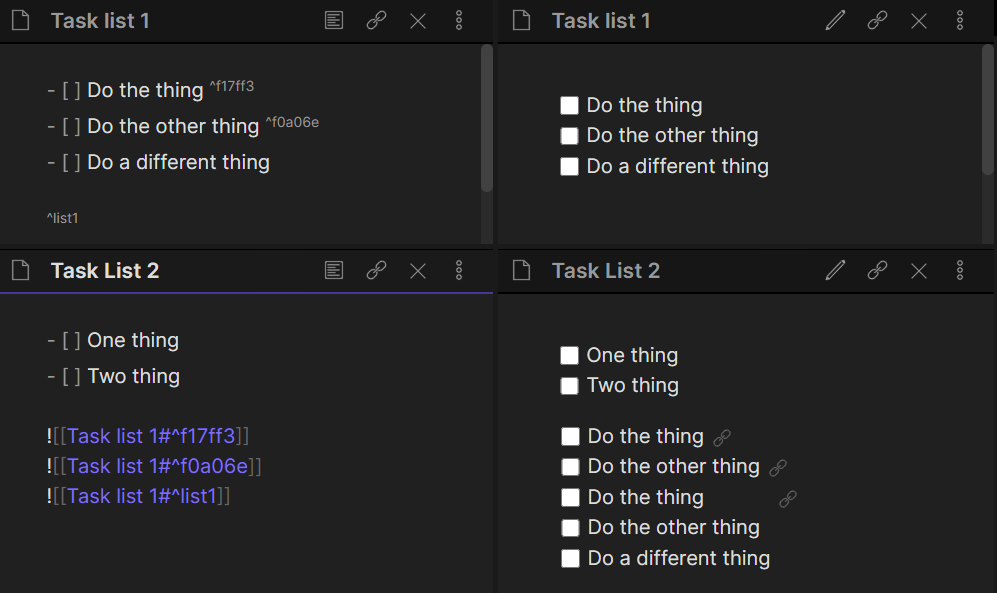
Inline-ish block embeds, which I mostly use for adding some block-embedded tasks to the end of a task list
Clutter-Free Headings
https://github.com/deathau/obsidian-snippets/blob/main/clutter-free-headings.css
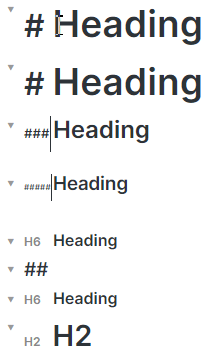
WYSIWYG-ish headings which line up headings, show the formatting markers when editing and replace them with a muted "H1", "H2" etc when not the active line
Clutter-Free Formatting
https://github.com/deathau/obsidian-snippets/blob/main/clutter-free-formatting.css
Formatting which is reduced and hides when not on the active line. It still leaves the space though, so as to prevent weirdness with cursor movement and selections.

Checkboxes
https://github.com/deathau/obsidian-snippets/blob/main/checkbox.css
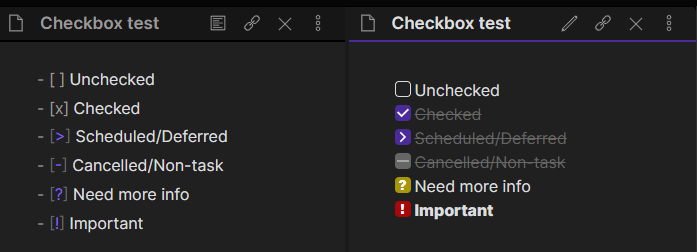
Checkboxes with different statuses (requires Obsidian 0.12.0+)
How to Install
- Download the repository ZIP below
- Unzip it and find the CSS snippet file
- Move the CSS file into your vault's
.obsidian/snippets/folder - Open Obsidian → Settings → Appearance → CSS Snippets → Enable it
Stats
Stars
912
Forks
133
Last updated 32mo ago
Categories