obsidian-checkbox-css
A simple CSS snippet for Obsidian(v1.5.3).
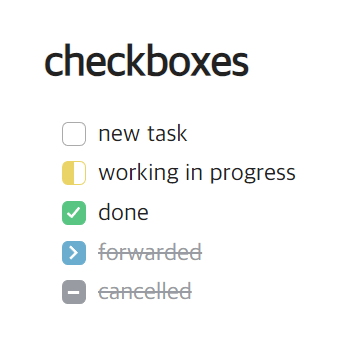
Works on both editing(live preview mode) and reading view.
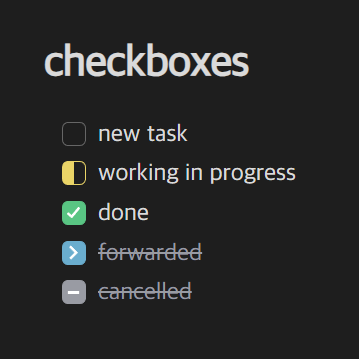
- [ ] new task
- [/] working in progress
- [x] done
- [>] forwarded
- [-] cancelled
Installation
- Download obsidian-checkbox.css
- In Obsidian, open
Settings>Appearance>CSS snippets - Click the folder icon to open the snippets folder (
your_vault/.obsidian/snippets/, a hidden folder) - Copy css file there
- Reload Obsidian
- Go back to the
CSS snippetssettings and enable the snippet
How to Install
- Download the repository ZIP below
- Unzip it and find the CSS snippet file
- Move the CSS file into your vault's
.obsidian/snippets/folder - Open Obsidian → Settings → Appearance → CSS Snippets → Enable it
Stats
Stars
10
Forks
0
License
MIT
Last updated 33mo ago
Categories
Tags
obsidianobsidianmd