
CSS Snippets for Obsidian
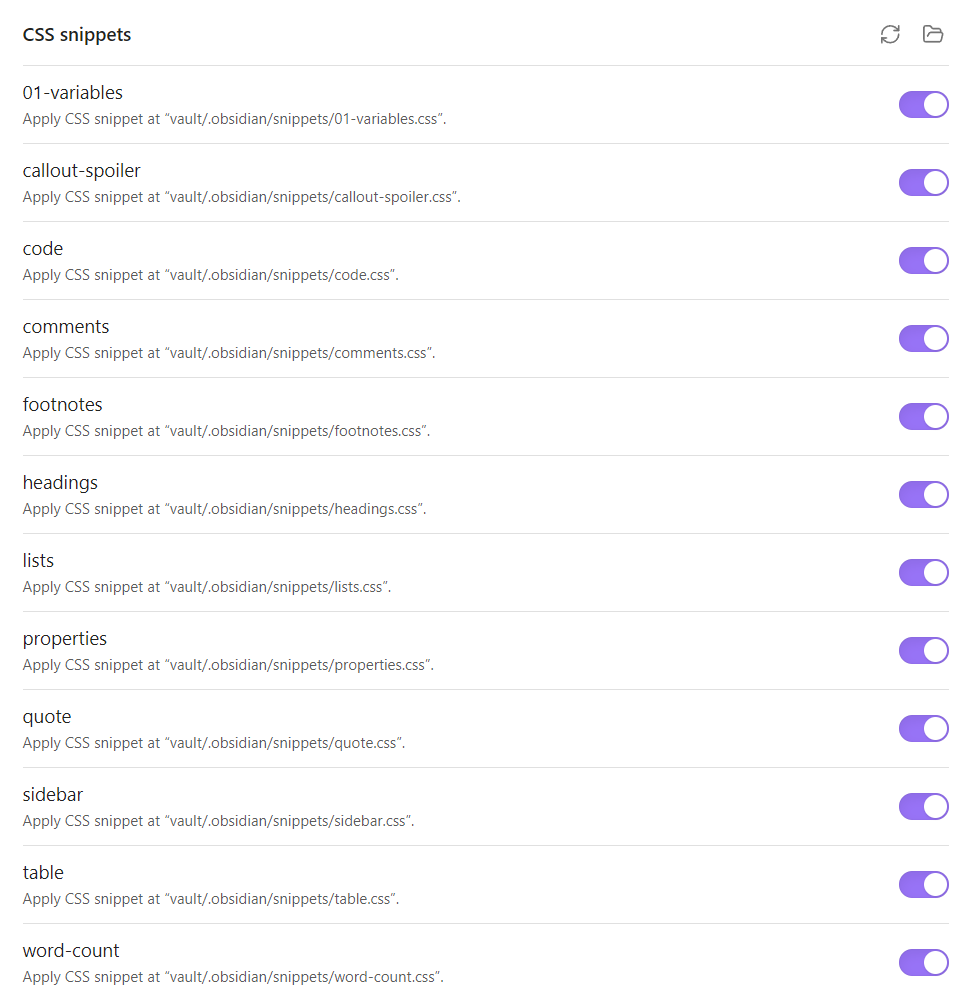
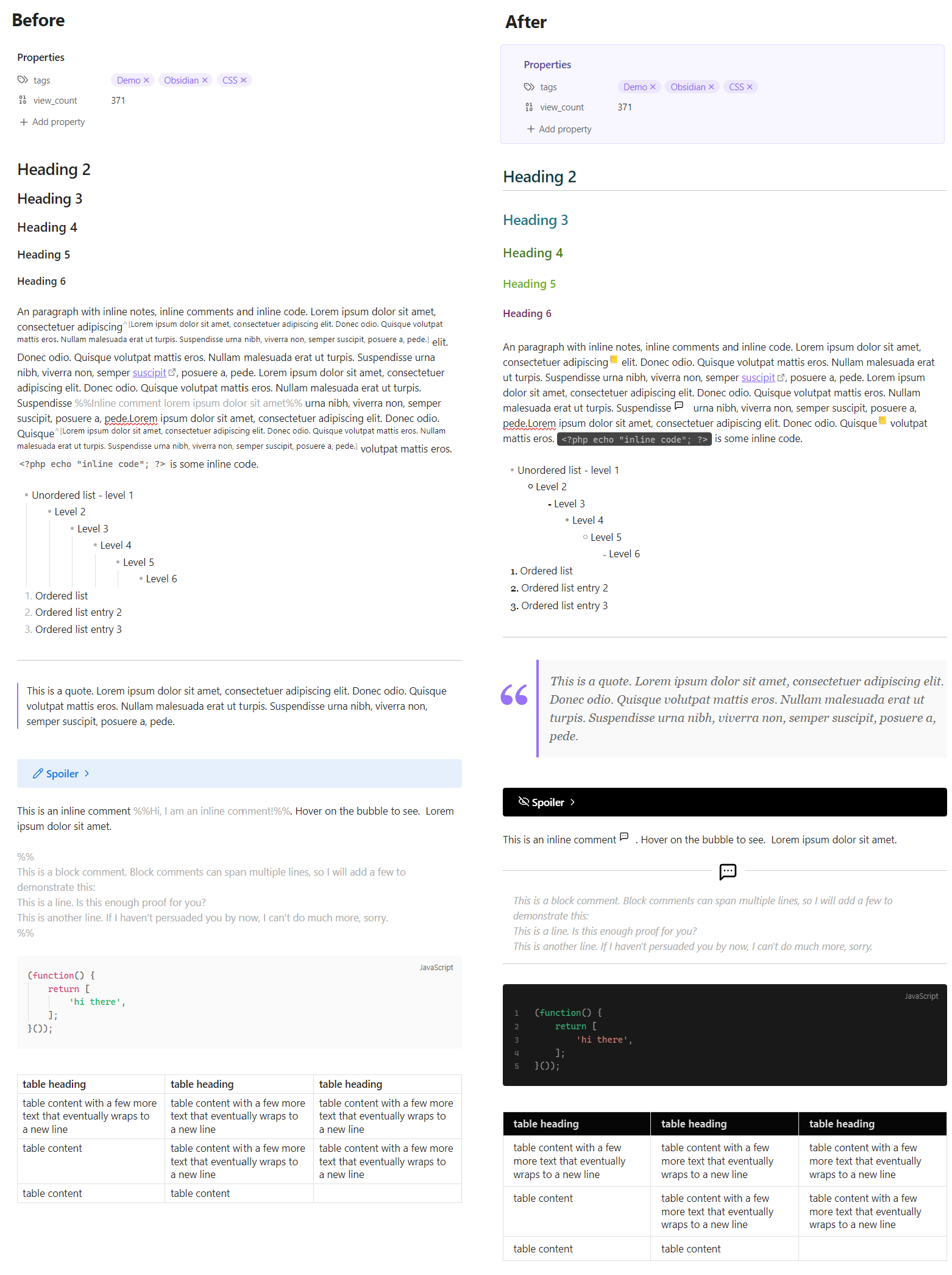
Various CSS Snippets for Obsidian's "Edit" view (I never use the Reading view 😁), using the default theme in light mode. They are modular on purpose, so that they can be easily enabled or disabled individually.
01-variables.css
Sets the variables that should be carried over across the various snippets. It is prefixed with 01- to ensure that it will always load first.
bases.css
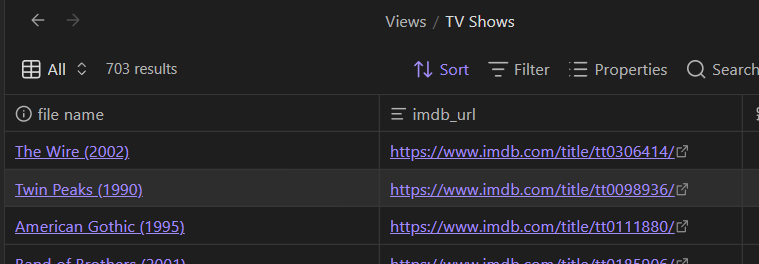
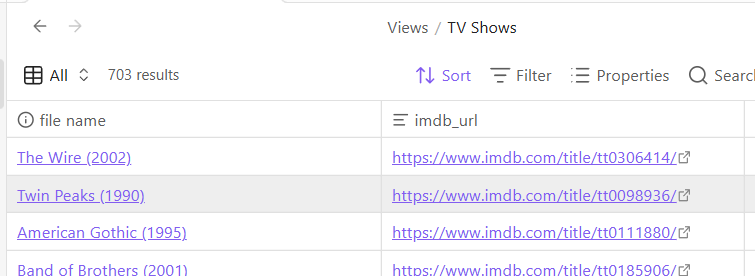
Styling improvements for Bases, Obsidian's built-in database view. Currently includes:
- Row hover highlight, using
--background-modifier-hoverso it adapts automatically to both light and dark themes.
bg-grid.css
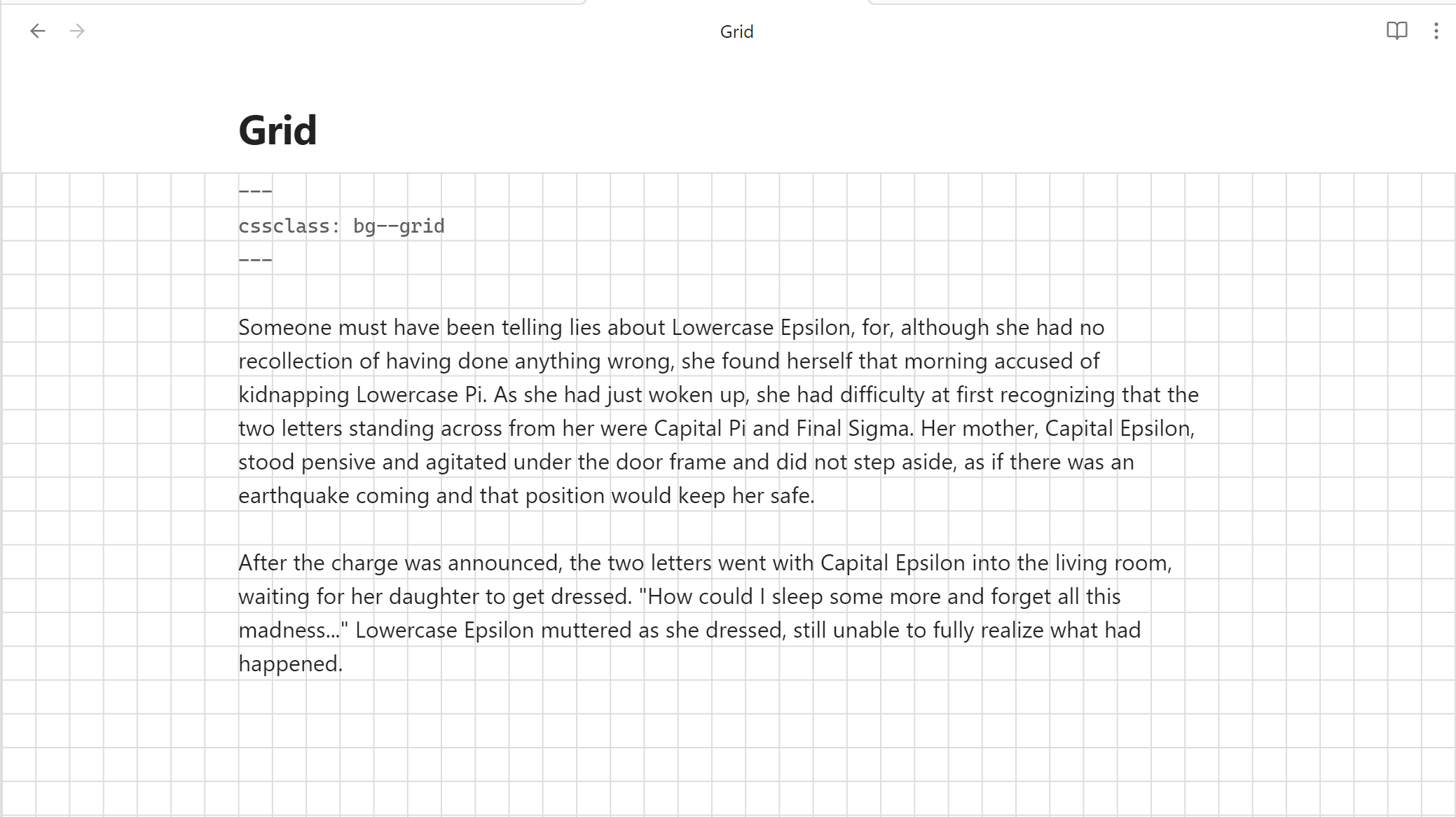
Adds a square grid background to all notes with the bg--grid cssclasses value in their properties. The vertical offset can be fine-tuned via --bg-offset in 01-variables.css to align the grid with the actual text baseline. The default is 0px — adjust up or down in small increments (e.g. 4px, -4px) until the grid lines match your font and theme.
---
cssclasses:
  - bg--grid
---
bg-lines.css
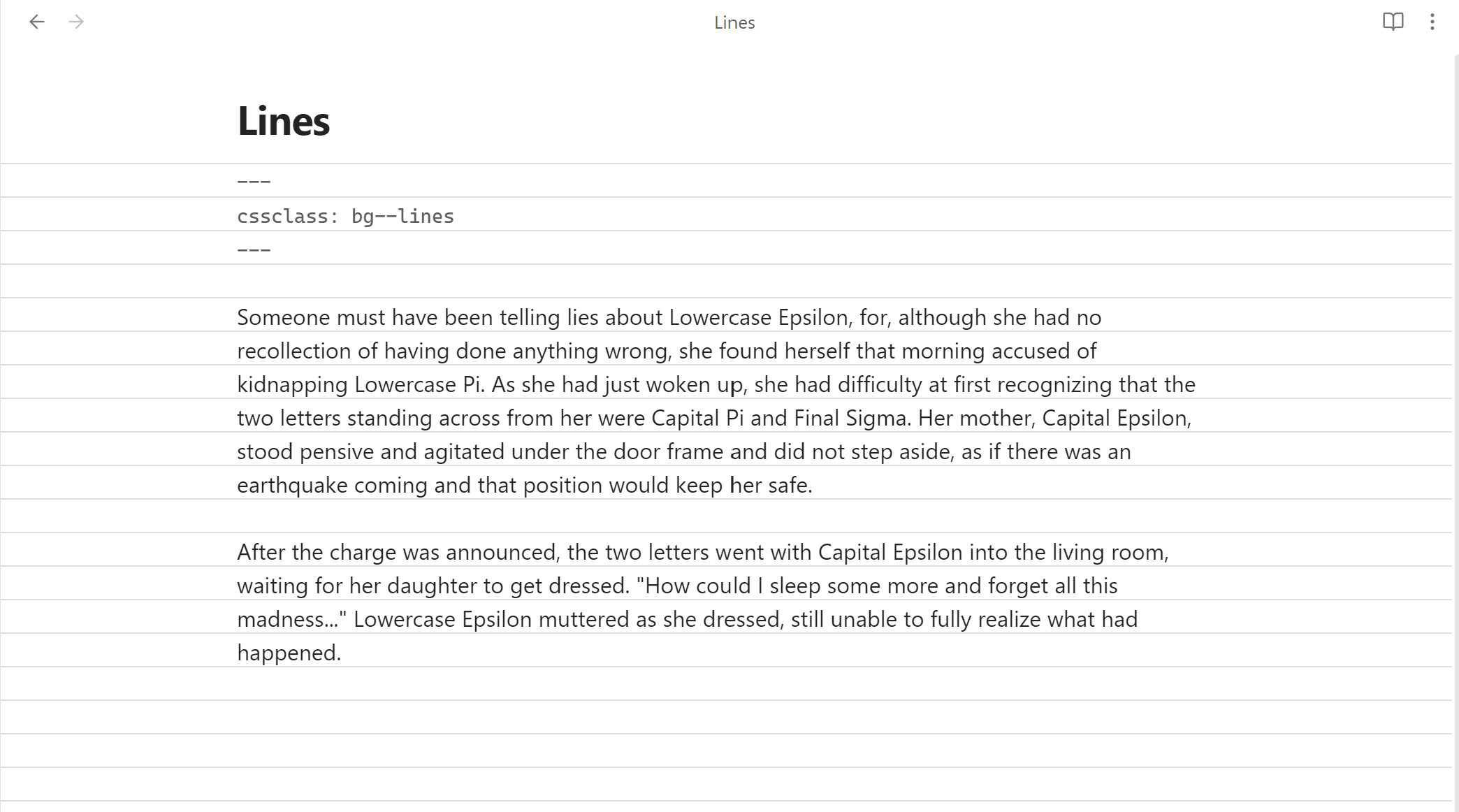
Adds horizontal lines to all notes with the bg--lines cssclasses value in their properties. The vertical offset can be fine-tuned via --bg-offset in 01-variables.css to align lines with the actual text baseline. The default is 0px — adjust up or down in small increments (e.g. 4px, -4px) until the lines match your font and theme.
---
cssclasses:
  - bg--lines
---
callout-spoiler.css
Styles a spoiler custom callout, and reveals its contents after the box is both expanded and the user hovers over the content area.
Syntax:
> [!spoiler]- Spoiler
> The butler did it!
code.css
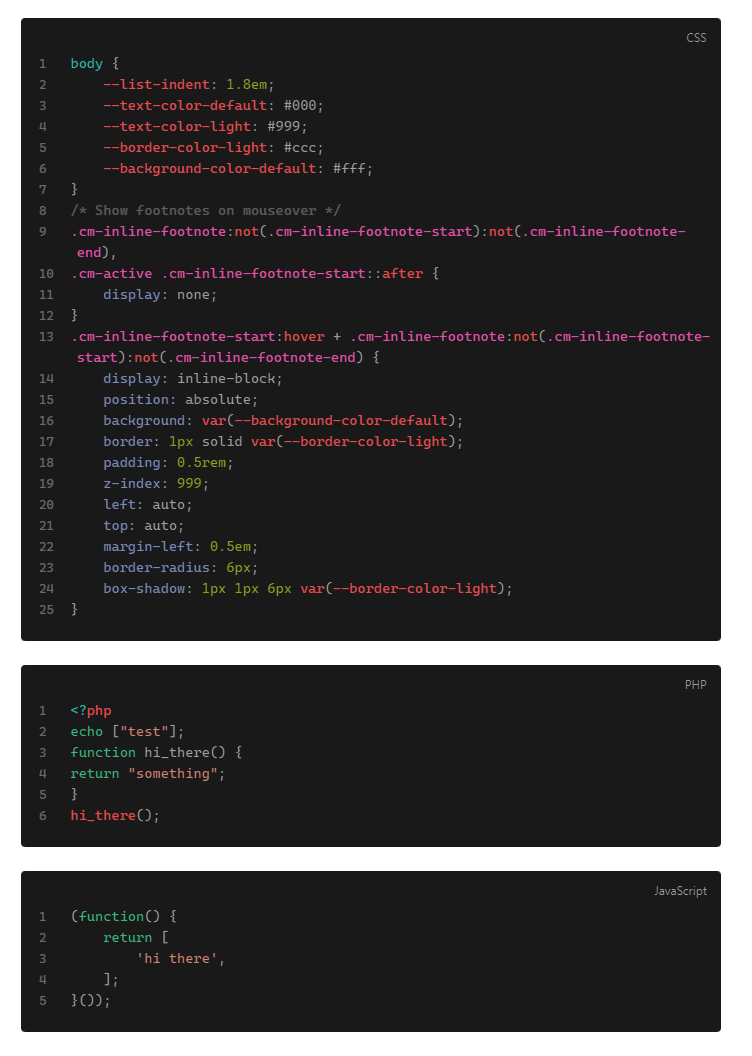
- Changes to the CodeBlock layout. It uses
filter: invert()so that it applies the reverse styling on dark mode. - Highlights the hovered line.
- Adds numbers to the side.
comments.css
Converts comments to tooltips which show their content on hover. It works for both inline and block comments.
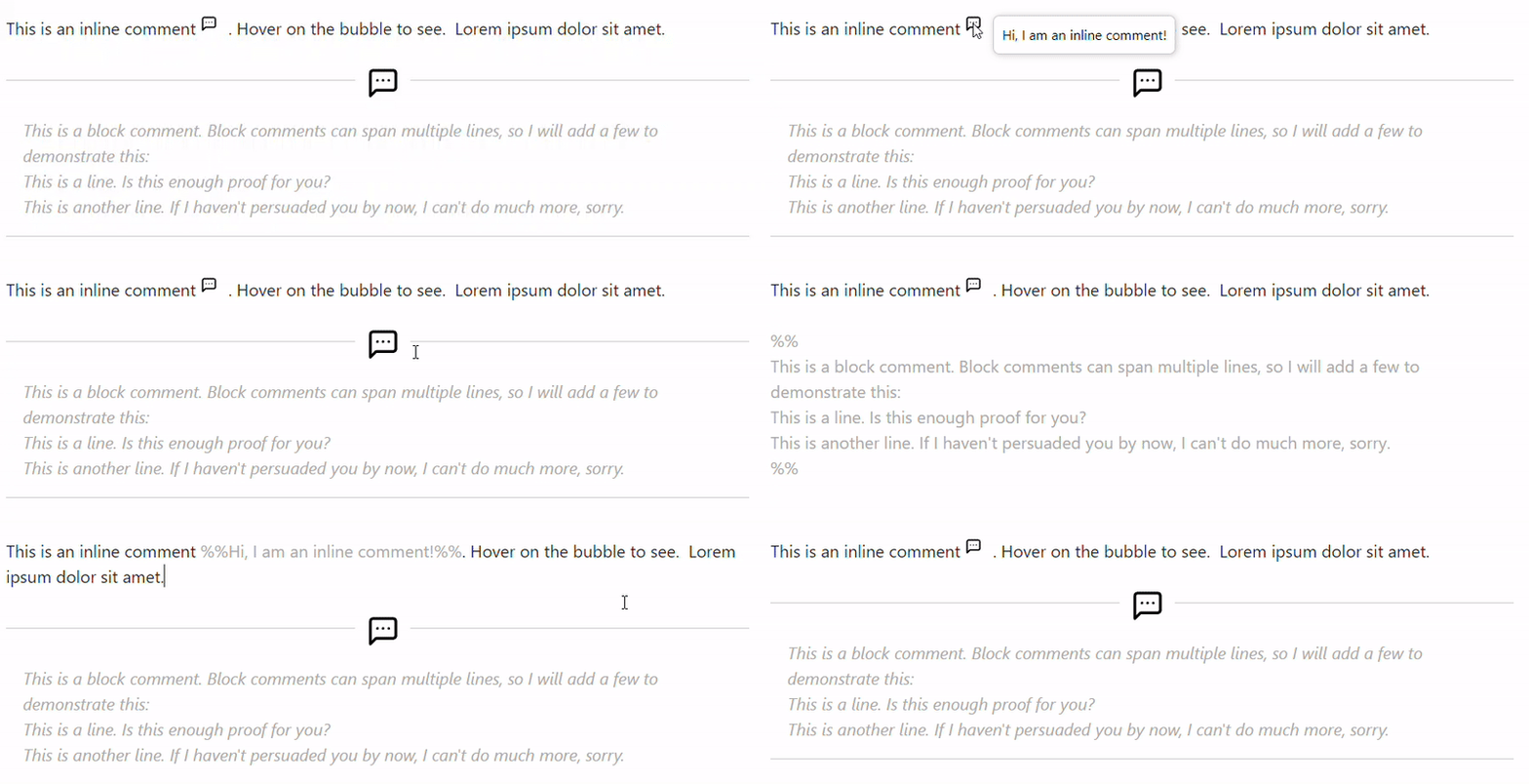
Syntax:
You can use inline footnotes ^[This is an inline footnote.] and then continue your text.
footnotes.css
Converts inline footnotes to tooltips which show their content on hover.
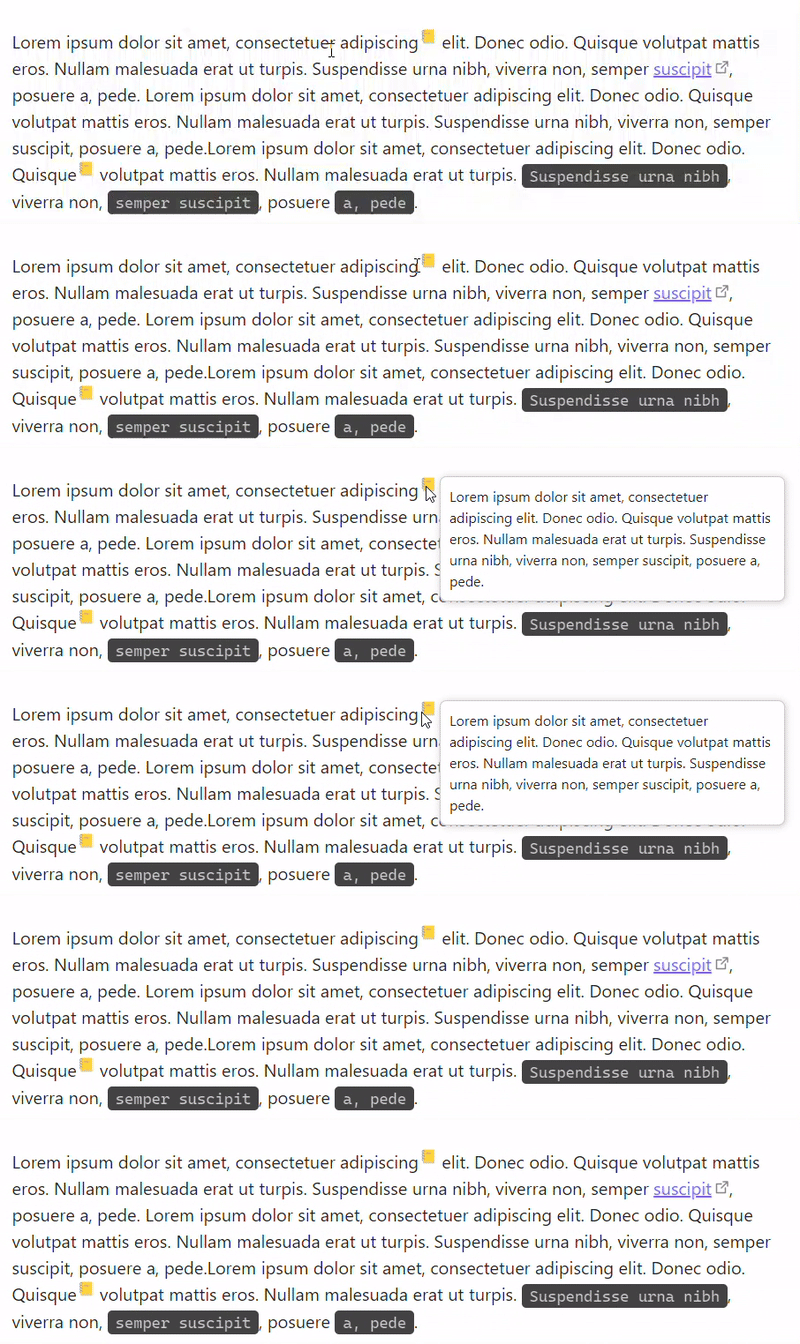
Syntax:
You can use inline footnotes ^[This is an inline footnote.] and then continue your text.
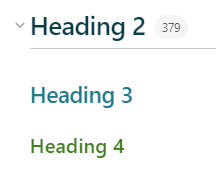
headings.css
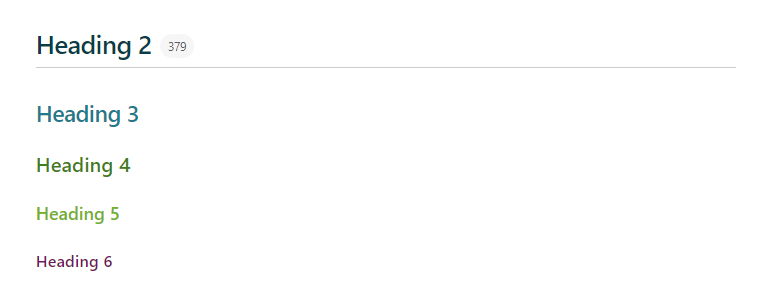
Styles the various headings.
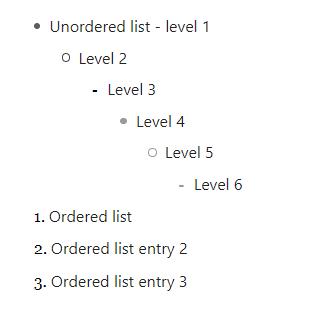
lists.css
Styles the lists (ordered and unordered).
prose.css
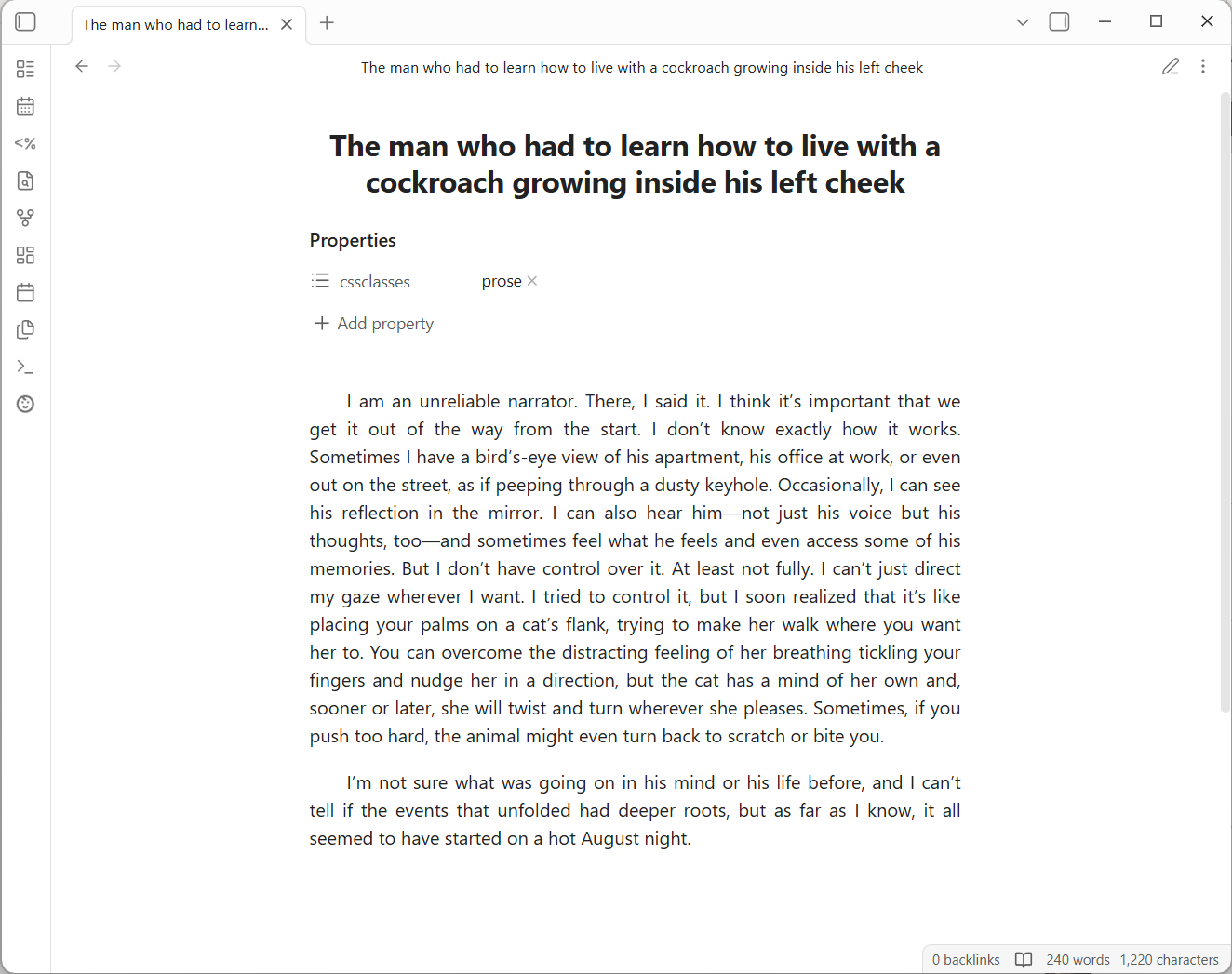
Long-form reading typography, activated per-note via the prose cssclasses value. Centres the title, justifies and indents paragraphs, and constrains line length to --prose-width (default 560px, configurable in 01-variables.css). Works in both reading mode and live preview.
Syntax:
---
cssclasses:
  - prose
---
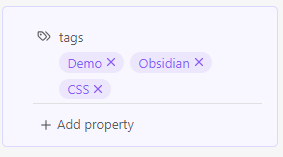
properties.css
Styles the properties block.
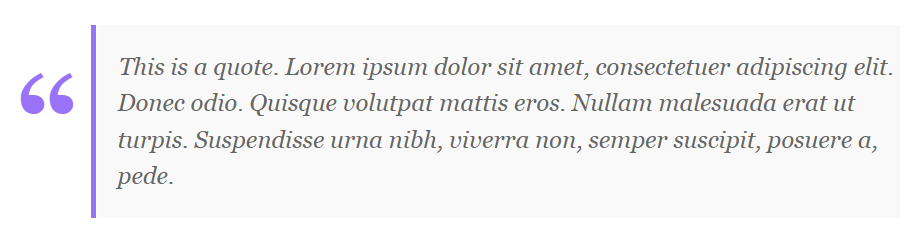
quote.css
Styles the quote block.
sidebar.css
Hides the Attachments folder from the sidebar.
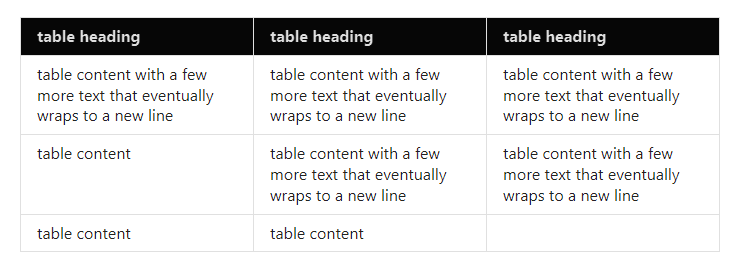
word-count.css
A small modification for the Better Word Count plugin, which only shows the counter on hover.
My other Obsidian projects
- 👉 Sentinel: Update properties or run commands based on document visibility changes (e.g. every time a note opens or closes).
- 👉 Varinote: Add variables in Templates and set their values during the Note creation.
- 👉 AI Playbooks: A collection of standalone workflow blueprints for AI-assisted creative and knowledge work, each usable as an Obsidian vault.
How to Install
- Download the repository ZIP below
- Unzip it and find the CSS snippet file
- Move the CSS file into your vault's
.obsidian/snippets/folder - Open Obsidian → Settings → Appearance → CSS Snippets → Enable it
Stats
Stars
159
Forks
6
Last updated 5mo ago
Categories