Css Snippets
SNIPPETdahliyah

Css Snippets

CSSAny theme
# obsidian-css-snippets

Collection of CSS snippets for Obsidian. 


## Callouts

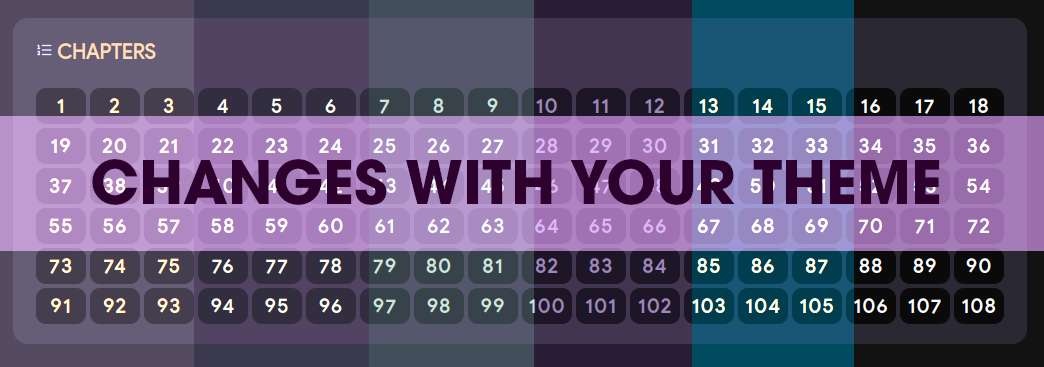
### Table of Contents Callout

<a href="https://github.com/dahliyah/obsidian-css-snippets/blob/main/Callouts/MenuorTOCCallout.css"><img src="https://github.com/dahliyah/obsidian-css-snippets/blob/main/Images/menu-toc-callout.png?raw=true"></a>

## Top Menu Callout (above properties)

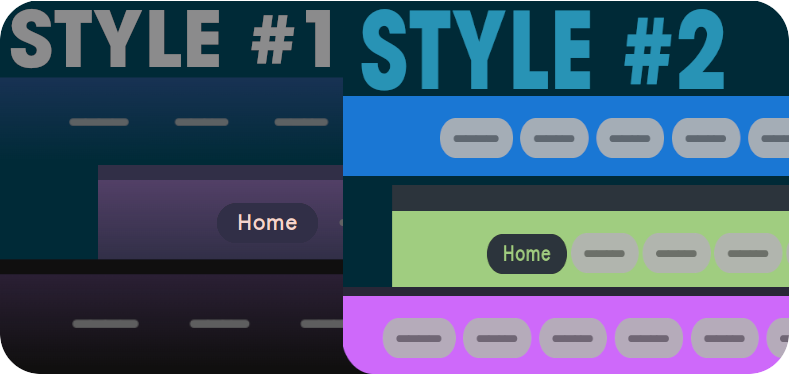
<img src="https://github.com/dahliyah/obsidian-css-snippets/blob/main/Callouts/styles.png?raw=true">
<br><br>
<details>
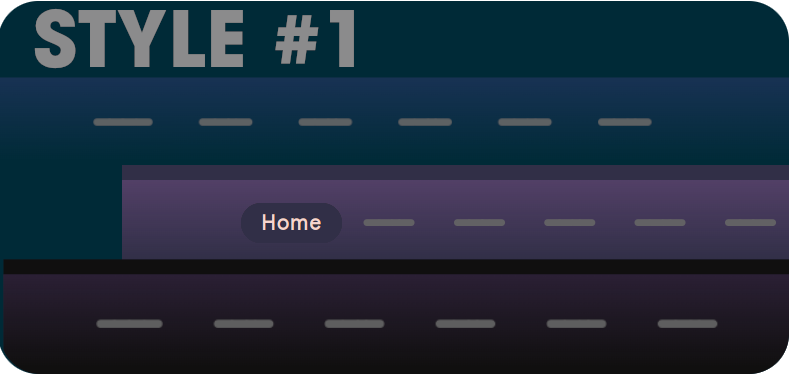
  <summary>Style #1</summary>
 <a href="https://github.com/dahliyah/obsidian-css-snippets/blob/main/Menus/Style%20%231/TopMenuS1.css"><img src="https://github.com/dahliyah/obsidian-css-snippets/blob/main/Menus/Style%20%231/style1.png?raw=true"></a>
</details>


<details>
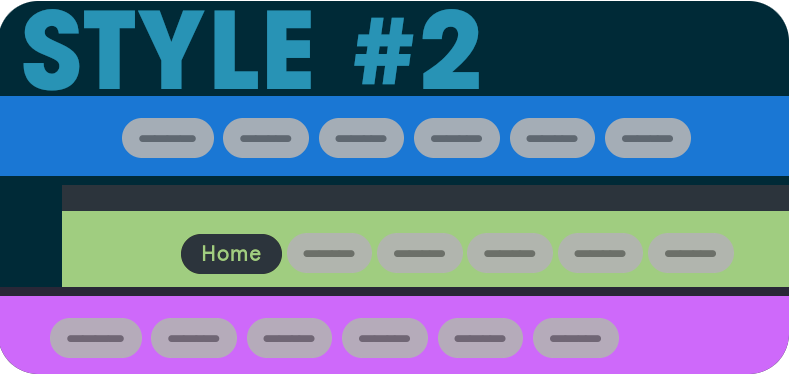
  <summary>Style #2</summary>
 <a href="https://github.com/dahliyah/obsidian-css-snippets/blob/main/Menus/Style%232/TopMenuS2.css"><img src="https://github.com/dahliyah/obsidian-css-snippets/blob/main/Menus/Style%232/style2.png?raw=true"></a>

Style #2 - Float Right - <a href="https://github.com/dahliyah/obsidian-css-snippets/blob/main/Menus/Style%232/TopMenuS2-floatright.css">CSS</a>


</details>
<br><br>

# CSS Callout w/ Style Settings Options (v. unfinished)
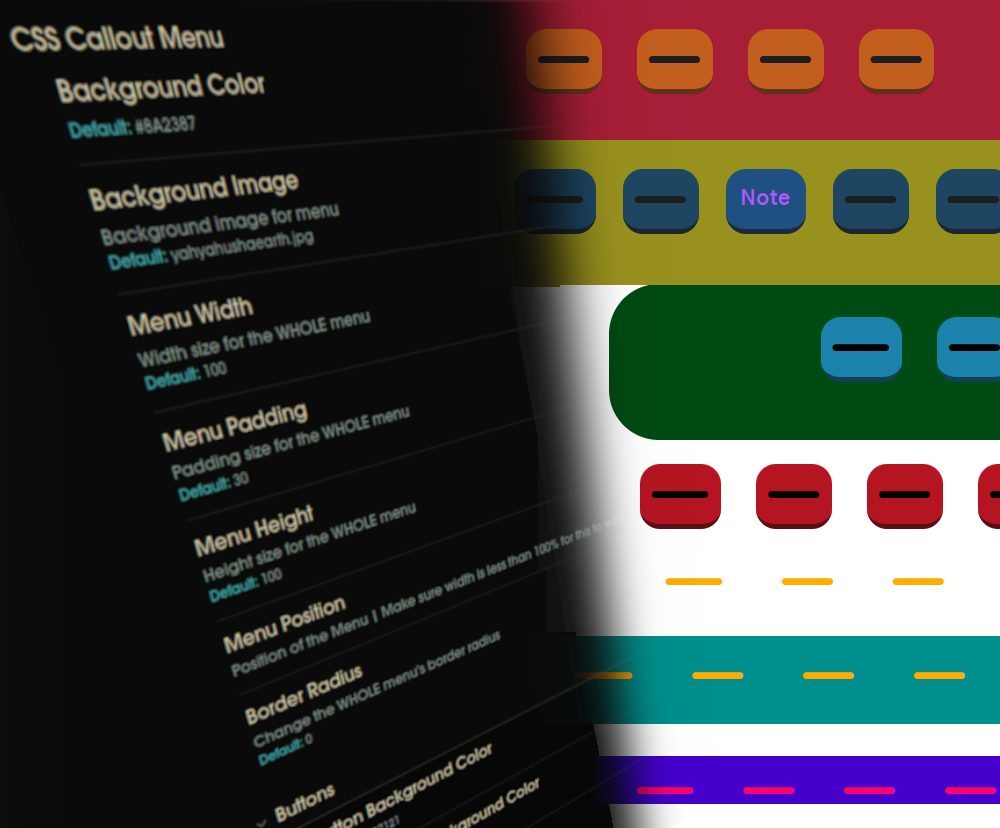
<a href="https://github.com/dahliyah/obsidian-css-snippets/blob/main/Menus/CSS%20Callout%20Menu%20with%20SS/TopMenuS2.css"><img src="https://github.com/dahliyah/obsidian-css-snippets/blob/main/Menus/CSS%20Callout%20Menu%20with%20SS/menu.png?raw=true" width="100%" height="400"></a>


<br><br>

Add **cssclass** to your note:
> cssclasses: topmenu

Add menu links with this callout:

```python
> [!topcss] 
> [[Home]] [[Note]] [[Note]] [[Note]] [[Note]]  [[Note]]
```


# Editor

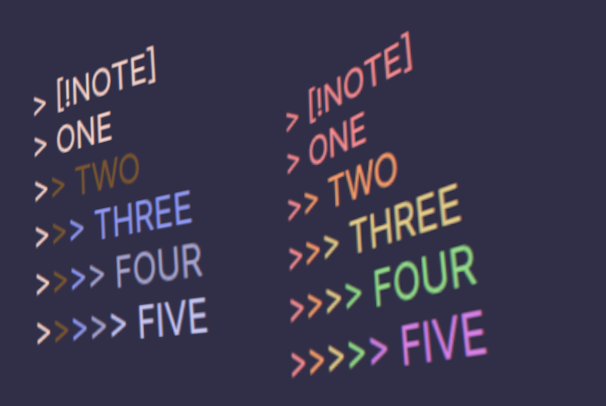
### Color Coded Nested Callouts 


<img src="https://github.com/dahliyah/obsidian-css-snippets/blob/main/Callouts/Color-Coded-Nested-Callouts/nestedcalloutscolorr.png?raw=true" alt="Color Nested Callout in Editor" width="300" />

**Colors**: <a href="https://github.com/dahliyah/obsidian-css-snippets/blob/main/Callouts/Color-Coded-Nested-Callouts/color-coded-nested-callouts.css">Regular</a> | <a href="https://github.com/dahliyah/obsidian-css-snippets/blob/main/Callouts/Color-Coded-Nested-Callouts/color-coded-nested-callouts-rainbows.css">Rainbow</a>


# User Interface

### Collapsible Right Headers
(Edited Original CSS to remove Header Background - **Credit link in CSS**)

<a href="https://github.com/dahliyah/obsidian-css-snippets/blob/main/Edited%20CSS%20Snippets/Collapsible%20Right%20Headers/Collapsible%20Right%20Headers.css"><img src="https://github.com/dahliyah/obsidian-css-snippets/blob/main/Edited%20CSS%20Snippets/Collapsible%20Right%20Headers/crh.gif?raw=true"></a>


---


**WILL** be adding more ! - 12/08/2023


---

##### Like the Snips? <u>Donate.</u>

[![ko-fi](https://ko-fi.com/img/githubbutton_sm.svg)](https://ko-fi.com/N4N2O58WS)

How to Install

  1. Download the CSS file below
  2. Move it to your vault's .obsidian/snippets/ folder
  3. Open Obsidian → Settings → Appearance → CSS Snippets → Enable it
Download snippet.css

Stats

Stars

15

Forks

0

Last updated 27mo ago