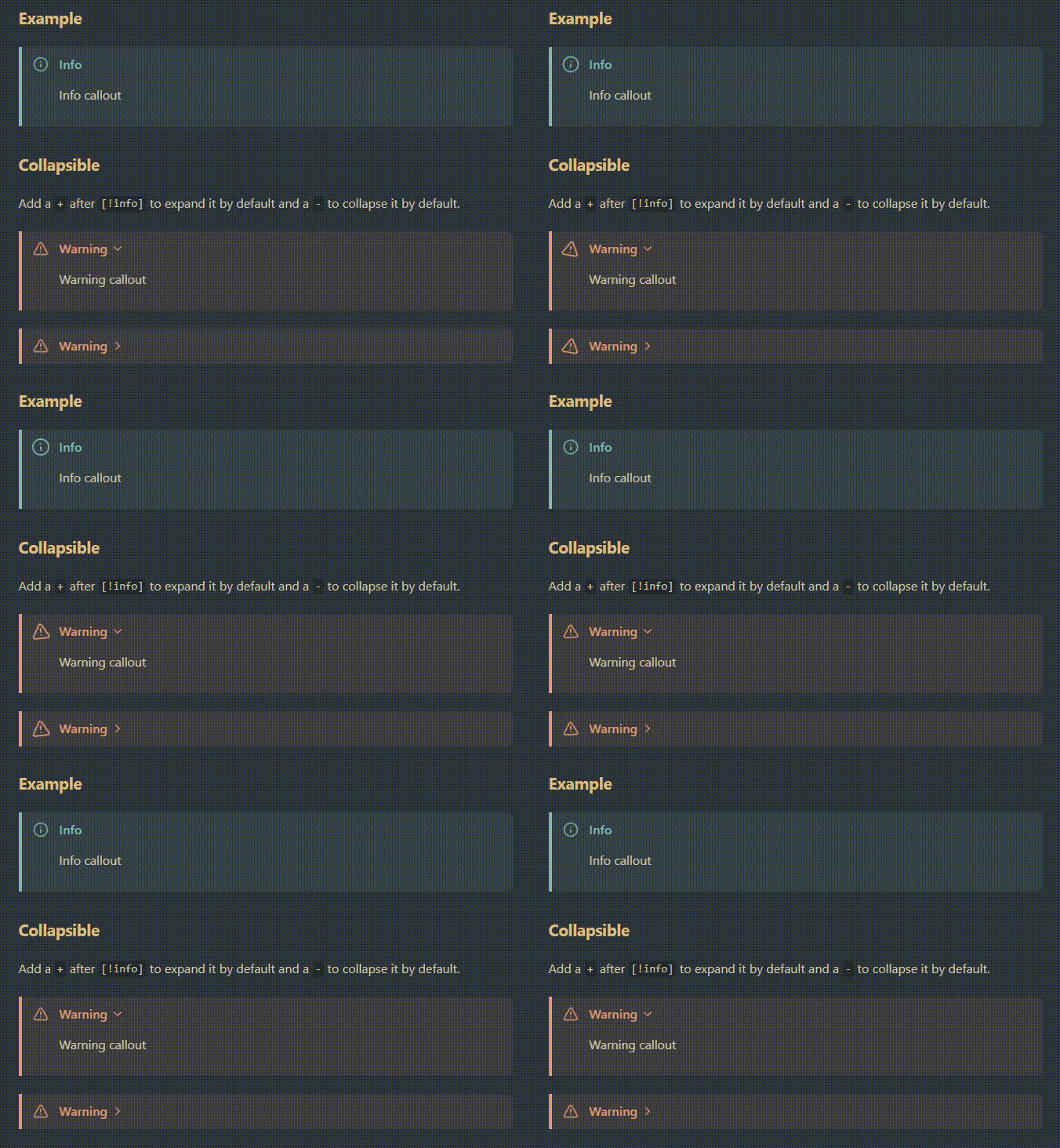
Obsidian animated callouts
animated-callouts.css is an Obsidian CSS snippet that modifies the appearance of callouts.
How to use
[!note] The following instructions written for Windows desktop. They are likely similar on other platforms but have not been tested.
To use the CSS snippet:
- In Obsidian, open Settings.
- Under Appearance → CSS snippets, click Open snippets folder (folder icon).
- In the opened snippets folder, copy in animated-callouts.css.
- In Obsidian, under Appearance → CSS snippets, click Reload snippets (refresh icon).
- To the right of the new animated-callouts entry, click the toggle to enable the snippet.
How to Install
- Download the repository ZIP below
- Unzip it and find the CSS snippet file
- Move the CSS file into your vault's
.obsidian/snippets/folder - Open Obsidian → Settings → Appearance → CSS Snippets → Enable it
Stats
Stars
4
Forks
0
License
MIT
Last updated 25mo ago
Categories
Tags
cssmarkdownobsidiansnippetsnippetsstylesheetstylesheets