
Pink Obsidian
Pink your notes
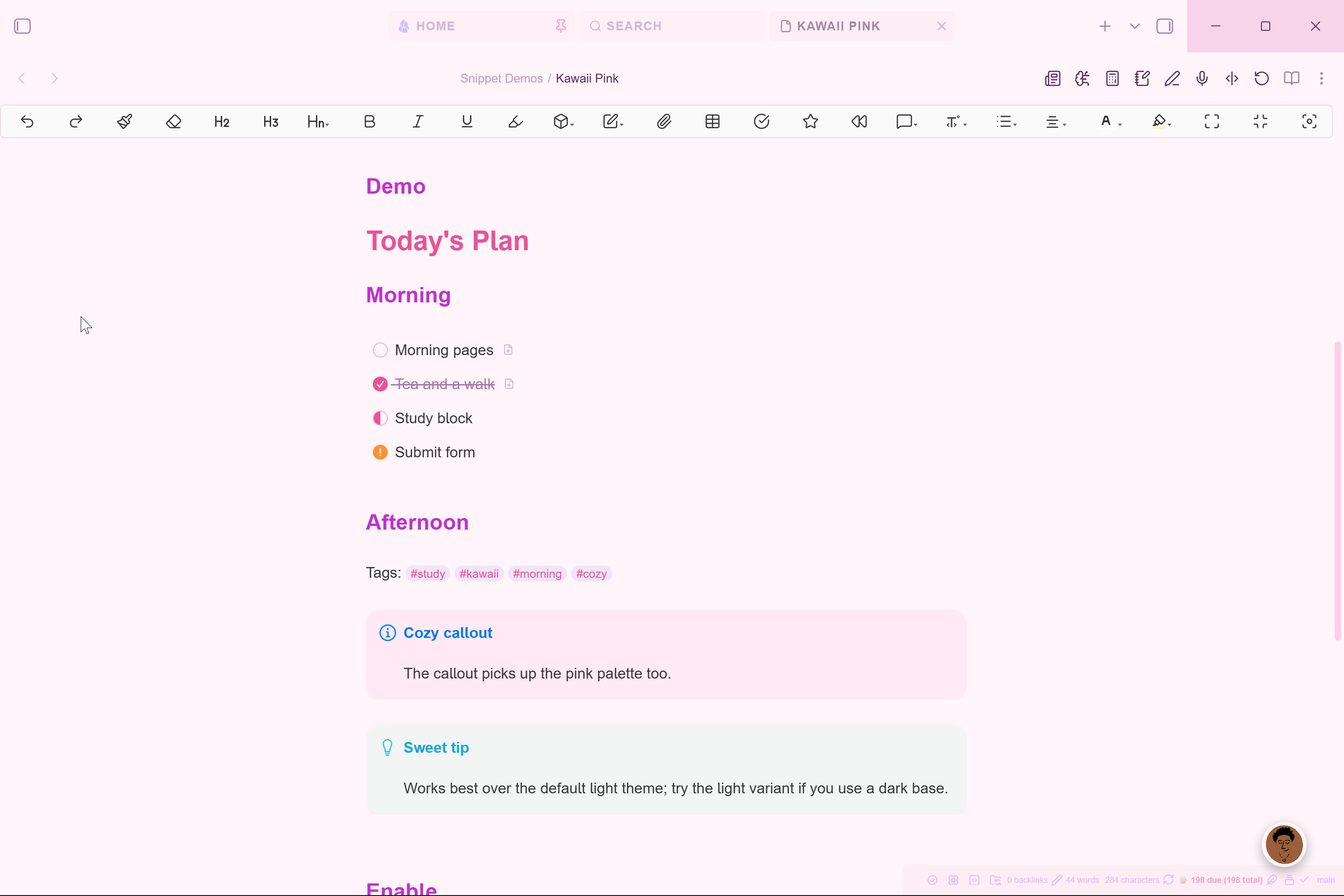
Description
Overrides core Obsidian color variables with a cozy pink palette (primary pink, soft pink, peach, lavender, mint). Rounds corners to 16px, softens borders, and reworks hover states so the whole app feels like a pastel notebook. Affects the sidebar, tabs, callouts, tags, and headings.
Installation
- Download
.obsidian/snippets/kawaii-pink.cssfrom this repo - Place it in your vault's
.obsidian/snippets/folder - Enable it in Settings > Appearance > CSS Snippets
Published via Vault Hub
How to Install
- Download the repository ZIP below
- Unzip it and find the CSS snippet file
- Move the CSS file into your vault's
.obsidian/snippets/folder - Open Obsidian → Settings → Appearance → CSS Snippets → Enable it
Stats
Stars
0
Forks
0
Last updated 5mo ago