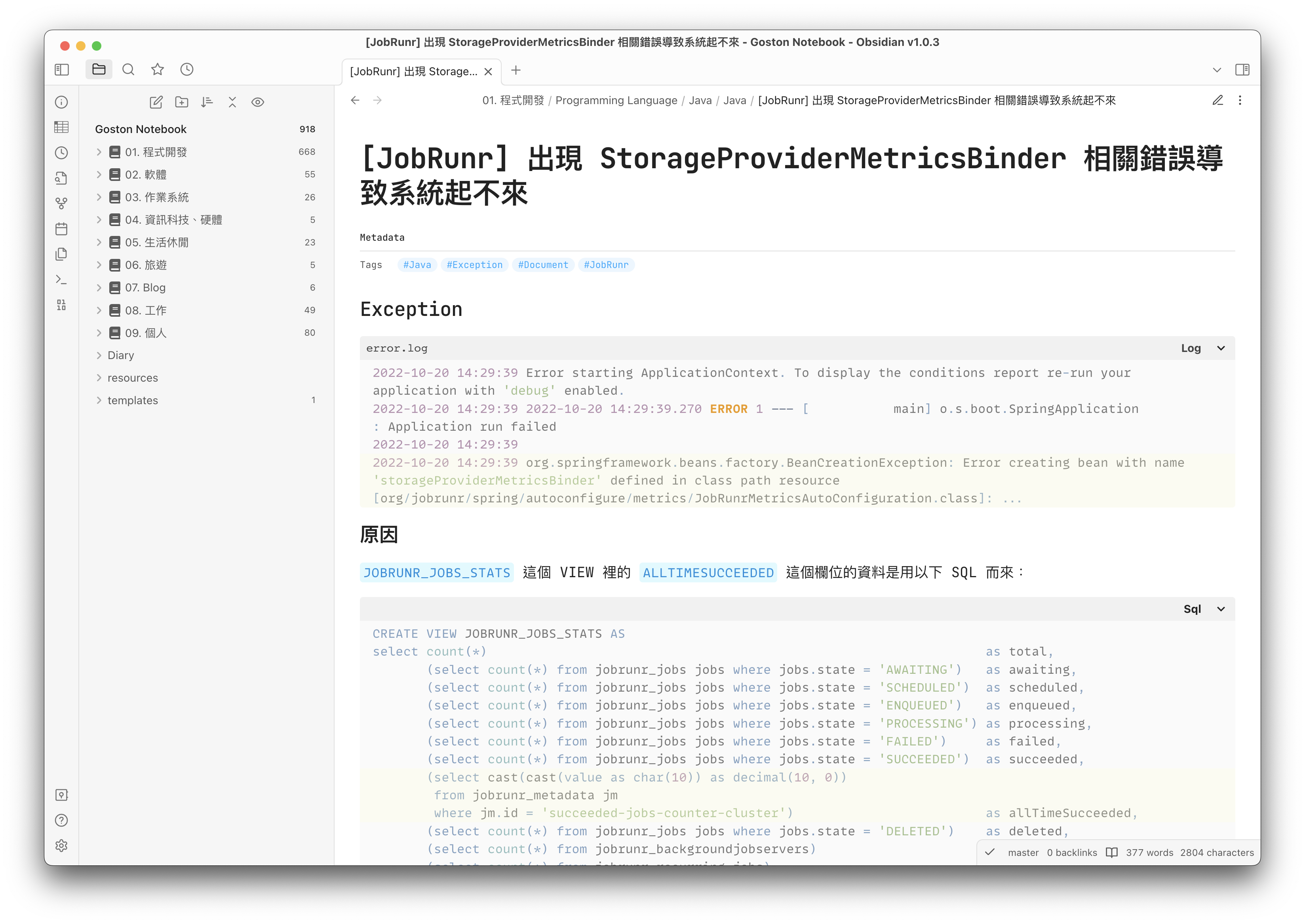
Obsidian-css
My CSS snippets for Obsidian default theme.
How to use
- Download
Goston-variable-snippets.cssAND other css snippets files (*.css) you need - Copy previous download files into Obsidian Snippets folder (default is:
.obsidian/snippets) - Enabled the css snippets at Preferences → Appearance settings...
- You must download
Goston-variable-snippets.cssfirst, because other css snippets file depend on it.- Every file has a comment at the top of the file, you can read it to know what it does.
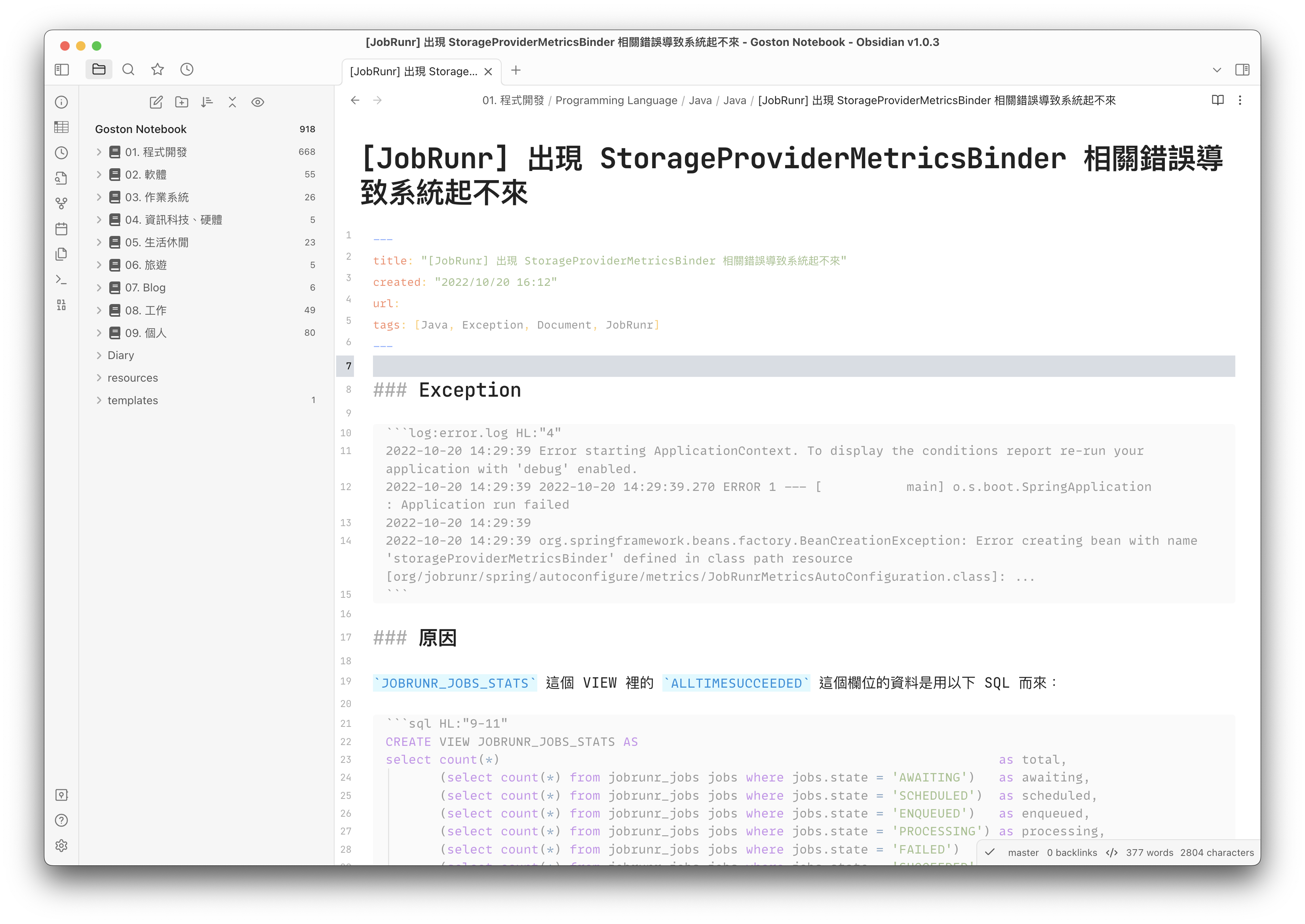
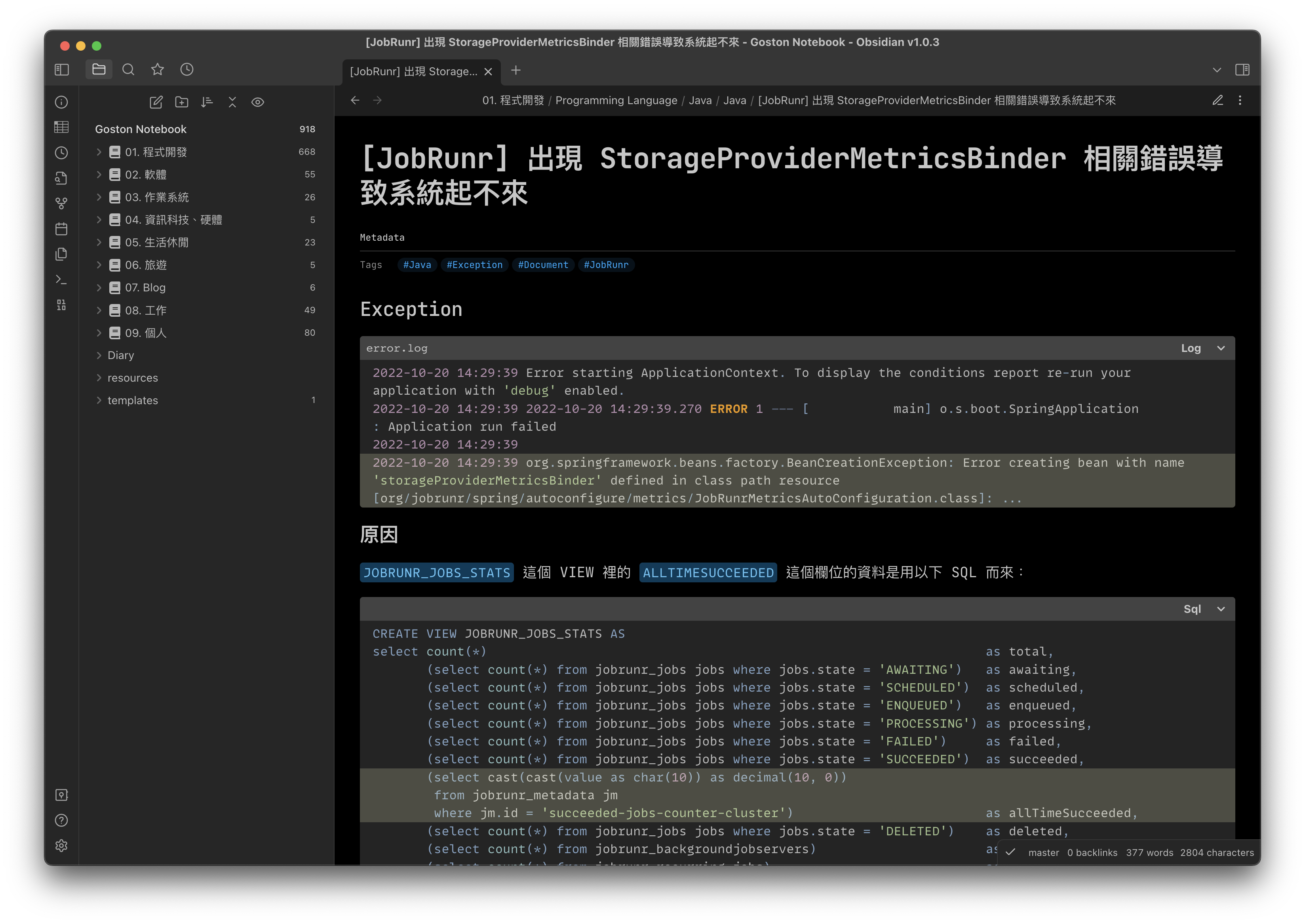
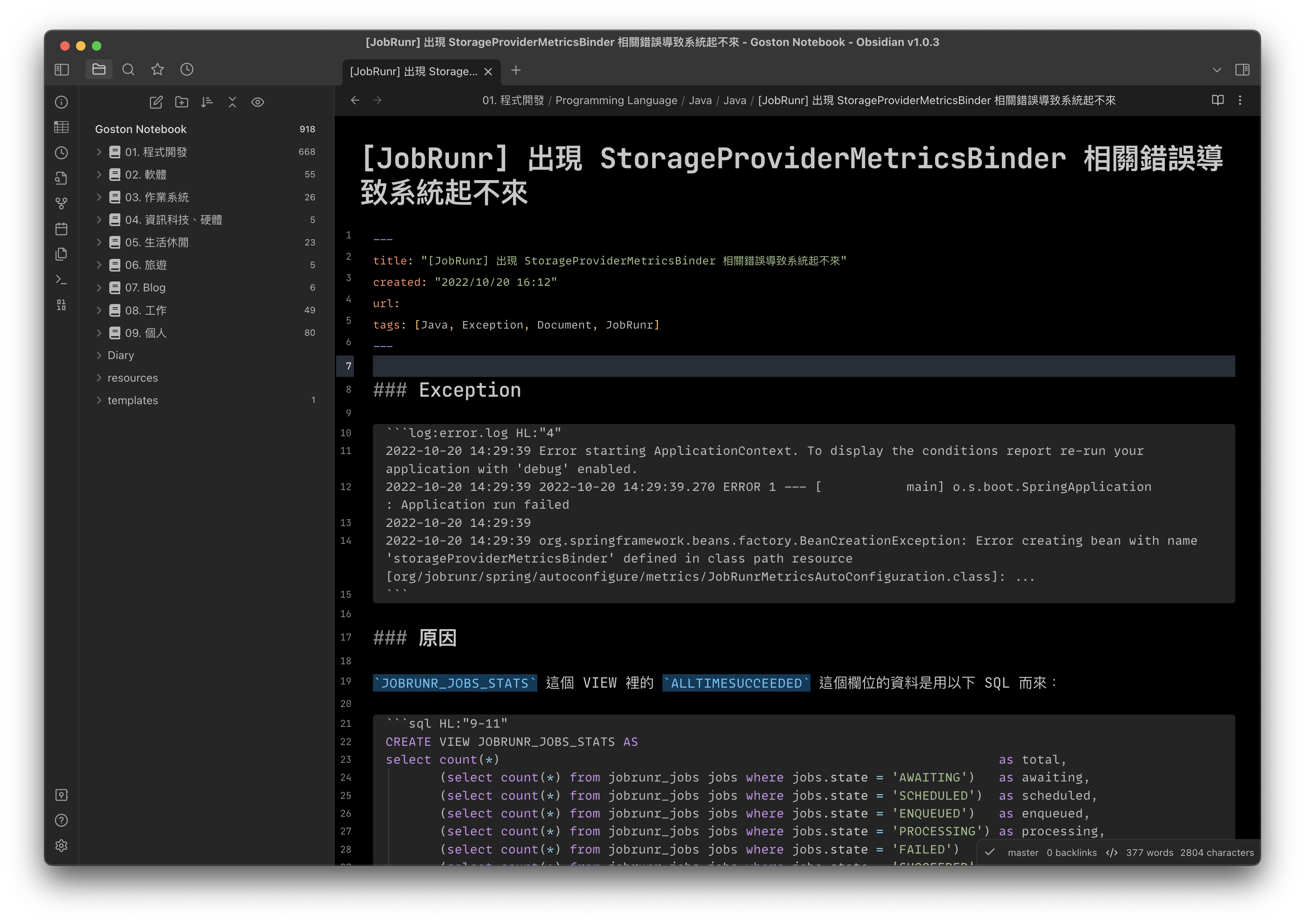
Screenshots
How to Install
- Download the repository ZIP below
- Unzip it and find the CSS snippet file
- Move the CSS file into your vault's
.obsidian/snippets/folder - Open Obsidian → Settings → Appearance → CSS Snippets → Enable it
Stats
Stars
6
Forks
0
Last updated 41mo ago
Categories
Tags
cssobsidian