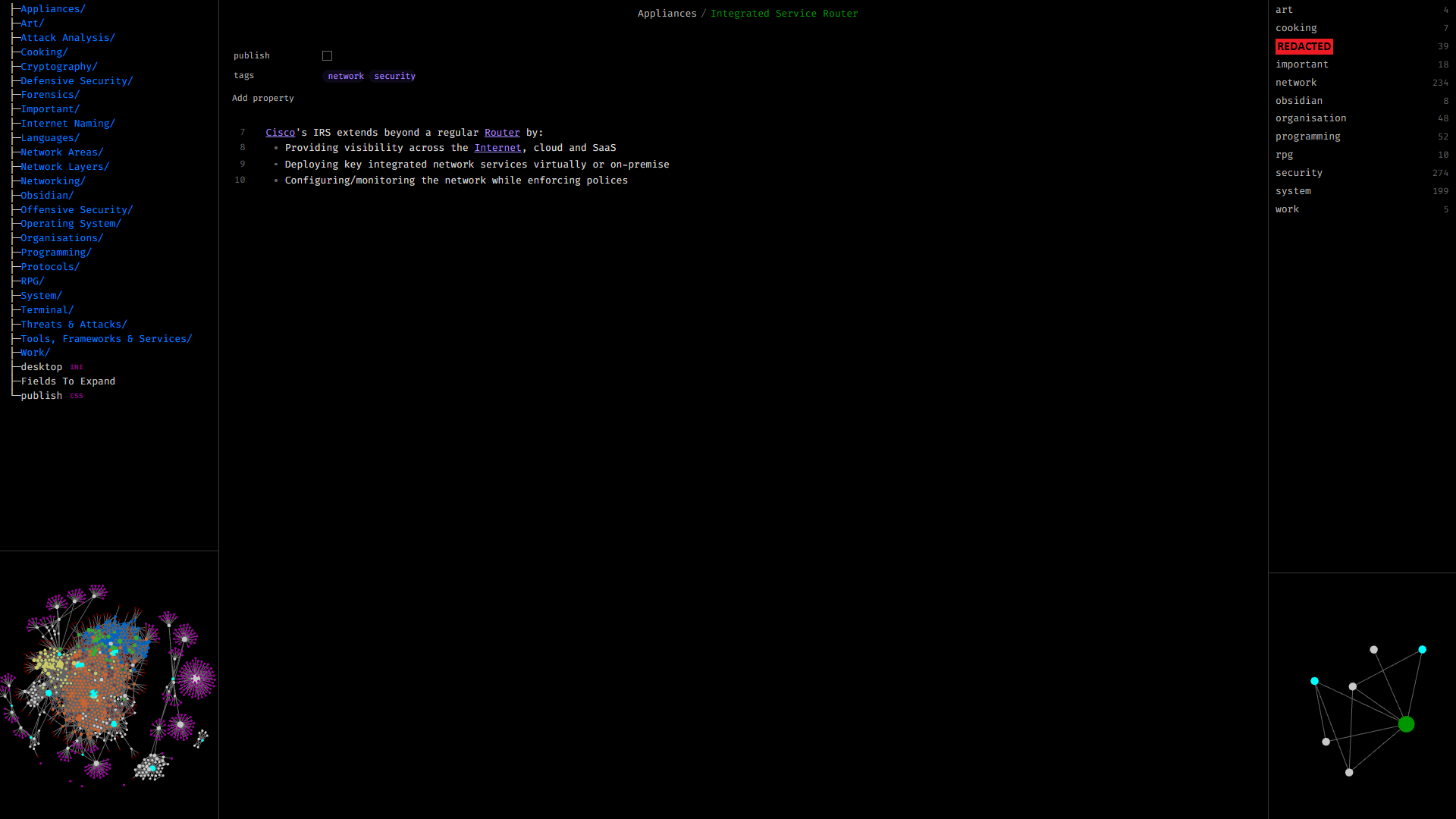
A work in progress CSS snippet that takes from the Linux terminal. It is intended to be minimalistic and exclusive to dark mode: for gremlins and other basement dwellers.
Current Visualisation
How To Use
Snippet
- In Obsidian, open the
Settings > Appearance > CSS snippets - Click 🗁 to open the vault's snippets directory
.obsidian/snippets/ - Place the theme.css into the opened directory
- Back in Obsidian, click ⭮ to reload snippets
- Enable it
Icon
- In Obsidian, open the
Settings > Appearance > Custom app icon - Click
Choose - Select obsidian.ico
Specifics
Font
The font styling was left untouched in order for users to select what best suits them but I do recommend using a monospace font, such as Fira Code.
Keyboard-Only
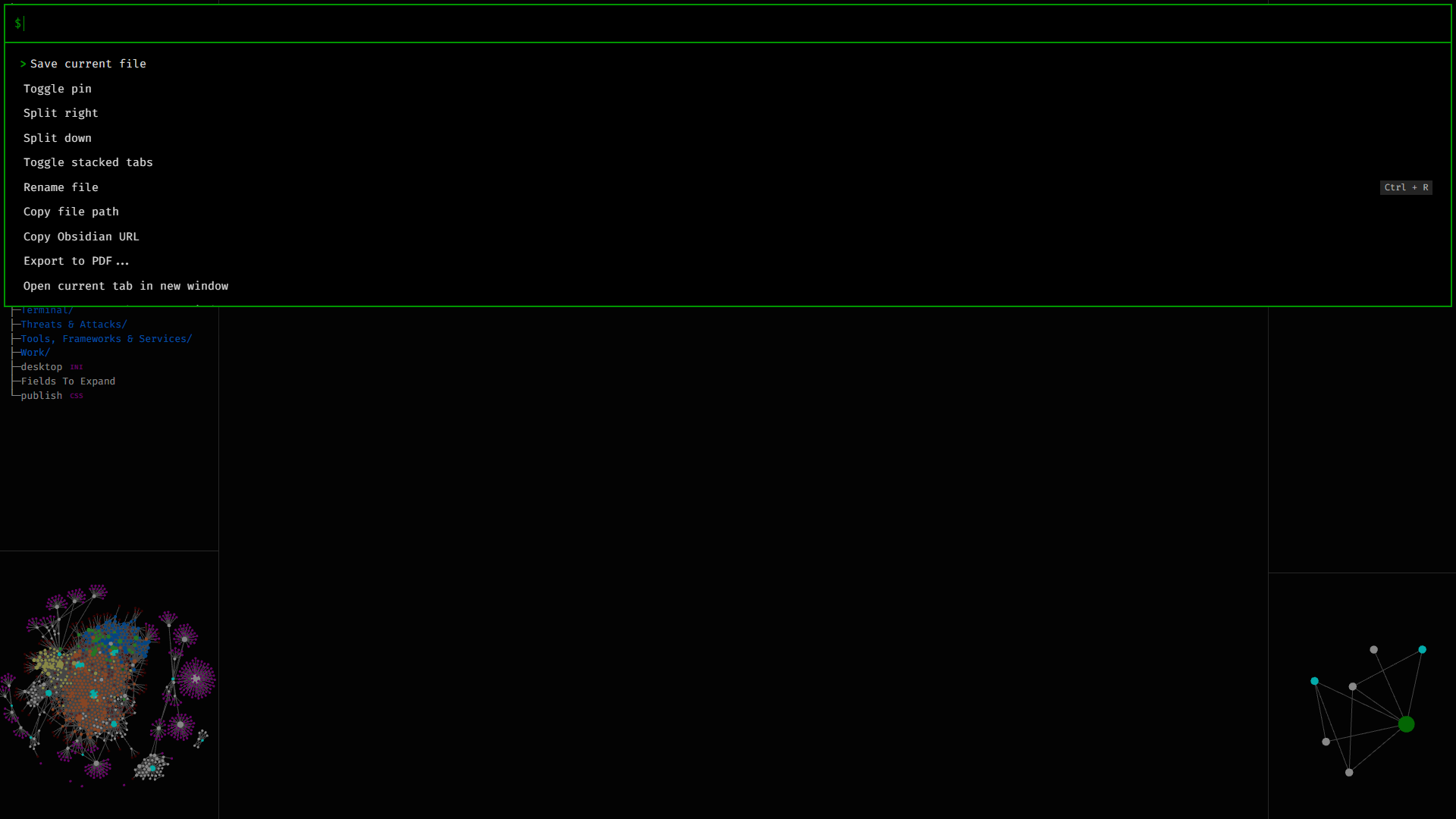
This theme has been optimised for hotkey-use only and thus the Quick Switcher
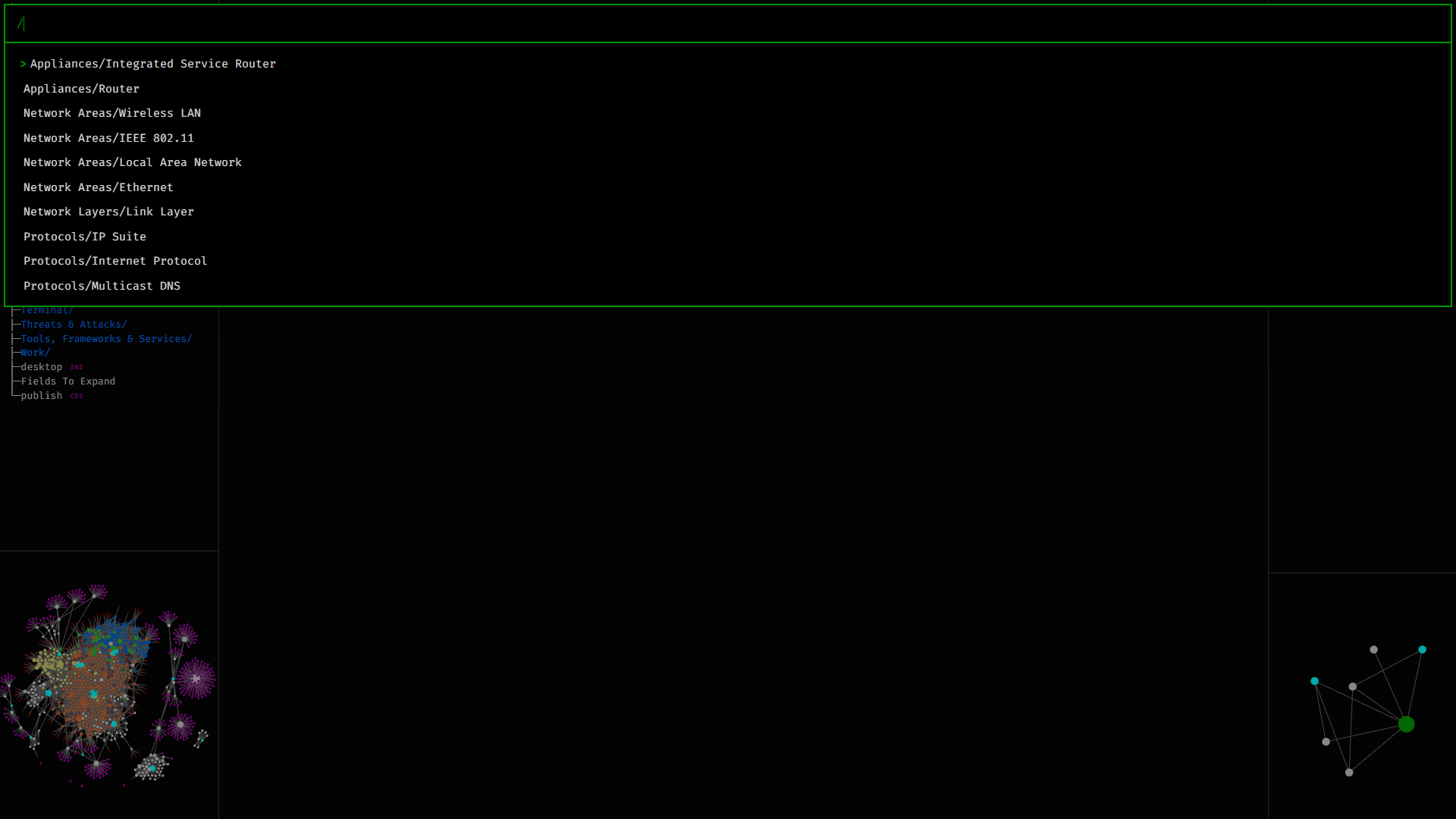
and the Command Palette have been tweaked:
How to Install
- Download the repository ZIP below
- Unzip it and find the CSS snippet file
- Move the CSS file into your vault's
.obsidian/snippets/folder - Open Obsidian → Settings → Appearance → CSS Snippets → Enable it
Stats
Stars
2
Forks
0
Last updated 25mo ago
Categories
Tags
css-snippetobsidian