SNIPPET
CosmicSeaFoxnightveil-obsidian-css
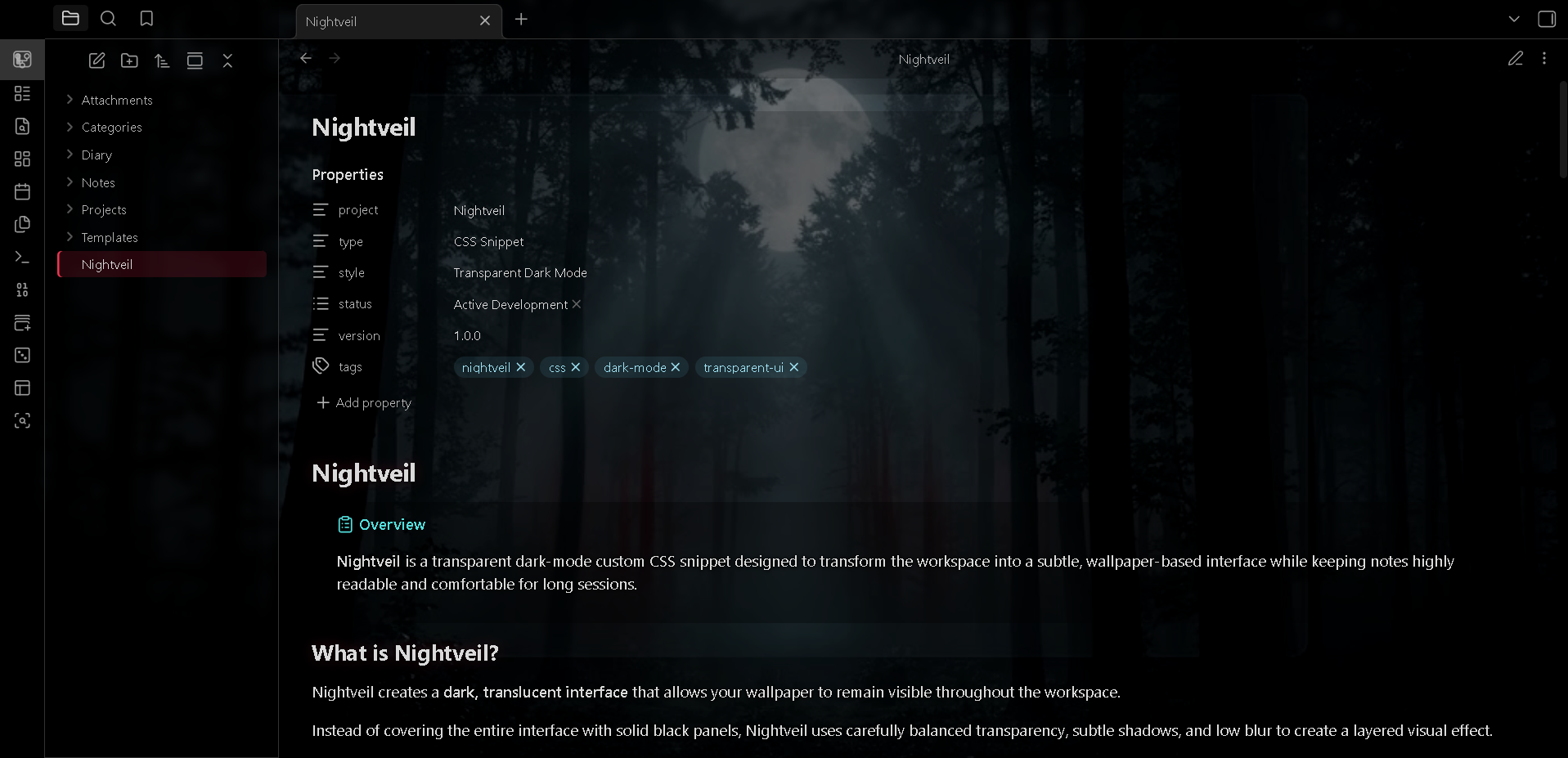
A custom transparent dark-mode CSS snippet with wallpaper support, low blur, and high readability.
Nightveil
Transparent Dark Mode CSS
Nightveil is a custom CSS snippet built around a simple idea:
What if dark mode didn't have to hide the world behind it?
It creates a transparent dark interface that lets your wallpaper quietly show through. Low blur, subtle accents, and strong text contrast keep everything clean and readable while preserving the atmosphere.
Features
- Transparent dark interface
- Wallpaper-based background
- Low blur & high readability
- Transparent panels, navigation & tabs
- Transparent editor, reading view & graph
- Subtle crimson accents
- No zebra table styling
Installation
- Download
Nightveil.css - Place it in your CSS snippets folder
- Enable Nightveil
Wallpaper
Replace the wallpaper URL:
background-image: url("YOUR-WALLPAPER-URL");
For the best effect, use a wallpaper with both light and dark areas.
Support ☕
If you enjoy Nightveil and want to support development:


License
MIT License
Nightveil — Let the background breathe.
How to Install
- Download the repository ZIP below
- Unzip it and find the CSS snippet file
- Move the CSS file into your vault's
.obsidian/snippets/folder - Open Obsidian → Settings → Appearance → CSS Snippets → Enable it
Stats
Stars
0
Forks
0
License
MIT
Last updated 1mo ago
Categories
Tags
obsidianobsidian-communityobsidian-notesobsidian-themetransparent