
Incremental note names for Obsidian
This is a script to help generate incrementally numbered note names, such as:
ADR 013 - Use AWS SQSRFC862 Echo Protocol[BUG-1348] Splines not reticulated
Requirements
Setup
- Drop the
Incremental.jsfile from this repository into your vault. - Create a QuickAdd macro (under "Manage Macros").
- Add the user script as a macro step.

- Configure the user script step. The query should at least filter by the target folder (remember that DataView wants folder names to be quoted). If your target folder contains other types of files that you don't want to be counted, you can add additional conditions such as tags.
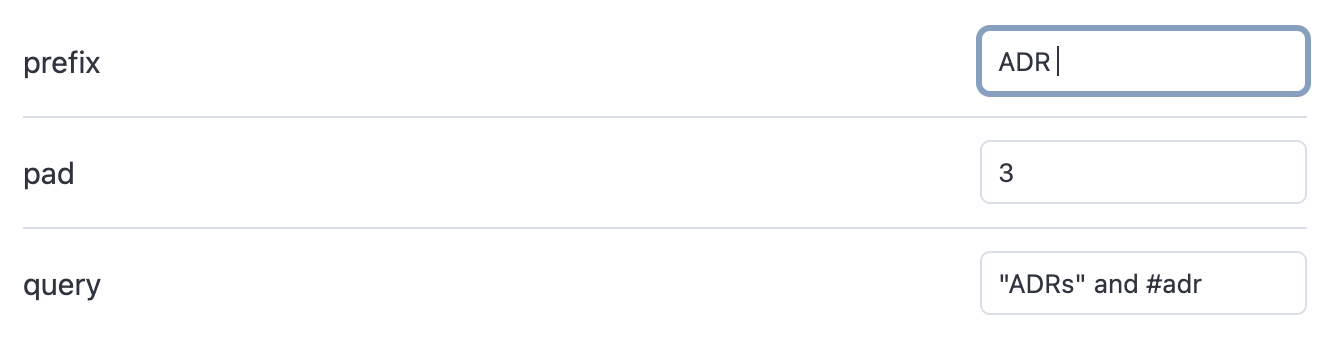
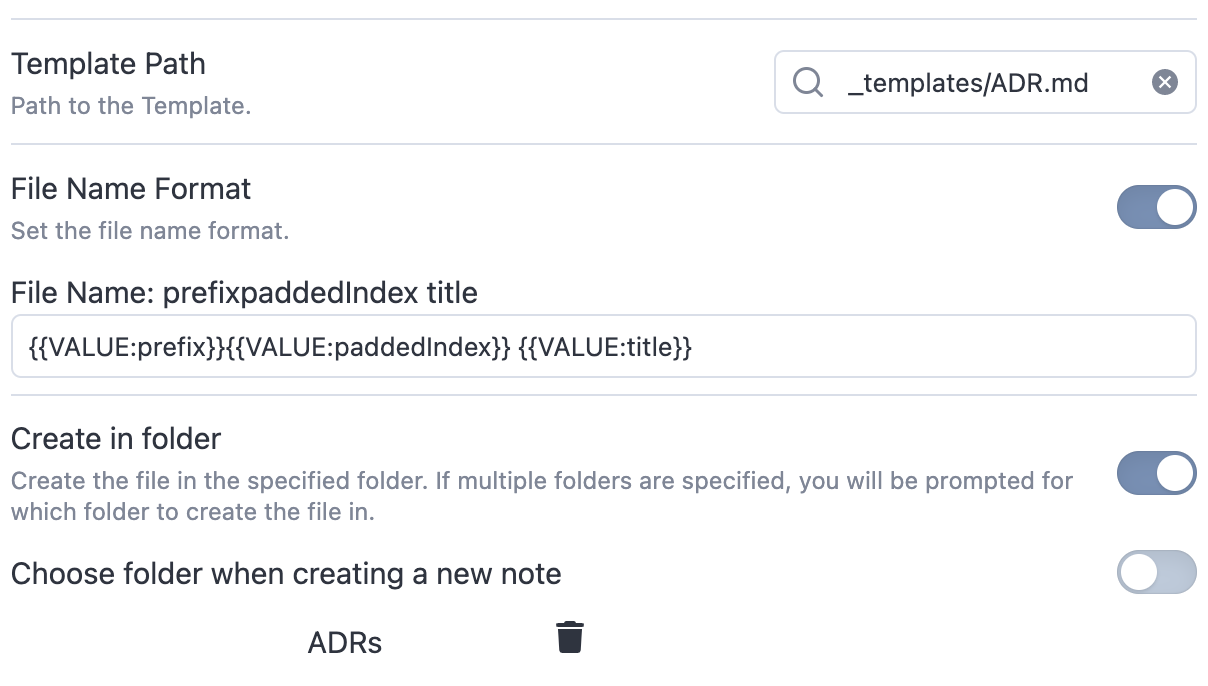
- Add a template macro step. Use the variables exposed by the user script to format the file name you want. Make sure the target folder matches your query expression.
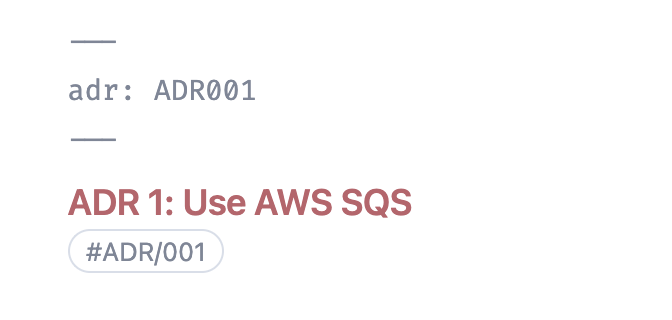
- Set up your template as you want. Here you can also use the variables exposed by the user script; see the example template.
The user script also exposes the FileName function that you can use with the QuickAdd {{MACRO:}} syntax, but it is less flexible and less convenient than the setup above. In this case, the macro name chosen in step 2 is significant and must match the expression.

How to Install
- Download the template file from GitHub
- Move it anywhere in your vault
- Open it in Obsidian — done!
Stats
Stars
9
Forks
0
License
MIT
Last updated 40mo ago
Categories