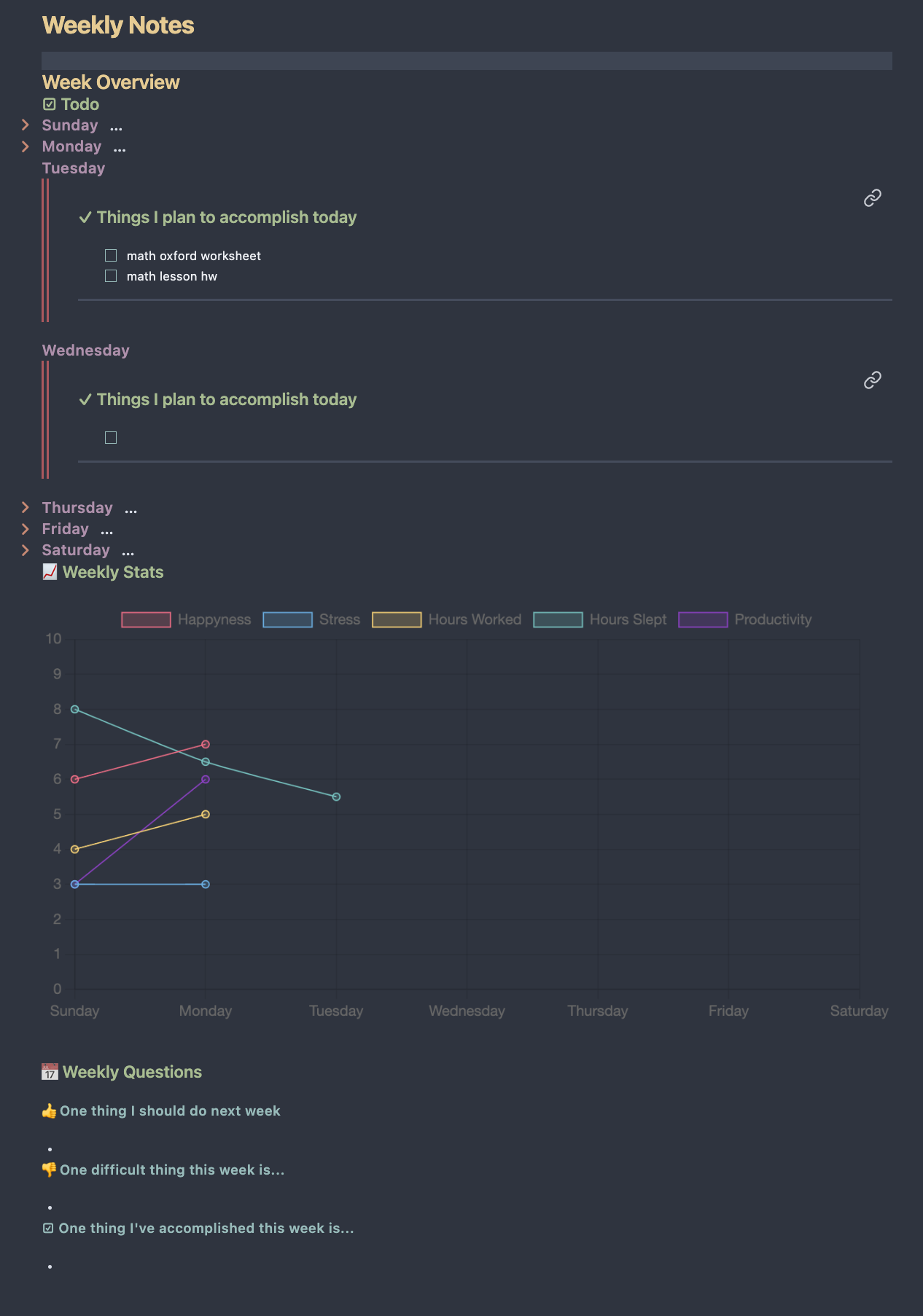
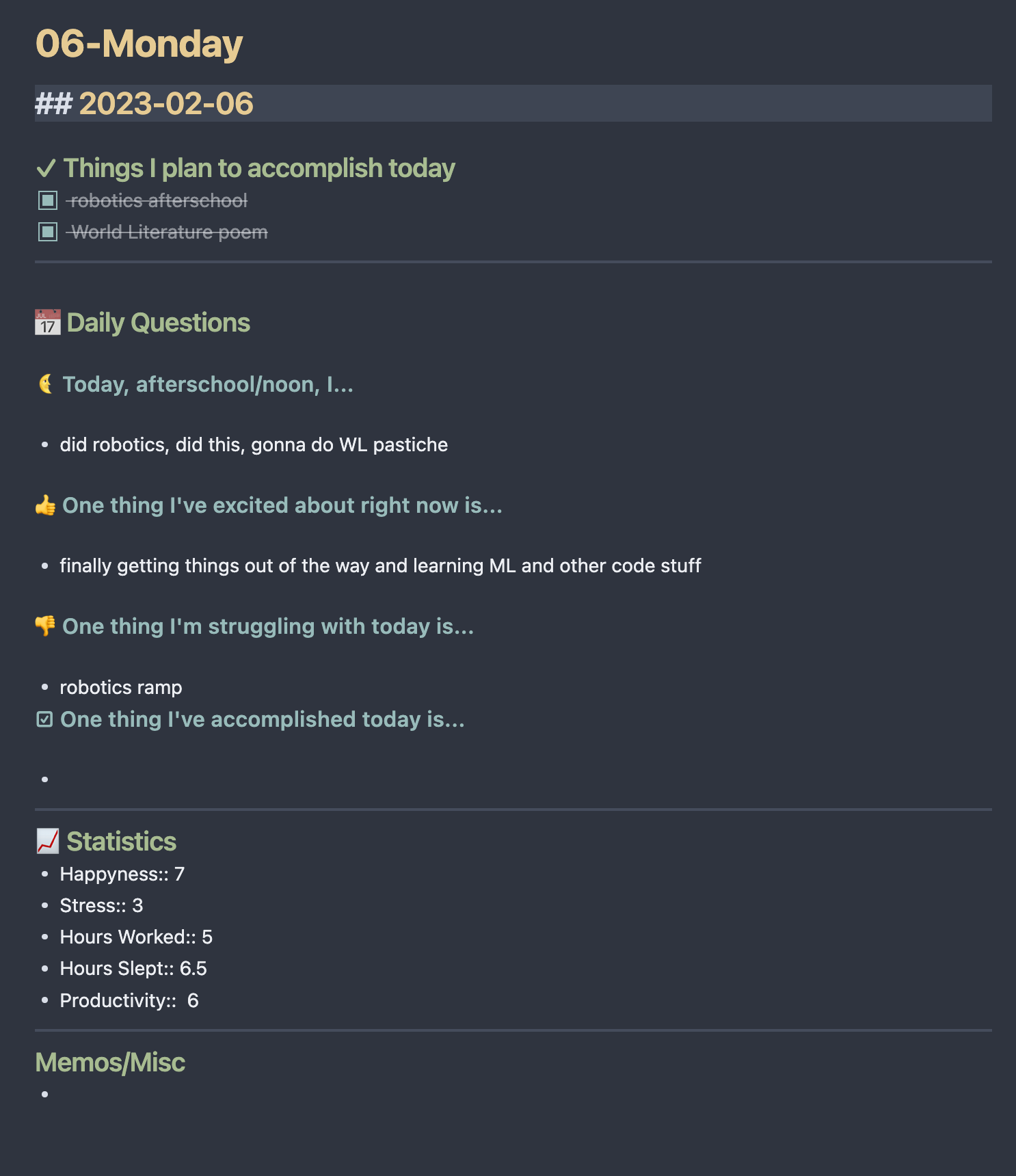
A Simple Obsidian Daily Template
A basic obsidian daily template, feel free to fork and change things if this is something you're interested in using
Installation
First install these extensions, without them it would probably not work
- Templater: It is used for dynamically changing some text elements in files during generation
- You'll need to go into the settings and turn on the
Trigger templater on new file creationfor this setup to work
- You'll need to go into the settings and turn on the
- Obsidian Calendar: It is used for creating daily and weekly note files
- You could optionally use Periodic Notes which seems much more customizable and powerful but it seems overkill for my purpose
- Obsidian Charts & Obsidian Dataview: It is used for visualizing and processing your weekly data
Then you'll have to figure out how your notes will be formatted currently the default is
- Notes
- YYYY
- Week W
- DD-dddd
- Weekly Notes If you wish to change it you may need to mess with some of the templater code (which TBH is quite jank because I kept running into issues)
- Week W
- YYYY
to apply the default settings
- go into daily notes
- Set new file location to Notes/
- add
YYYY/[Week] w/DD-ddddto date format
- go to calendar
- Turn on
show week number - add
YYYY/[Week] w/[Weekly Notes]to weekly note format
- Turn on
Then finally you can copy the template files into your vault, copy/download/clone the template files to Notes/ directory then set the corresponding files to the templates in the settings.
Todo
- Compare previous weeks data with this weeks data, show improvements, things that decreased, etc.
- Make some sort of yearly page, a summary of weekly notes
How to Install
- Download the template file from GitHub
- Move it anywhere in your vault (or your sidebar notes)
- Open it in Obsidian — done!
Stats
Stars
31
Forks
2
Last updated 44mo ago
Categories
Tags
daily-tasksnotes