Idea Portal
The Obsidian Idea Portal allows you to quickly capture ideas directly into an Obsidian vault folder using the browser, the File System Access API, and a lightweight static HTML page.









Obsidian Idea Portal
The Obsidian Idea Portal allows you to quickly capture ideas directly into an Obsidian vault folder using the browser, the File System Access API, and a lightweight static HTML page.
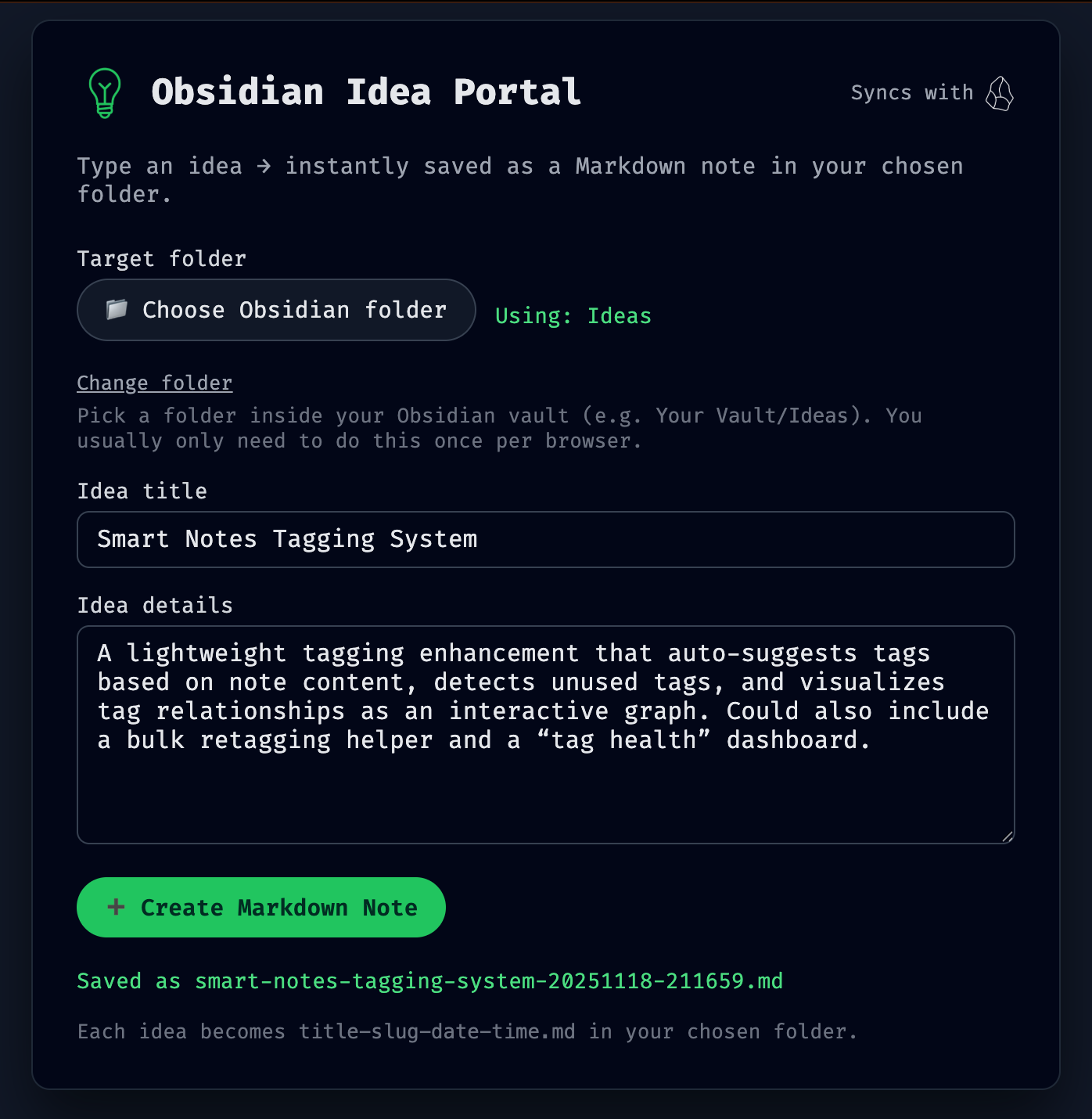
Application Preview
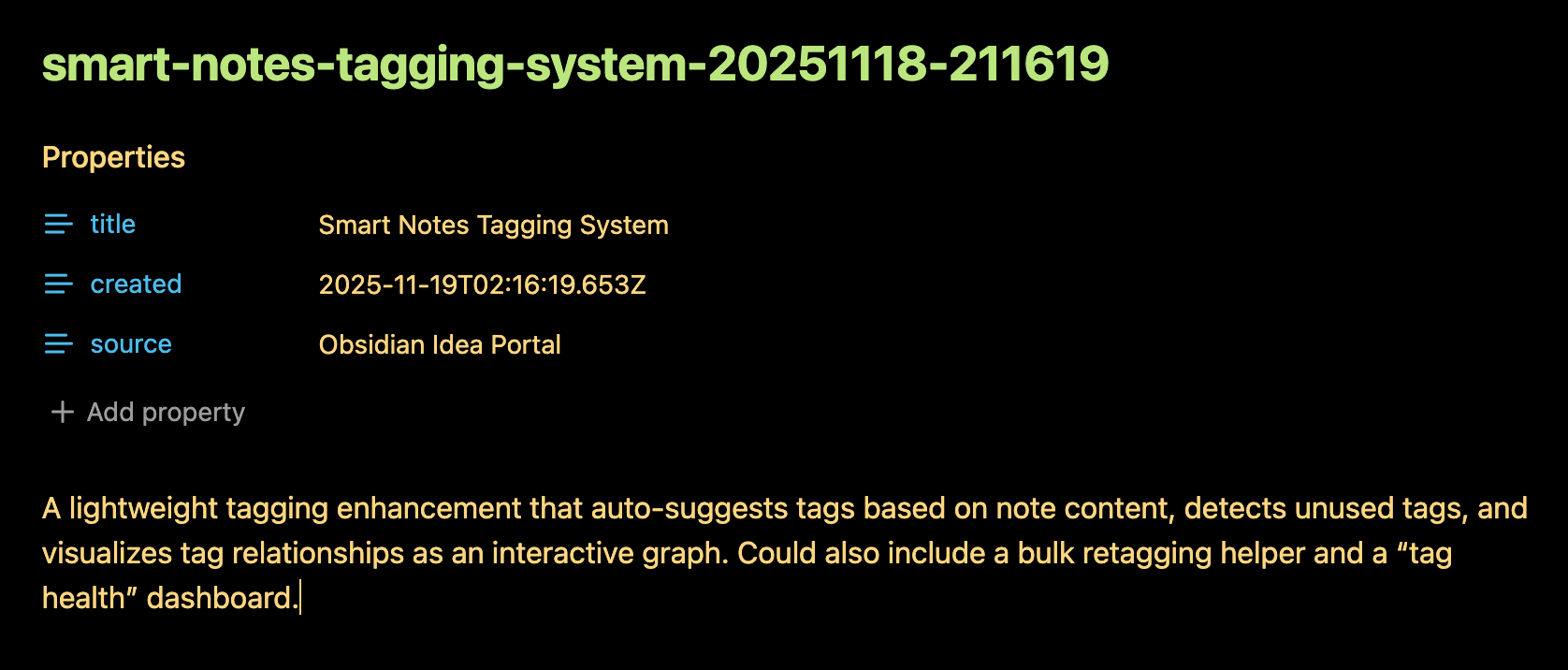
Markdown Output
Table of Contents
Getting Started
This README walks you through the setup, folder selection, running the site locally, and deploying it.
Dependencies
To run the web version locally:
Required
- Chrome, Edge, or any Chromium-based browser
(File System Access API is required) - Node.js 16+
npx(included with Node)
Optional
- Obsidian (to verify notes are appearing in the selected vault folder)
Configuration
The app requires selecting a vault folder before saving notes.
Selecting an Obsidian Vault Folder
- Open the web page in your browser.
- Click 📁 Choose Obsidian folder.
- Select a folder inside your vault (example:
Ideas/). - The browser requests permission — click Allow.
- Your folder choice is saved in IndexedDB, so it persists across browser sessions.
To change folders later:
- Click “Change folder” under the folder selector.
Installation
1. Clone the repository or open the HTML file
Place the project (this repository) anywhere on your machine, such as:
~/Documents/Obsidian-Idea-Portal/
2. Deploy the app
See the Deployment section below.
Deployment
You need to serve the page over http://localhost for the File System Access API to persist directory handles.
Run locally with npx serve:
In the root directory, run:
npx serve .
You'll see something like:
Serving!
Local: http://localhost:3000
Visit:
http://localhost:3000/obsidian-idea-portal.html
Resources
License
This project is released under the terms of the MIT License, which permits use, modification, and distribution of the code, subject to the conditions outlined in the license.
- The MIT License provides certain freedoms while preserving rights of attribution to the original creators.
- For more details, see the LICENSE file in this repository. in this repository.
Credits
Author: Scott Grivner
Email: scott.grivner@gmail.com
Website: linktr.ee/scottgriv
Reference: Main Branch

How to Install
- Download the ZIP or clone the repository
- Open the folder as a vault in Obsidian (File → Open Vault)
- Obsidian will prompt you to install required plugins
Stats
Stars
0
Forks
0
License
MIT
Last updated 8mo ago
Categories
Tags