Obsidian Asset Manager
Obsidian Asset Management Model
  ____  __       _    ___             ___               __
 / __ \/ /  ___ (_)__/ (_)__ ____    / _ | ___ ___ ___ / /____
/ /_/ / _ \(_-</ / _  / / _ `/ _ \  / __ |(_-<(_-</ -_) __(_-<
\____/_.__/___/_/\_,_/_/\_,_/_//_/ /_/ |_/___/___/\__/\__/___/
⚡️ Quick Start
1️⃣ Check preconditions
2️⃣ Install obsiasset tool
pip install obsiasset
3️⃣ Open Obsidian and create a vault
4️⃣ Init Asset Vault and Import Sample Assets
cd <dir_of_obsidian_vault>
obsiasset init --schema sales --lang en --import-sample
5️⃣ Back to Obsidian
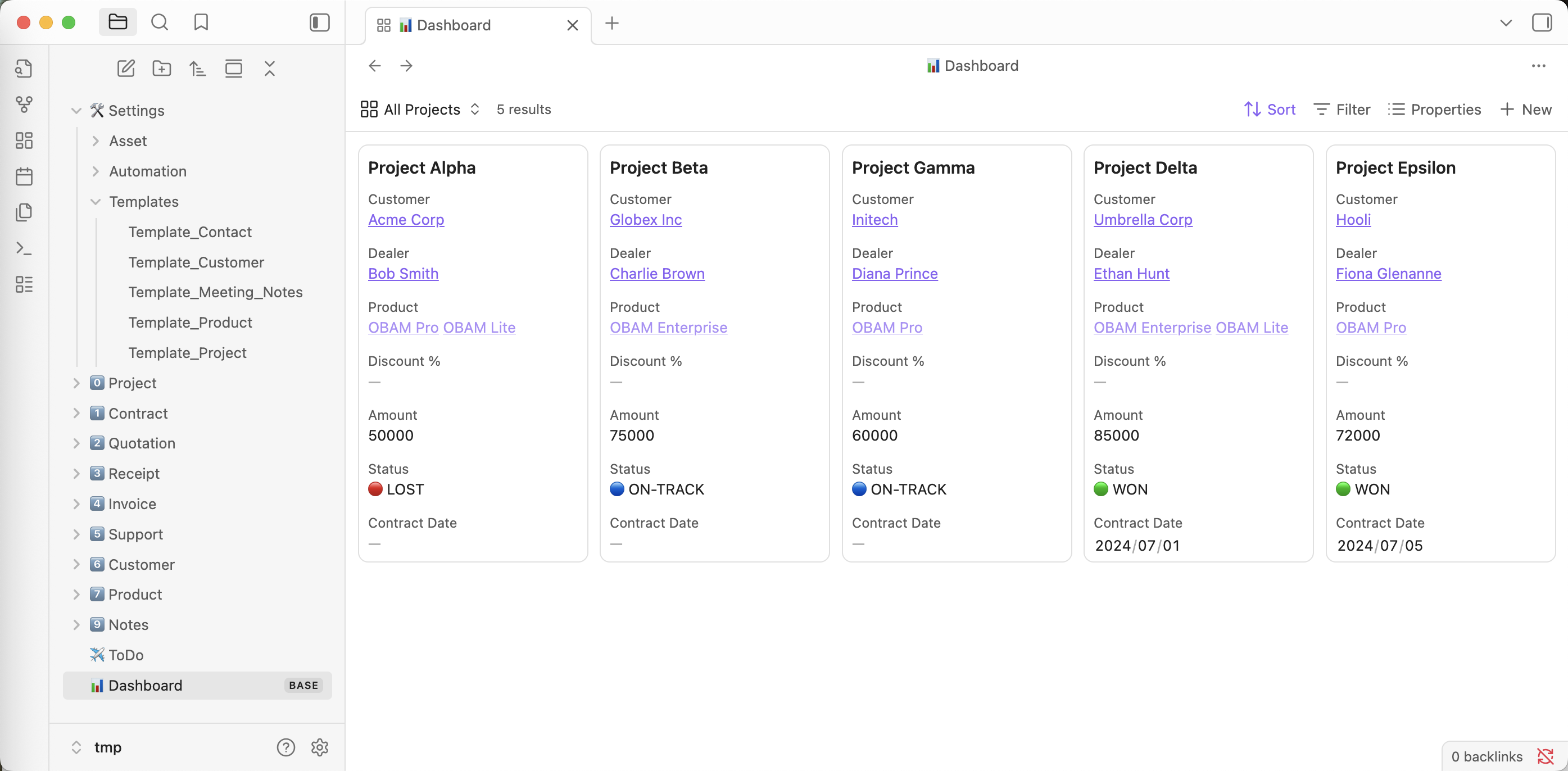
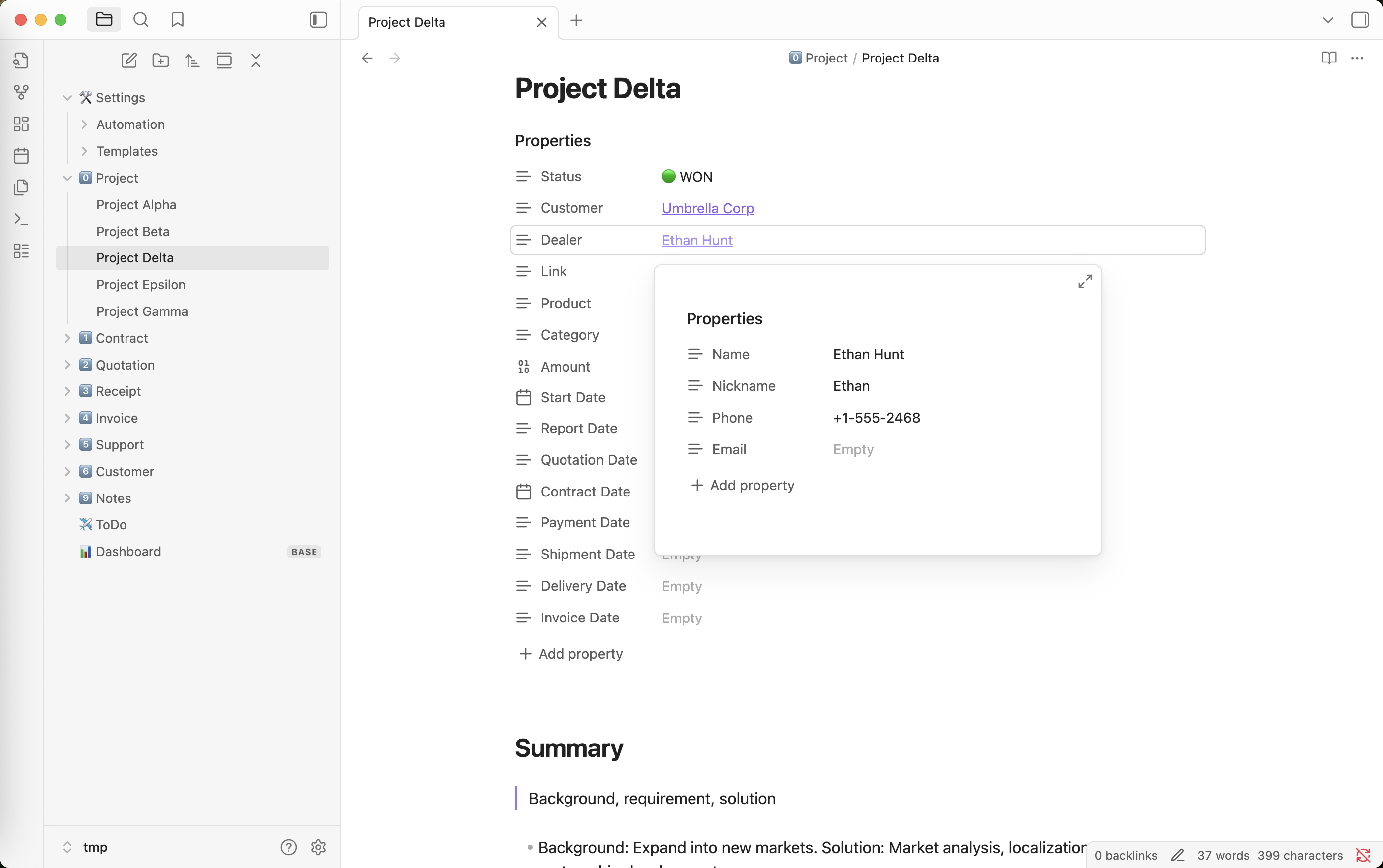
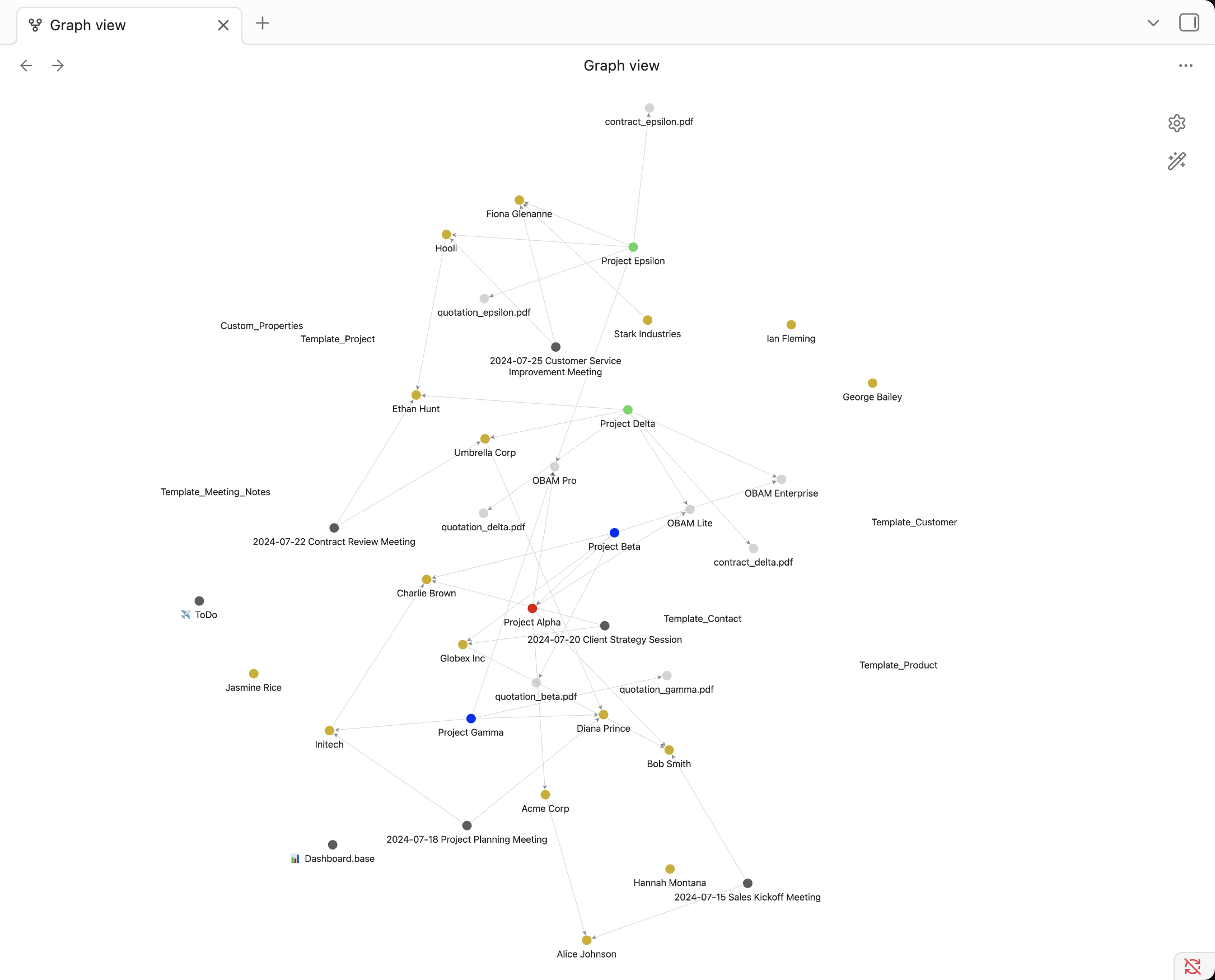
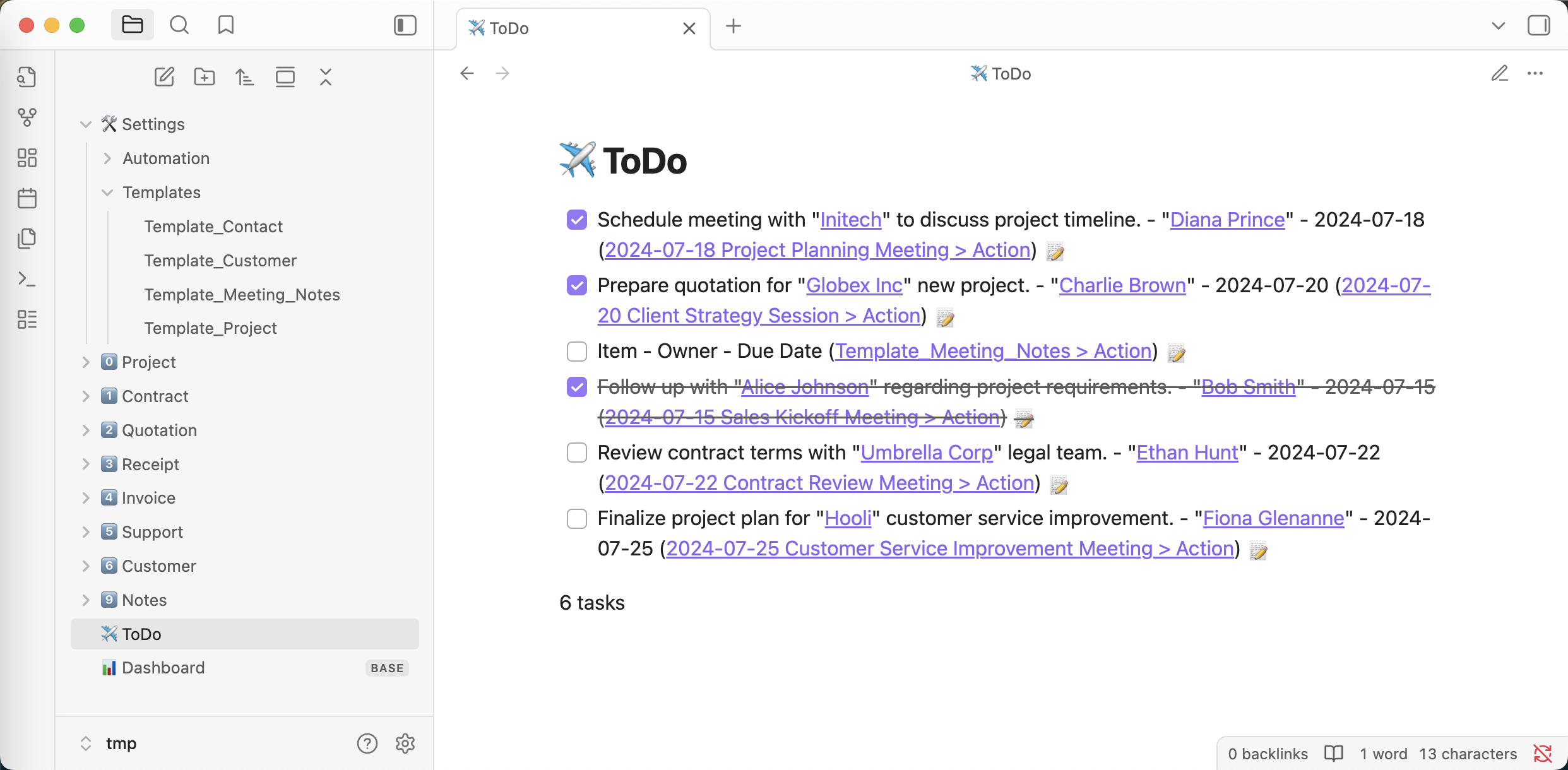
📦 Installation
pip install obsiasset
obsiasset show-version
🍺 Basic Usage
usage: obsiasset [-h] {show-version,init} ...

positional arguments:
  {show-version,init}
    show-version       display version info for this tool and your Python runtime
    init               Init assets vault

optional arguments:
  -h, --help           show this help message and exit
show-version
usage: obsiasset show-version [-h]

optional arguments:
  -h, --help  show this help message and exit
init
usage: obsiasset init [-h] --schema <sales> --lang <en|cn> [--import-sample]

optional arguments:
  -h, --help        show this help message and exit
  --schema <sales>  Select schema : sales
  --lang <en|cn>    Select language : en | cn
  --import-sample   Import assets sample
How to Install
- Download the ZIP or clone the repository
- Open the folder as a vault in Obsidian (File → Open Vault)
- Obsidian will prompt you to install required plugins
Stats
Stars
0
Forks
0
License
Apache-2.0
Last updated 11mo ago
Categories
Tags
asset-managementobsidian