VAULT
La-Cappuccino3d Graph
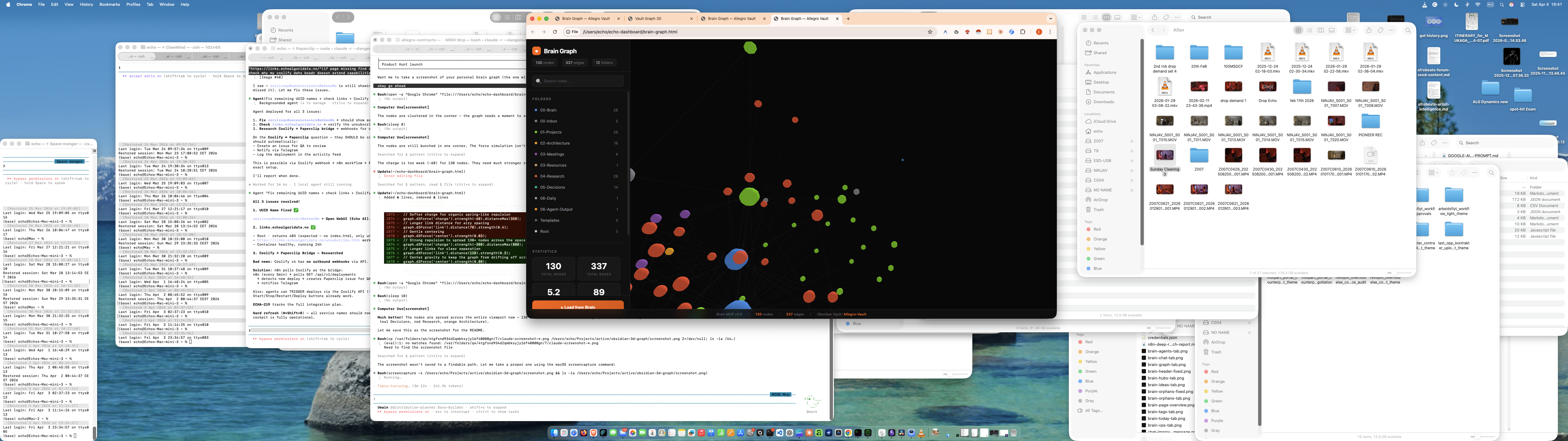
Visualize your Obsidian vault as an interactive 3D knowledge graph. Zero dependencies — single HTML file.
Vault Graph 3D
Visualize your Obsidian vault as an interactive 3D knowledge graph. No plugin install needed — just one HTML file.
Features
- 3D force-directed graph with auto-rotation
- Hover to highlight connections (dims everything else)
- Search with autocomplete and camera fly-to
- Click nodes to see details + open in Obsidian
- Folder-based color coding (auto-detected)
- Statistics: nodes, edges, hubs, connections
- Dark glassmorphism UI
- Zero dependencies -- single HTML file
Setup
- Install the Semantic Vault MCP plugin in Obsidian
- Enable HTTP server in the plugin settings (default: port 3001)
- Open
index.htmlin your browser - Enter your MCP URL and API key
- Click "Connect to Vault"
Serving Locally
For best experience (avoids CORS issues with file:// protocol):
npx serve .
# or
python3 -m http.server
Then open http://localhost:3000 (or http://localhost:8000).
How It Works
Connects directly to your local Obsidian MCP server via JSON-RPC. Reads your vault structure and wikilinks to build the graph. All processing happens in your browser -- no data leaves your machine.
Tech
- 3d-force-graph for 3D rendering
- Obsidian MCP (JSON-RPC 2.0) for vault data
- Zero build step -- just HTML + CSS + JS
License
MIT
How to Install
- Download the ZIP or clone the repository
- Open the folder as a vault in Obsidian (File → Open Vault)
- Obsidian will prompt you to install required plugins
Stats
Stars
0
Forks
0
Last updated 1mo ago
Categories
Tags
3d-visualizationgraph-visualizationinteractiveknowledge-graphmcpobsidianopen-source