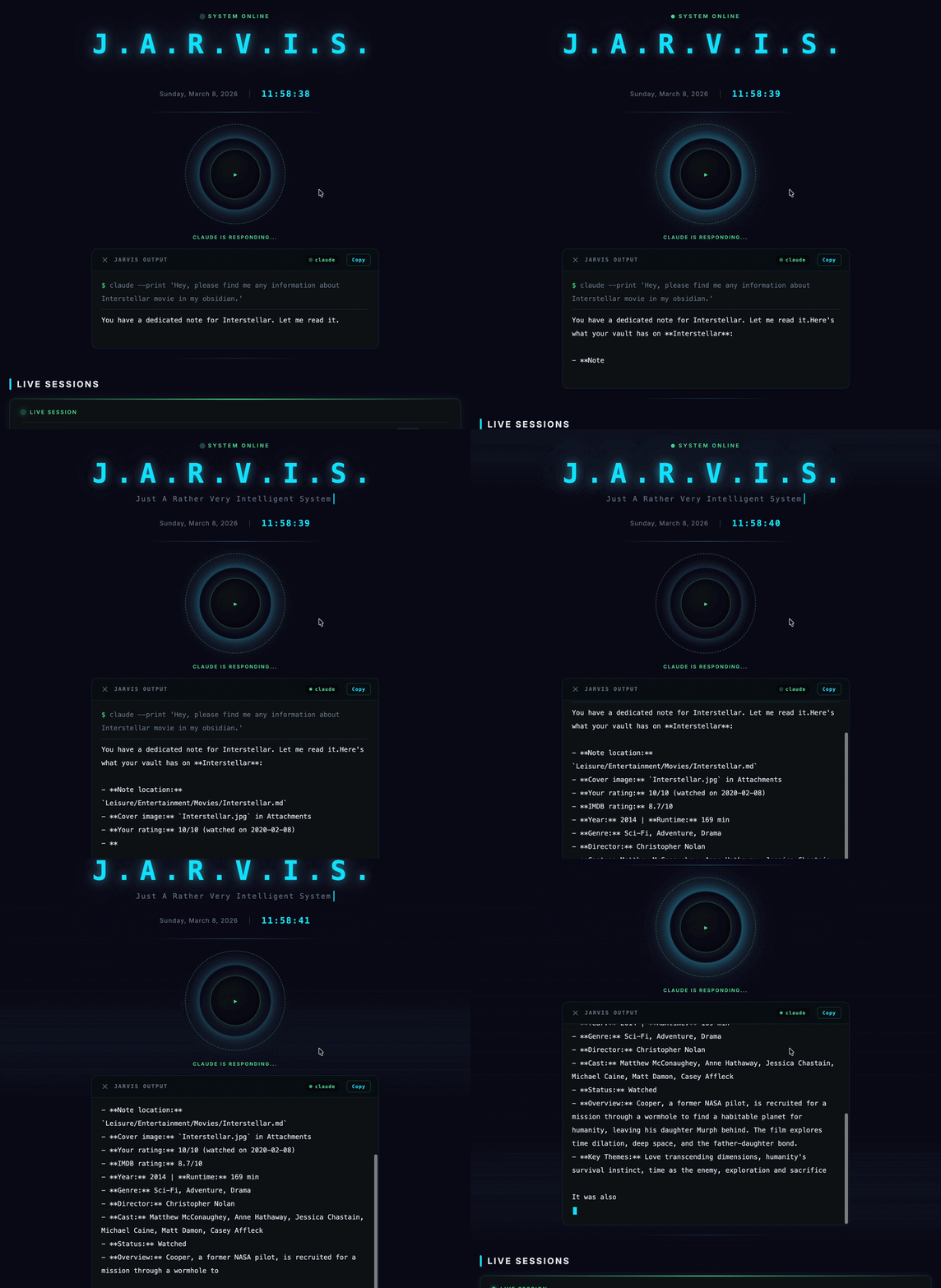
Jarvis Dashboard
A modular, fully configurable DataviewJS dashboard for Obsidian — monitor Claude Code sessions in real-time, manage AI agent fleets, track 30-day analytics, and boost productivity with focus timer, quick capture, and more.
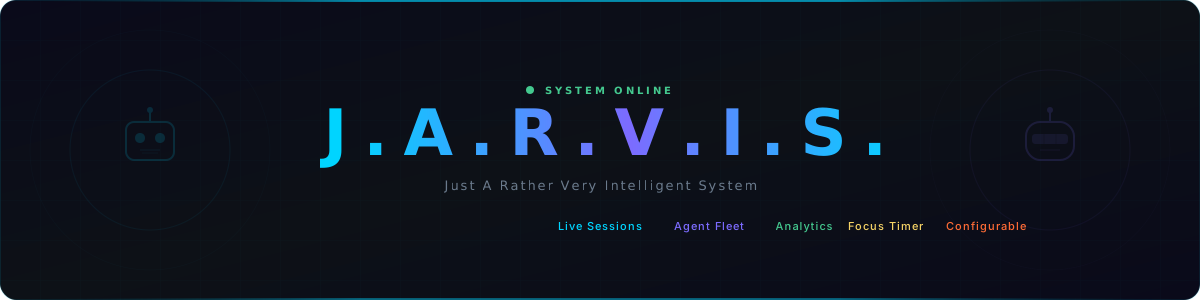
J.A.R.V.I.S. Dashboard
A modular AI command center for monitoring Claude Code sessions, voice interaction, analytics, and productivity — across 4 platforms from a single codebase.
Voice Commands • Live Sessions • Agent Fleet • 30-Day Analytics • Focus Timer • Multi-Platform • Configurable Everything
See it in Action • Quick Start • Platforms • Features • Documentation
Why?
| Problem | Jarvis Solution |
|---|---|
| Claude Code runs headless in a terminal | Real-time session monitoring with Live Sessions widget |
| No usage analytics or cost tracking | 30-day stats: sessions, tokens, cost, model breakdown |
| Voice interaction requires complex setup | One-click voice commands with neural TTS + whisper-cpp STT |
| AI agents are invisible config files | Visual agent fleet with animated robot avatars |
| Scattered productivity tools | Focus timer, quick capture, bookmarks — all in one dashboard |
| Mobile AI access is clunky | Native iOS app with full voice interaction |
| One-size-fits-all dashboard | Fully configurable layout, theme, and widgets via JSON |
See it in Action
Widget Gallery (click to expand)
| Widget | Preview |
|---|---|
| Voice Command | 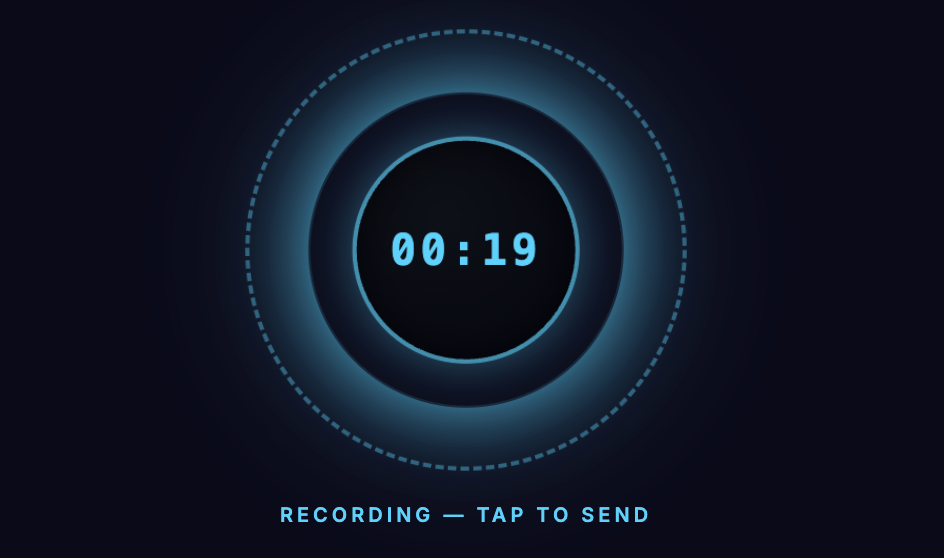 |
| Live Sessions | 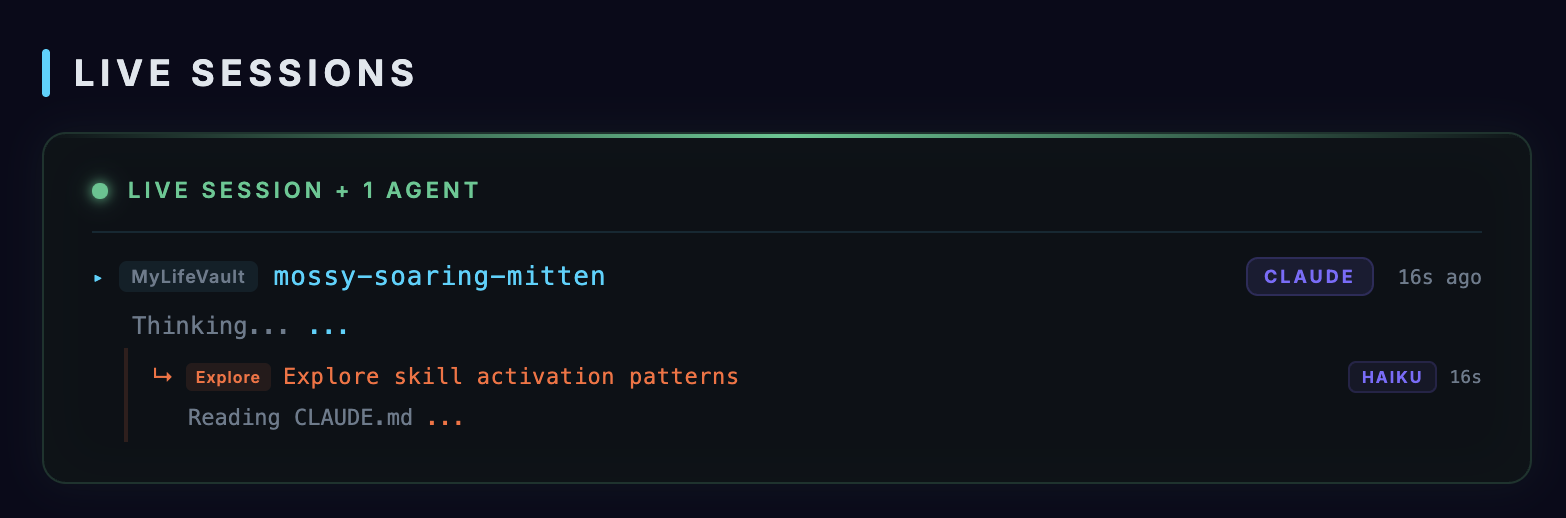 |
| Agent Cards | 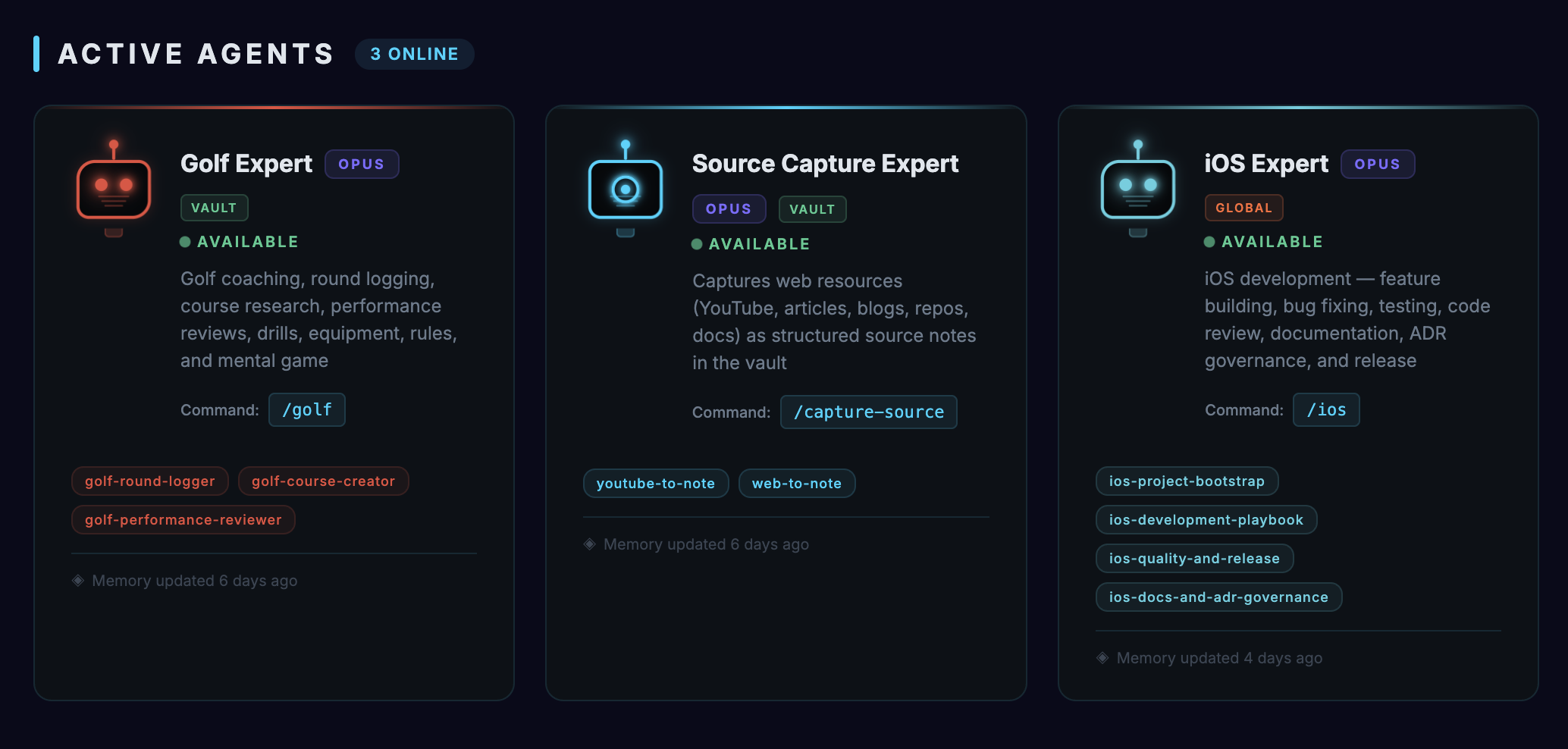 |
| Focus Timer | 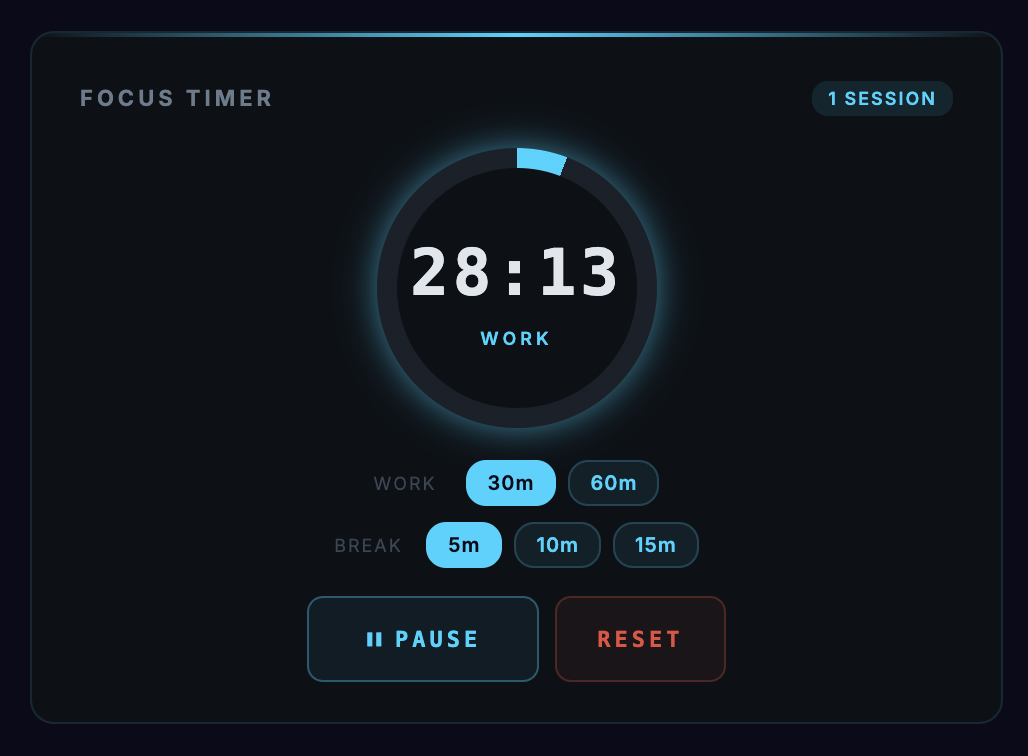 |
| Quick Capture | 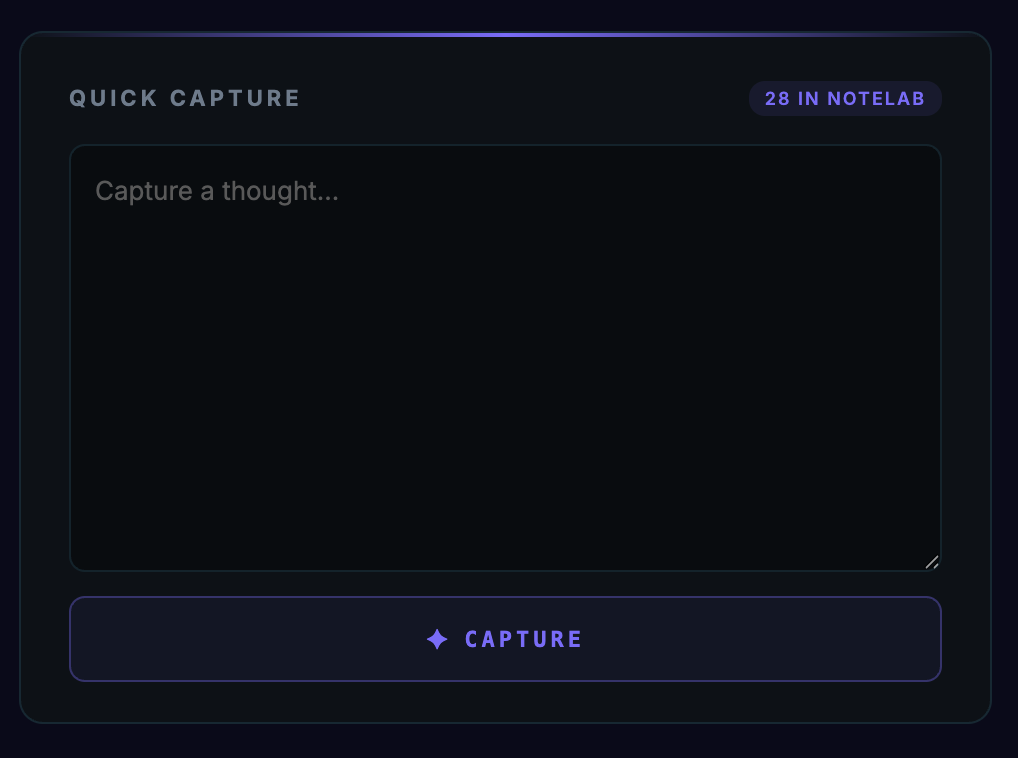 |
| Activity Analytics | 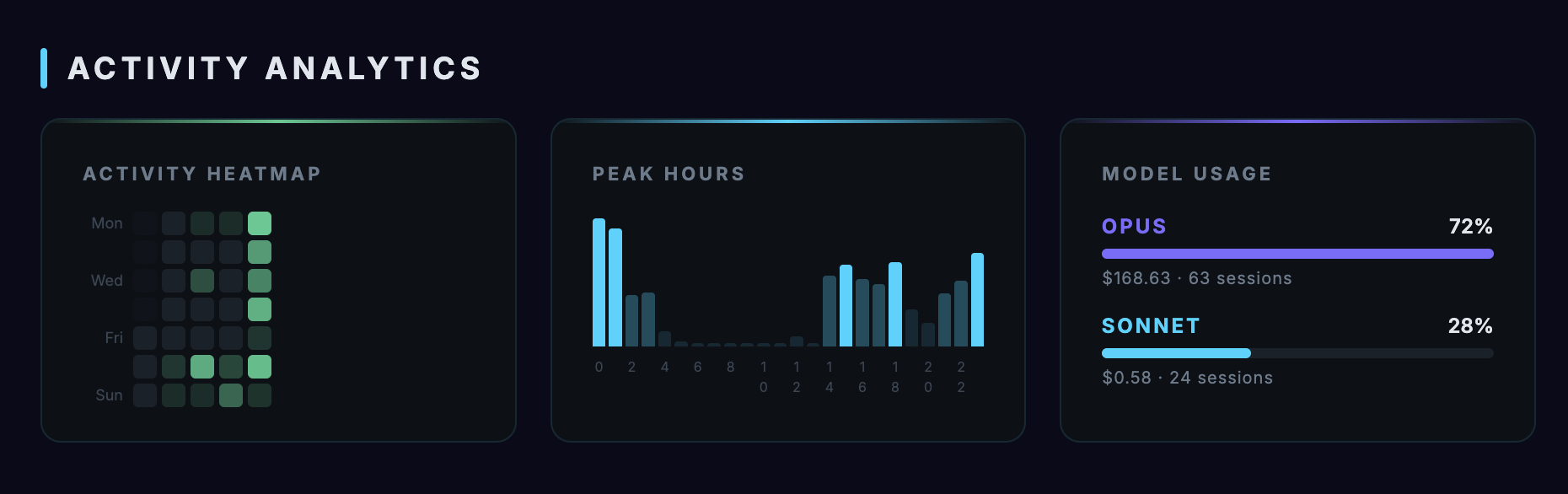 |
| System Diagnostics | 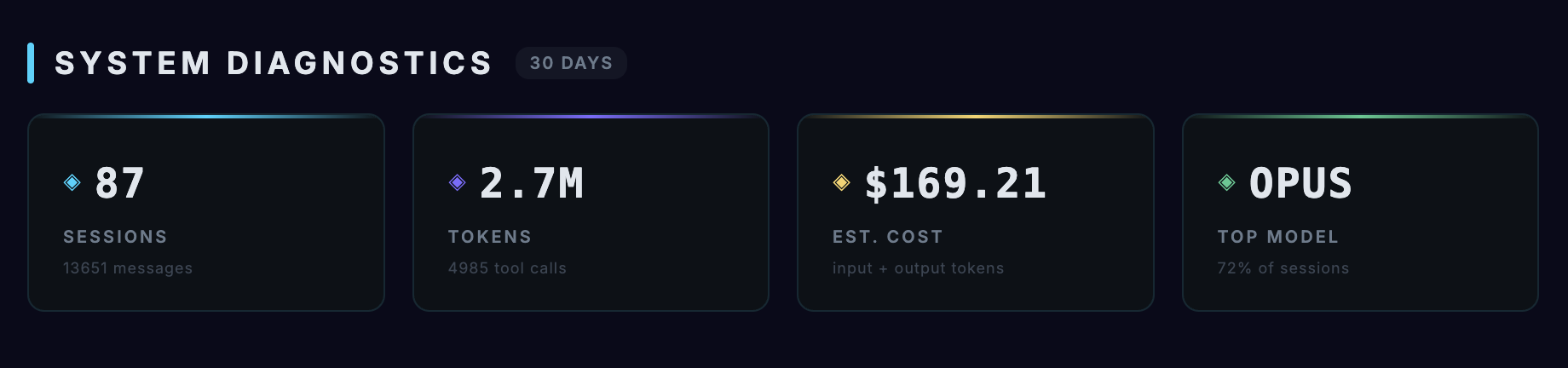 |
| Communication Link | 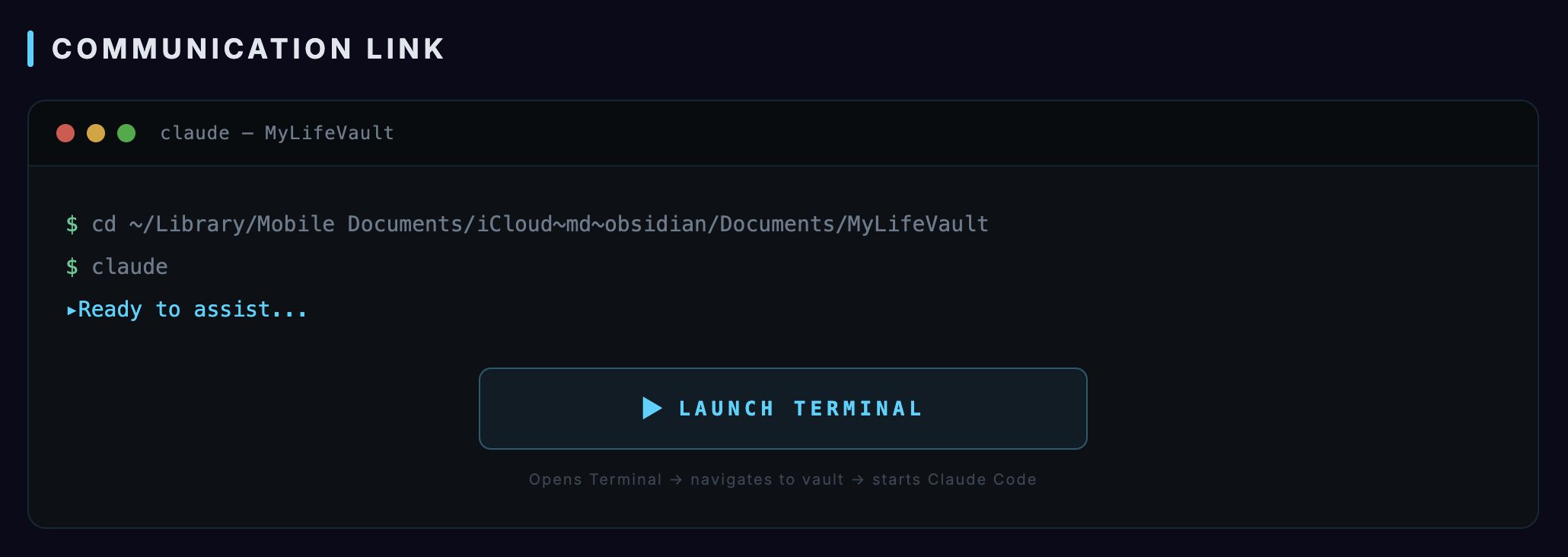 |
| Quick Launch | 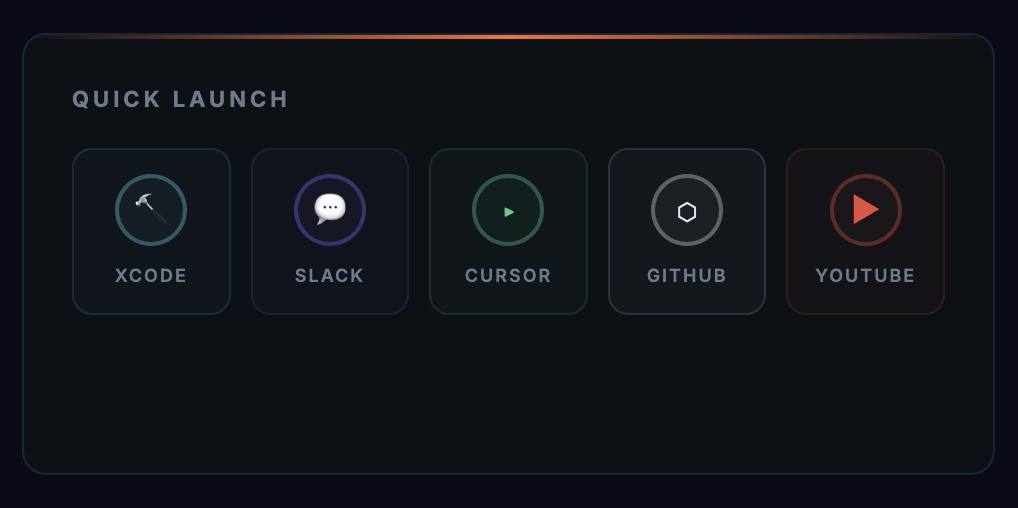 |
| Mission Control | 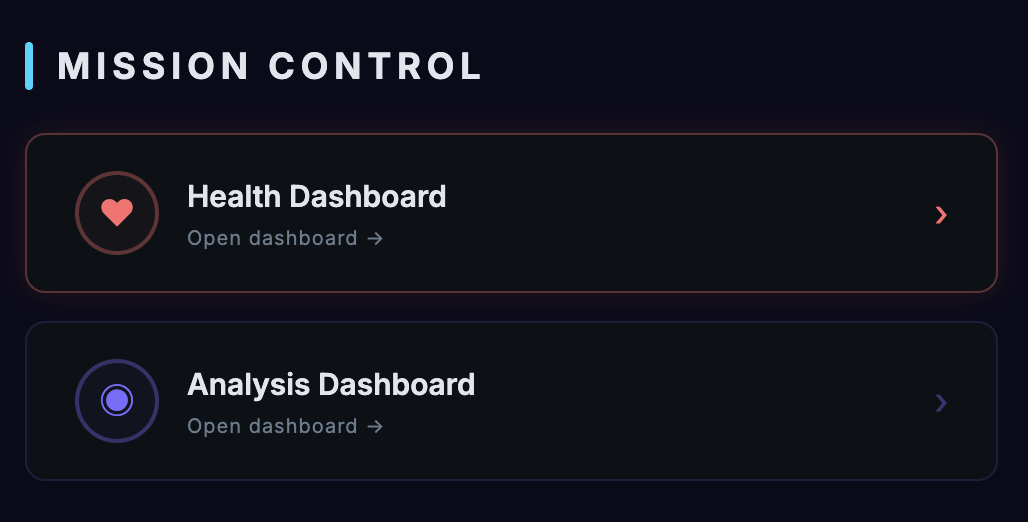 |
| Recent Activity | 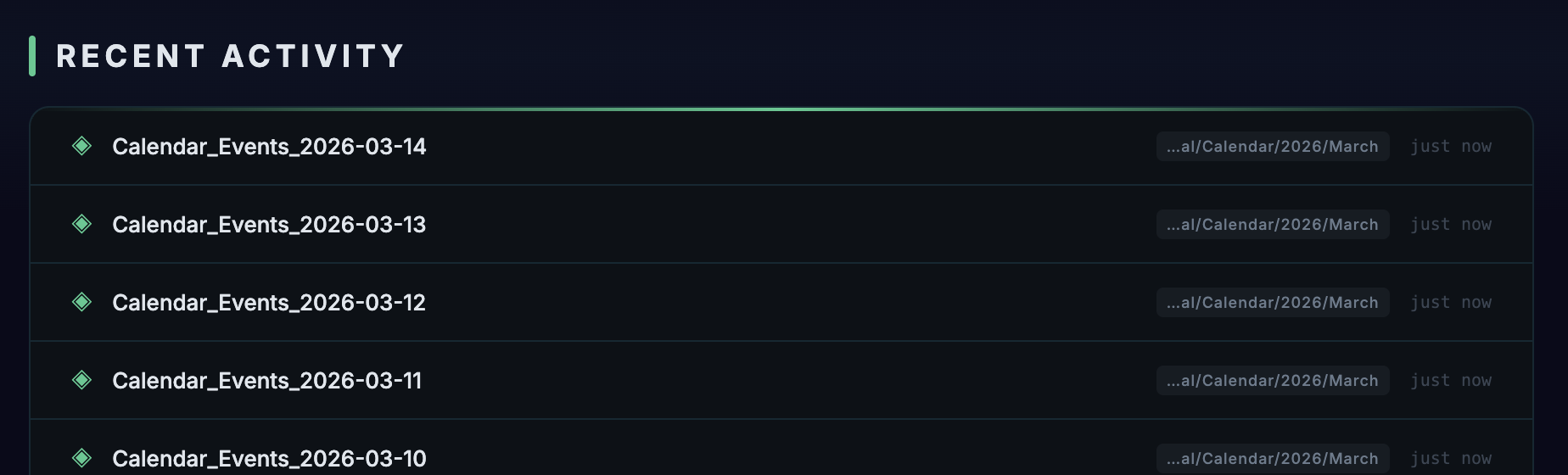 |
Quick Start
# 1. Clone
git clone https://github.com/AndrewKochulab/jarvis-dashboard.git
cd jarvis-dashboard

# 2. Configure
cp src/config/config.example.json src/config/config.json
# Edit config.json — set projects.mode to "auto" and adjust paths

# 3. Open
# Place in your Obsidian vault and open "Jarvis Dashboard.md"
For mobile, macOS app, or iOS app setup, see the Setup Guide.
Platforms
Jarvis runs on 4 platforms from one shared JavaScript codebase:
| Platform | Type | Dashboard | Voice | Claude Execution |
|---|---|---|---|---|
| Obsidian Desktop | DataviewJS note | Full (13 widgets) | Local (Piper/Say) | Local CLI |
| Obsidian Mobile | DataviewJS note | Voice only | Via server | Via server |
| macOS | Tauri 2.0 app | Full (13 widgets) | Local (Piper/Say) | Local (Rust spawn) |
| iOS/iPadOS | SwiftUI app | Voice only | Via server | Via server |
- Obsidian Setup
- macOS App Build
- iOS App Build
- Companion Server (required for mobile)
Features
Voice Command System
- Full-duplex voice interaction with Claude Code
- Three TTS engines: Piper (neural), macOS Say, browser speechSynthesis
- Speech-to-text via whisper-cpp with multi-language auto-detection
- Interactive mode with tool permission cards and question handling
- Multi-session tab bar with drag & drop reordering
- JARVIS personality system with customizable prompts
- Voice Command docs | TTS docs | STT docs
13 Widgets
| Category | Widgets |
|---|---|
| AI Interaction | Voice Command, Live Sessions, Agent Cards |
| Analytics | System Diagnostics, Activity Analytics (heatmap, peak hours, model breakdown) |
| Productivity | Focus Timer, Quick Capture (with voice dictation) |
| Navigation | Quick Launch, Mission Control, Communication Link, Recent Activity |
| Chrome | Header (title, clock, status), Footer |
All widgets are independently configurable and removable. Control order and layout via the layout array in config.json. Widget docs
Real-time Monitoring
- Live session tracking with token/cost display, model badges
- Agent detection and cross-widget status updates
- 30-day analytics with GitHub-style heatmaps
- Configurable polling intervals and caching
Cross-Platform Architecture
- Shared JavaScript codebase with no build step
- Platform adapters abstract file system, process, and vault operations
- Module loading via
new Function("ctx", code)— no import/export - Architecture docs
Companion Server
- WebSocket server for mobile client support
- TLS with self-signed CA certificate chain
- Token authentication with timing-safe comparison
- Claude CLI process management, TTS synthesis, audio transcription
- Auto-start via macOS LaunchAgent
- Server docs | Security docs
Configuration
Four-file config cascade — only override what you need:
config.example.json     (defaults, tracked)
  → config.json         (personal overrides, gitignored)
    → config.local.json (credentials, gitignored)
      → platform overrides
Key customization areas:
- 15 theme colors — full UI theming
- Layout array — widget order, grouping, column counts
- Projects — auto-scan or manual project list
- Voice — TTS engine, model, personality prompt
- Performance — polling intervals, animation toggle
Documentation
Complete documentation is in the docs/ folder:
| Section | Description |
|---|---|
| Setup Guide | Installation for all platforms |
| Architecture | Module system, ctx object, patterns |
| API Reference | WebSocket protocol, Tauri commands |
| Security | TLS, tokens, rate limiting |
| Certificates | Certificate creation & iOS installation |
| Companion Server | Server setup & LaunchAgent |
| Customization | Every config key documented |
| TTS / STT / Voice Models | Voice system |
| Widgets | All 13 widgets + creating custom ones |
| Troubleshooting | Solutions by category |
Project Structure
src/                    Shared source (core, services, widgets)
shared/                 Cross-platform loader and adapters
companion/              WebSocket server for mobile support
ios/                    iOS SwiftUI app
macos/                  macOS Tauri 2.0 app
docs/                   Documentation
Contributing
- Fork the repository
- Create a feature branch
- Follow the module contract — no import/export, all state via
ctx - Test in at least one platform (Obsidian is easiest)
- Submit a pull request
License
MIT
How to Install
- Download the dashboard markdown file from GitHub
- Drop it into your vault (anywhere)
- Install the Homepage plugin and point it at the file
- Enable any listed CSS snippets for the intended look
Stats
Stars
99
Forks
26
License
MIT
Last updated 7mo ago