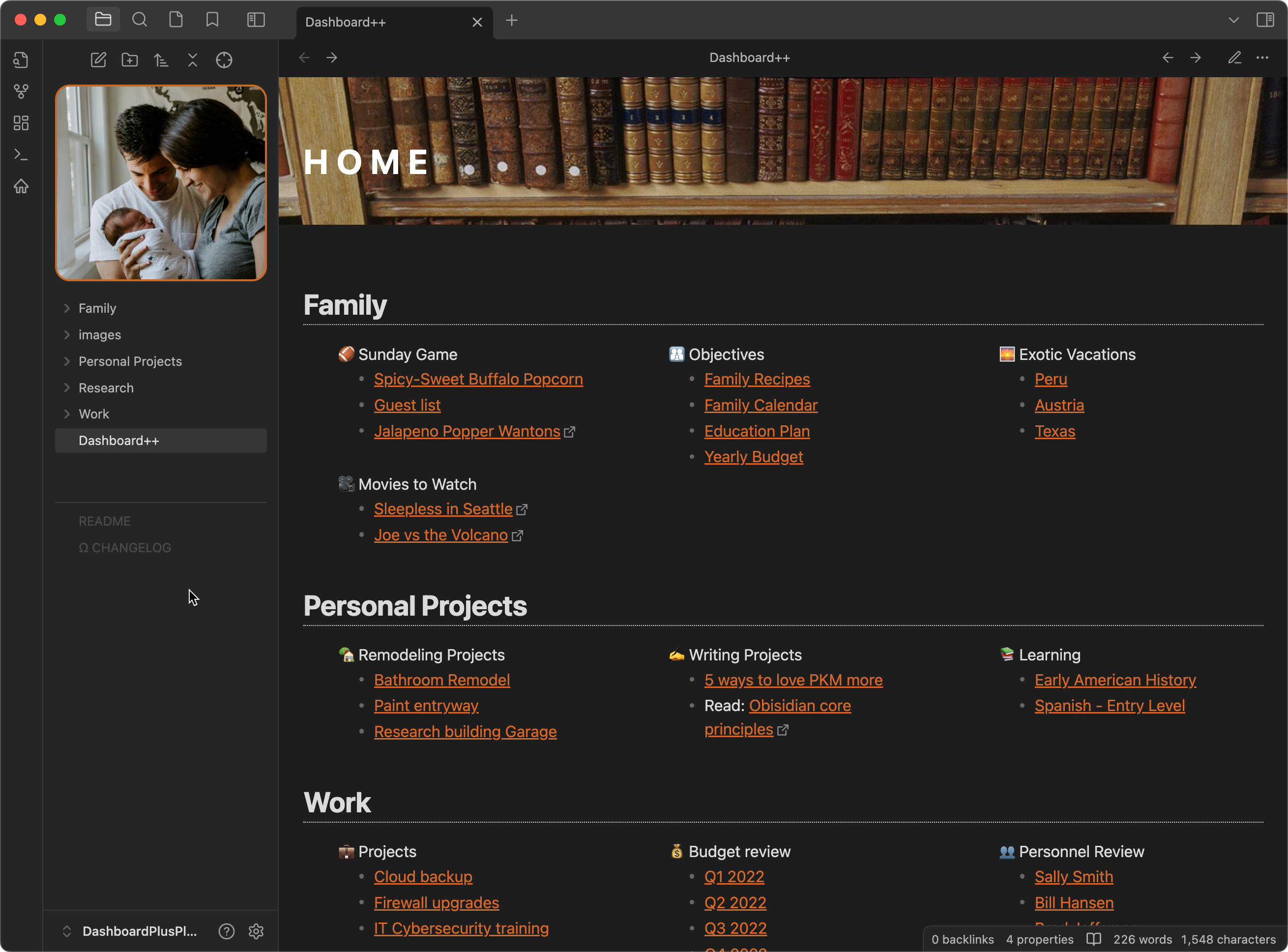
VAULTDASHBOARD
TfTHackerDashboardPlusPlus
Demonstrating the Dashboard++ method of organizing a vault in Obsidian
Dashboard++ for Obsidian
Add Dashboard++ to your Obsidian vault
This repository is an Obsidian vault that demonstrates using the Dashboard++ method for organizing and navigating notes. For further details, see this article for a detailed description:
You can find me at https://tfthacker.com.
Or better yet, watch a video on how to install this from Sergio:
2023 Obsidian Gems award for templates
Dashboard++ won the "2023 Obsidian Gem of the year" in the templates category. Thank you to all of you who voted for this template!
- Read more at the Official Obsidian blog: 2023 Gems of the year winners
Ways to connect with me and more information on my work
- My website https://tfthacker.com/
- You can find me on Twitter @TfTHacker
How to Install
- Download the ZIP or clone the repository
- Open the folder as a vault in Obsidian (File → Open Vault)
- Obsidian will prompt you to install required plugins
Stats
Stars
1195
Forks
423
License
MIT
Last updated 23mo ago
Categories
Tags
tools-for-thought
Updates
View allAdded license file
23mo ago
Add image to readme
23mo ago
add image to dashboard
23mo ago
Added vault logo to dashboard
23mo ago
Plugin updates
23mo ago