12 Stars
GitHubCSSAny theme
# **Neo Theme**
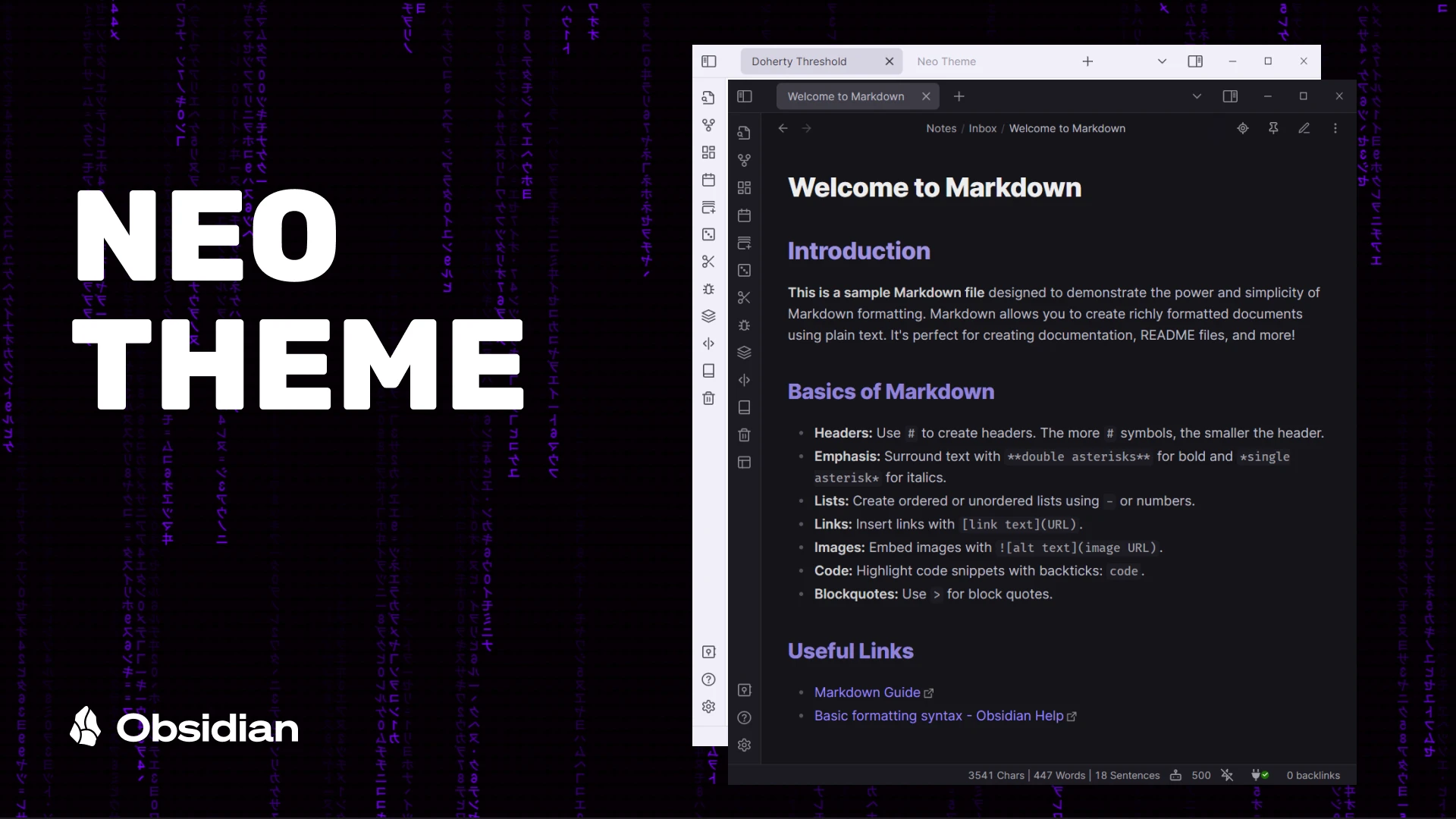
**Neo** is a theme designed for [Obsidian](https://obsidian.md/), with the goal of maintaining the simplicity of the default theme while adding more colors and enhancing the user interface.

## Features
- Dark and light theme support
- Mobile support
- Alternate Tabs
- Headings indicator
- Pointer cursor for clickable elements
- Alternate checkboxes
## Screenshots

<details>
<summary>Light Theme</summary>

</details>
## Supported plugins
- [Dataview](https://github.com/blacksmithgu/obsidian-dataview)
- [Tasks](https://github.com/obsidian-tasks-group/obsidian-tasks)
- [Kanban](https://github.com/mgmeyers/obsidian-kanban)
- [Style settings](https://github.com/mgmeyers/obsidian-style-settings)
- [Calendar](https://github.com/liamcain/obsidian-calendar-plugin)
- [Hover editor](https://github.com/nothingislost/obsidian-hover-editor)
## Alternate checkboxes
Neo offers a variety of alternate checkbox types to help you highlight different task statuses.

```markdown
- [ ] Checkbox
- [x] Complete
- [/] Incomplete
- [-] Canceled
- [>] Forwarded
- [<] Schedule
- [i] Info
- [I] Idea
- [!] Important
- [?] Question
- [p] Pros
- [c] Cons
- [f] Fire
- [*] Star
- [b] Bookmark
- [u] Trend Up
- [d] Trend Down
- [w] Win
- [k] Key
- ["] Quote
- [S] Money
- [l] Location
- [n] New
- [0] Progress 0
- [1] Progress 1
- [2] Progress 2
- [3] Progress 3
- [4] Progress 4
```
<details>
<summary>Task plugin statuses for progress checkboxes</summary>

</details>
## Helper Classes
CSS helper classes can be added to individual files using the `cssclasses` [frontmatter](https://help.obsidian.md/Editing+and+formatting/Properties) key. These classes can be combined to create different effects.
To enable a cards layout, add the following code at the top of your file:
```yaml
---
cssclasses: cards
---
```
### Cards (by [kepano](https://github.com/kepano))
Using `cards` transforms Dataview tables into cards that can be sorted using the [Sortable plugin](https://github.com/alexandru-dinu/obsidian-sortable). Similarly, you can also transform lists into cards using `list-cards`. Note that `cards` or `list-cards` must be present for the other classes to work.
| Class | Description |
| :---------------------- | :----------------------------------------------- |
| `cards` (required) | Activate card layout fot Dataview tables |
| `list-cards` (required) | Activate card layout for lists |
| `cards-align-bottom` | Align the last element of a card to the bottom |
| `cards-cover` | Images are resized to fill the defined space |
| `cards-16-9` | Fit images in cards to 16:9 ratio |
| `cards-1-1` | Fit images in cards to 1:1 ratio (square) |
| `cards-2-1` | Fit images in cards to 2:1 ratio |
| `cards-2-3` | Fit images in cards to 2:3 ratio |
| `cards-cols-1` to `8` | Force a specific number of columns (from 1 to 8) |
## Banner
The `banner` class can be used to add a banner to the top of your file, by naming it `banner` like the following.
```markdown

or
![[image.jpeg|banner]]
```
Note: the image will disapear from it's original position in the file, but you can access it using the arrow keys or by enabling Source mode. it's recommended to place the image at the top of the file for easy access.
## Recommended Fonts
- [Inter](https://fonts.google.com/specimen/Inter) for interface and text fonts.
- [Fira Code](https://fonts.google.com/specimen/Fira+Code) for monospace font.
## Disclaimer
Please note that this theme is designed for my personal use of Obsidian. Therefore, it is not tested for all use cases.
## Credit
- [@kepano](https://github.com/colineckert)'s [Minimal theme](https://github.com/kepano/obsidian-minimal)
- [@colineckert](https://github.com/colineckert)'s [Things theme](https://github.com/colineckert/obsidian-things)
- [@Akifyss](https://github.com/Akifyss)'s [Border theme](https://github.com/Akifyss/obsidian-border)
How to Install
- Download the CSS file below
- Move it to your vault's
.obsidian/snippets/folder - Open Obsidian → Settings → Appearance → CSS Snippets → Enable it
Stats
Stars
12
Forks
3
License
MIT
Last updated 26d ago
Categories
Tags
obsidian