SNIPPET
tracywong117Css Two Columns Print
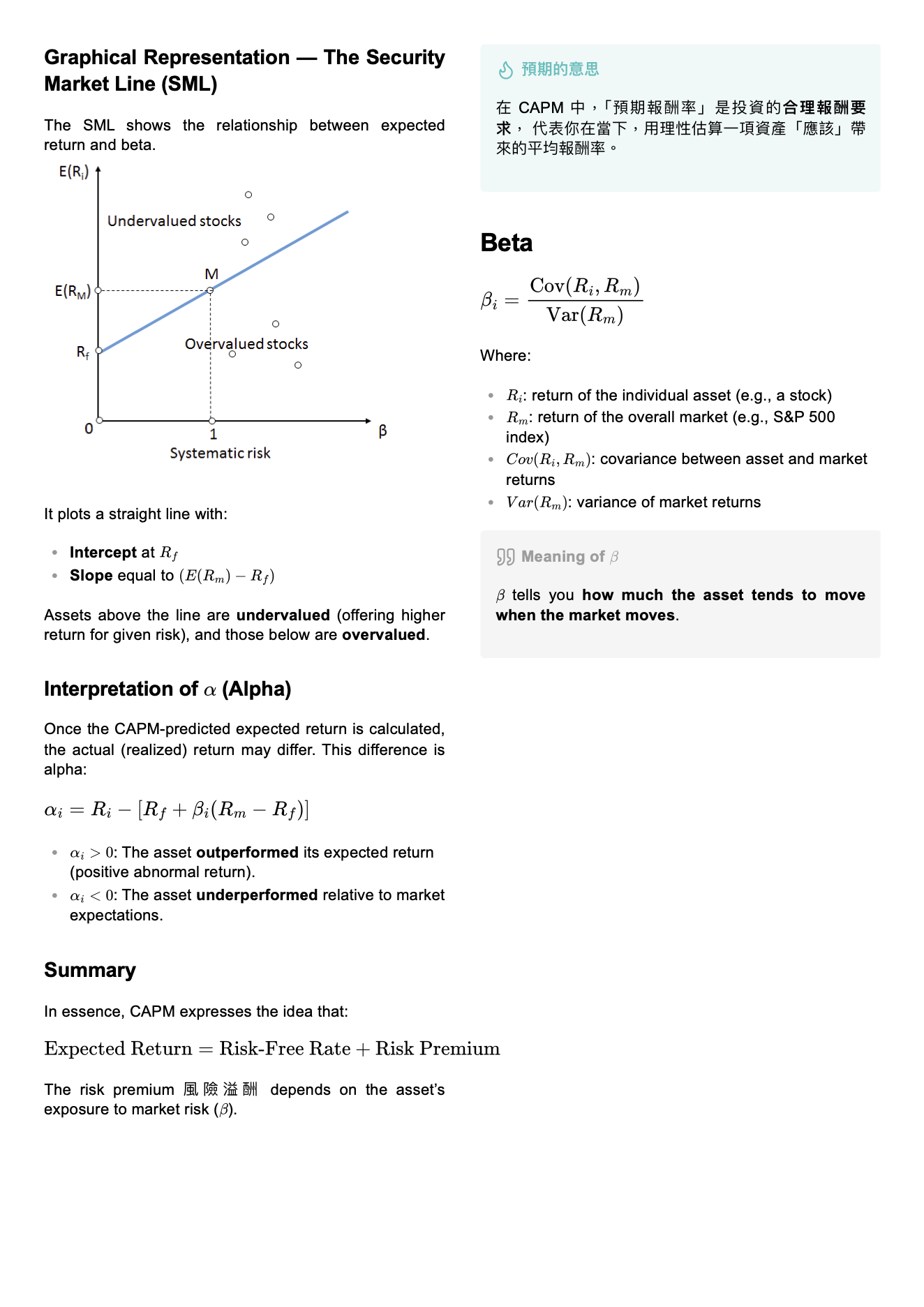
CSS snippet for Obsidian to export notes into a compact two-columns PDF layout. Perfect for cheat sheets and study notes.
Obsidian Compact Two-Column Export
A CSS snippet designed for Obsidian.md that transforms your standard notes into a compact two-columns PDF layout during PDF export.
Demo
🚀 Installation
- Download the
compact-export.cssfile from this repository. - Open your Obsidian Vault.
- Go to
Settings>Appearance. - Scroll down to CSS snippets and click the folder icon to open the snippets folder.
- Move
compact-export.cssinto that folder. - Back in Obsidian, click the Refresh icon and toggle the snippet ON.
📖 Usage
- Open the note you wish to export.
- Open the Command Palette (
Cmd/Ctrl + P). - Type "Export to PDF" and press Enter.
- For best results, set the following in the export settings:
- Include margin: Unchecked (the snippet handles margins).
- Page size: A4 or Letter.
How to Install
- Download the repository ZIP below
- Unzip it and find the CSS snippet file
- Move the CSS file into your vault's
.obsidian/snippets/folder - Open Obsidian → Settings → Appearance → CSS Snippets → Enable it
Stats
Stars
2
Forks
0
Last updated 9mo ago
Tags
cheatsheet