SNIPPETshuheykoyama
Cupertino Css Snippets
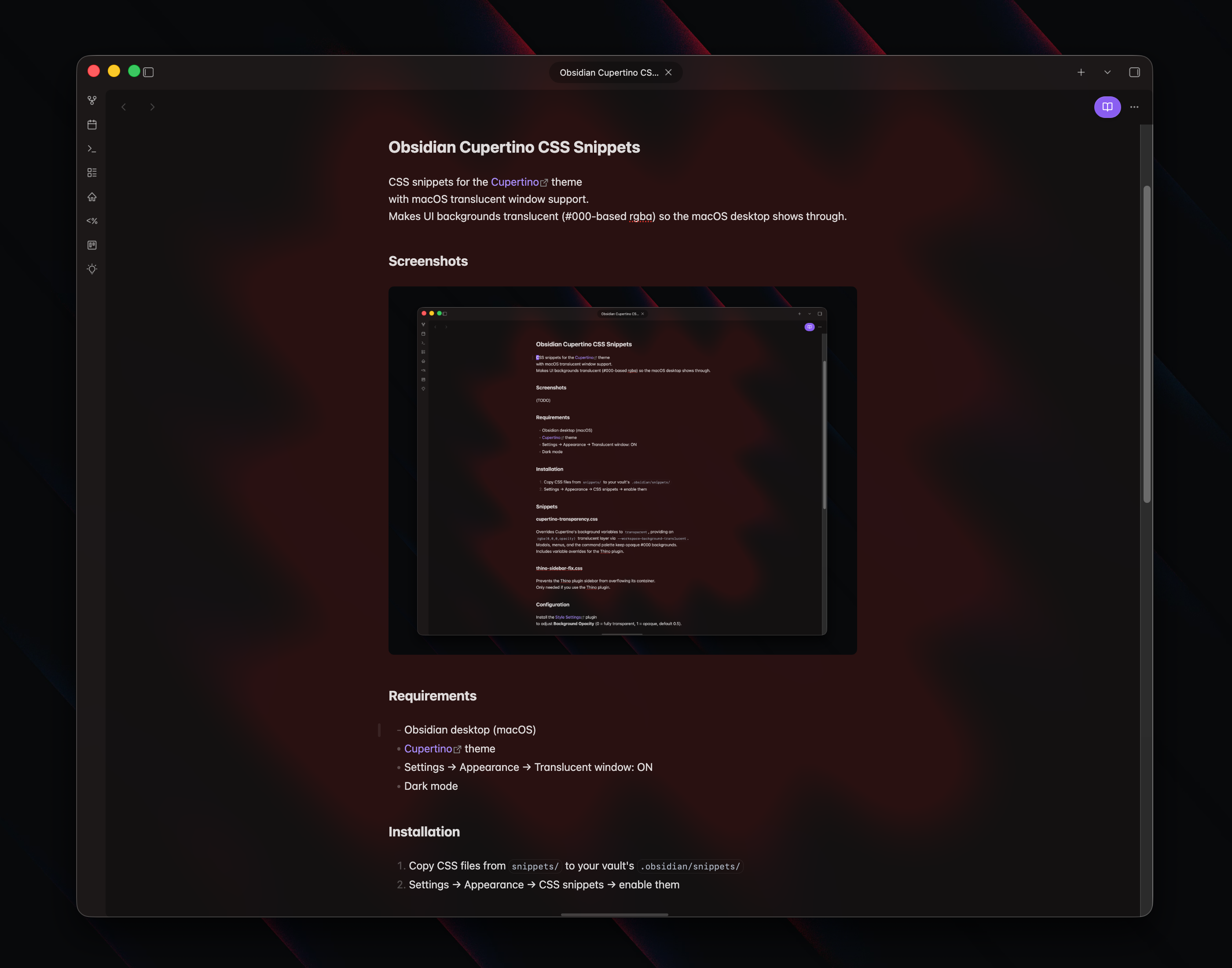
CSS snippets for macOS translucent window support with the Cupertino theme for Obsidian.
CSSAny theme
# Obsidian Cupertino CSS Snippets
CSS snippets for the **[Cupertino](https://github.com/aaaaalexis/obsidian-cupertino)** theme
with macOS translucent window support.
Makes UI backgrounds translucent (#000-based rgba) so the macOS desktop shows through.
## Screenshots

## Requirements
- [Obsidian](https://obsidian.md/) desktop (macOS) >= **1.7.7**
- [Cupertino](https://github.com/aaaaalexis/obsidian-cupertino) theme
- Settings -> Appearance -> Translucent window: ON
- Dark mode
## Installation
1. Copy CSS files from `snippets/` to your vault's `.obsidian/snippets/`
2. Settings -> Appearance -> CSS snippets -> enable them
## Snippets
### cupertino-transparency.css
Overrides Cupertino's background variables to `transparent`, providing an
`rgba(0,0,0,opacity)` translucent layer via `--workspace-background-translucent`.
Modals, menus, and the command palette keep opaque #000 backgrounds.
Includes variable overrides for the Thino plugin.
### thino-sidebar-fix.css
Prevents the Thino plugin sidebar from overflowing its container.
Only needed if you use the Thino plugin.
## Configuration
Install the [Style Settings](https://github.com/mgmeyers/obsidian-style-settings) plugin
to adjust **Background Opacity** (0 = fully transparent, 1 = opaque, default 0.5).
## Development
If you want to sync these snippets with your local Obsidian vault:
1. `cp config.mk.example config.mk` and edit `VAULT_SNIPPETS` to your vault's snippets path
2. `make install-hooks`
3. Edit CSS in your vault -> `git commit` syncs automatically via pre-commit hook
4. After `git pull` -> `make deploy` to copy back to your vault
## Credits
- **@aaaaalexis** - **[Cupertino](https://github.com/aaaaalexis/obsidian-cupertino)**: Base theme
## Licensing
This project is licensed under the [MIT license](LICENSE).
How to Install
- Download the CSS file below
- Move it to your vault's
.obsidian/snippets/folder - Open Obsidian → Settings → Appearance → CSS Snippets → Enable it
Stats
Stars
0
Forks
0
License
MIT
Last updated 1mo ago
Categories