Obsidian Quick Start Notes
A Quick start note taking template for Obsidian
- You can fork 🍴 this repository and start using it
- Remember to make fork private ❗
- Pull requests with new feature are welcomed 👼🏻
Screenshots
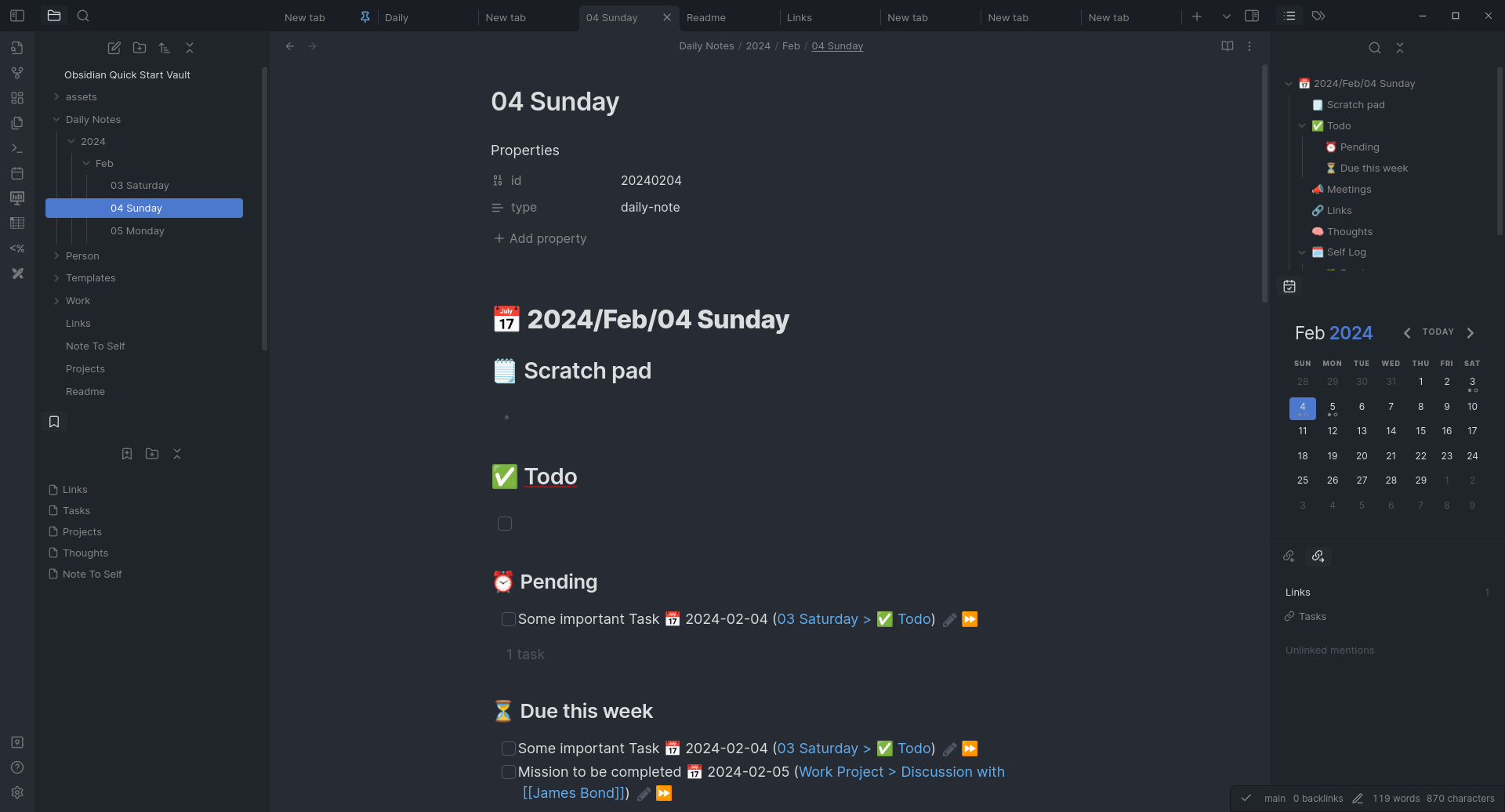
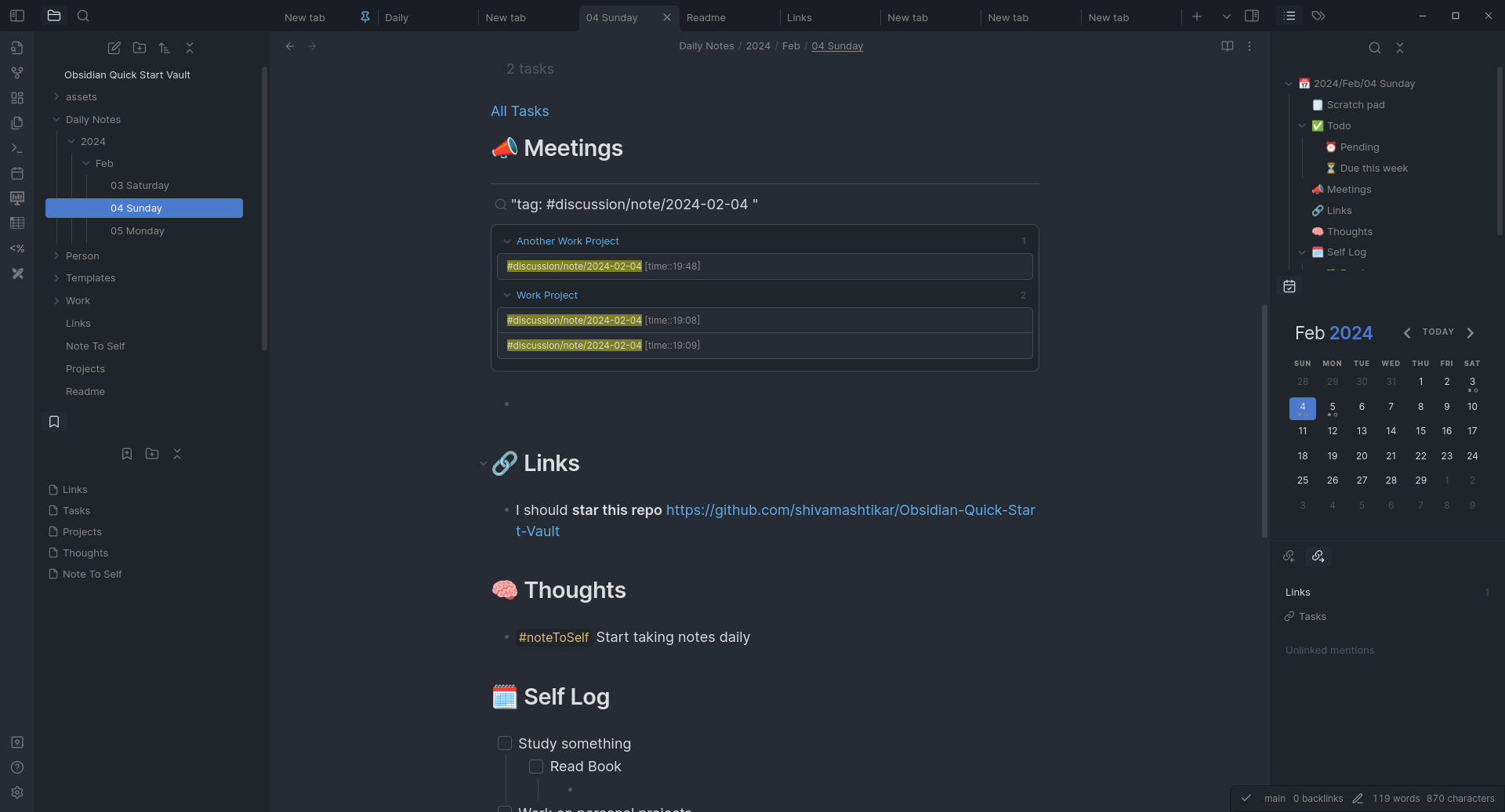
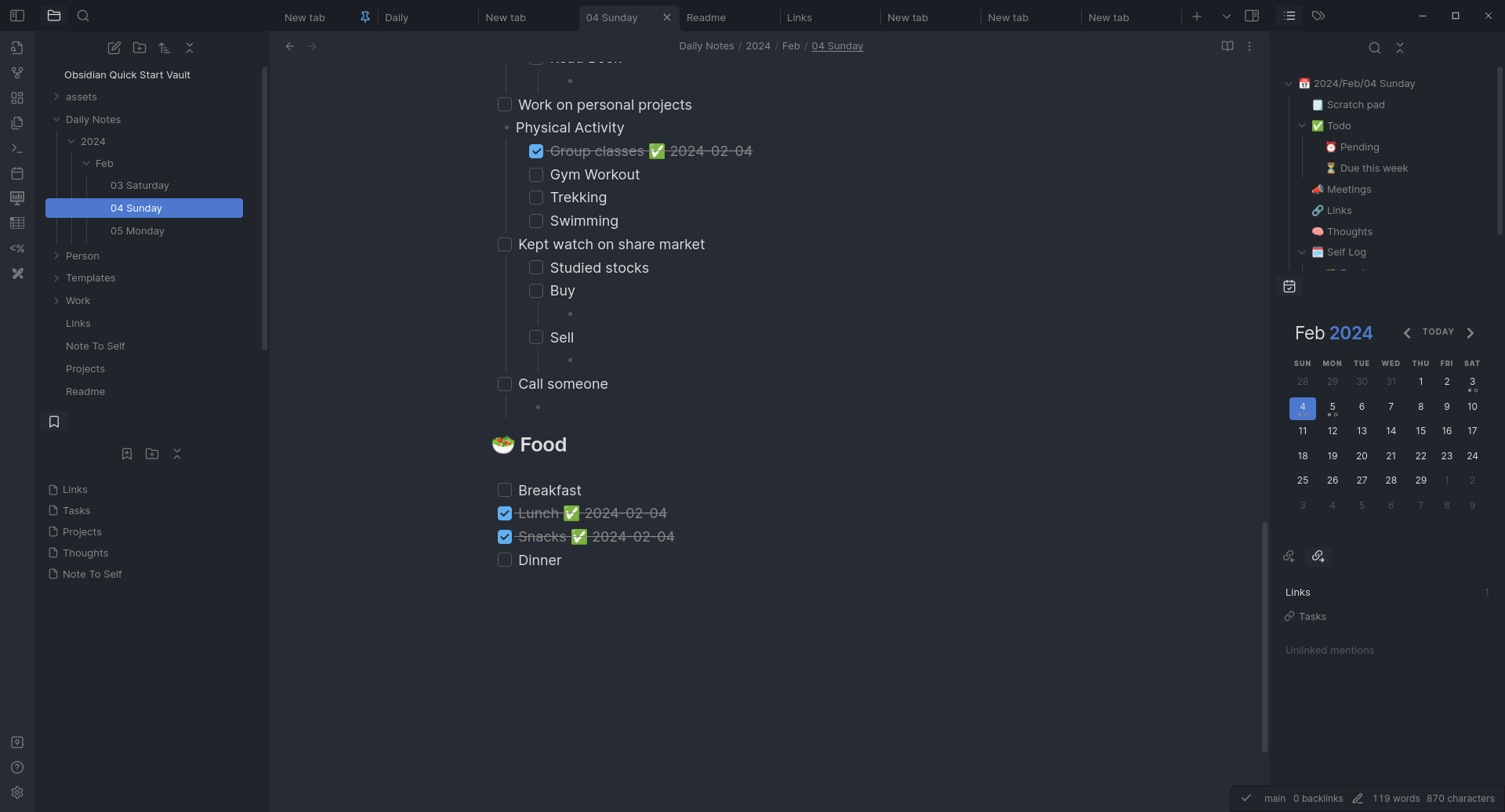
Daily Notes
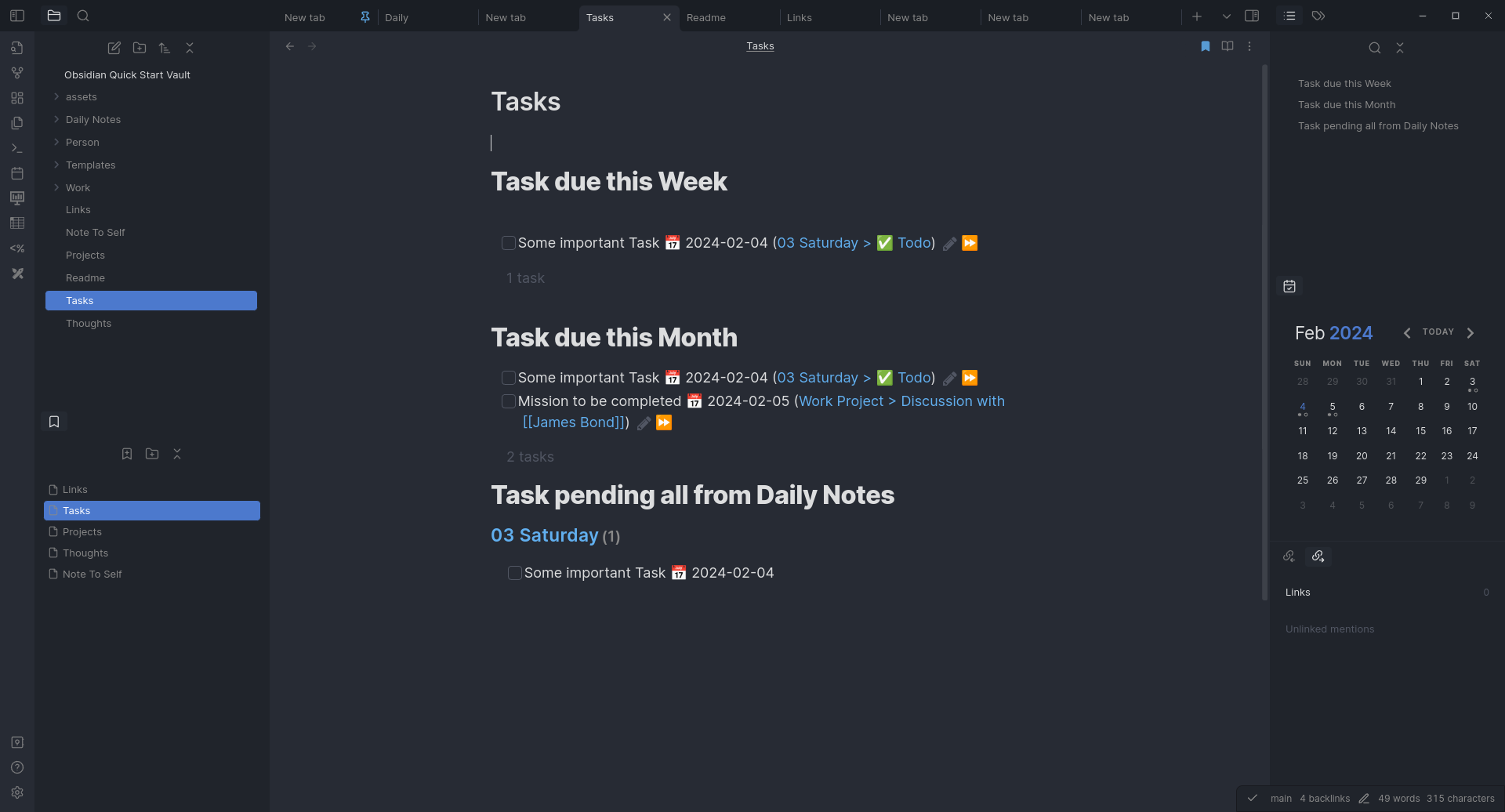
Tasks
Sub sections from Daily Notes
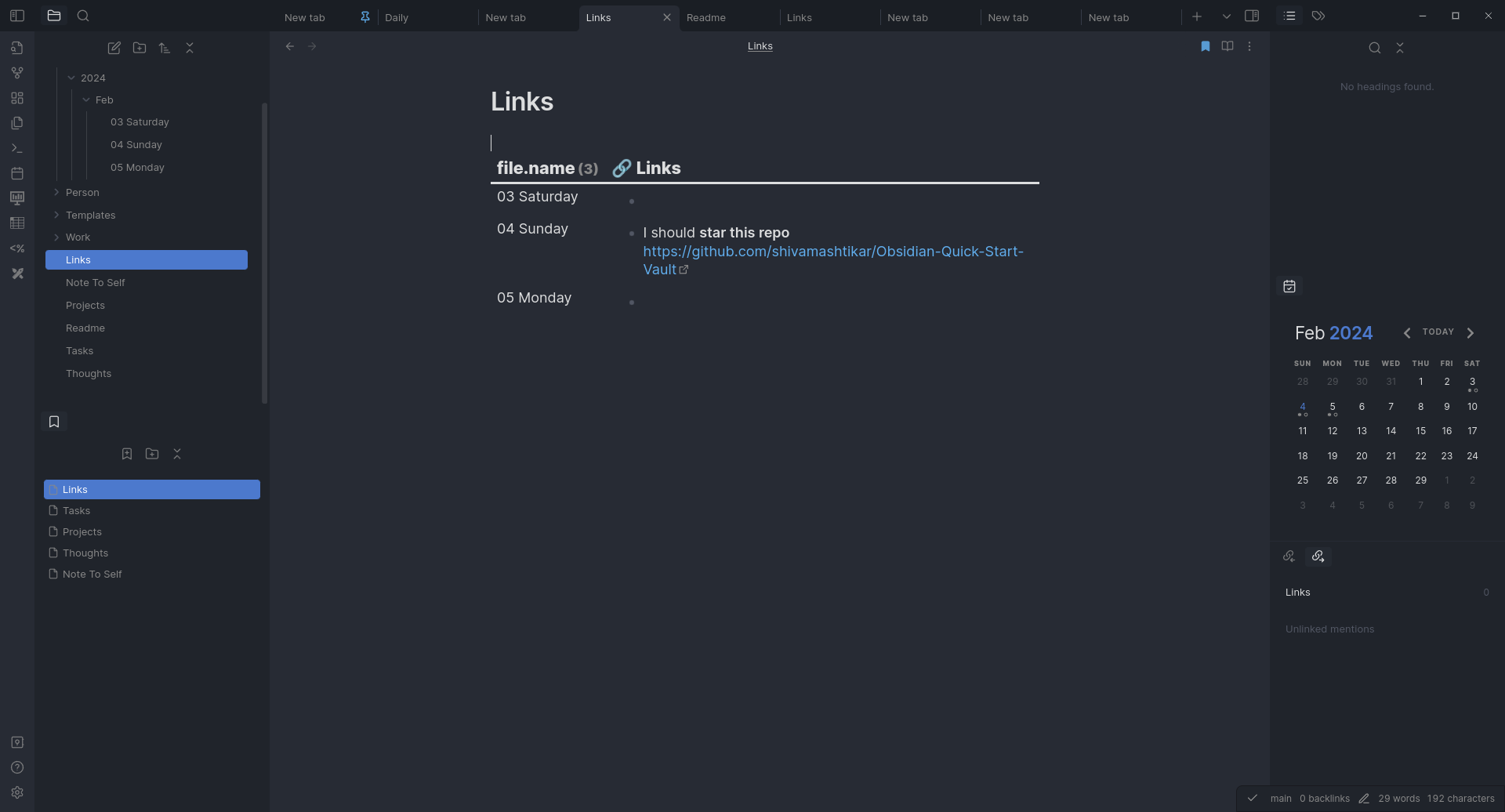
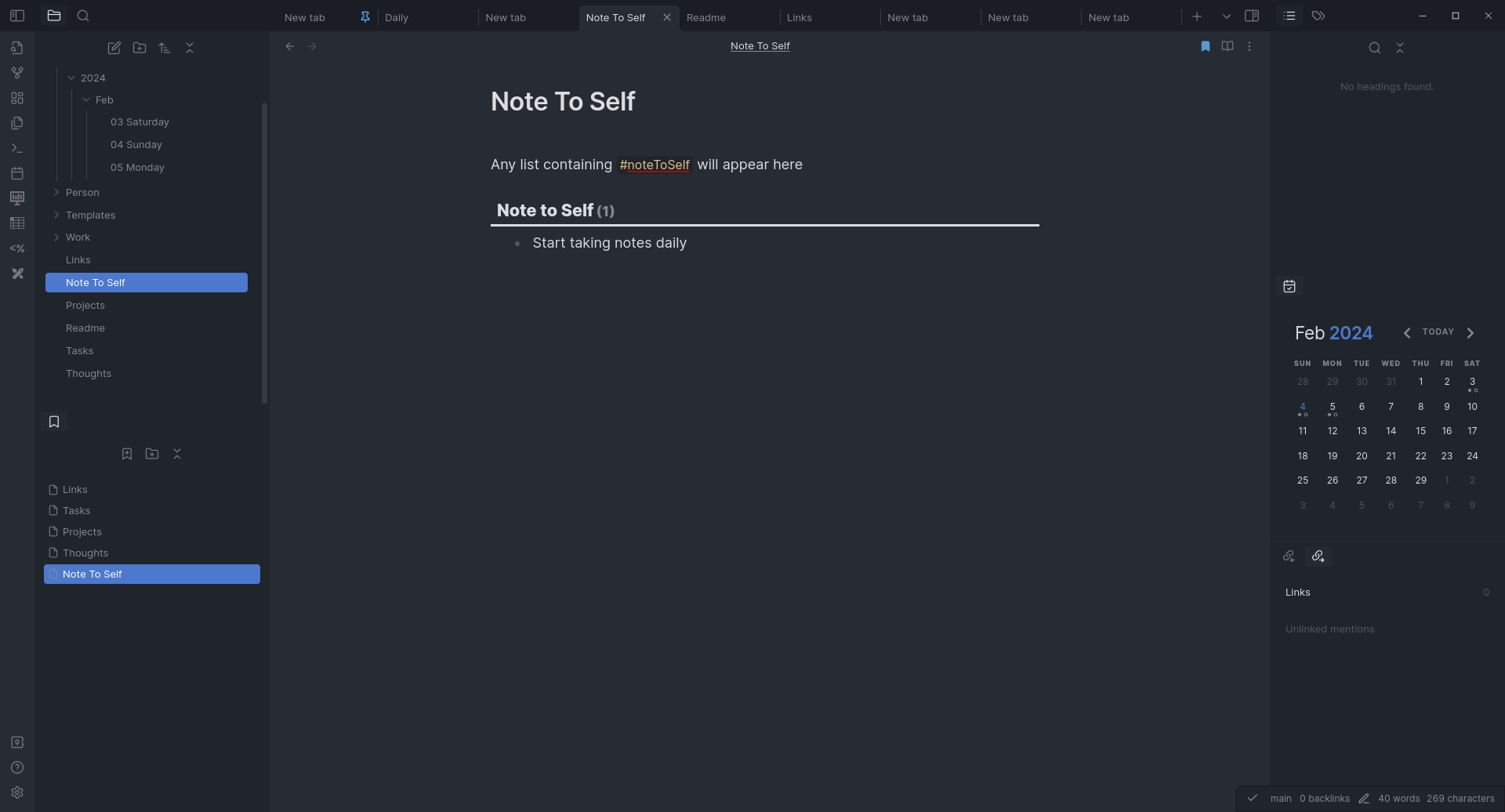
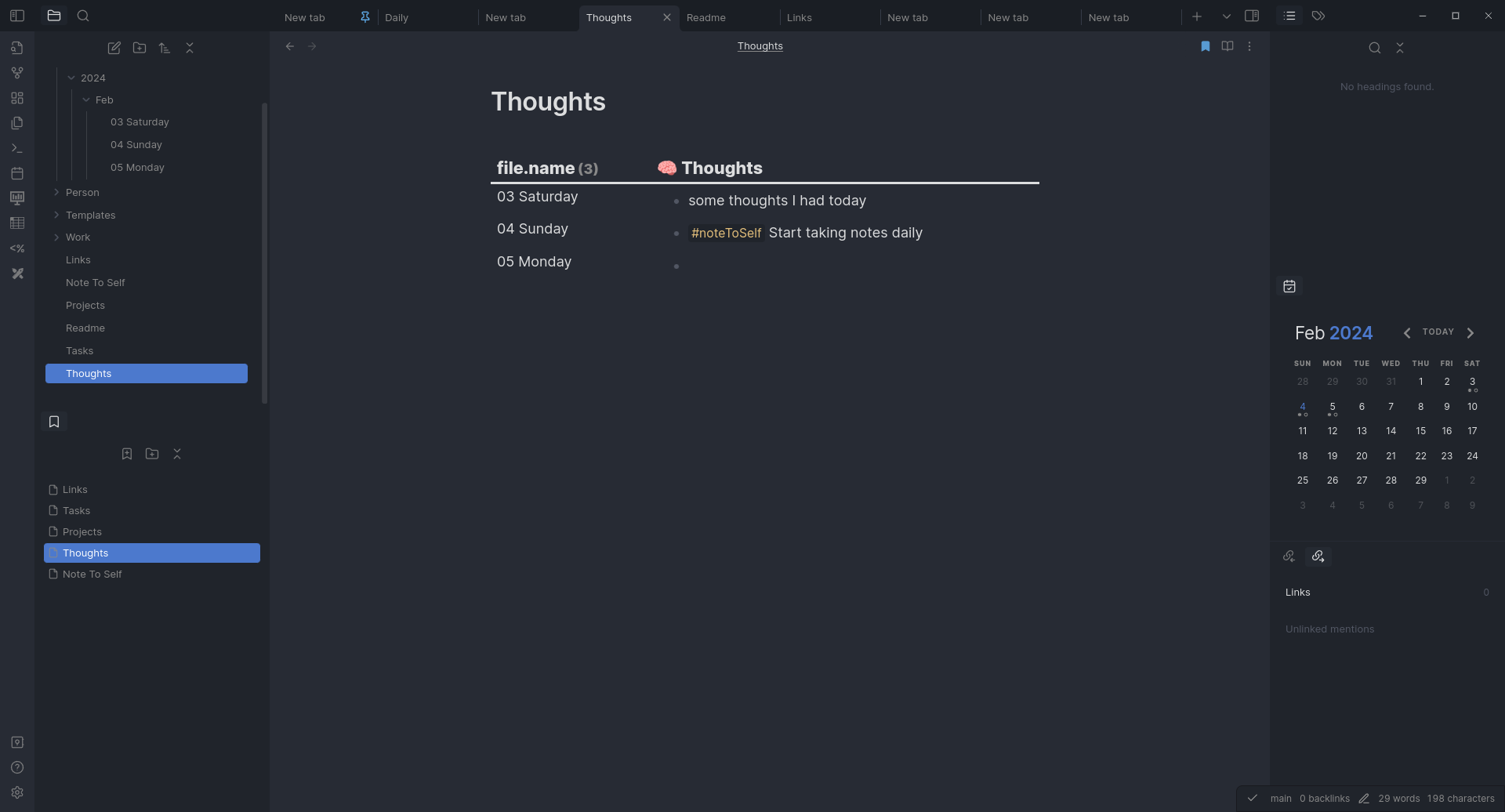
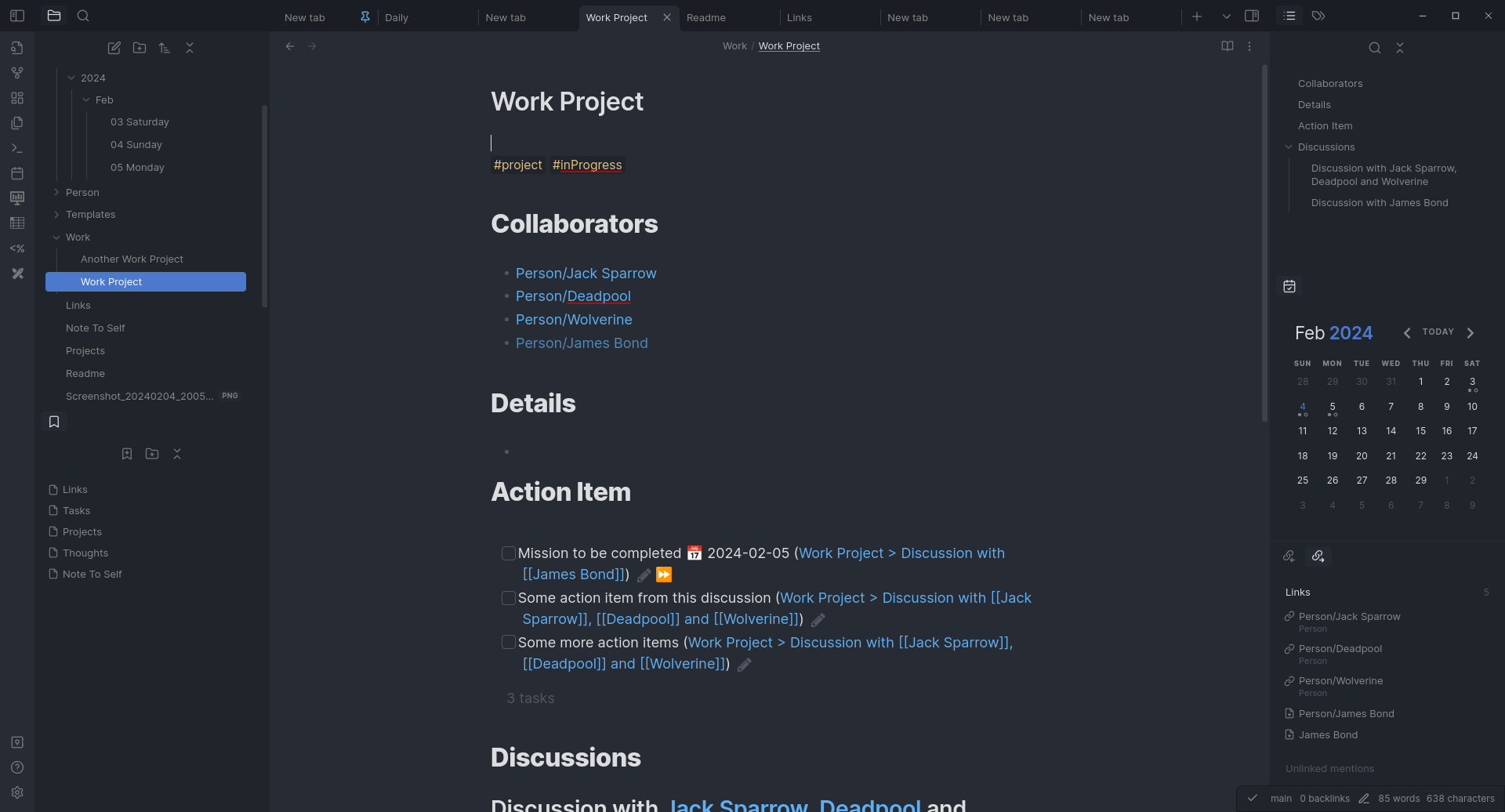
Projects
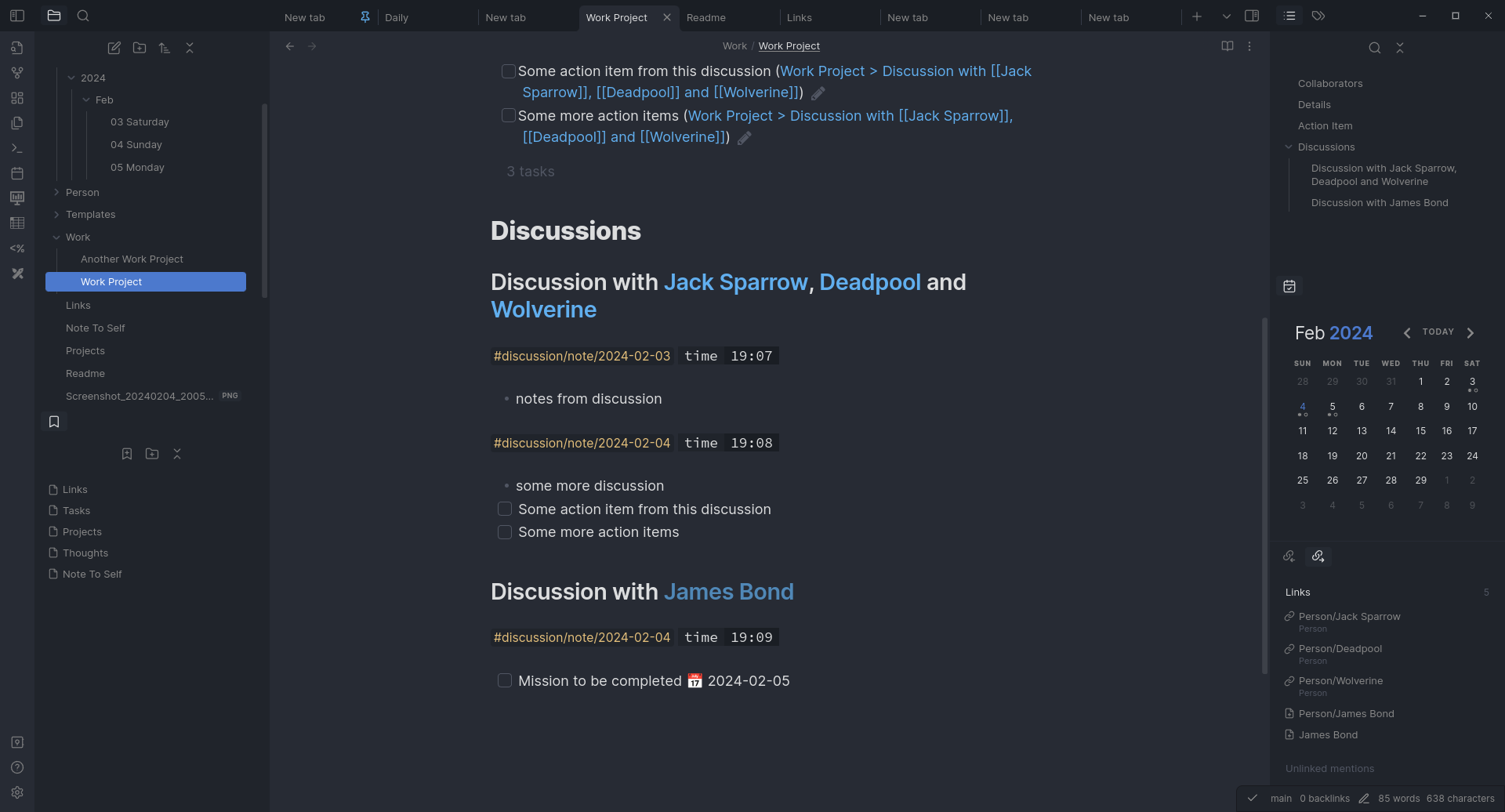
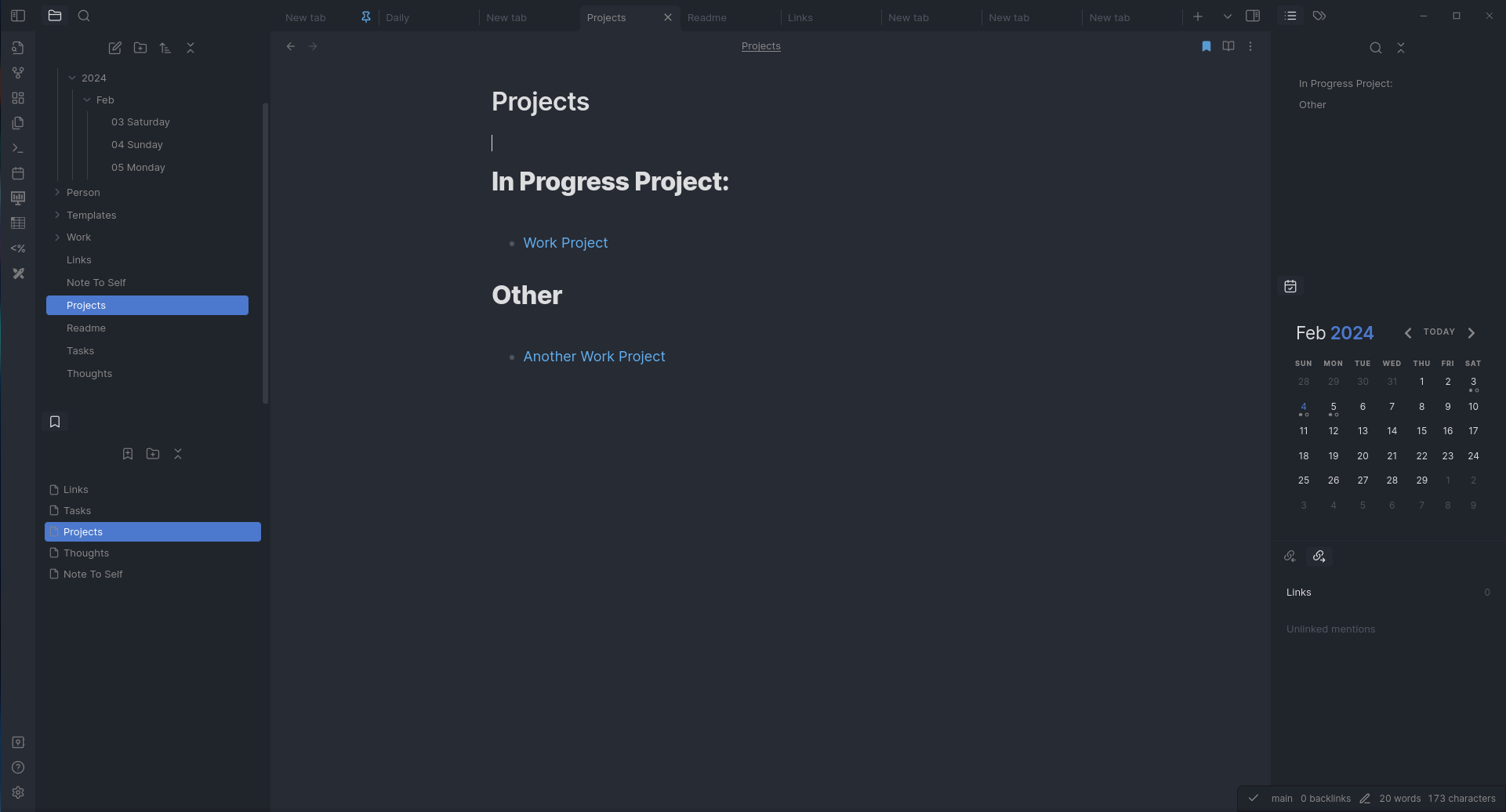
Graph so far
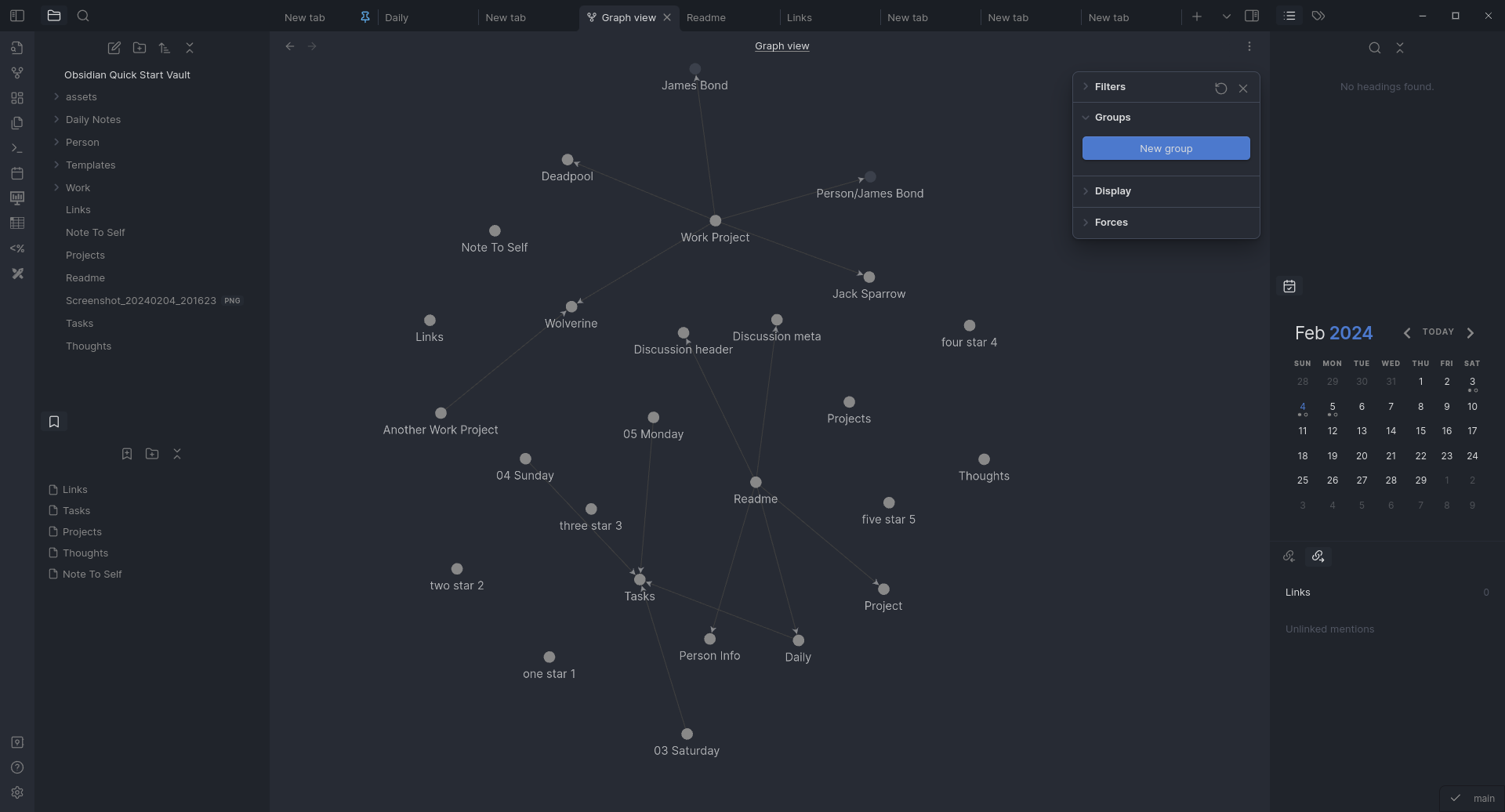
Main Community Plugins used
- obsidian-advanced-slides
- table-editor-obsidian
- calendar
- dataview
- obsidian-dictionary-plugin
- cm-editor-syntax-highlight-obsidian
- obsidian-excalidraw-plugin
- obsidian-icon-folder
- url-into-selection
- obsidian-mind-map
- obsidian-tasks-plugin
- obsidian-git
- obsidian-pandoc
- templater-obsidian
Templates
Modify templates as per your taste 😋
[[Templates/Daily|Daily Notes]]
- template for daily note
- Create Daily notes using calendar or Daily Notes button
- write in different section as needed
[[Templates/Project|Project]]
- Use this template for creating Project Notes
- [[Templates/Project#Action Item]]
- Section gets populated automatically using
Dataviewplugin when you create any- [ ]task in the file - It only shows incomplete task in the section
- Section gets populated automatically using
- [[Templates/Project#Discussions]]
- Use this section for maintaining discussions using [[Templates/Discussion header|Discussion header]] template
[[Templates/Discussion header|Discussion header]]
- Creates Sub heading and discussion tag with date of creation
- this tag is then referred in [[Templates/Daily|Daily Note]] of that day, this way all the discussion of the day get linked at one place
- Use [[Templates/Discussion meta|Discussion meta]] for creating additional tags if discussion happens again with same set of people
[[Templates/Person Info|Person Info]]
- To list details related to person
- mention person in notes as you create, this will help in grouping all the conversation with that person
- From Book How to talk to anyone
Technique #76: the business card dossier - Right after you talk to someone at a party, write down notes to remind you details of the conversation
How to Install
- Download the ZIP or clone the repository
- Open the folder as a vault in Obsidian (File → Open Vault)
- Obsidian will prompt you to install required plugins
Stats
Stars
6
Forks
1
Last updated 32mo ago
Categories
Tags
obsidian
Updates
View allvault backup: 2024-02-04 20:49:24
32mo ago
vault backup: 2024-02-04 20:44:24
32mo ago
vault backup: 2024-02-04 20:29:24
32mo ago
vault backup: 2024-02-04 20:24:10
32mo ago
vault backup: 2024-02-04 20:21:24
32mo ago