Snippets
Appearance.css contains adjustments to make Obsidian blend in Gnome.
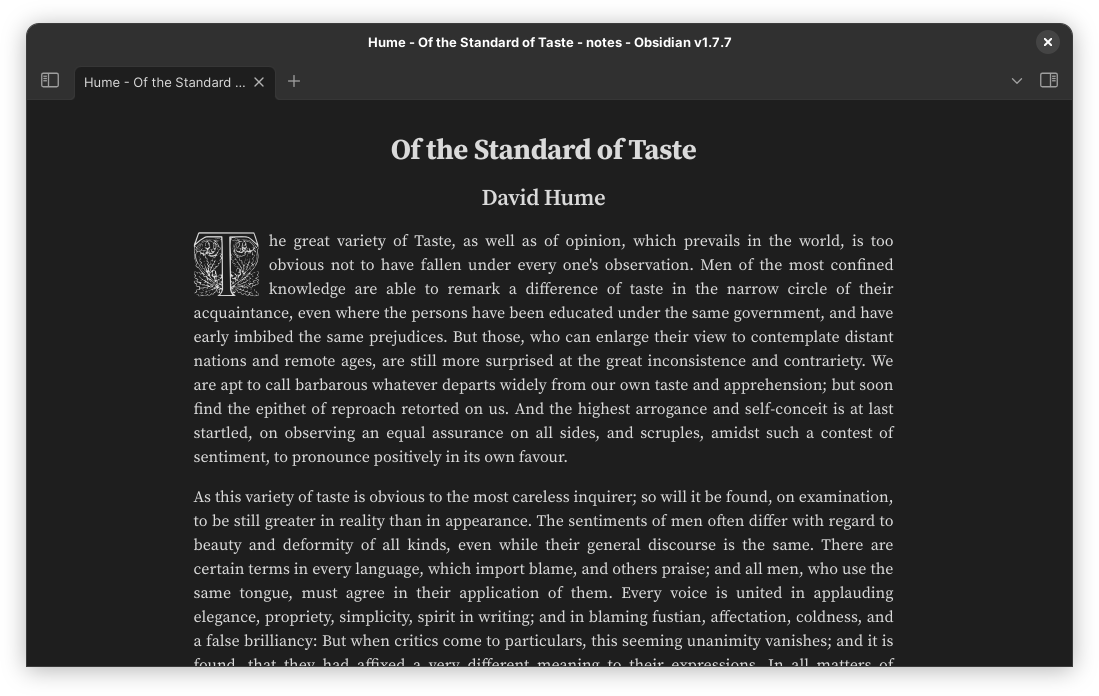
Article.css and Drop caps.css add cssclasses for optional styles. They are obtained by adding cssclasses: article, dcaps to the note properties (both shown in the picture).
The rest of the CSS improves consistency in the default theme and removes clutter.
How to Install
- Download the repository ZIP below
- Unzip it and find the CSS snippet file
- Move the CSS file into your vault's
.obsidian/snippets/folder - Open Obsidian → Settings → Appearance → CSS Snippets → Enable it
Stats
Stars
22
Forks
0
License
GPL-3.0
Last updated 8mo ago
Updates
View allObsidian now has "Readable line length" per file
8mo ago
disable animations and hide minimize, maximize, and close buttons
12mo ago
fix: update tab bar colors to match title bar
17mo ago
cssclass is deprecated in favor of cssclasses
19mo ago
fix image centering not working
21mo ago