Obsidian Habit Log
Installation
- Clone the repo, unzip.
- Open Obsidian, click Open folder as vault, and select the unzipped folder.
- When prompted, click "Trust author and enable plugins"
[!TIP] Porting to your own existing vault
Copy and paste habit-tracker anywhere in your vault. Install Dataview1
Optional: Copy canvas-tweaks and put it in your vault's .obsidian/snippets folder and enable it in
Settings>Appearance>CSS Snippets2
Logic
- Only positive entries are counted,
truefor boolean and>0values for numeric habits. - No entry and
falseor0oremptyentries mean the same. Given that, it is enough to log a habit only on the days it is a success. - The
inverse: trueoption displays the days that the habit was not logged, all stats are calculated accordingly. Useful if you want to log failure days alone for a habit. - A tracking start date is required to differentiate failure days and untracked days which is important for calculating completion percentage and streaks and visual representation.
Implementation
- Habits are tracked using the YAML frontmatter from daily notes. To log a habit, it has to be added as a property on that day's daily note. Clicking on a date in the tracker opens the corresponding daily note if it exists or creates one according to the dailyNoteTemplate.
- The tracker can be inserted anywhere with a
dataviewjscode block. The template block with all the config options available is saved as the insertHabit template. - The code block calls habit-tracker where everything is implemented including the rendering, so anything at all can be tweaked there.
Example usage
This is just a template and it is implemented in this vault for trying out
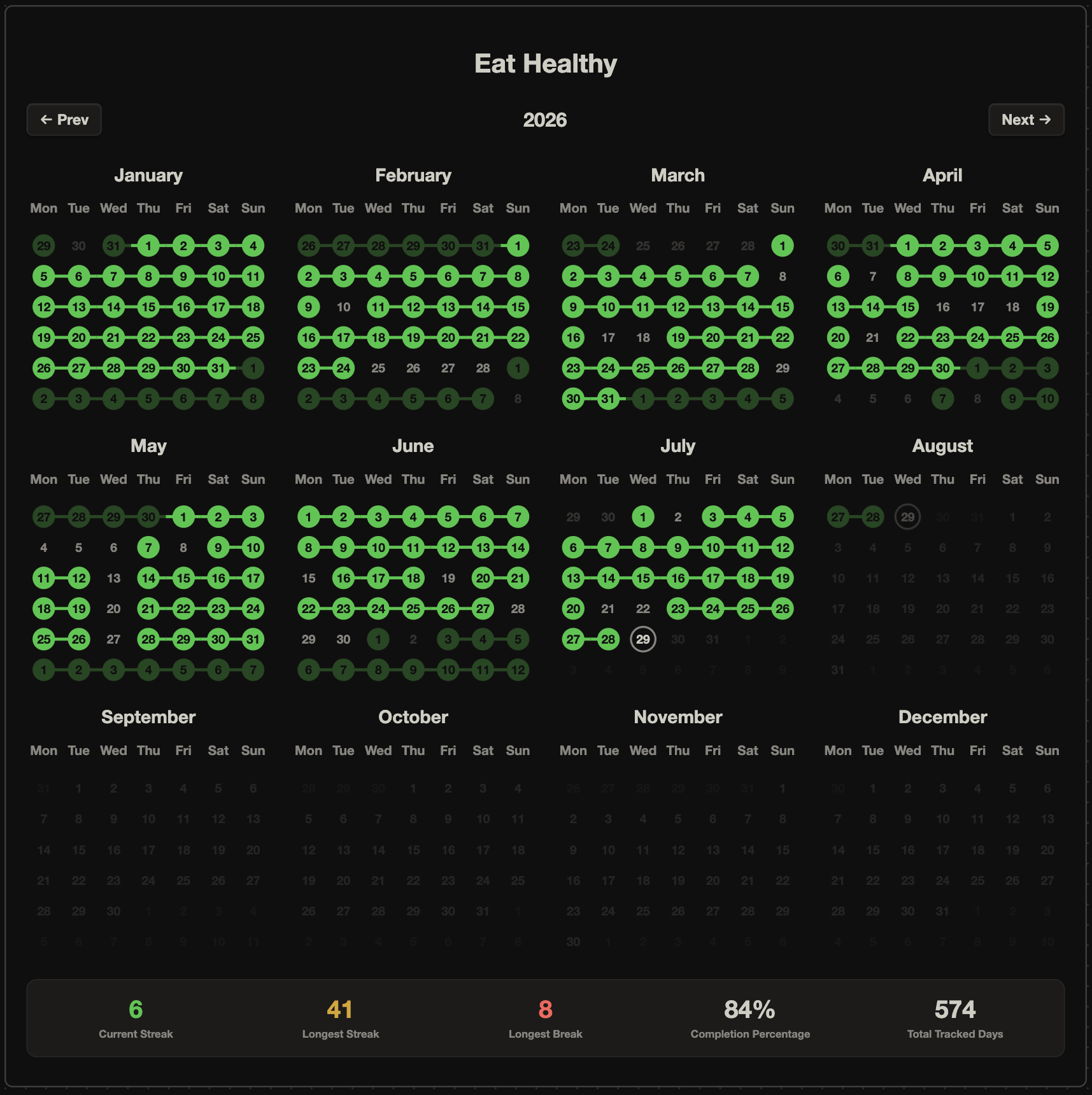
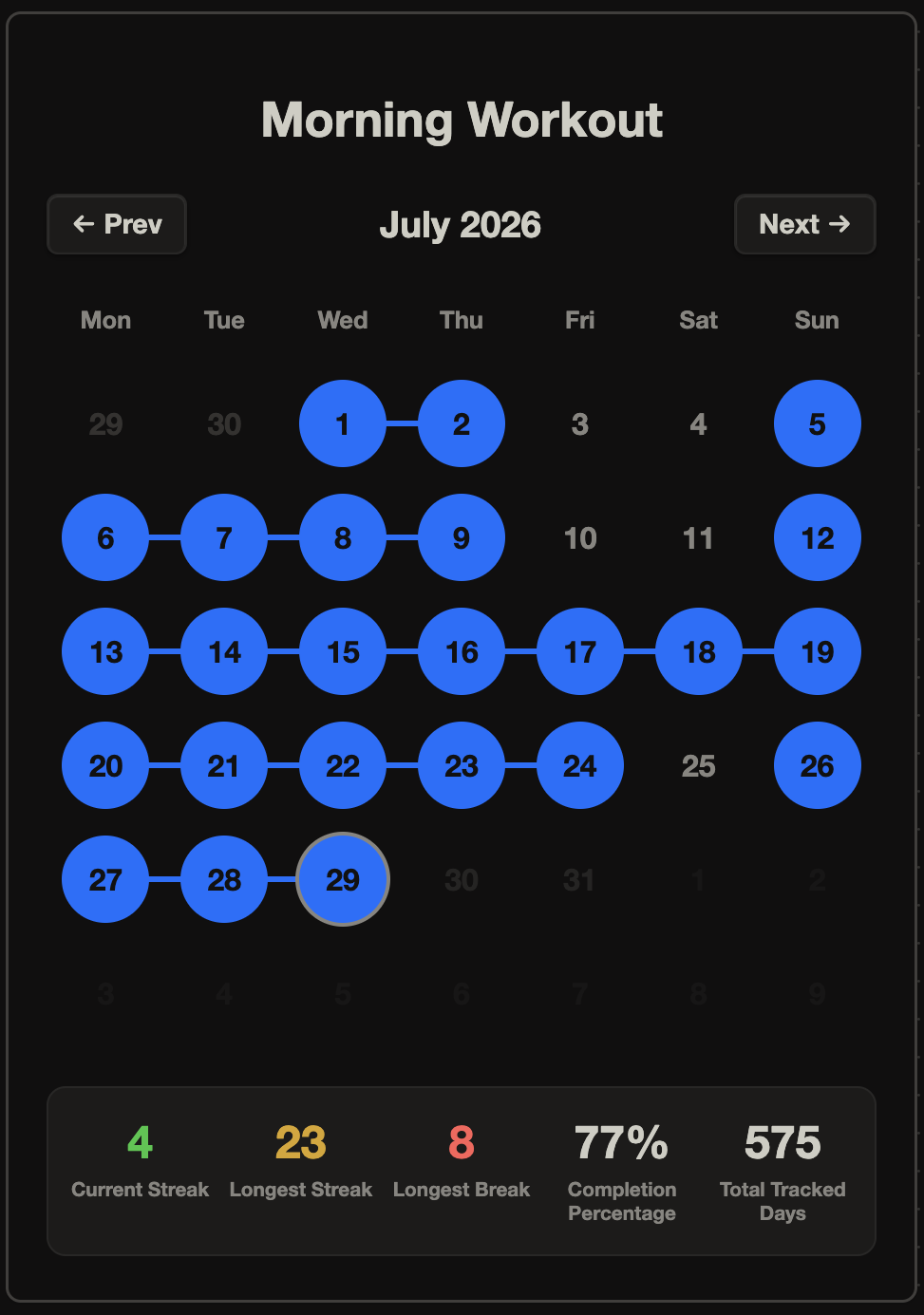
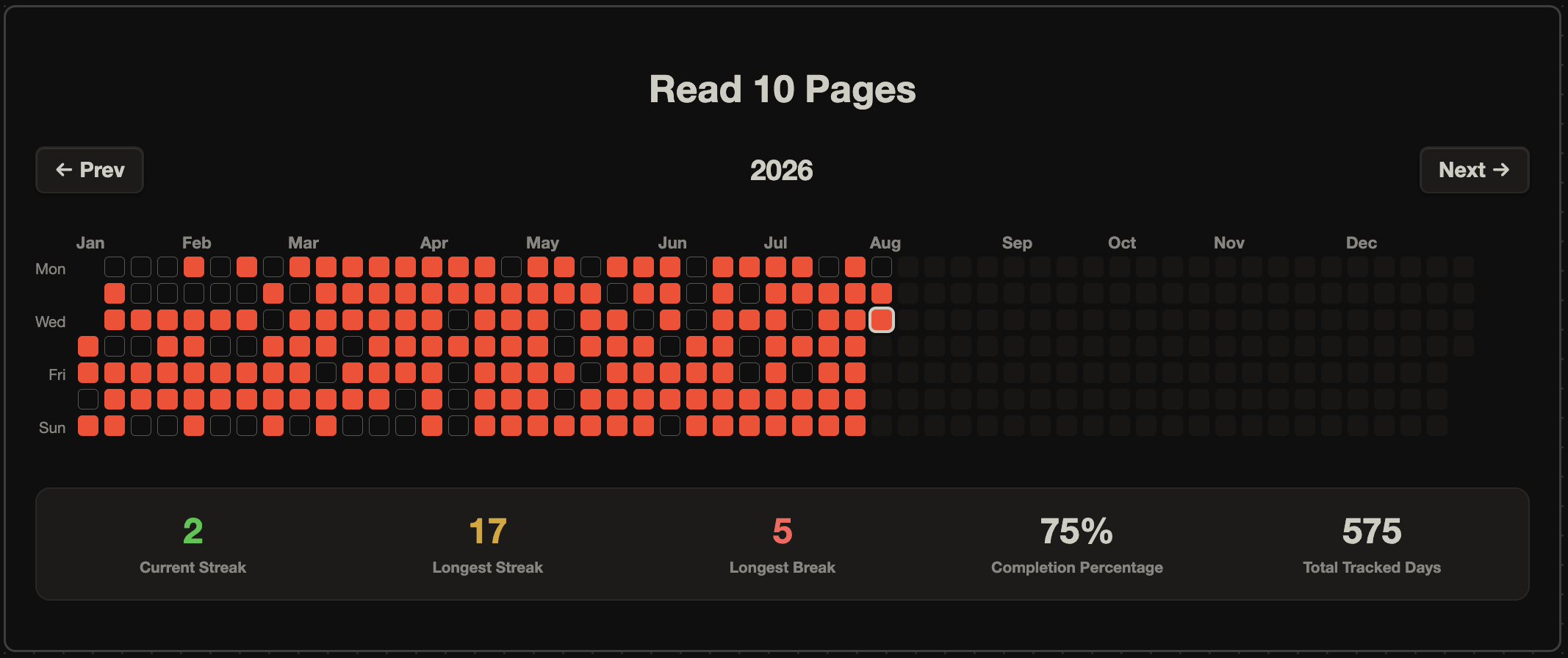
- Each tracker is saved as a note in the Cards folder and displayed in Example Dashboard for easily customizing a desired view.
- The habits that are tracked actively are added to the daily note template.
- A table of the habits, with their tracking start and end date is stored in Example Log.
- Custom Hotkeys in this vault:
^T: insert template^D: open daily note
Footnotes
-
Dataview plugin required with 'Enable JavaScript queries' turned on. ↩
-
A custom canvas-tweaks css snippet is added to remove the scrollbar and the label for embedded notes inside canvas, for a clean symmetric display card. ↩
How to Install
- Download the ZIP or clone the repository
- Open the folder as a vault in Obsidian (File → Open Vault)
- Obsidian will prompt you to install required plugins
Stats
Stars
0
Forks
0
Last updated 1mo ago