19 Stars
GitHubCSSAny theme
# Obsidian CSS Snippet Manager
An Obsidian plugin for loading custom css snippets

## Usage
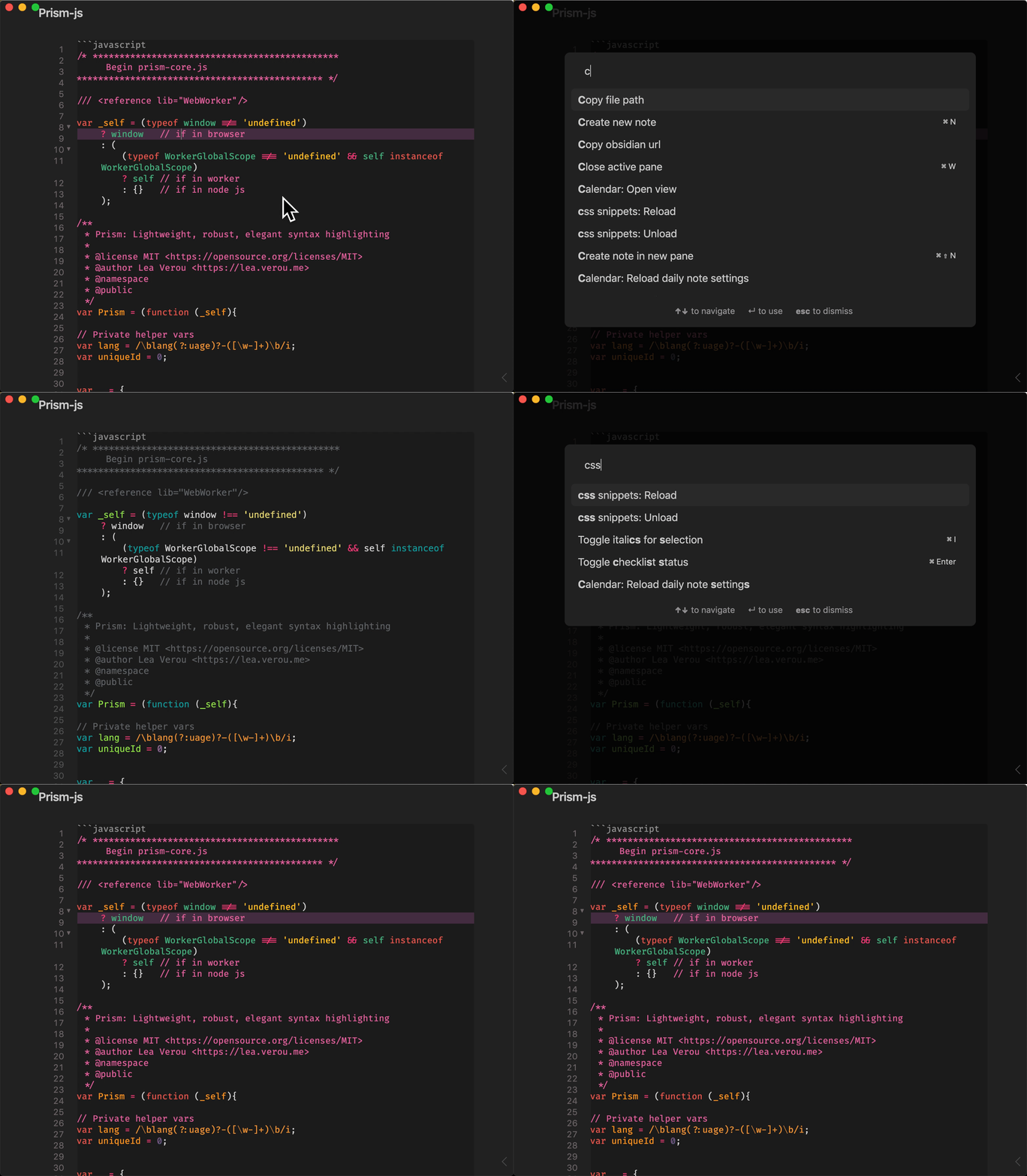
Put `.css` files into `css-snippets` in the vault root. They get automagically loaded when the plugin loads.
This adds two commands:
1. "css snippet: Reload" - loads or reloads the css files, use this if you add a new file to the folder.
2. "css snippet: Unload" - unloads all loaded style snippets
## Roadmap
- [ ] Setting tab that allows user to set the folder for storing snippets
- [ ] Toggle snippets individually ( command palette?)
- [ ] consider adding scss and sass compilation???
- [ ] scoped styles (defined in page frontmatter or based on tags etc.) - but need to find a solution for applying scoped style so that they apply only to the page not global
### Compatibility
Custom plugins are only available for Obsidian v0.9.7+.
The current API of this repo targets Obsidian **v0.9.7+**.
## Installation
### From within Obsidian
From Obsidian v0.9.8, you can activate this plugin within Obsidian by doing the following:
- Open Settings > Third-party plugin
- Make sure Safe mode is **off**
- Click Browse community plugins
- Search for "css snippets"
- Click Install
- Once installed, close the community plugins window and activate the newly installed plugin
#### Updates
You can follow the same procedure to update the plugin
### From GitHub
- Download the [Latest release](https://github.com/jdbrice/obsidian-css-snippets/releases/latest)
- Extract the `obsidian-css-snippets` folder from the zip to your vault's plugins folder: `<vault>/.obsidian/plugins/`
Note: On some machines the `.obsidian` folder may be hidden. On MacOS you should be able to press `Command+Shift+Dot` to show the folder in Finder.
- Reload Obsidian
- If prompted about Safe Mode, you can disable safe mode and enable the plugin.
Otherwise head to Settings, third-party plugins, make sure safe mode is off and
enable the plugin from there.
## Development
This project uses Typescript to provide type checking and documentation.
The repo depends on the latest [plugin API](https://github.com/obsidianmd/obsidian-api) in Typescript Definition format, which contains TSDoc comments describing what it does.
**Note:** The Obsidian API is still in early alpha and is subject to change at any time!
If you want to contribute to development and/or just customize it with your own
tweaks, you can do the following:
- Clone this repo.
- `npm i` or `yarn` to install dependencies
- `npm run build` to compile.
- Copy `manifest.json`, `main.js` and `styles.css` to a subfolder of your plugins
folder (e.g, `<vault>/.obsidian/plugins/cm-editor-syntax-highlight-obsidian/`)
- Reload obsidian to see changes
Alternately, you can clone the repo directly into your plugins folder and once
dependencies are installed use `npm run dev` to start compilation in watch mode.
You may have to reload obsidian (`ctrl+R`) to see changes.
# Version History
## v0.1.0
Initial Release. Basic functionality
How to Install
- Download the CSS file below
- Move it to your vault's
.obsidian/snippets/folder - Open Obsidian → Settings → Appearance → CSS Snippets → Enable it
Stats
Stars
19
Forks
0
License
MIT
Last updated 66mo ago
Categories