CSSAny theme
## 用法:
测试阶段可能不稳定,首先备份一下,拷贝一份.obsidian文件夹到其他地方
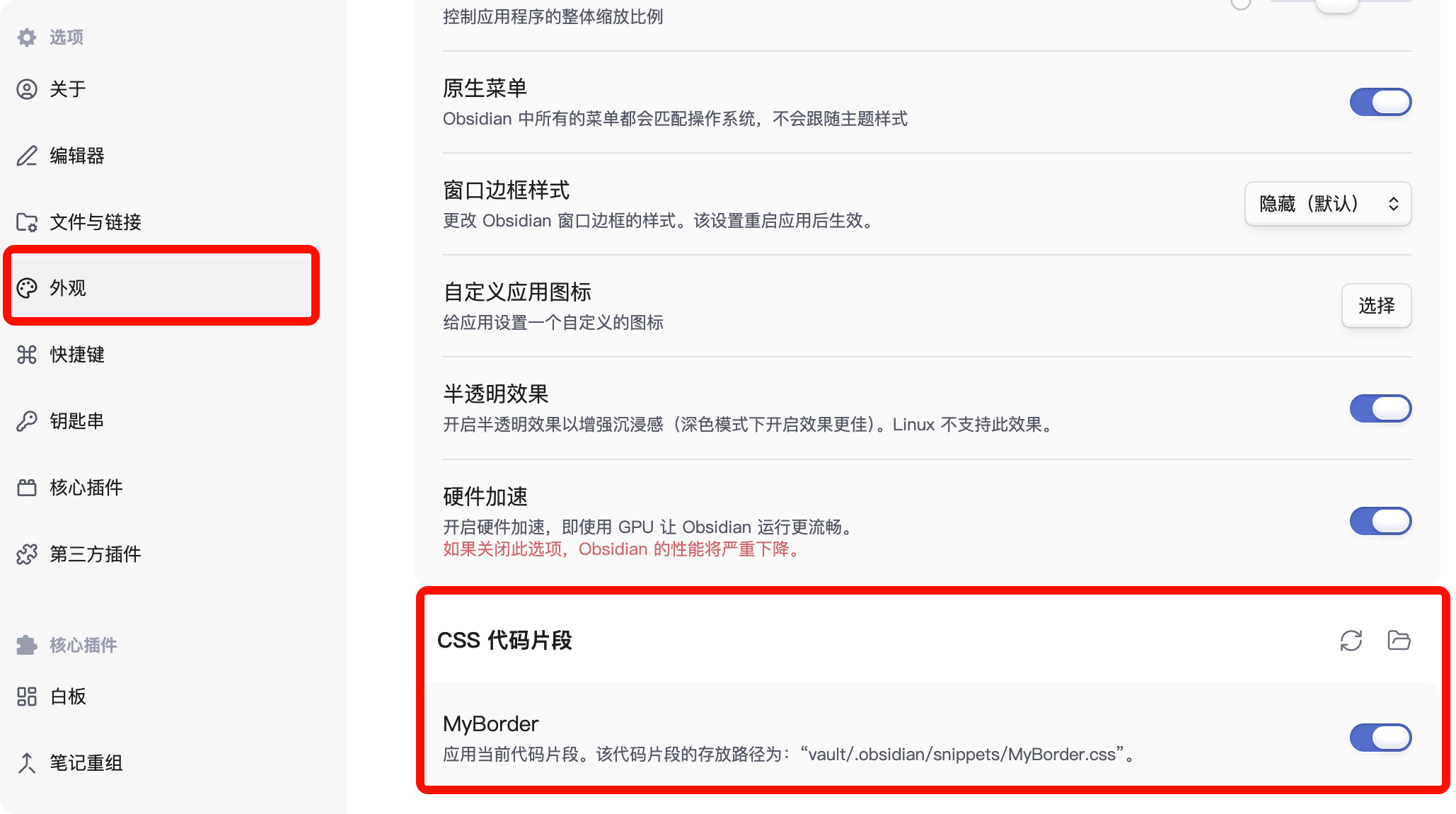
1. 将MyBorder.css放入.obsidian/snippets/
2. 
\[**以下在windows端只能适用于深色模式,且无磨砂透明效果,可以等我更新优化版**\]
3. 安装好style-setting插件
4. style-settings.json导入到boder主题的样式设置中
How to Install
- Download the CSS file below
- Move it to your vault's
.obsidian/snippets/folder - Open Obsidian → Settings → Appearance → CSS Snippets → Enable it
Stats
Stars
4
Forks
0
Last updated 22d ago
Categories