VAULT
davindakhrisnaTemplate Polymath
Obsidian vault template, based on Obsidian's CEO chaotic method on taking notes but refined to be cleaner.
Obsidian Template (Chaotic but Organized)
I love how Obsidian's CEO keeps his note in chaotic but well connected way. But I don't like how cluttered it can be at the root folder, so take this as a sub-implementation for a college student on his template
Installation
- git clone https://github.com/davindakhrisna/obsidian-template
- cd obsidian-template
- rm -rf .git public
Plugins
- Book -> For handling book details
- Minimal Theme -> For customizing your theme with minimal-template
- Dataview
- Excalidraw -> For someone who uses pen tablets or draw in Obsidian
Navigation
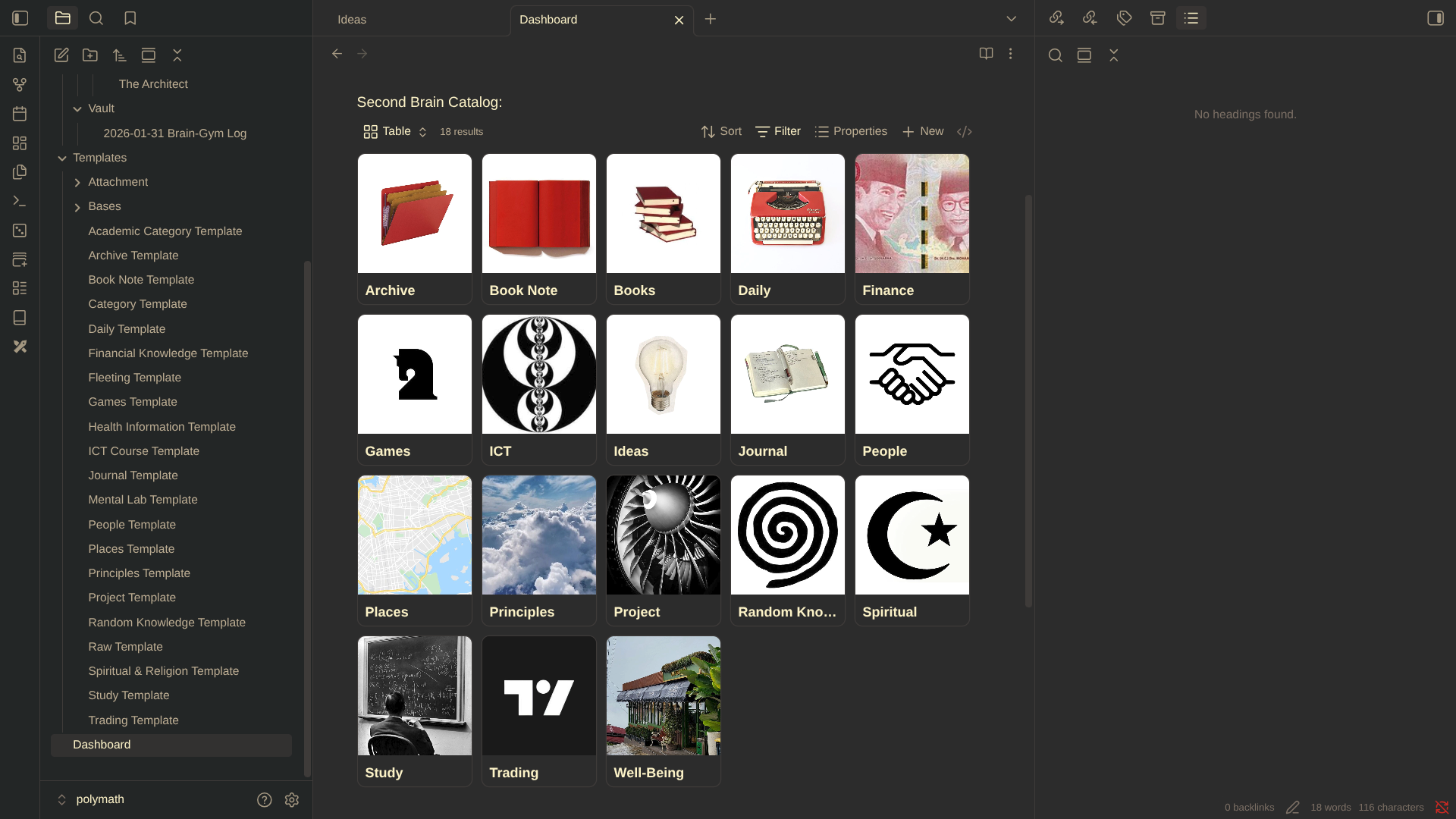
- Dashboard -> For main navigation
- Categories -> Managing various section of your notes
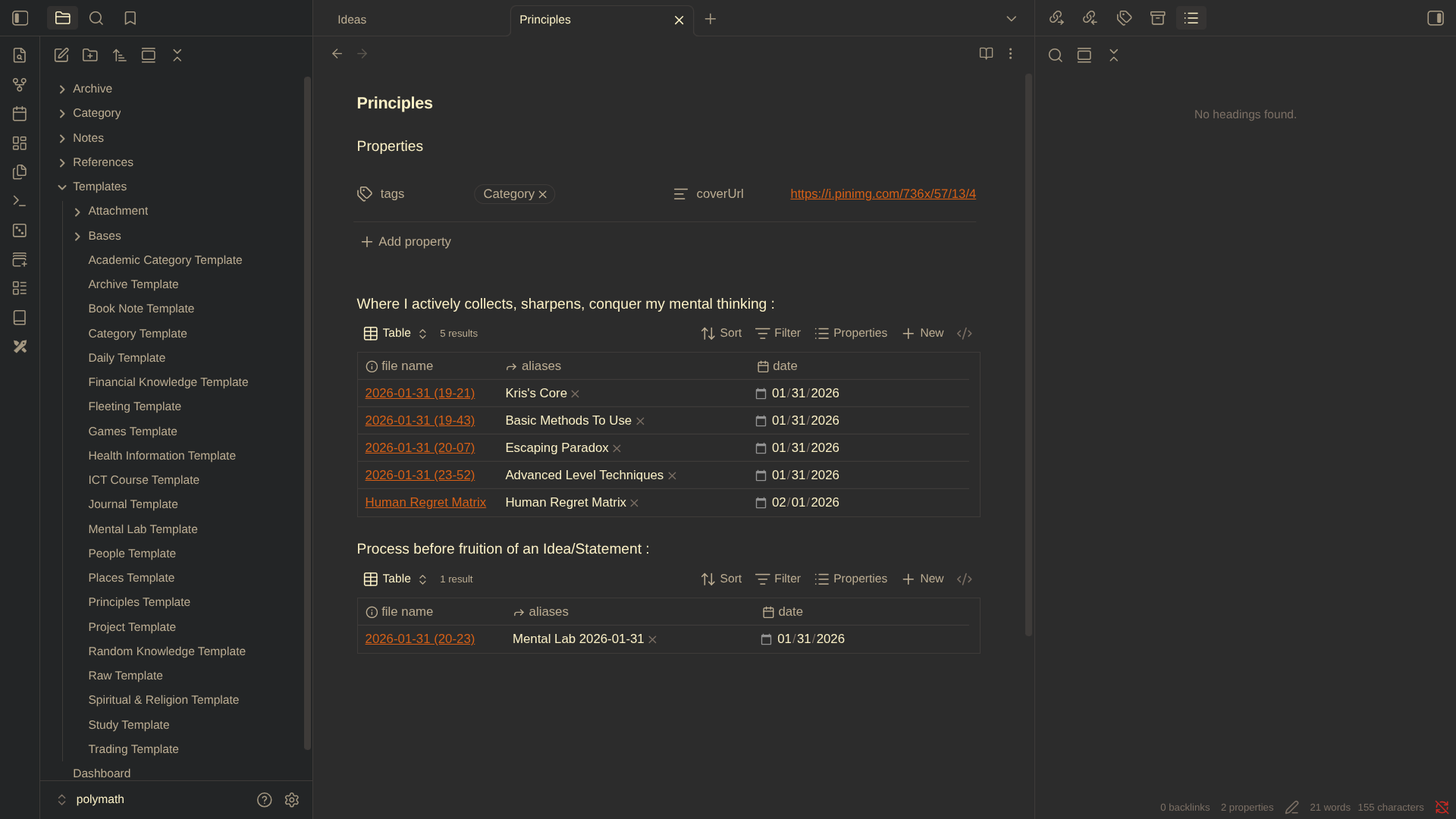
- Templates -> Template files and bases for managing categories
- Notes -> Where all your notes is
- Archive -> Weekly notes
- References -> References from your notes (example: mentioning a person and you write about that person)
Workflow
- New notes: Click on random notes to begin and insert a template based on the topic, and don't forget to fill the aliases properties in order to avoid confusion in naming
- Reference: I would always try to reference any interesting subject/topic that appears in my notes
- Adding new categories: Use the category template and place it on the /Category directory, after that create a new base that corresponds with the category and finally embed in on your new category
- Adding new template: When adding new template, make sure you always use the note properties and add tags or logic linked to your category page
- Daily notes: Used to view notes created in that day
- Archive: Used to view notes created in the same week
How to Install
- Download the ZIP or clone the repository
- Open the folder as a vault in Obsidian (File → Open Vault)
- Obsidian will prompt you to install required plugins
Stats
Stars
1
Forks
0
Last updated 2mo ago
Categories
Tags
markdownobsidian