SNIPPETdavidgolding
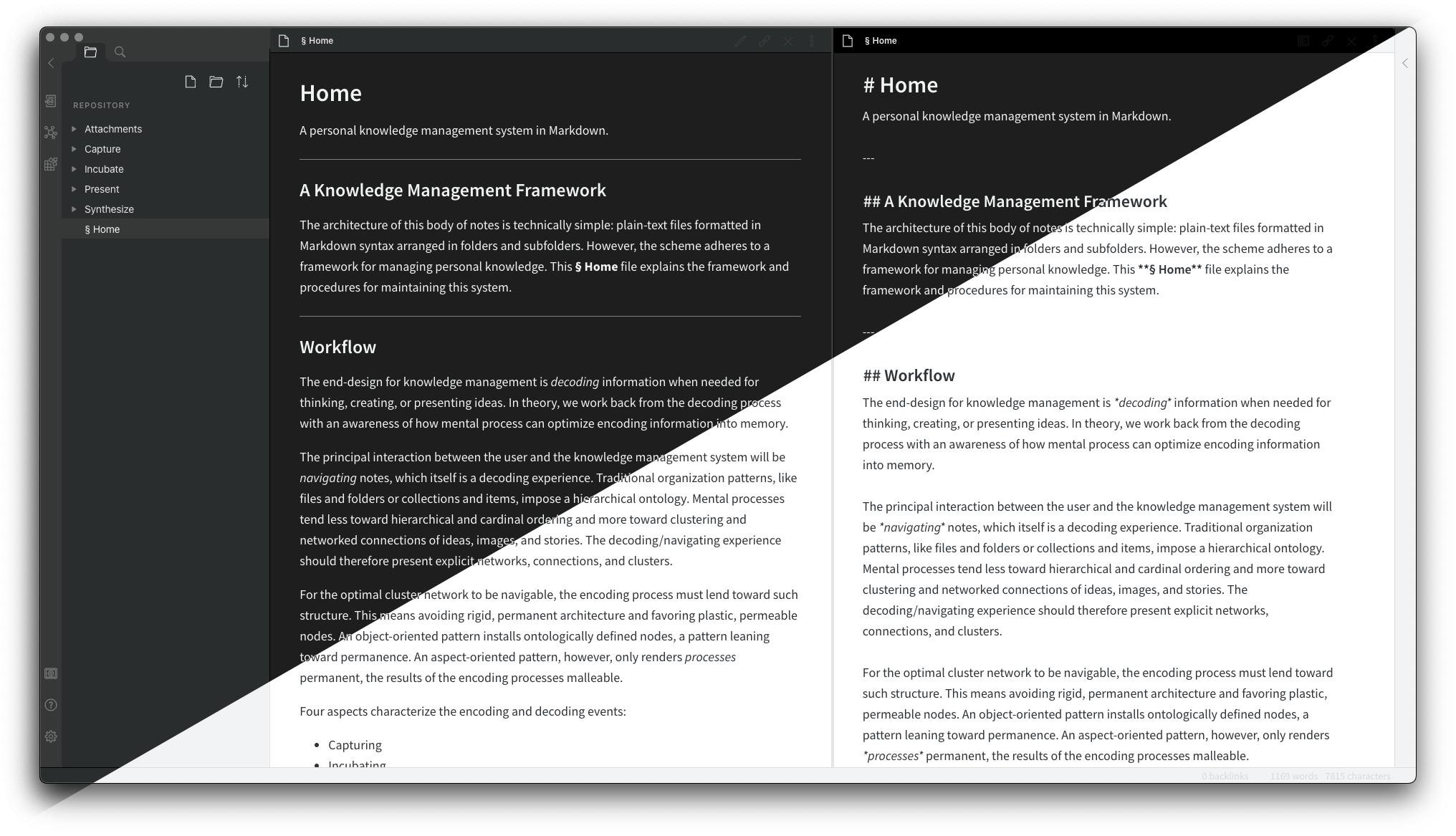
Big Sur Aesthetic
CSSAny theme
# Obsidian Big Sur Aesthetic
A theme for Obsidian based on macOS Big Sur's interface styles.

## Installation
1. Download theme.css to your Obsidian vault folder
2. In Obsidian, click Settings -> Plugins make sure `Custom CSS` is enabled
3. Select light or dark theme in Obsidian's appearance settings.How to Install
- Download the CSS file below
- Move it to your vault's
.obsidian/snippets/folder - Open Obsidian → Settings → Appearance → CSS Snippets → Enable it
Stats
Stars
14
Forks
6
License
Unlicense
Last updated 8mo ago