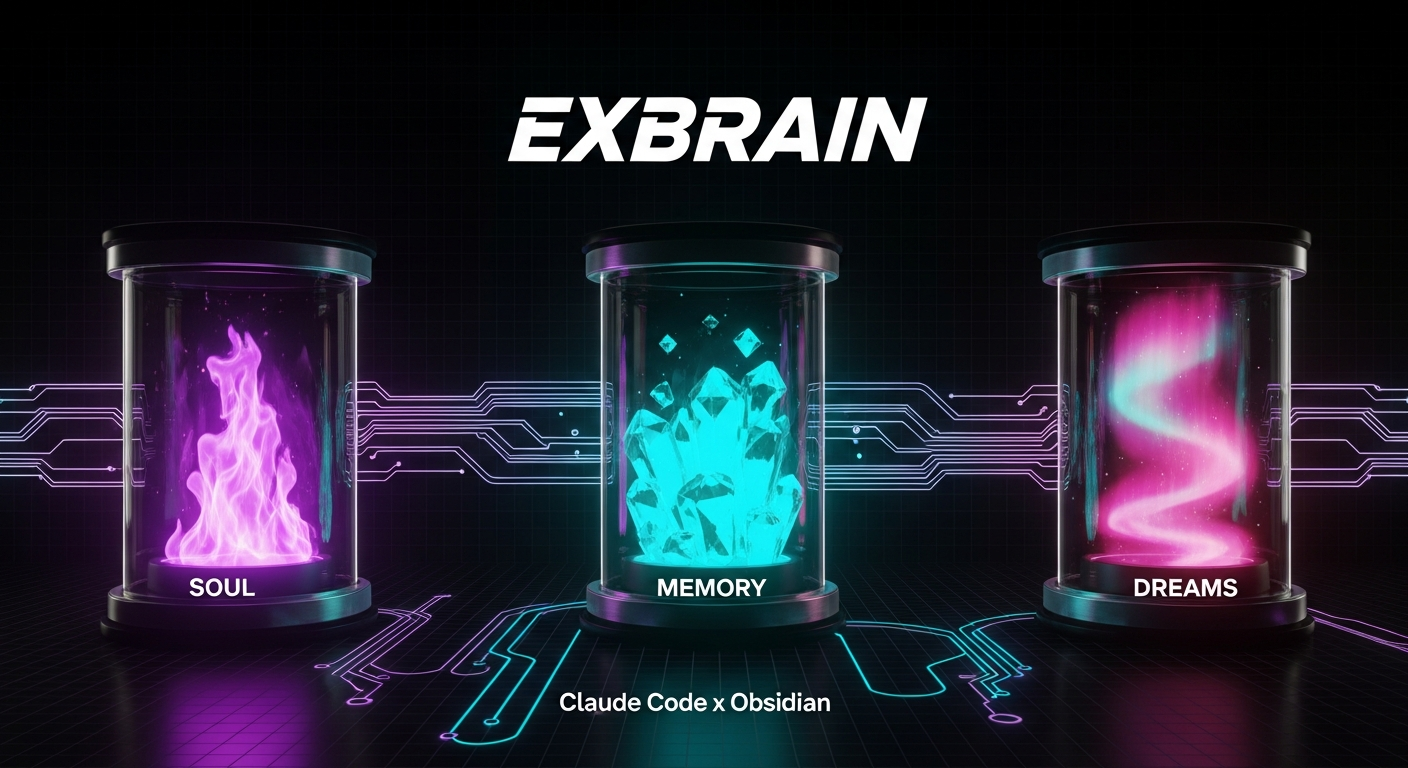
Exbrain
Exbrain — Your AI's External Brain. Claude Code × Obsidian × SOUL/MEMORY/DREAMS
Exbrain 2.0 — A Self-Growing External AI Brain
An AI knowledge system that remembers, compiles, verifies, and evolves on its own.
Claude Code × Obsidian × a 4-layer architecture
🇯🇵 日本語 · Inspired by Karpathy's LLM Wiki
What is Exbrain?
There's exactly one reason the most powerful AI model still gives you mediocre output: it knows nothing about you.
Exbrain builds an "external brain" that Claude Code reads from and writes to, on top of Obsidian (which is really just a folder of Markdown files). Your days, clients, decisions, and lessons accumulate and get compiled automatically, so that every session starts already knowing where you are right now.
- Your memory lives on your own disk, as plain text. No vendor lock-in.
- It keeps working with your laptop closed (via cloud-side scheduled tasks), and you can read it on your iPhone (via iCloud sync).
- Whatever model you swap in next, the brain survives.
What Changed in v2
The single biggest lesson from three months of running v1 (SOUL/MEMORY/DREAMS + clips):
"Raw logs pile up on their own, but compiled knowledge rots on its own."
Daily notes and clips (the raw layer) grew fatter every day through automation, while client pages and indexes (the wiki layer) went stale within weeks. v2 fixes this with a nightly compiler.
| v1 | v2 | |
|---|---|---|
| Structure | SOUL/MEMORY/DREAMS + a set of folders | 4-layer model (raw → wiki → digest → identity) |
| Front door | None (just CLAUDE.md) | INDEX.md (map + freshness dashboard) |
| Raw → knowledge compilation | Manual (stalls quickly) | Nightly compile runs every night (cheap model) |
| Quality control | weekly-sync.sh (never actually ran) | Weekly lint (registered with launchd, no LLM) |
| Research | Vanishes into chat | research/ (verified, sourced, with an expiry date) |
| Citations | Optional | A source link is required for every claim (the receipts principle) |
The 4-Layer Architecture
┌─ identity ────────────────────────────────────────────┐
│  SOUL.md / VOICE.md / RED-LINES.md                    │
│  Values, voice, lines you won't cross — humans only    │
└───────────────────────────────────────────────────────┘
┌─ digest ──────────────────────────────────────────────┐
│  MEMORY.md (recent context) / DREAMS.md (pattern insight)│
│  Written only by the cloud cognition pipeline (AM/PM + weekly)│
└───────────────────────────────────────────────────────┘
                        ▲ synthesize
┌─ wiki (compiled knowledge)────────────────────────────┐
│  entities/ clients/ insights/ research/ decisions/    │
│  One page per entity / lesson. Source link on every claim│
│  ★ The nightly compile updates this every night        │
└───────────────────────────────────────────────────────┘
                        ▲ compile
┌─ raw (raw logs, inviolable)───────────────────────────┐
│  daily/ (daily logs) clips/ (bookmarks) raw/ (dumps)  │
│  Append-only. No rewrites = ground truth              │
└───────────────────────────────────────────────────────┘
Why raw is inviolable: when the same agent keeps reading and rewriting the same notes, details dissolve and errors compound. Freeze the raw logs and you can rebuild the wiki layer as many times as you like.
Separation of ownership is the key: the cloud writes raw + digest, the local nightly compile writes the wiki, and humans write identity. Because each layer has exactly one author, sync conflicts can't arise by construction.
The Automatic Loops — How the Brain Stays Alive
A brain you only feed when you remember to is dead within three weeks. So everything goes on a schedule:
| Loop | When | What | Cost |
|---|---|---|---|
| Session primer | Start of every session | Inject today's schedule, recent events, and open loops into context | Zero (just reading) |
| Session record | End of every session | Guarantee the daily-note scaffold + git sync | Zero |
| The morning/evening eye | 07:00 / 18:30 | Calendar/Slack/Gmail → generate and update the daily note | Cloud |
| Clips | Every 4 hours | X bookmarks → summarize and save to clips/ | Cheap |
| Nightly compile | 23:30 | Read raw, compile entities/decisions/open-loops/INDEX | Cheap model (haiku) |
| Weekly lint | Sunday 09:00 | Detect broken links, duplicates, staleness, expired research | Zero (shell only) |
| Weekly Dreaming | Sunday 21:30 | Synthesize patterns across the vault → DREAMS.md | Premium model (once a week) |
💰 Cost by design: the premium model shows up only for the weekly synthesis. Compilation is routine work, so it goes to a cheap model. "Routine work, routine tier."
Nightly compile (brain-compile.sh) — the heart of v2
23:30 launchd fires
  │
  ├─ 1. Detect uncompiled days (catches up to 3 days behind)
  ├─ 2. Launch claude -p headless (haiku; Read/Write/Edit/Glob/Grep only)
  │     "Read daily/{date}.md and the new clips,
  │      then update the pages for the clients, people, and tools
  │      that appeared. Attach a source [[daily/{date}]] to every
  │      addition. Do not touch raw or digest."
  ├─ 3. Safety valve: auto-restore any changes to the raw/digest/identity layers
  ├─ 4. git commit "compile: {date}"
  └─ 5. push
Never let the LLM touch git (the script owns it), restrict what it can write by layer, and keep changes minimal — runaway prevention is guaranteed by the mechanism, not by trust.
Weekly lint (brain-lint.sh) — rot detection
An unmaintained wiki always rots. Sunday morning, a deterministic check with no LLM finds it:
- Broken wikilinks (wiki layer only)
- iCloud conflict copies (
filename 2.md) and byte-identical duplicates - Staleness (entities that appear in recent dailies but haven't been updated in 30+ days)
- Expired research (past its
expires:date) - Missing dailies and near-empty notes (detects when automation has stopped)
Results go to system/lint-report.md. Anything critical fires an OS notification.
INDEX.md — the Front Door and Paying for Context
The context window is "an expensive room where you're billed for everything you bring in." So:
- Keep CLAUDE.md under 200 lines and have it merely point at the vault (it's the always-billed zone, loaded every session)
- To look something up, go INDEX.md → follow the links. Never do a full-folder scan.
- For big questions, have a subagent read and hand back only the conclusion (decisions go in the expensive room; the library stays outside)
INDEX.md carries a map of every section plus a freshness dashboard (updated nightly by compile). You can see at a glance which layer was updated when, which makes rot visible.
research/ — Don't Mix Rumor with Verified
Turn research that would vanish into chat into an asset. The research skill's flow:
question → decompose into 3–5 sub-questions
        → parallel agents investigate different facets (web / official / practitioners' voices)
        → turn every finding into a receipt (claim + source URL + date)
        → ★ a skeptic agent attacks every claim
           ├─ single source → demote to "single-source"
           ├─ contradiction → present both sides or reject
           └─ source can't be traced → reject
        → only the survivors are saved to research/YYYY-MM-DD_topic.md
           (with expires: in the frontmatter; lint detects expiry)
Verification is kept separate because a checker on fresh context is stronger than a model reviewing its own work.
Vault Structure
~/vault/
├── INDEX.md        ← Front door (map + freshness) ★ always start here
├── CLAUDE.md       ← The schema of record (under 200 lines; stays a pointer)
├── SOUL.md / VOICE.md / RED-LINES.md   ← identity layer
├── MEMORY.md / DREAMS.md               ← digest layer
├── open-loops.md   ← Open loops (updated by compile)
│
├── daily/          ← raw: daily logs (auto-generated AM/PM)
├── clips/          ← raw: X & article clips (x/ articles/)
├── raw/            ← raw: catch-all for manual dumps (transcripts, etc.)
│
├── entities/       ← wiki: people people/ tools tools/ orgs orgs/
├── clients/        ← wiki: one page per client
├── insights/       ← wiki: lessons & patterns (one lesson per file)
├── research/       ← wiki: verified research (with expires)
├── decisions/      ← wiki: decision log (monthly)
│
├── memory/ system/ skills/ ← Claude Code internal mirror (SYNCED)
├── templates/      ← entity / concept / research / daily-note / decision
└── scripts/        ← hooks · compile · lint · sync
Setup
Prerequisites
- Claude Code (Pro or Max) / Obsidian (free) / a GitHub account
- (Optional) Slack, Google Calendar, and Gmail Connectors; an always-on agent
Step 1: Create the vault + expand the templates
git clone https://github.com/chaenmasahiro0425/exbrain.git /tmp/exbrain
mkdir -p ~/vault && cp -r /tmp/exbrain/vault-template/* /tmp/exbrain/vault-template/.gitignore ~/vault/

# iCloud sync (if you want iPhone support)
mv ~/vault ~/Library/Mobile\ Documents/iCloud~md~obsidian/Documents/exbrain
ln -s ~/Library/Mobile\ Documents/iCloud~md~obsidian/Documents/exbrain ~/vault
Step 2: Write the identity layer (this part alone is a human job)
SOUL.md— who you are, and how you want the AI to behaveVOICE.md— your voice per channelRED-LINES.md— the lines you won't cross no matter what you're told
Step 3: Configure hooks
~/.claude/settings.json:
{
  "hooks": {
    "SessionStart": [{ "hooks": [
      { "type": "command", "command": "bash ~/vault/scripts/on-session-start.sh" }
    ]}],
    "Stop": [{ "hooks": [
      { "type": "command", "command": "bash ~/vault/scripts/on-session-end.sh", "async": true }
    ]}],
    "PostToolUse": [{ "matcher": "Write|Edit", "hooks": [
      { "type": "command", "command": "bash ~/vault/scripts/on-file-change.sh", "async": true }
    ]}]
  }
}
Step 4: Backfill — get everything you have into the brain
Dump your past chat logs, meeting notes, and memos into raw/, then tell Claude Code:
Following the rules in ~/vault/CLAUDE.md, read every file in raw/
and compile entities/, clients/, and insights/. Attach a source link to every claim.
If there are dozens of files, knock it out in one shot with parallel subagents (or a Workflow).
Step 5: Start the loops
# Register with launchd (after replacing the placeholder with your own username)
cp /tmp/exbrain/launchd/com.YOURNAME.brain-*.plist ~/Library/LaunchAgents/
launchctl bootstrap gui/$(id -u) ~/Library/LaunchAgents/com.YOURNAME.brain-compile.plist
launchctl bootstrap gui/$(id -u) ~/Library/LaunchAgents/com.YOURNAME.brain-lint.plist
launchctl bootstrap gui/$(id -u) ~/Library/LaunchAgents/com.YOURNAME.brain-pull.plist
Register the morning/evening daily-note generation and the weekly Dreaming as Cloud Scheduled Tasks (claude.ai/code/scheduled), and the brain keeps running even with your PC closed.
Step 6: Back up to GitHub
cd ~/vault
git init && git add -A && git commit -m "Initial brain"
gh repo create my-vault --private --source=. --push
⚠️ A Sync Warning — This Is Where Vaults Die
Pick exactly one sync system. If iCloud syncs while an agent is mid-write, it mass-produces conflict copies of the form filename 2.md (a true story: 395 of them in v1's real-world use).
- Make git the "save-point layer": nothing is final until you commit
- If you use iCloud, the weekly lint detects the conflict copies (handled in v2)
- The byte-identical duplicates it finds are safe to delete
Scripts Included
| Script | Purpose |
|---|---|
brain-compile.sh | ★ The nightly compiler: raw → wiki compilation (23:30) |
brain-lint.sh | ★ Weekly lint: rot detection (Sunday 09:00) |
on-session-start.sh | SessionStart hook: pull → healthcheck → primer injection |
session-primer.sh | Inject the "state of the brain" into context at the start of a session |
on-session-end.sh | Stop hook: guarantee the daily scaffold + sync |
on-file-change.sh | PostToolUse hook: record changes to the audit log |
vault-sync.sh | Two-way git sync (rebase; cloud wins on daily conflicts) |
vault-healthcheck.sh | Per-session health check + dashboard |
sync-x-bookmarks.sh | Fetch X bookmarks (for the always-on agent) |
sync-agent-to-vault.sh | Enrich daily notes with data from external agents |
ios-clip-shortcut.md | One-tap clipping from the iPhone share menu |
All scripts are macOS-compatible (no GNU extensions). The LLM-execution parts run in headless mode with tightly scoped permissions.
Design Philosophy — References
- Karpathy's LLM Wiki — the origin of "treat your knowledge base like a codebase"
- Claude Code Hooks / Cloud Scheduled Tasks
- The raw/wiki split, source receipts, skeptic verification, and expiry dates are an implementation of the second-brain patterns that the practitioner community converged on in 2026
License
MIT — LICENSE
How to Install
- Download the ZIP or clone the repository
- Open the folder as a vault in Obsidian (File → Open Vault)
- Obsidian will prompt you to install required plugins
Stats
Stars
67
Forks
12
License
MIT
Last updated 3mo ago
Categories