
 Catppuccin for Obsidian



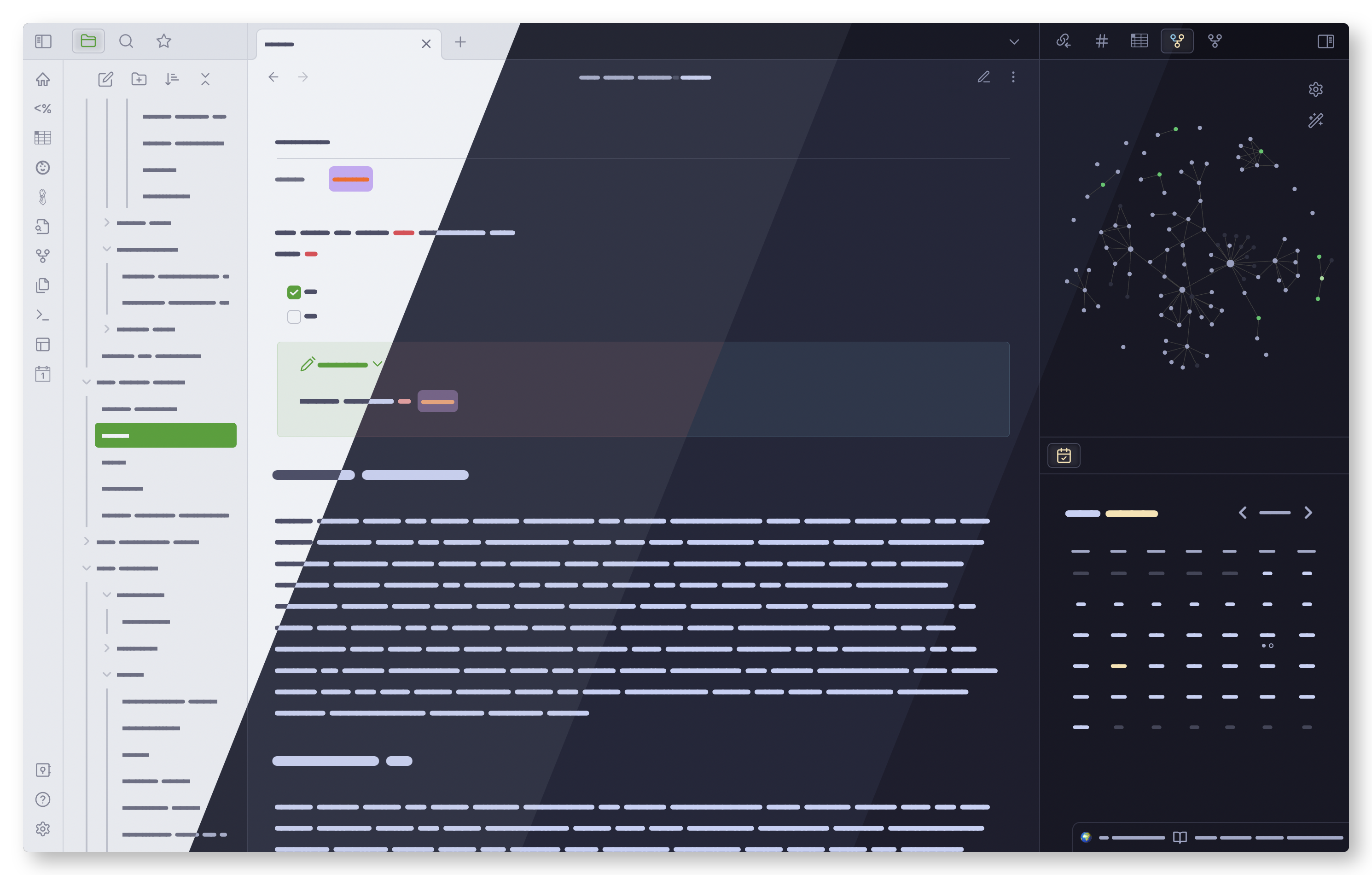
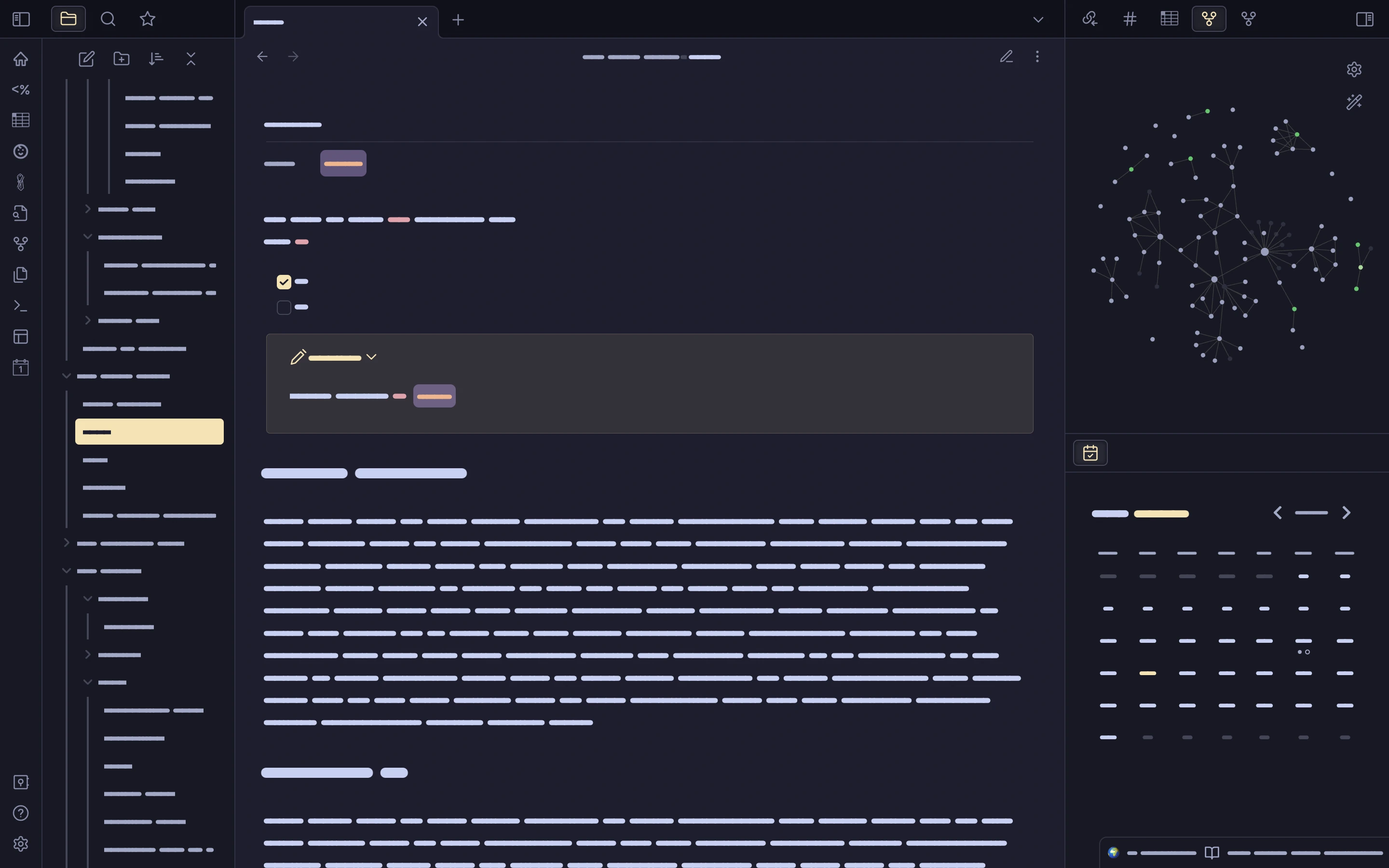
Previews
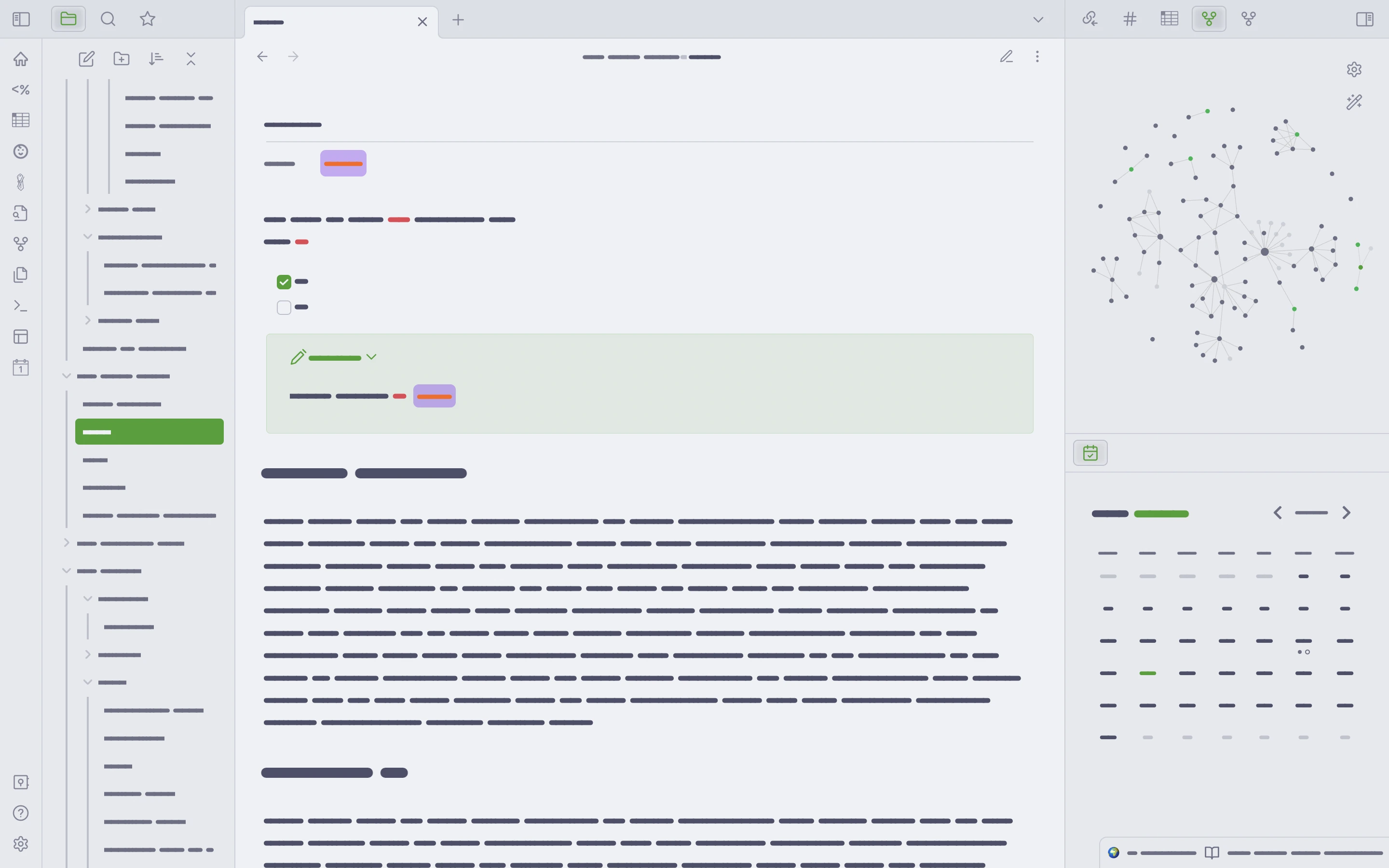
🌻 Latte
🪴 Frappé
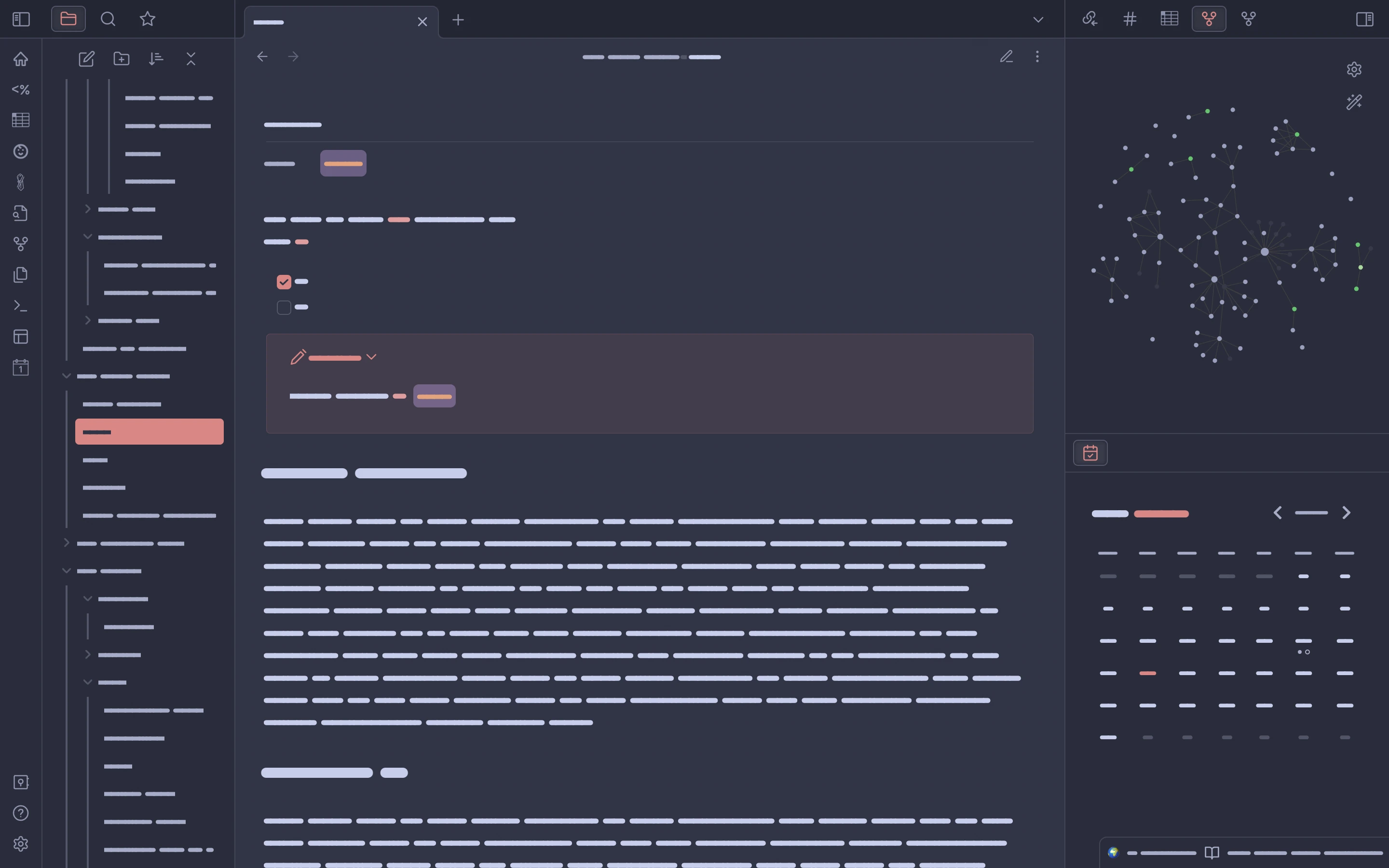
🌺 Macchiato
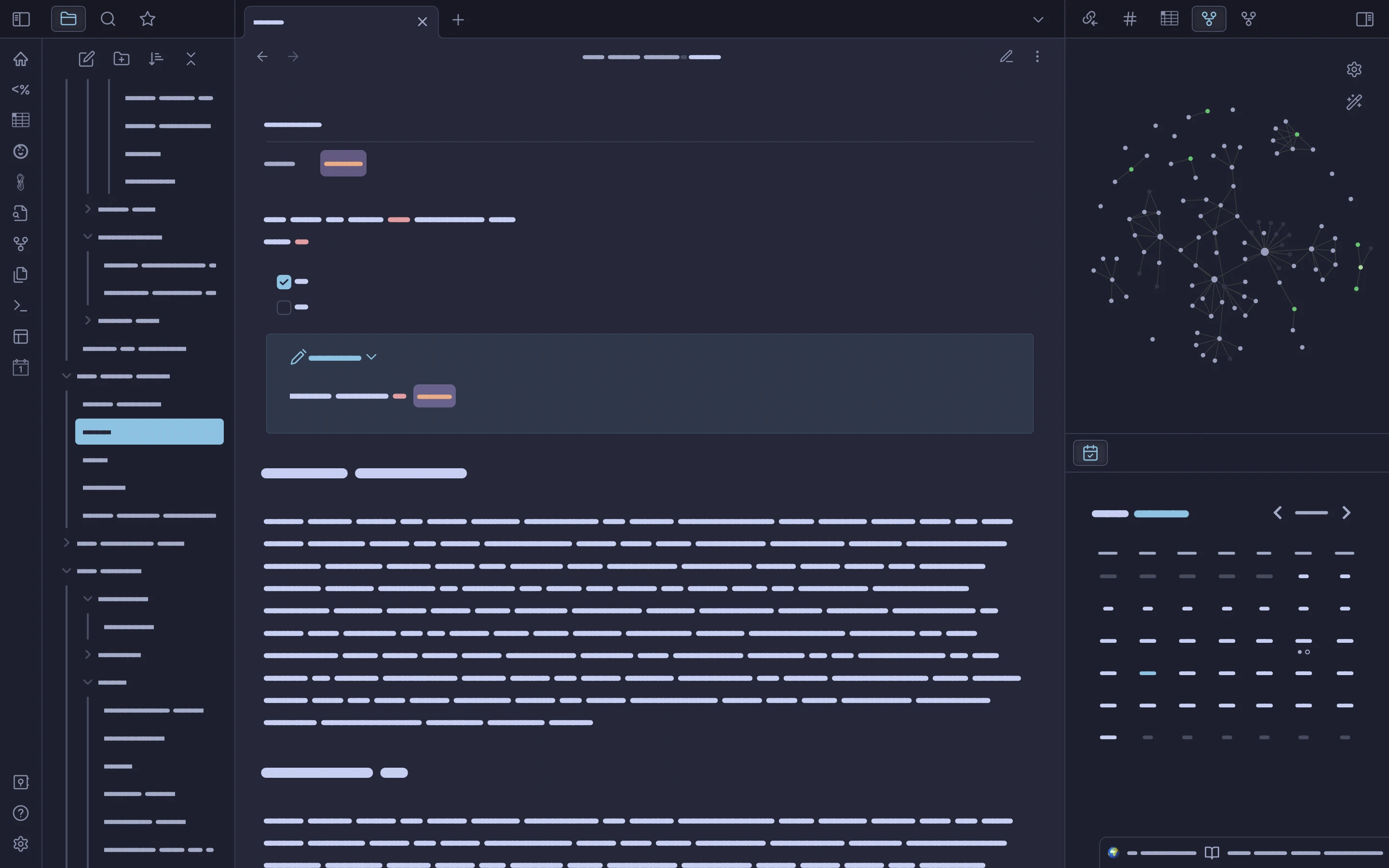
🌿 Mocha
Usage
[!NOTE]
The theme is a constant work in progress, given the quick development pace of Obsidian itself and the user-made plugin scene. Currently, the default editor text uses a base64-encoded version of Friedrich Althausen's font Vollkorn.The theme was also a runner up in 🎉 Obsidian's 2022 Gems of the Year awards. Thank you to everyone who voted.
This theme provides the full range of Catppuccin palettes when used with the Style Settings plugin (see here for more on using plugins with Obsidian).
This plugin will allow users to pick from several variations on Catppuccin, including accents for each color in the palette and one that features the full host of Catppuccin colors (the default). New options will be exposed through the Style Settings plugin over time.
Obsidian theme store
To install from the Obsidian theme store:
Open Obsidian and go to Preferences >> Appearance,
click Manage and scroll down to 'Community Themes.' Type '
Catppuccin' in the filter bar and then click 'Use' under the
theme name.
To use Catppuccin Latte, set the Base color scheme option to Light.
For one of the three dark themes, set Base color scheme to Dark.
This defaults to Catppuccin Mocha; install Style Settings as described below to change your dark theme flavor to Frappé or Macchiato.
Style Settings plugin installation and use
A note on Style Settings setup from pitoniak32:
To install Style Settings, open Obsidian's
Preferences, and navigate to the OPTIONS section, selectCommunity pluginsand ensure thatRestricted Modeis off.Now you can search for "Style Settings" by mgmeyers. Once you have the plugin installed, you should be able to see a heading entry
Style Settingson the left underCOMMUNITY PLUGINSin thePreferenceswindow.From there you can select, and configure your Catppuccin flavor, and make customizations :)
Problems?
Obsidian is a large and constantly expanding app with a variety of use cases and plugins. If you run into theme-related issues or want CSS adjustments made for your favorite plugin(s), please open an issue. While there is a Discord community for the theme, using GitHub Issues is good for the development process, less ephemeral, and helps other users who need support or want to contribute.
Contributing
See CONTRIBUTING.md.
Plugins
The theme currently has limited CSS for a few plugins in _plugins.scss. These include:
- Another Quick Switcher
- Better Command Palette
- Obsidian Git
- Omnisearch
- MAKE.md
Development
See the Releases page for the latest news.
💝 Thanks to
- mbeckrich
- AnubisNekhet
- pitoniak32
- hiimsergey
- GabeVilela
- Aidavdw
- Andrea18500
- The talented and kindhearted people in the Obsidian discord's CSS channel. In particular:

Copyright © 2021-present Catppuccin Org

How to Install
- Download the ZIP or clone the repository
- Open the folder as a vault in Obsidian (File → Open Vault)
- Obsidian will prompt you to install required plugins
Stats
Stars
588
Forks
27
License
MIT
Last updated 3d ago
Tags
Updates
View allfix: text and background color mismatch on settings page (#148)
1mo ago
Update manifest.json (#147)
1mo ago
fix: restore text contrast on active settings nav items (#146) --text-on-accent resolves to --ctp-mantle (a dark background colour), causing near-invisible dark-on-dark text when a settings nav item is selected. Add explicit color: var(--text-normal) to the .is-active rule in _full-palette.scss so selected items remain readable.
1mo ago
Fix/icon display (#142) * fix: clipped boxes from #141 * fix: active text and icon color * fix: custom transitions from theme * fix: compatibility for emoji autocomplete plugin #134 * Update manifest.json and HISTORY.md
1mo ago
chore(deps): update dependency stylelint-order to v7 (#122) Co-authored-by: renovate[bot] <29139614+renovate[bot]@users.noreply.github.com>
1mo ago