50 Stars
GitHubCSSAny theme
# Ono-Sendai_obsdn
# !! note: this theme is currently unmaintained, and will not work properly in newer obsidian versions. !!
### description
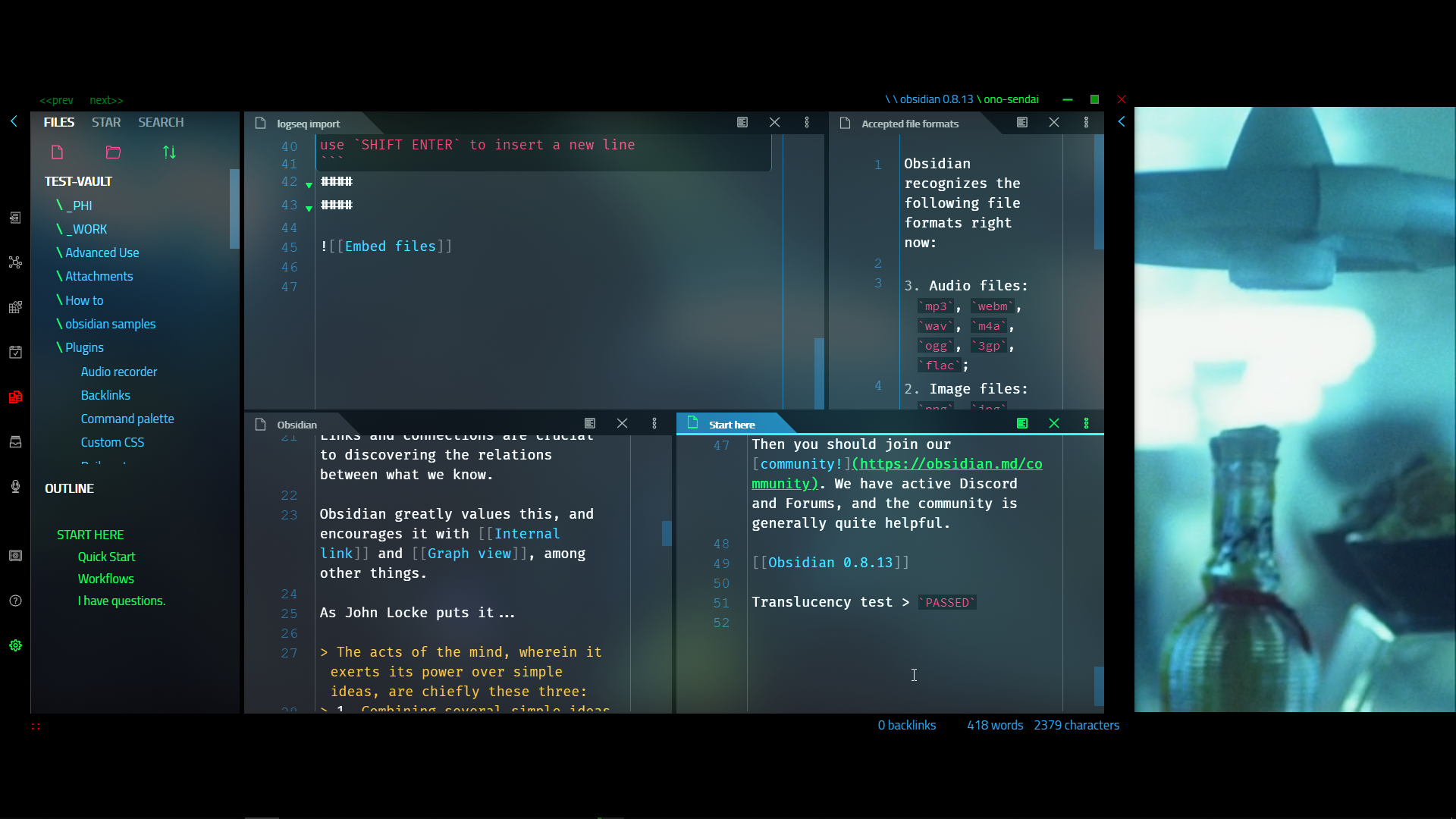
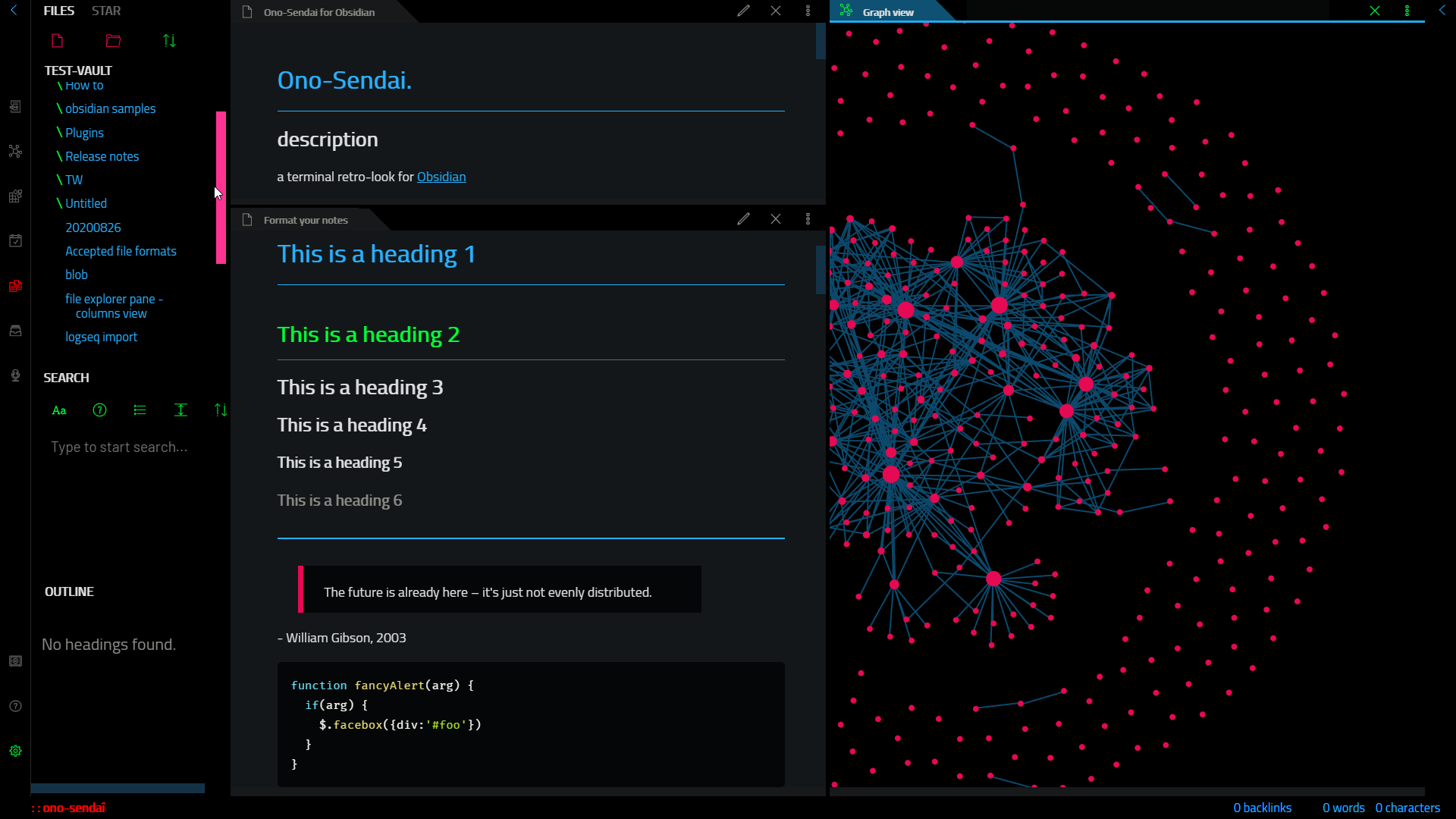
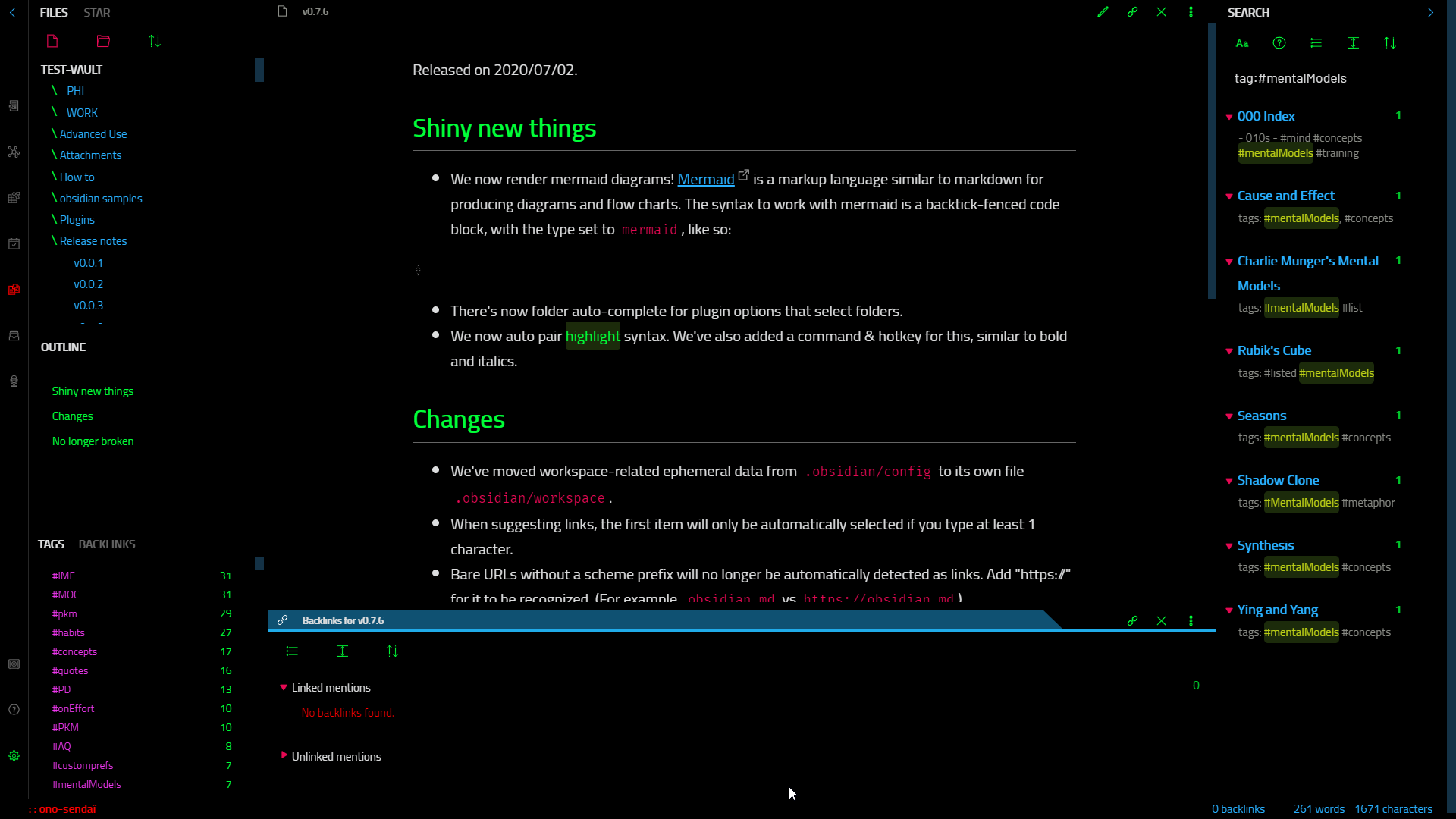
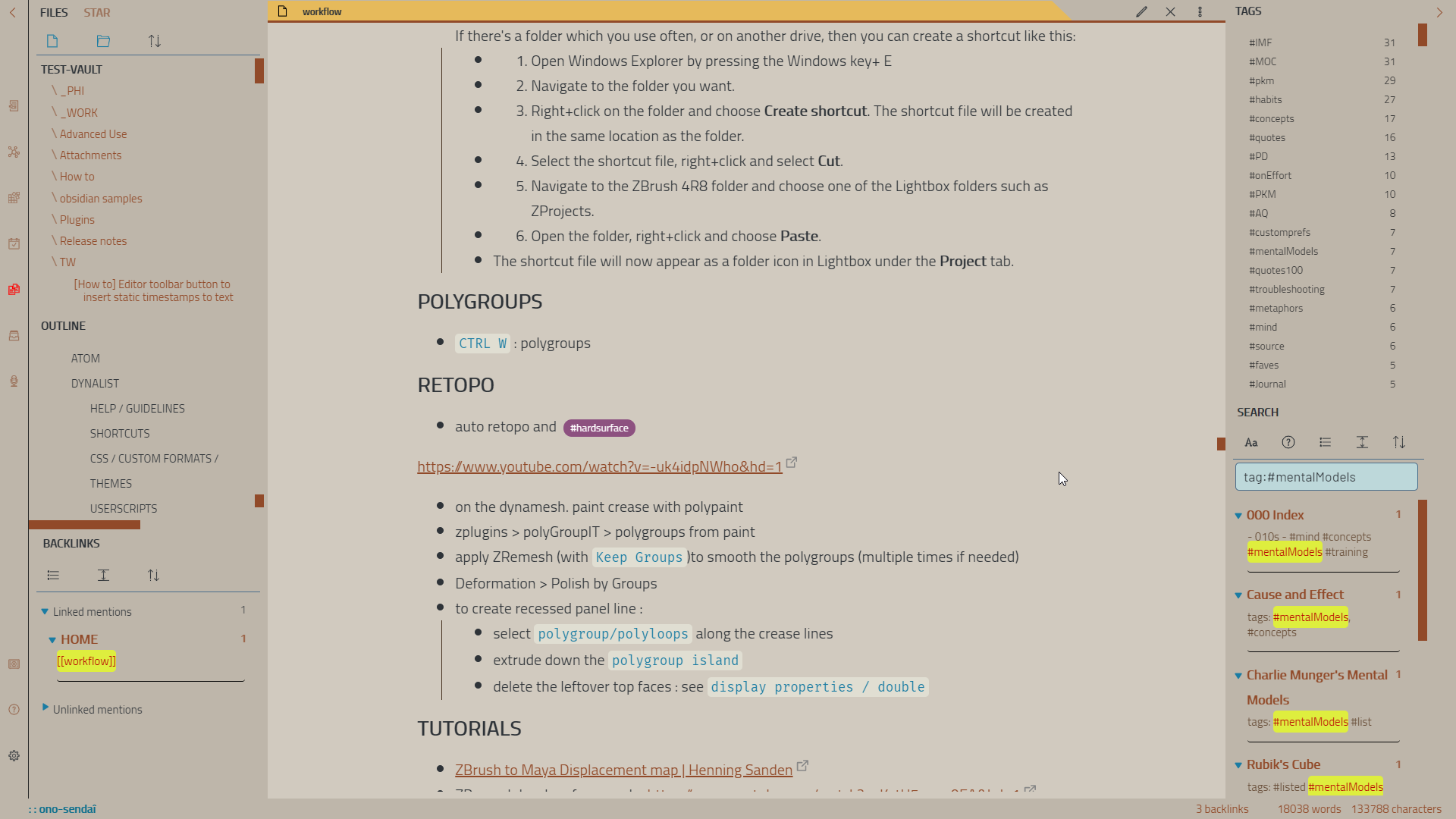
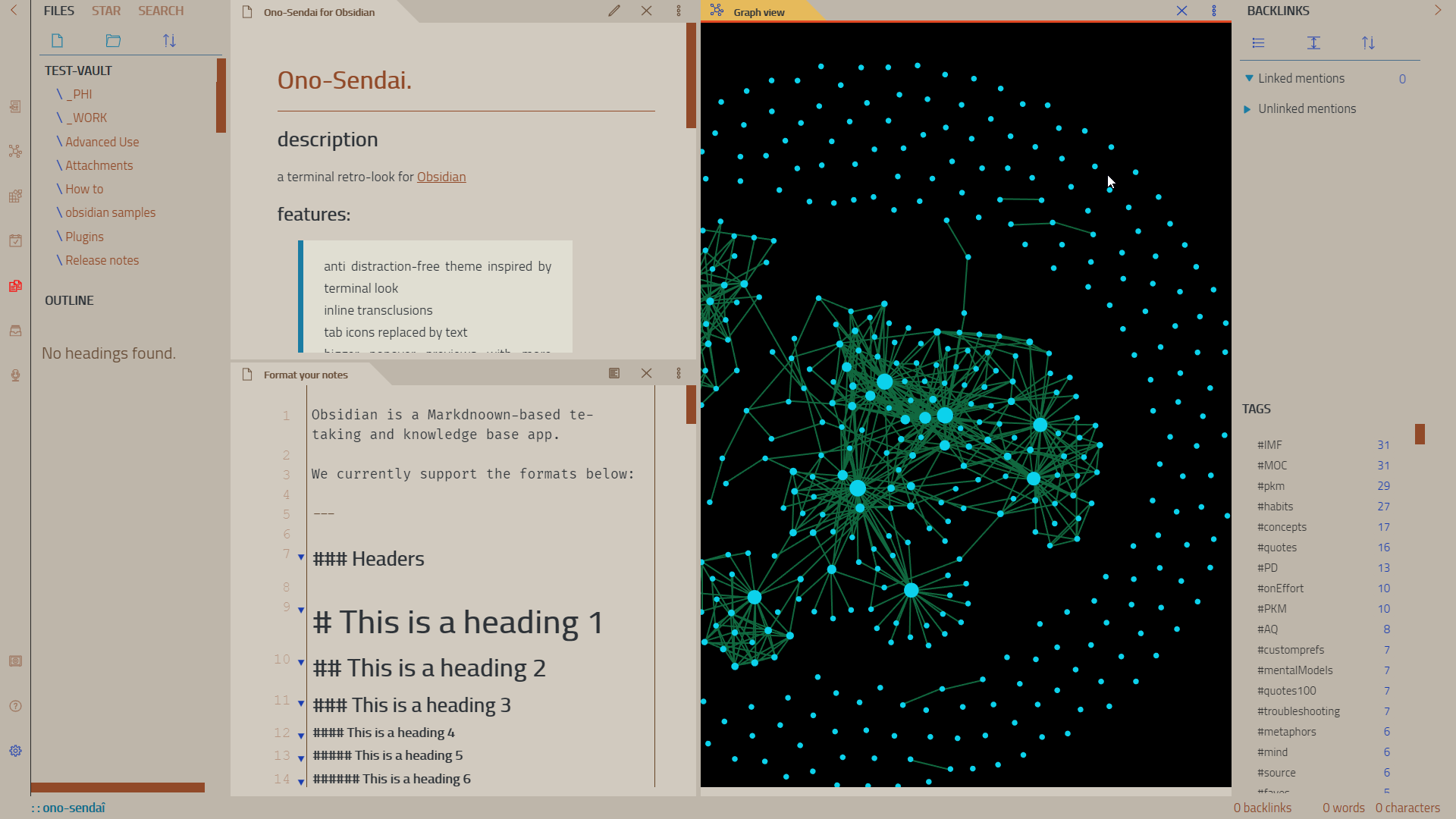
a terminal retro-look for [[Obsidian]]
https://github.com/cannibalox/ono-sendai_obsdn/assets/4605693/28669765-4f7f-454d-856b-b34e303f05b3

#### features:
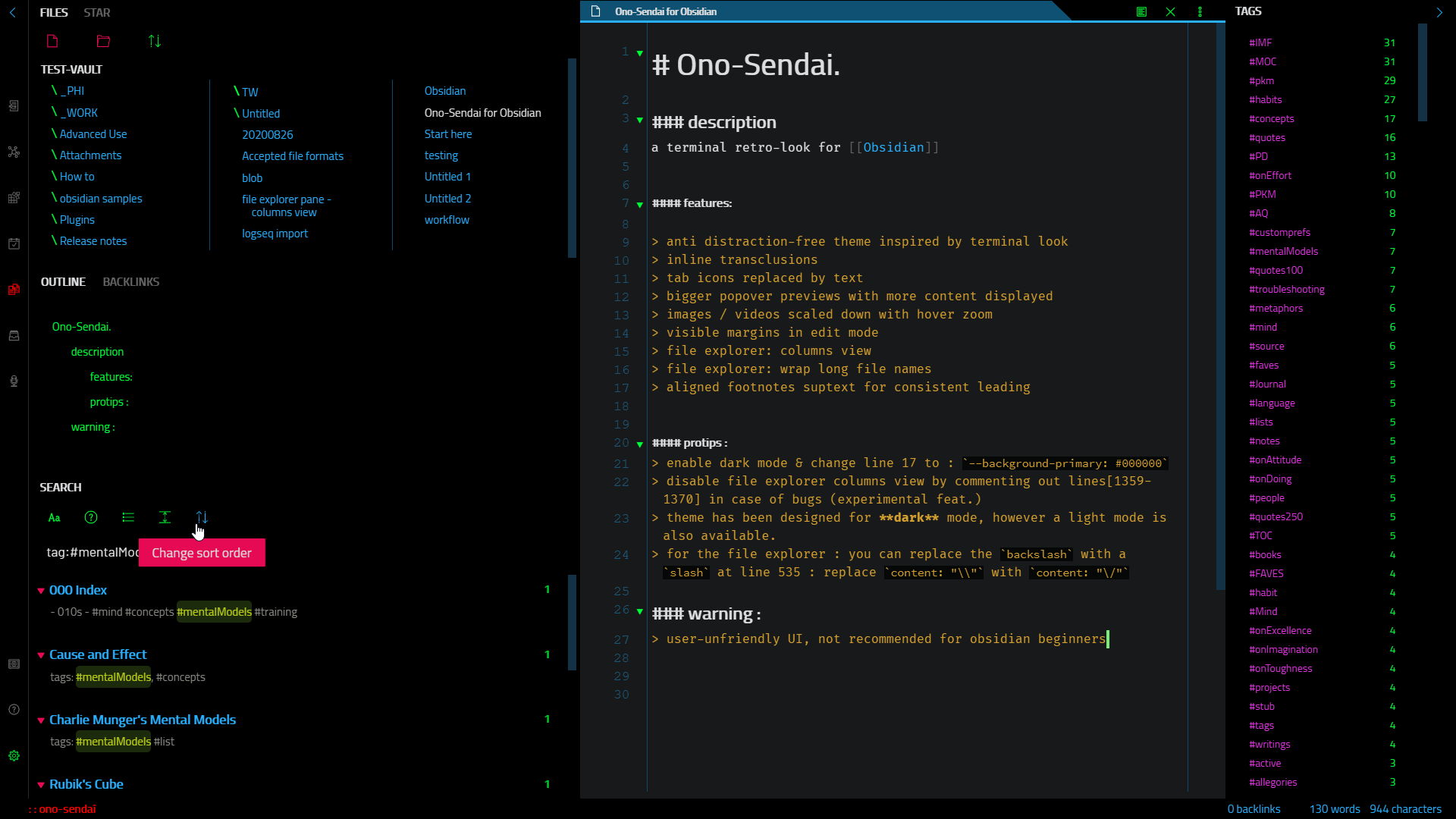
- anti distraction-free theme with a terminal flavor
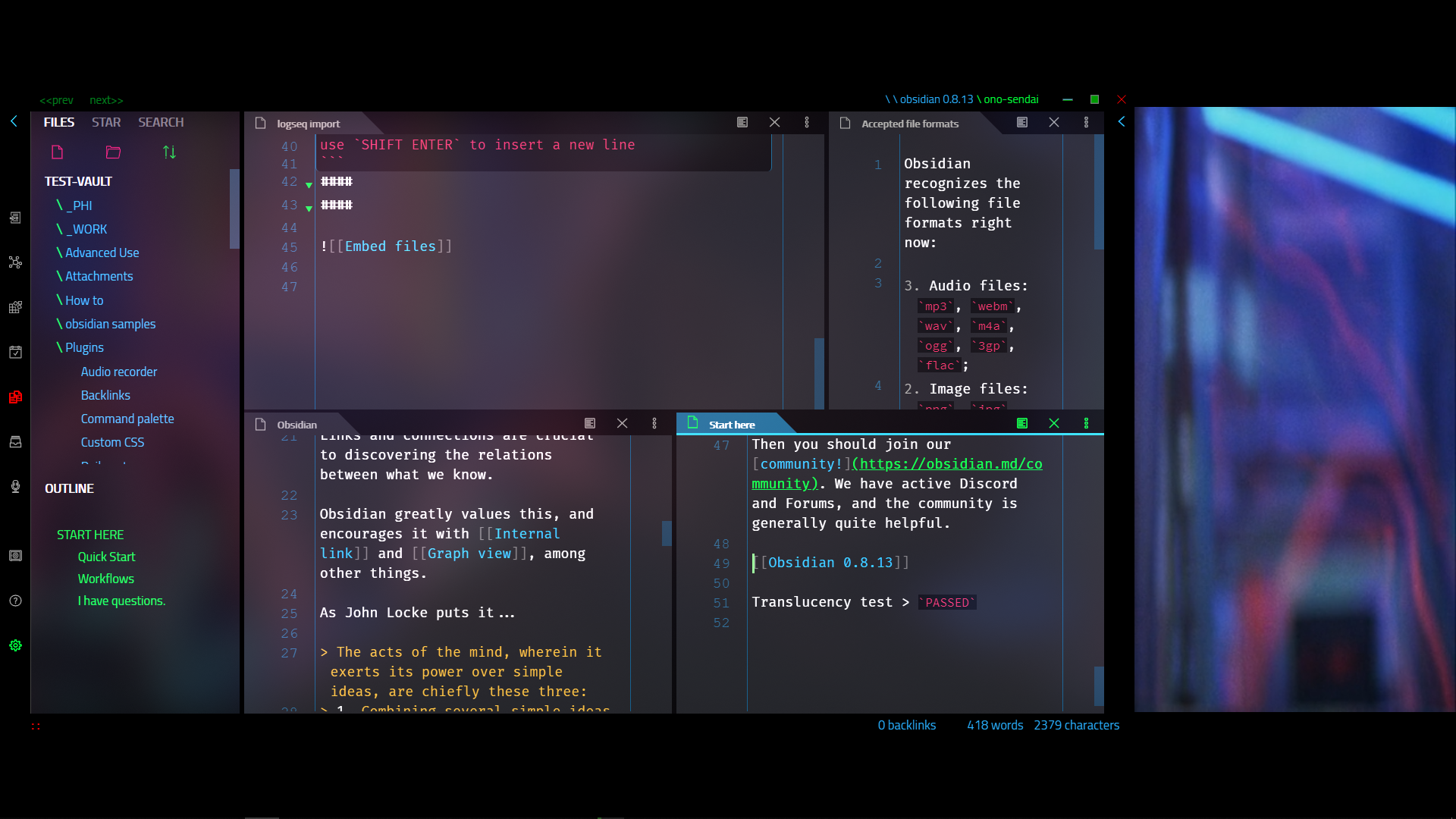
- inline transclusions
- tab icons replaced by text
- bigger popover previews with more content displayed
- images scaled down with hover zoom
- visible margins in edit mode
- file explorer: columns view
- file explorer: wrap long file names
- aligned footnotes suptext for consistent leading
#### protips :
- full dark mode : enable dark mode & change line 19 to : `--background-primary: #000000` to enable the full dark mode
- disable file explorer columns view by commenting out lines[2182-2185] in case of bugs (experimental feat.)
- theme has been designed for **dark** mode, however a light mode is also available.
- for the file explorer : you can replace the `backslash` with a `slash` at line 602 : replace `content: "\\"` with `content: "\/"`
### warning :
> user-unfriendly UI, not recommended for obsidian beginners
### installation :
- first backup your current css theme / css snippets
- copy the file obsidian.css in the root of your obsidian folder (or browse and install from the community themes inside Obsidian's settings)
- the font used in the screenshots is Cairo : https://fonts.google.com/specimen/Cairo?query=Cairo&selection.family=Armata|Cairo&sidebar.open=true
(font should be installed locally before running obsdidian)
How to Install
- Download the CSS file below
- Move it to your vault's
.obsidian/snippets/folder - Open Obsidian → Settings → Appearance → CSS Snippets → Enable it
Stats
Stars
50
Forks
6
Last updated 22mo ago