VAULT
akaaliasPlotto For Obsidian
Write your plots faster with this 'batteries-included' collection of Plotto plain text markdown files for Obsidian.md
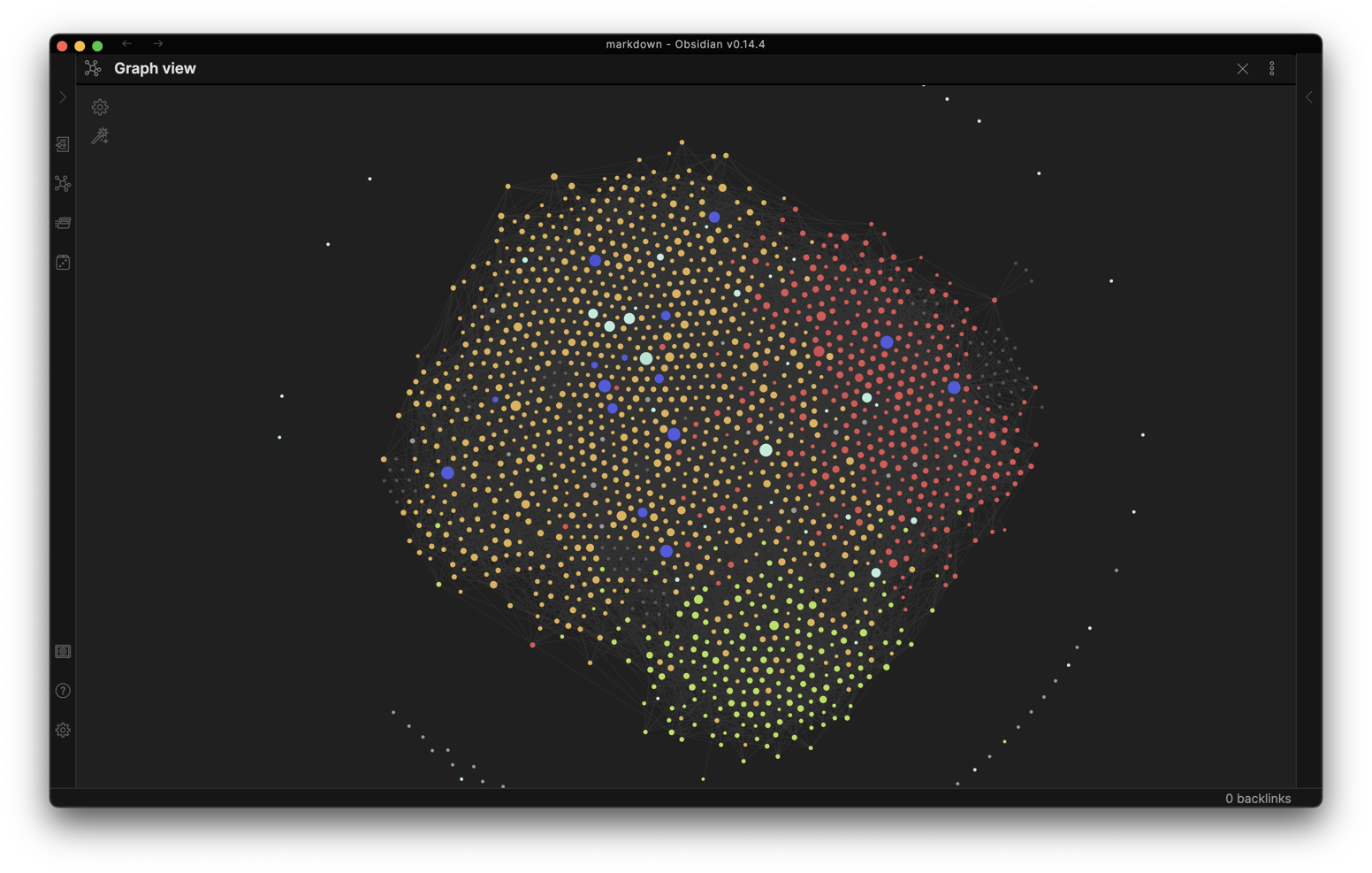
A Plotto Vault for Obsidian
Plotto Universe
Example Obsidian Workbench
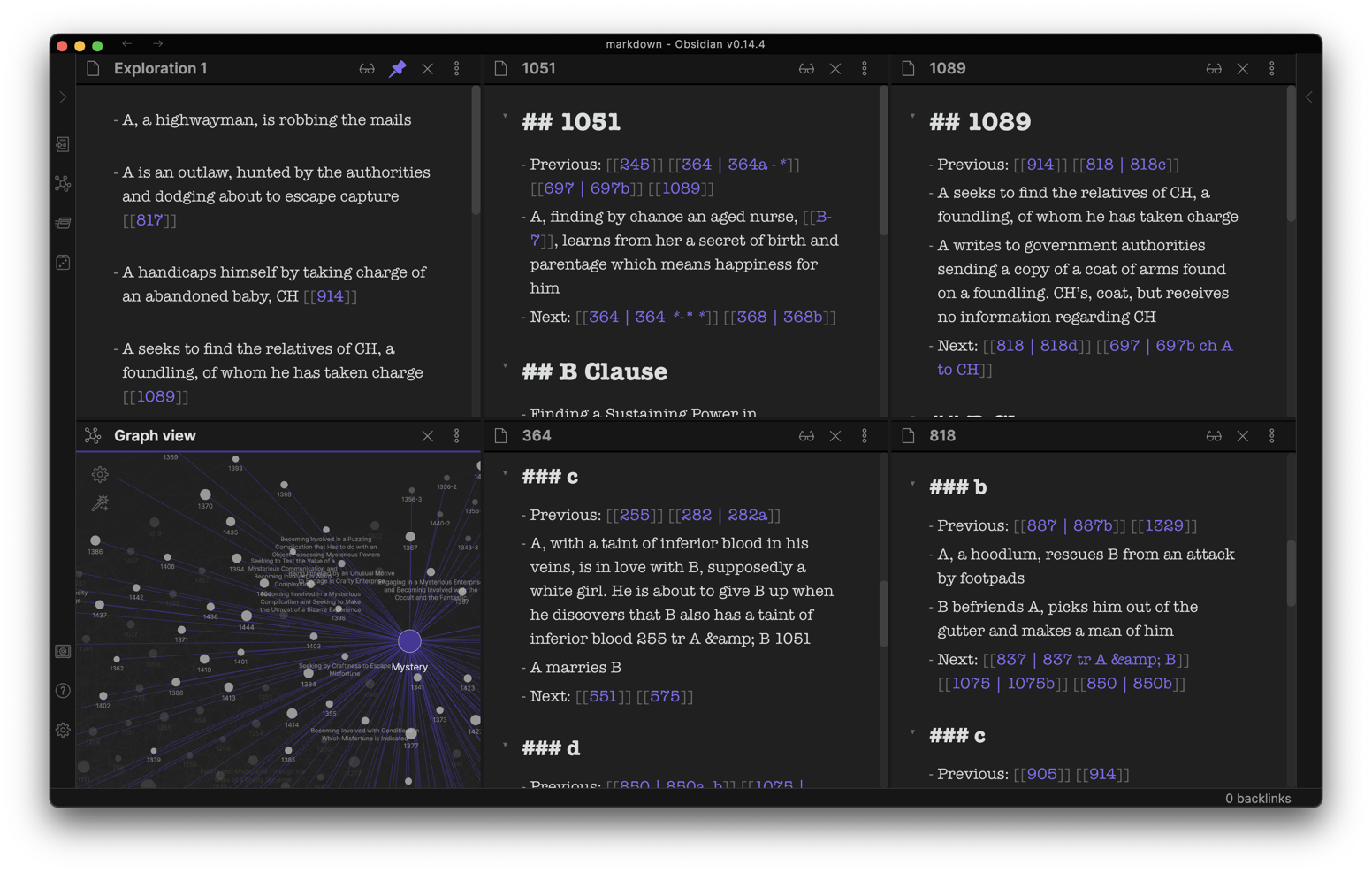
Plotto for Obsidian changes how you conjure plots for your stories by making…
- Conflicts easy to explore
- Clauses easy to explore
- Characters easy to explore
- Note-taking and scribbling easy
- A Random-note button to jump-start
How to get started
- Download and install Obsidian (free) from https://obsidian.md
- Download this repository as .zip
- Start Obsidian and open the “markdown” folder from this repository as your vault
Once you have this set up, check out the “START HERE” guide for sketching your next plot.
Plotto
by William Wallace Cook, 1867-1933 Published 1928
Resources
- Uses plotto.html from https://garykac.github.io/plotto/
- Uses plotto.json from https://github.com/quasar-pankaj/plot_generator
How to Install
- Download the ZIP or clone the repository
- Open the folder as a vault in Obsidian (File → Open Vault)
- Obsidian will prompt you to install required plugins
Stats
Stars
16
Forks
0
License
MIT
Last updated 54mo ago