English | 中文
ACE CODE EDITOR
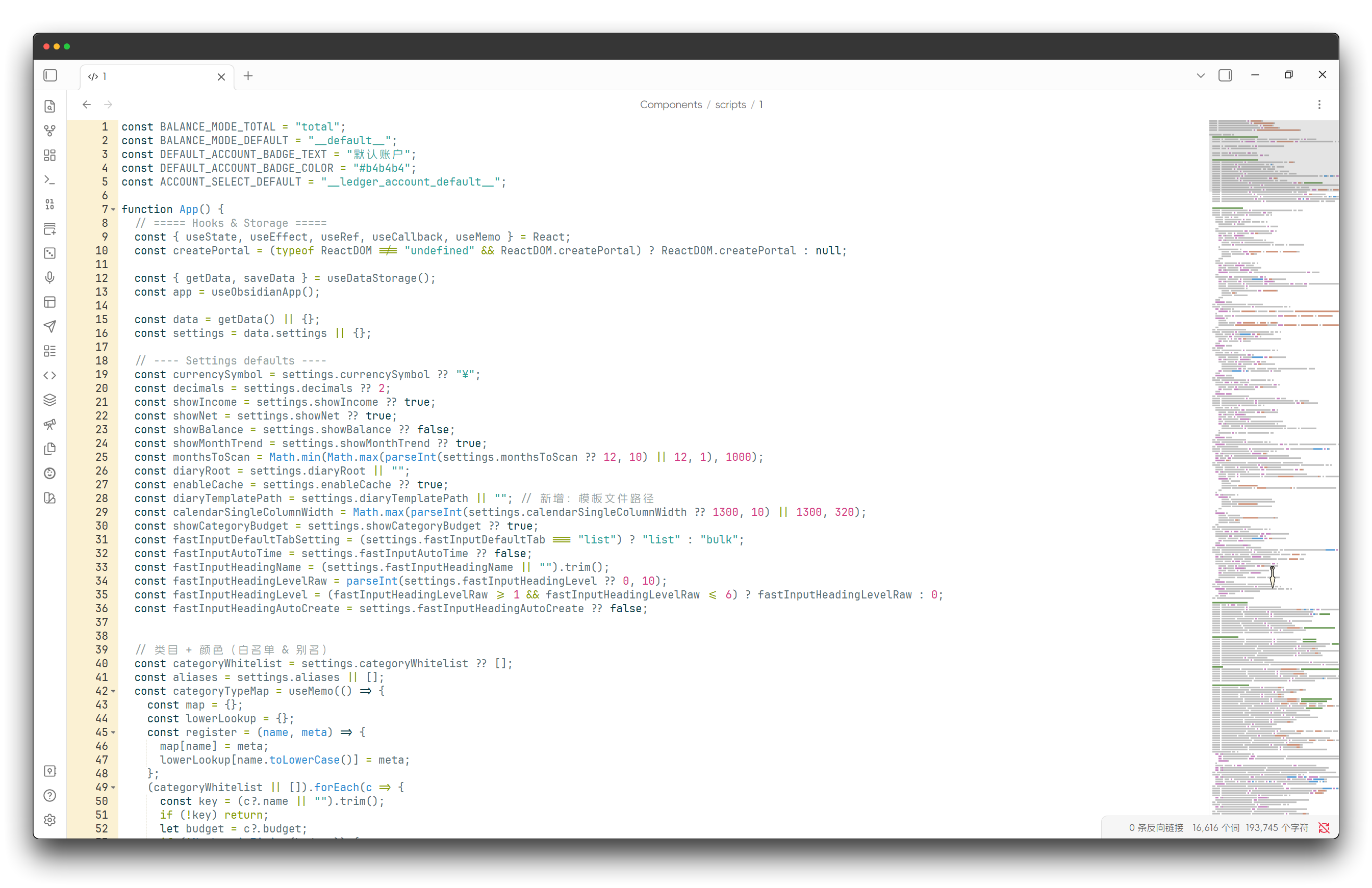
An enhanced code editor using Ace editor, providing syntax highlighting, code folding, and other advanced editing features.
Features
-
Edit code directly in Obsidian

-
Manage CSS snippets

-
Edit code blocks

-
Code file preview

Installation
Community plugin market installation
Click to install, or:
- Open Obsidian and go to
Settings > Community Plugins. - Search for "Ace Code Editor".
- Click "Install".
BRAT (Recommended for Beta Users)
- Install BRAT plugin
- Click "Add Beta plugin" in BRAT settings
- Enter
Raven-Pensieve/obsidian-ace-code-editor - Enable the plugin
License
This project is licensed under the MIT LICENSE - see the LICENSE file for details.
Star History
How to Install
- Download the template file from GitHub
- Move it anywhere in your vault
- Open it in Obsidian — done!
Stats
Stars
28
Forks
2
License
GPL-3.0
Last updated 1mo ago
Categories
Tags
ace-editor