Astrodynamics Companion
An Obsidian Md vault containing a study companion / summary for the AE4874 Astrodynamics course.
AE4874-Companion
An Obsidian Md vault containing a study companion / summary for the AE4874 Astrodynamics course.
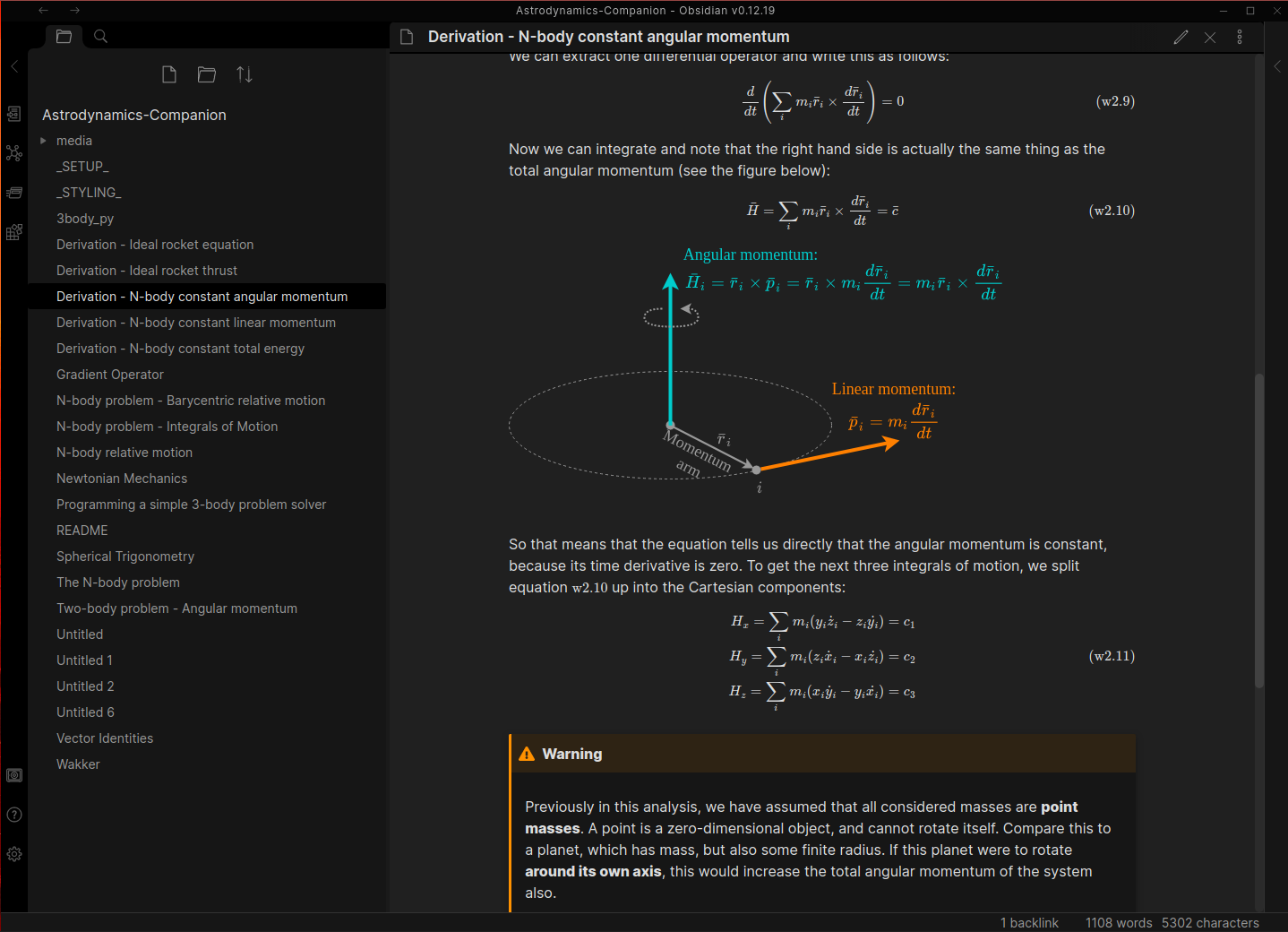
The contents of this repo are an Obsidian Md vault, which is a collection of interconnected markdown (.md) files. This creates a network of readable information that acts much like a local Wiki, or a web-book. In the terminology of Obsidian Md, such a collection of markdown files is called a vault.
Progress
| Topic | Progress |
|---|---|
| Basic concepts | |
| N-body problem | |
| Two-body problem | |
| Three-body problem | |
| Standards of space and time | |
| Orbital transfers | |
| Solar system transfers | |
| Relative satellite motion | |
| Exercises |
Quick start guide
- Install Obsidian Md from the download webpage. It is available for Linux, Windows, and MacOS. This quick start guide will assume you are using Linux.
I recommend installing either the .deb or .tar.gz, but there are flatpak and Snap store versions available too. There is currently no way to install using
apt. - Download this repository. You can download it as a .zip file with the button above, or clone from the command line interface using
git clone https://github.com/Hans-Bananendans/Astrodynamics-Companion.git
or
gh repo clone Hans-Bananendans/Astrodynamics-Companion
(this command requires the GitHub CLI to be installed)
-
Open Obsidian Md, open a vault and select the option Open folder as vault. Select the folder in which you cloned this repository as the vault location. If successful, you will see a list of the files in this repository appear in a column on the left-hand side.
-
This companion uses numerous custom information boxes, attached as a CSS snippet. It is recommended you enable these, at it makes the document much more readable.
- Go to Options -> Appearance -> CSS Snippets
- Enable the checkbox on custom_callouts
-
(OPTIONAL) Obsidian Md can be expanded using an increasingly large pool of community-made plugins. These plugins cannot be validated by the Obsidian Md developers, and so they disable the use of these plugins by default. Don't worry, this repository only uses two plugins, both of which are open-source and safe for use.
- Go to Options -> Community plugins and turn Safe mode OFF.
- If you plan on going through some of the code examples, it is recommended to install the Editor Syntax Highlight plugin. This will make it easier to read the code snippets contained in the companion.
- If you also plan to help expand this companion, I recommend you also install Paste to Current Indentation because this makes pasting text and code into callout boxes much less painful.
And that's it, you should now be good to go
Dark mode
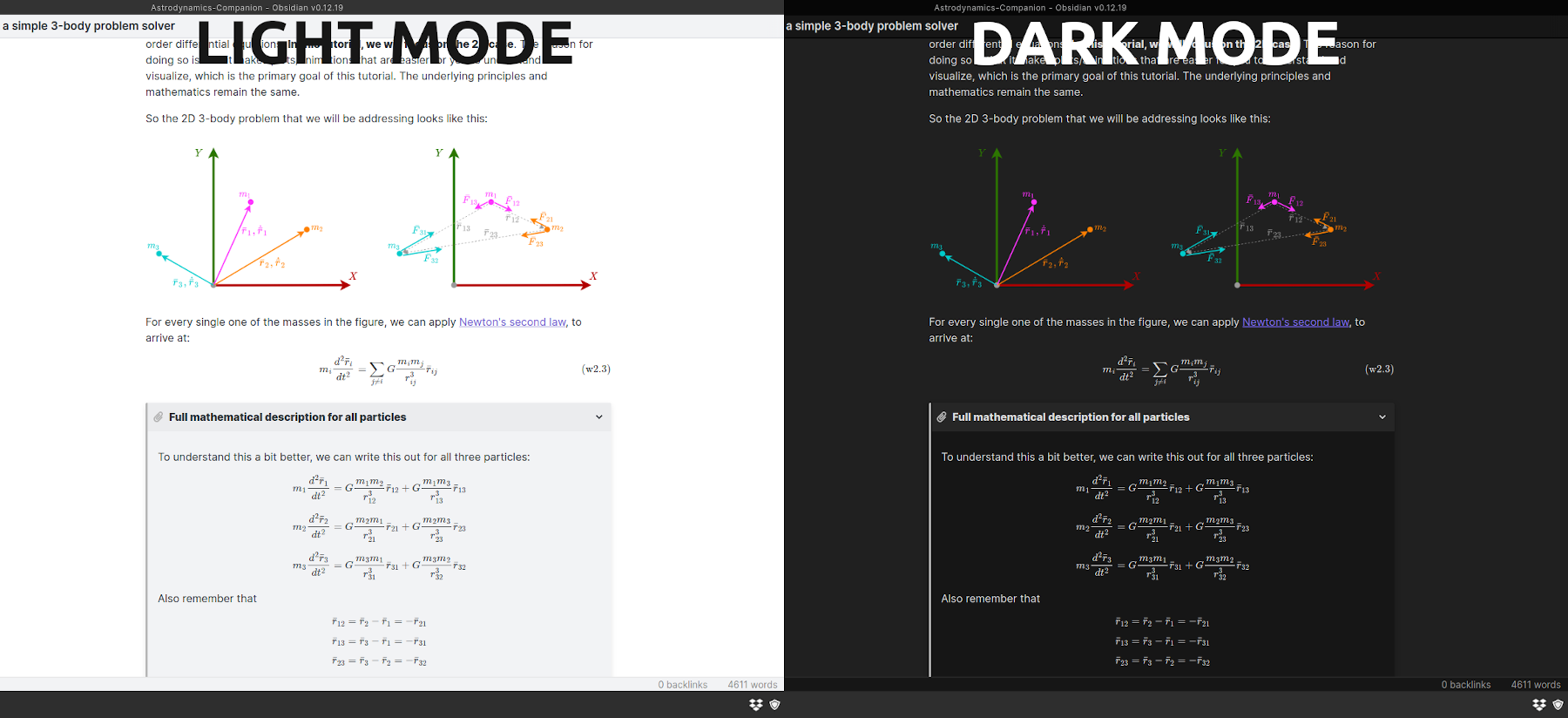
This companion is set up in such a way that it does not matter whether you use light or dark mode. All the figures use colours and shades that have enough contrast to see on light or dark backgrounds. My preference is to use dark mode, as it is easier on the eyes at night, but feel free to take your pick.
Using this companion
You are free to use this companion however suits you best. However, to use it as a proper "companion" to the material of the AE4874 course, you would do best to use the index in the _INDEX_.md file, which is also the recommended reading order. Not only does this reading order follow the structure of the lecture syllabus, it is also roughly the order in which the sections will be written, so that will likely be the most natural way to read it.
In addition, you can use the index or Obsidian's search function to search the whole vault for topics or keywords.
Contribution
If you are a fellow student and would like to contribute to this guide, feel free to contact me. Alternatively, you can clone the development branch and submit a pull request. Much appreciated! :heart:
Dependencies
This Obsidian vault uses the following community plugins:
How to Install
- Download the repository ZIP below
- Unzip it and find the CSS snippet file
- Move the CSS file into your vault's
.obsidian/snippets/folder - Open Obsidian → Settings → Appearance → CSS Snippets → Enable it
Stats
Stars
3
Forks
0
License
GPL-3.0
Last updated 49mo ago